
Image to Image AI Generator
Upload any image — a sketch, photo, or product shot — and transform it with AI. Apply style transfer, enhance resolution, or compose multiple references into one. Powered by FLUX 2 and Nano Banana Pro.
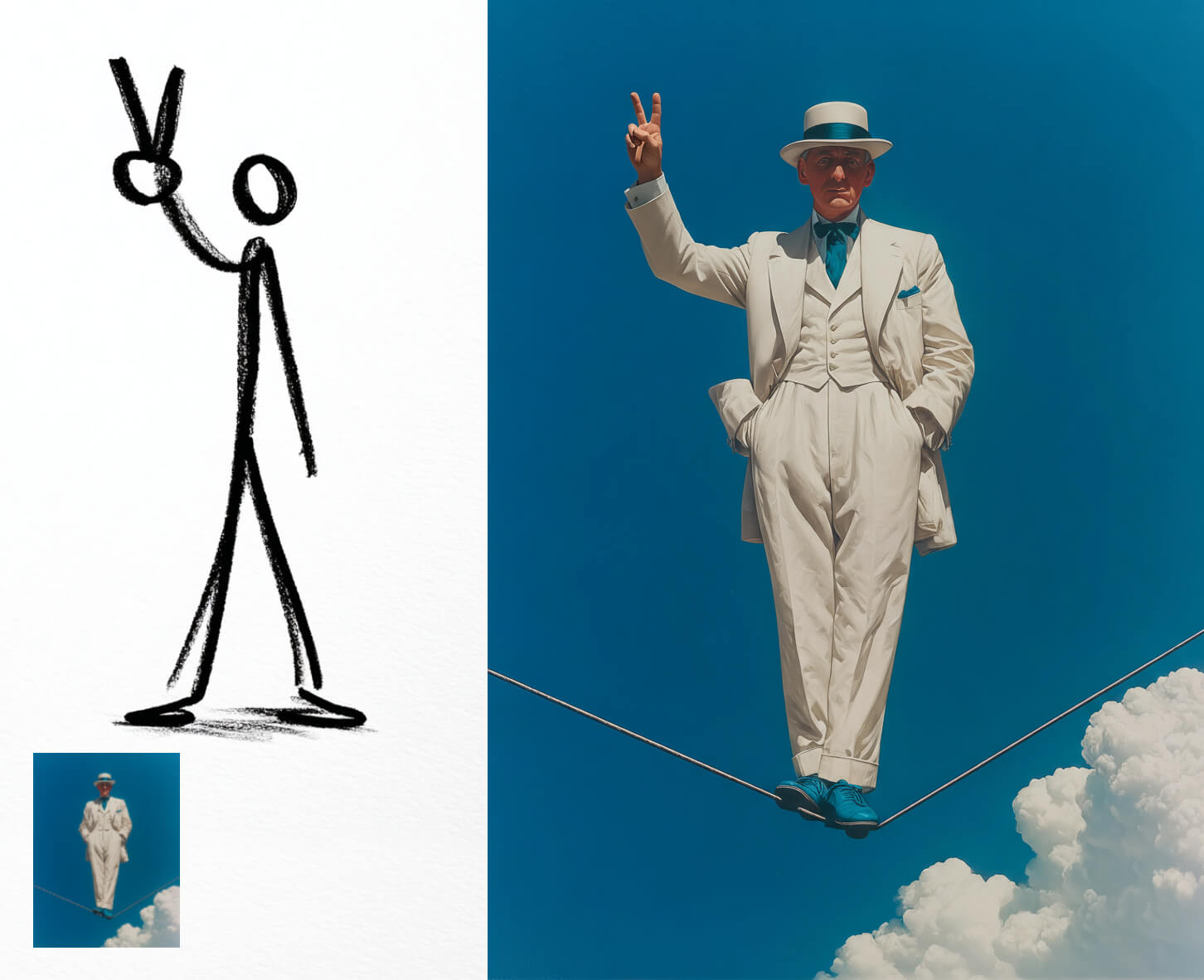
From Rough Sketches to Photorealistic Output
Image-to-image AI doesn't just apply filters — it interprets structure, pose, and intent from your input. Upload a rough sketch and the model generates a fully rendered scene with realistic lighting, materials, and depth. Nano Banana Pro scales output up to 4K for print-ready results. FLUX 2 adds multi-reference control so you can combine character, style, and scene references in a single transformation.
Every Leading Image-to-Image Model, One Platform
Stop switching between tools. VicSee brings together the best AI models for image transformation — from single-image style transfer to multi-reference composition.
 GPT Image 2
 Nano Banana 2
 FLUX 2
 Seedream 4.5
 Grok Imagine Image
AI Image to Image Generator — Real Results
Upload an image, describe what you want, and watch the AI deliver. From sketch-to-render to style transfer — see real input/output pairs from VicSee models.
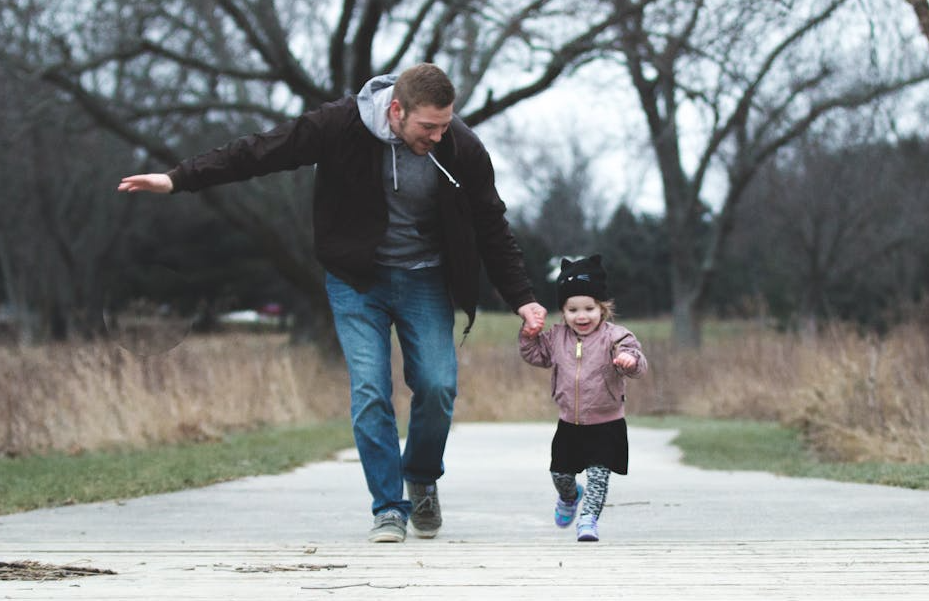
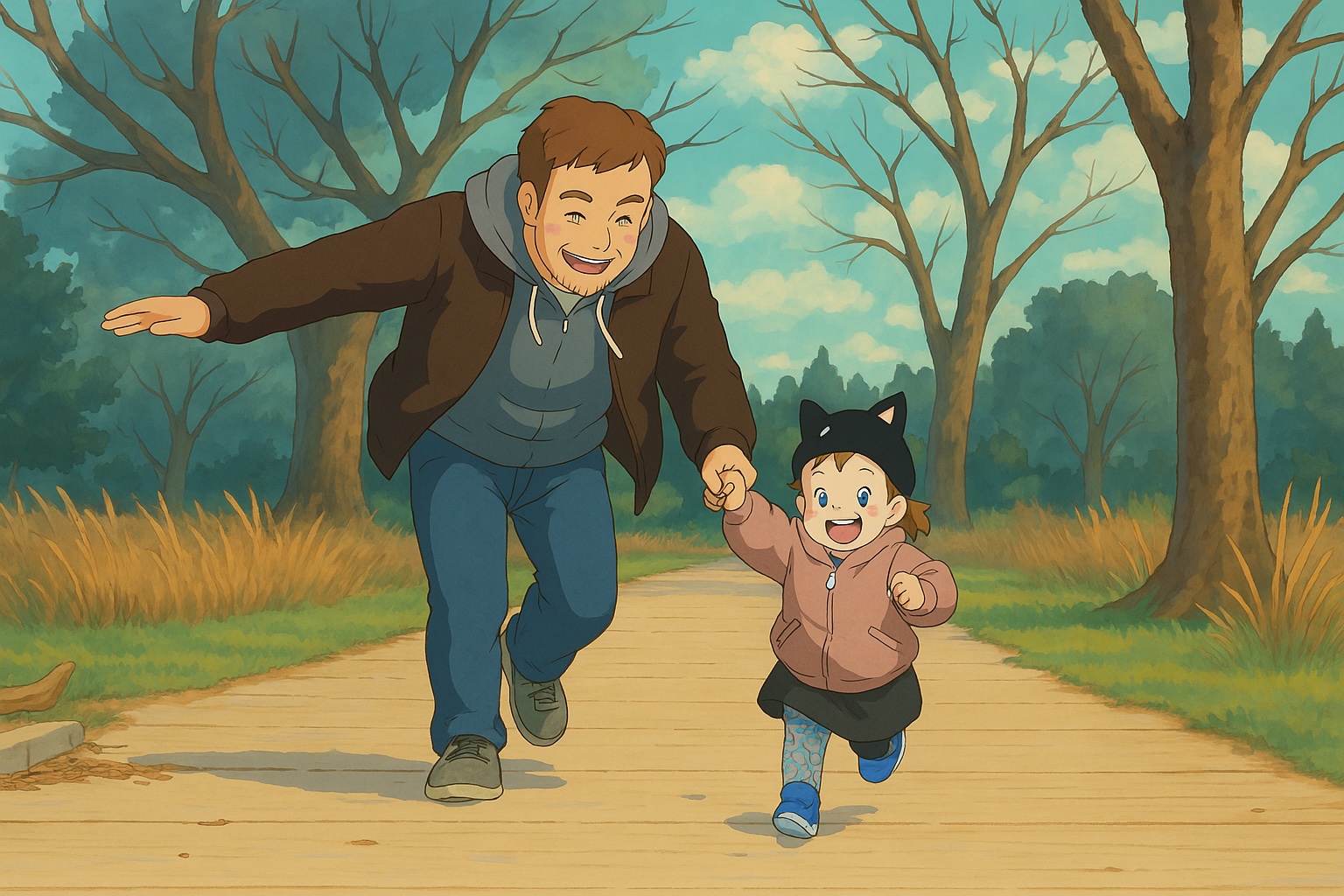
Style Transfer — Photo to Ghibli Anime
Transform a real photograph into Studio Ghibli anime style. The AI preserves the scene composition, character poses, and spatial relationships while applying soft cel-shading, warm pastel tones, and hand-painted watercolor aesthetic.
Original Photo
Output Image
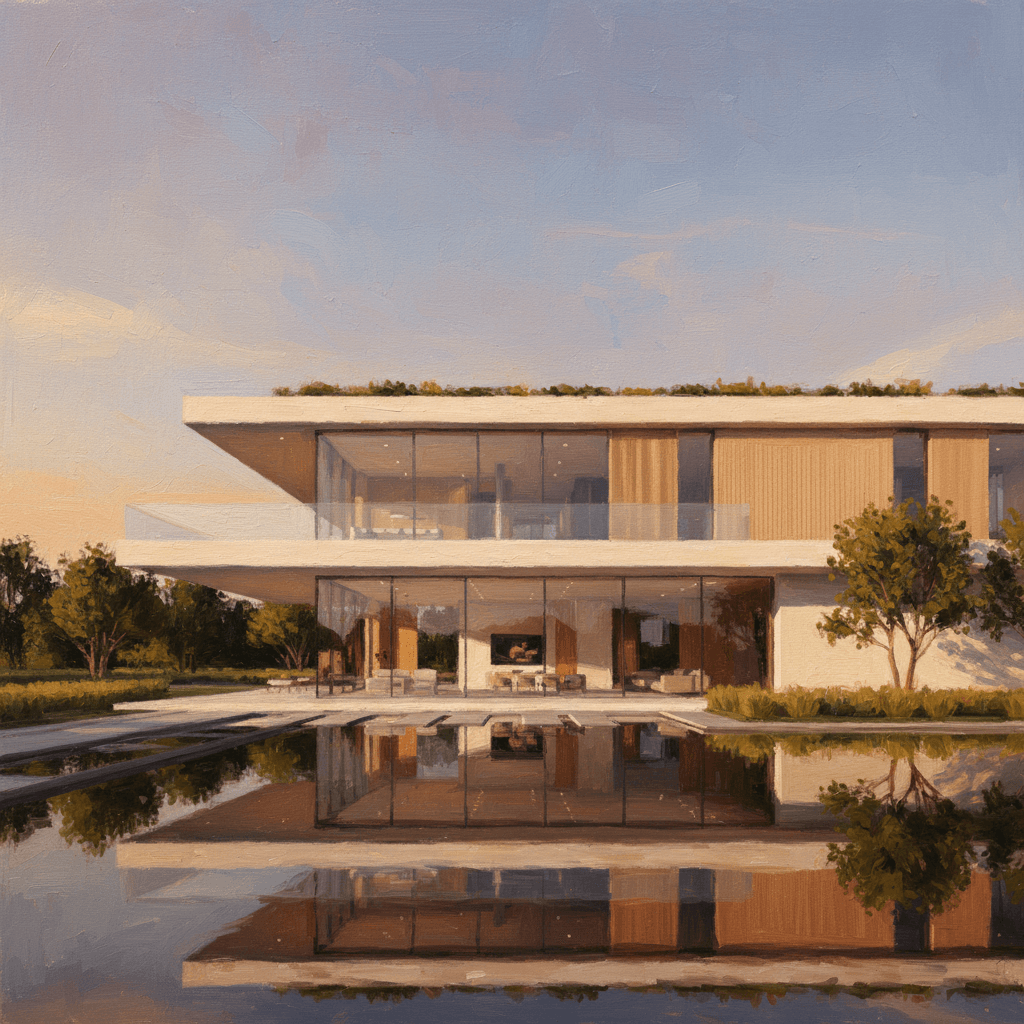
Architecture Style Transfer — Photo to Oil Painting
Convert a modern architectural photograph into a classic Impressionist oil painting. The AI applies visible brushstrokes, warm color palette, and dramatic lighting while preserving the building's structure and composition.
Original Photo
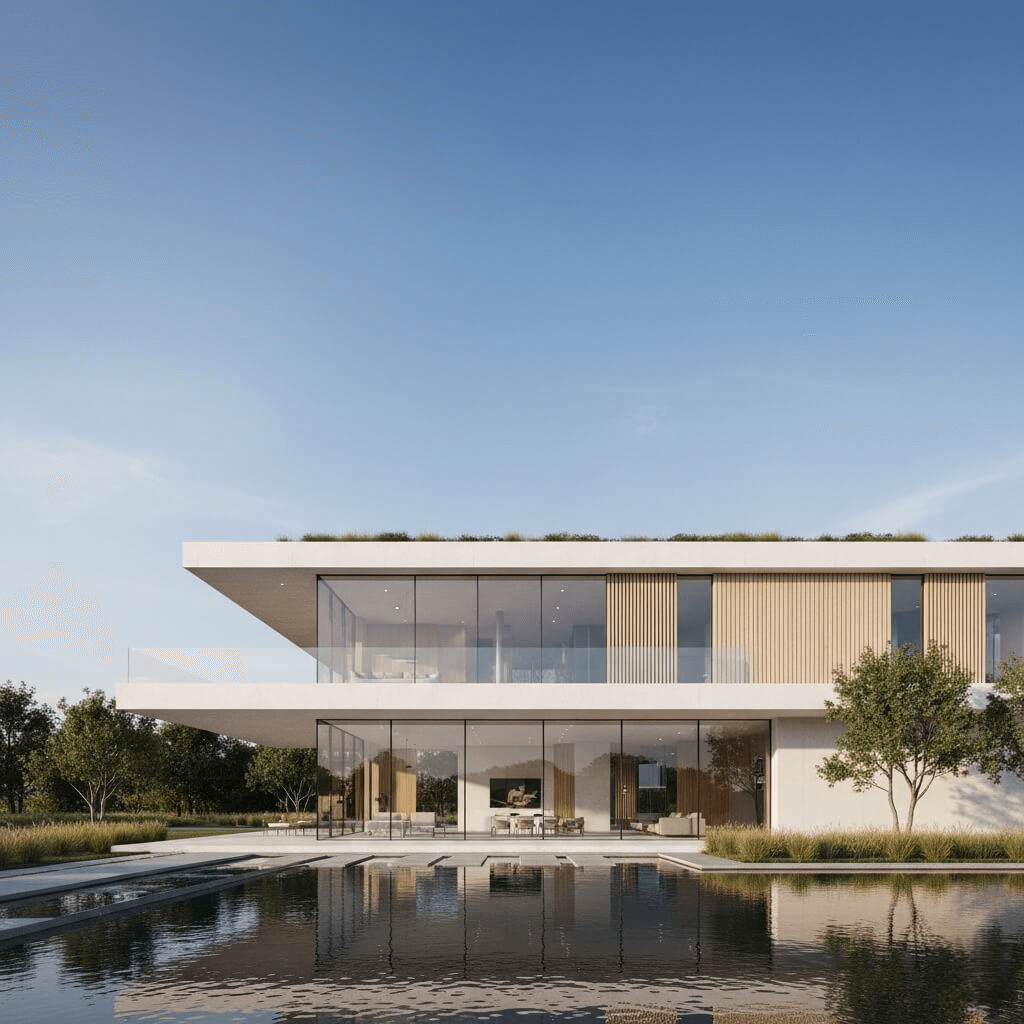
Output Image
Multi-Reference Composition
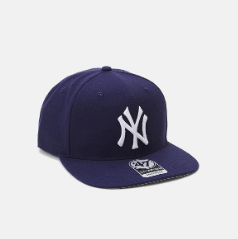
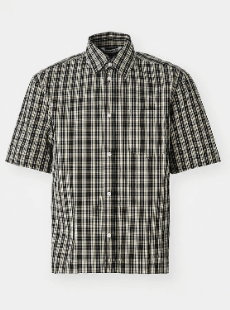
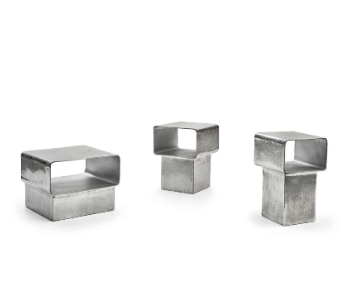
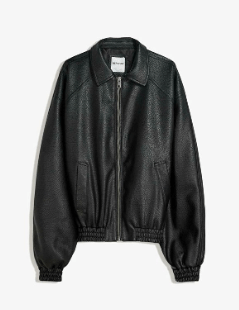
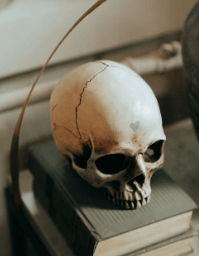
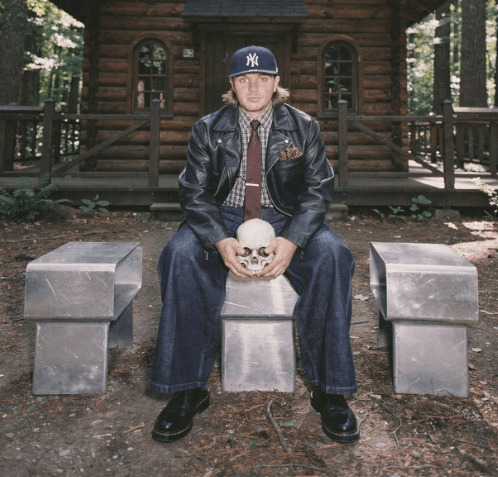
Combine multiple reference images into a single coherent output. Upload character references, clothing, and scene elements — the AI blends them while maintaining identity consistency across every detail.
Reference Images
Cap
Shirt
Cubes
Jeans

Jacket
Skull
Output Image
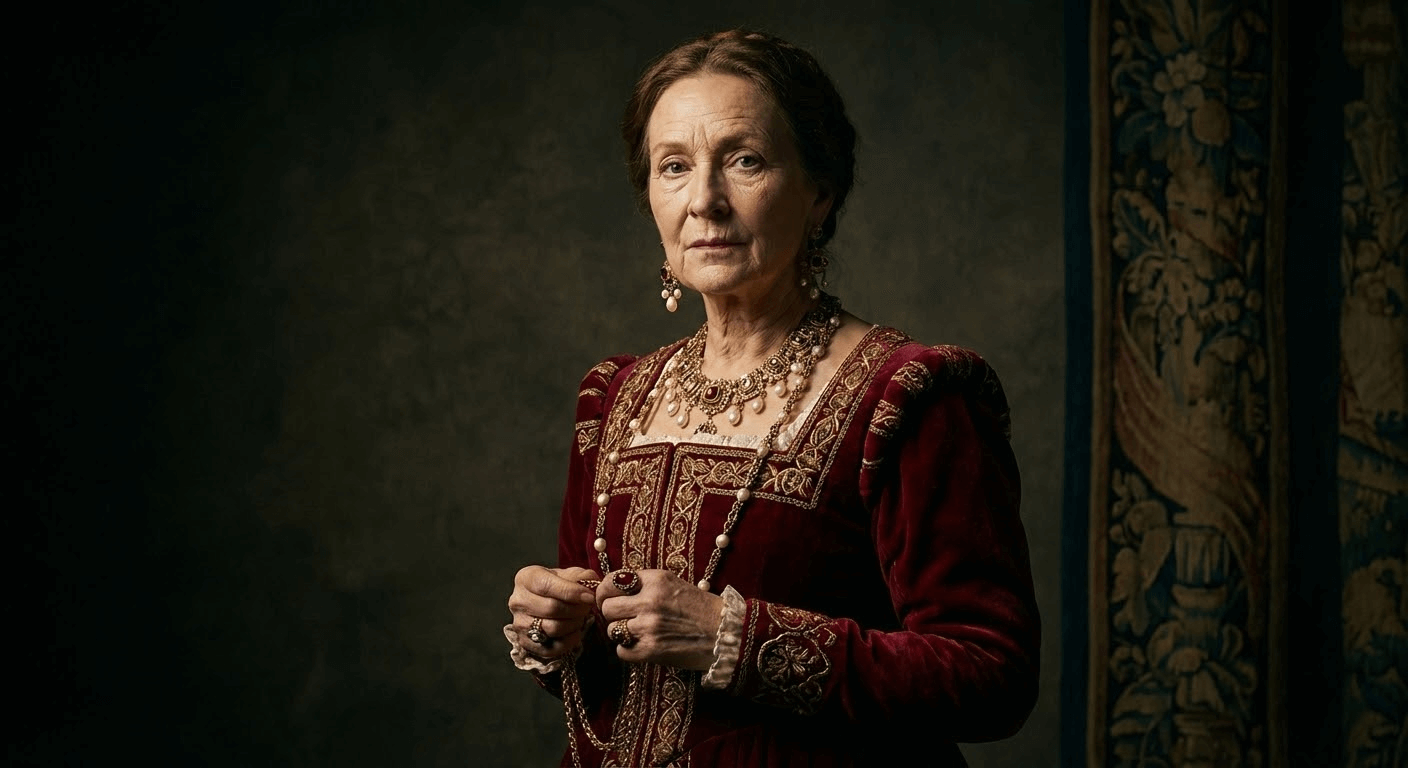
Explore What AI Image to Image Can Create
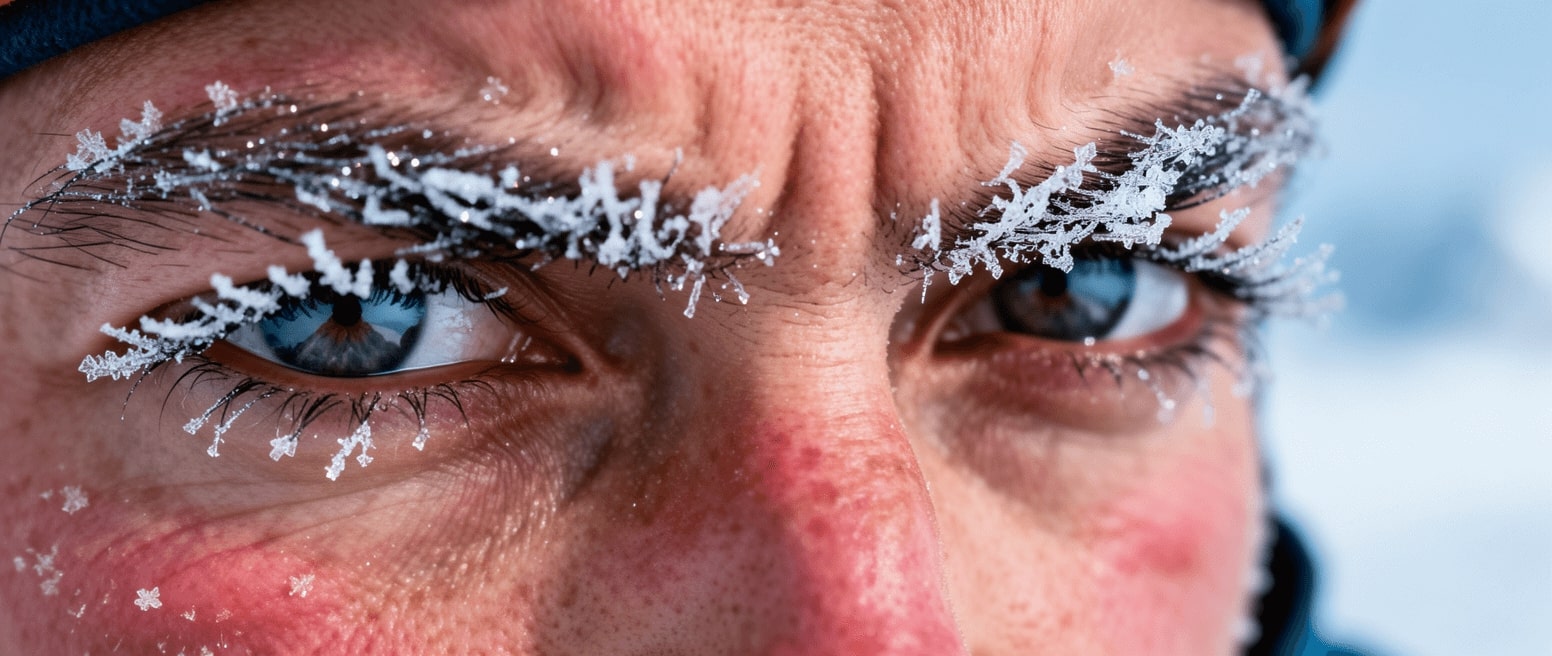
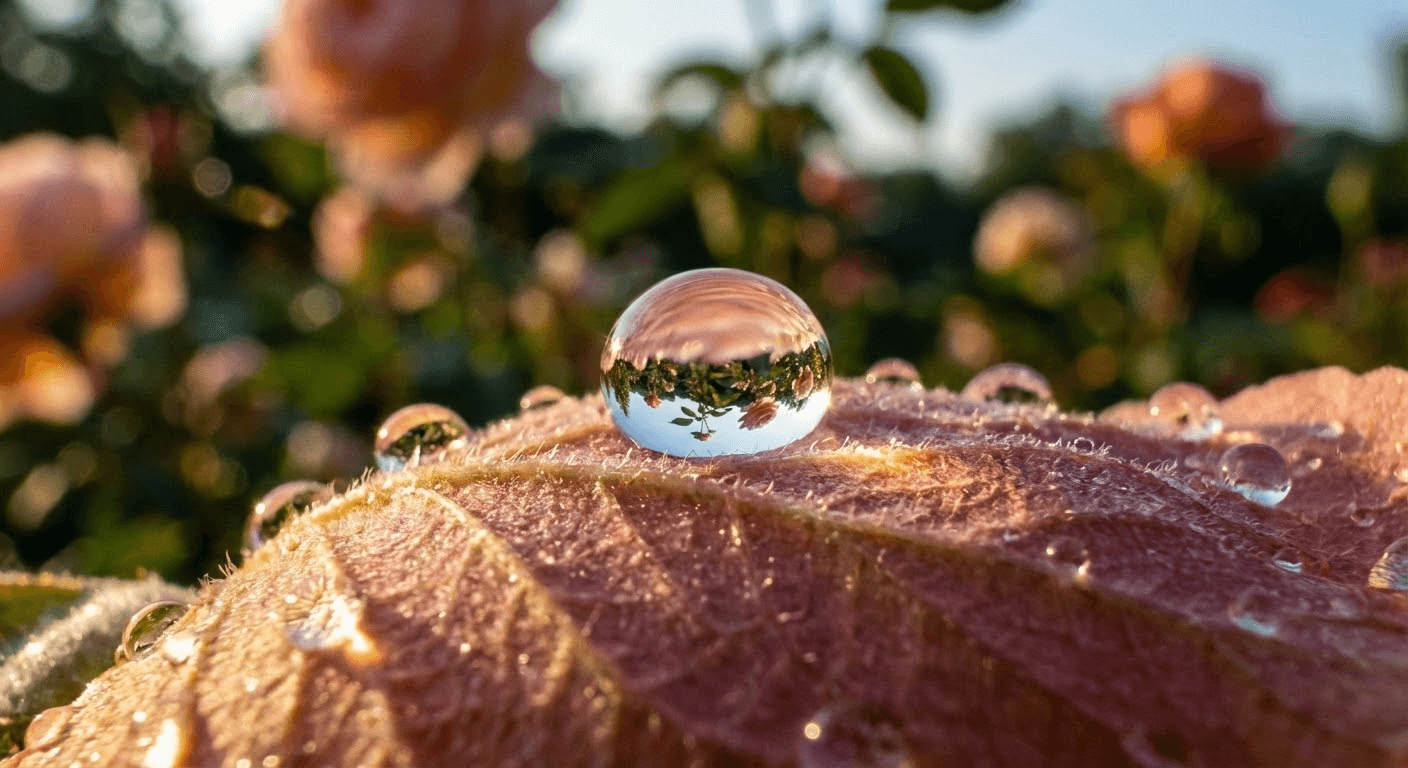
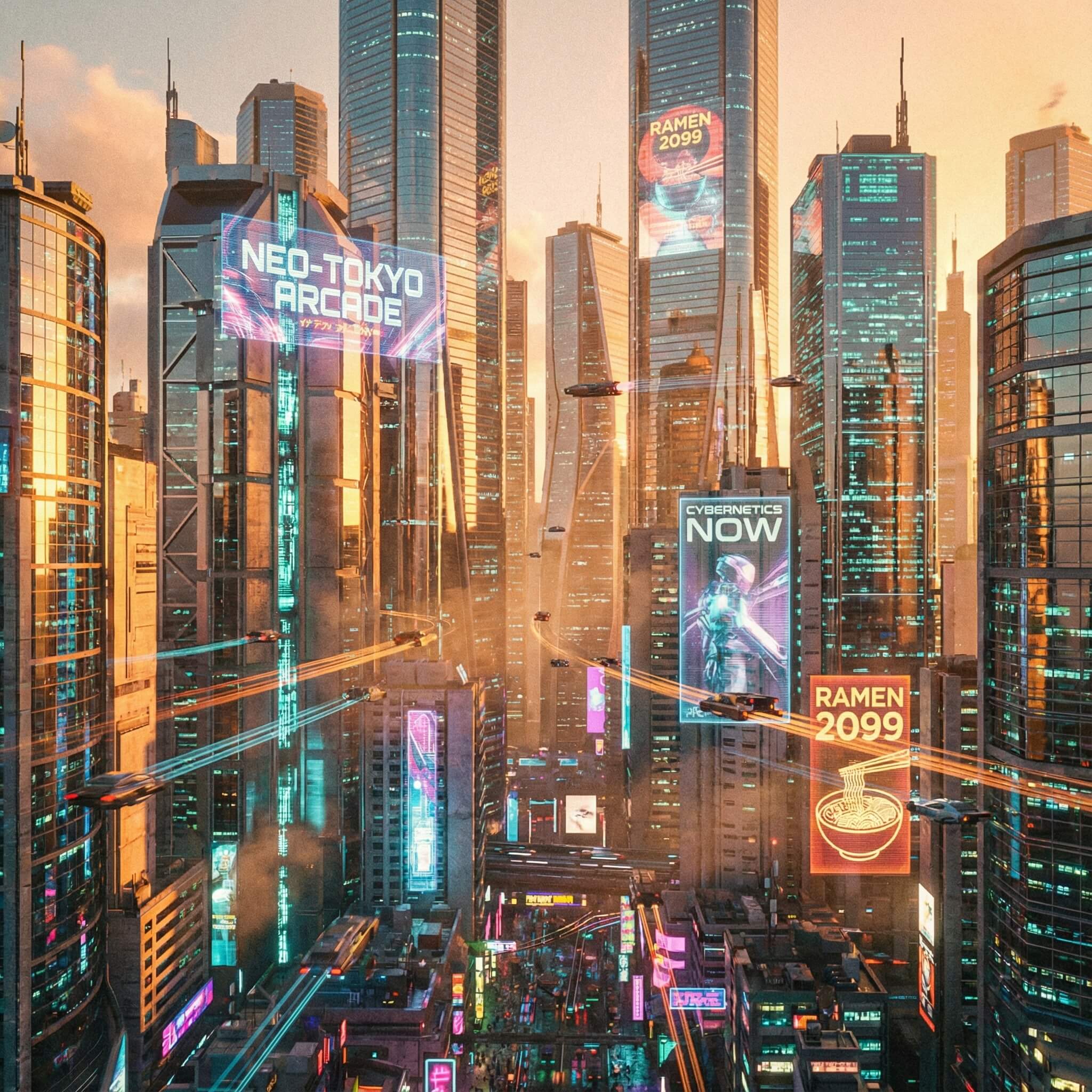
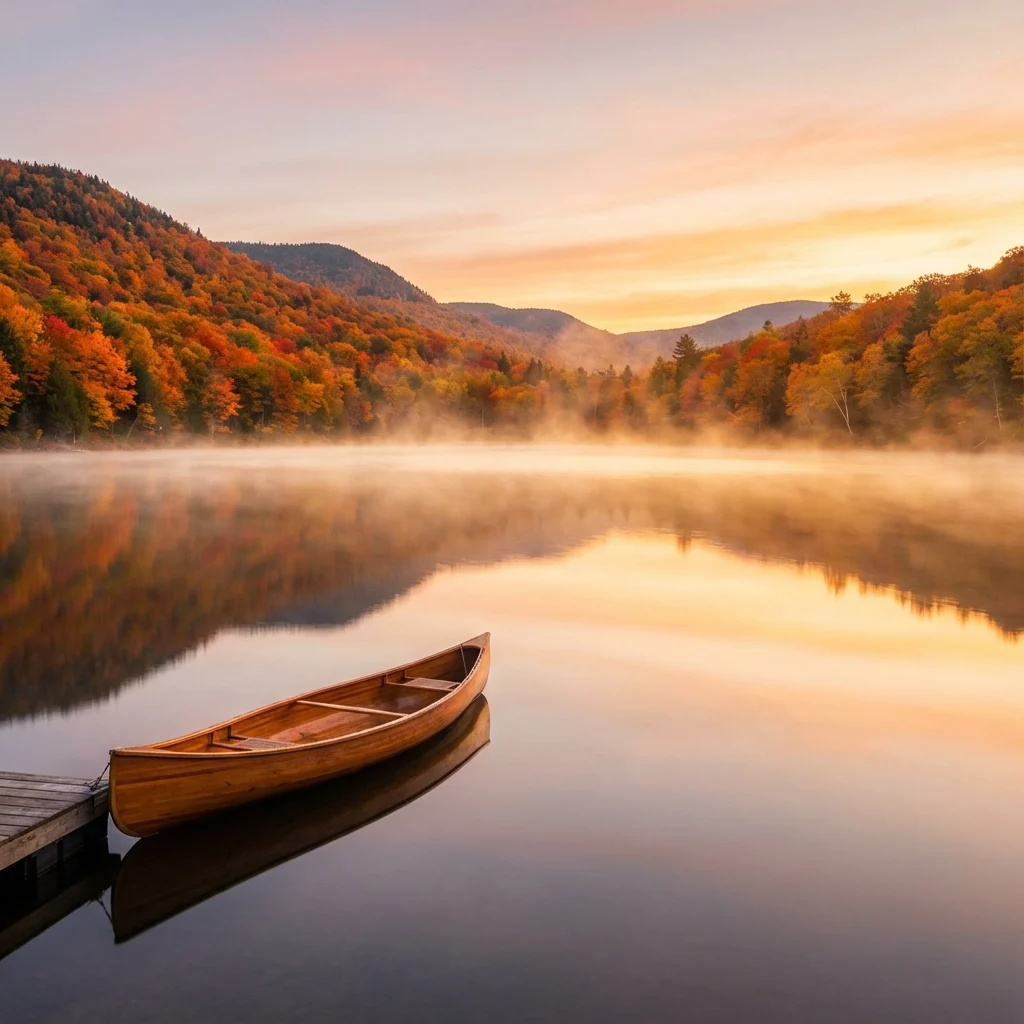
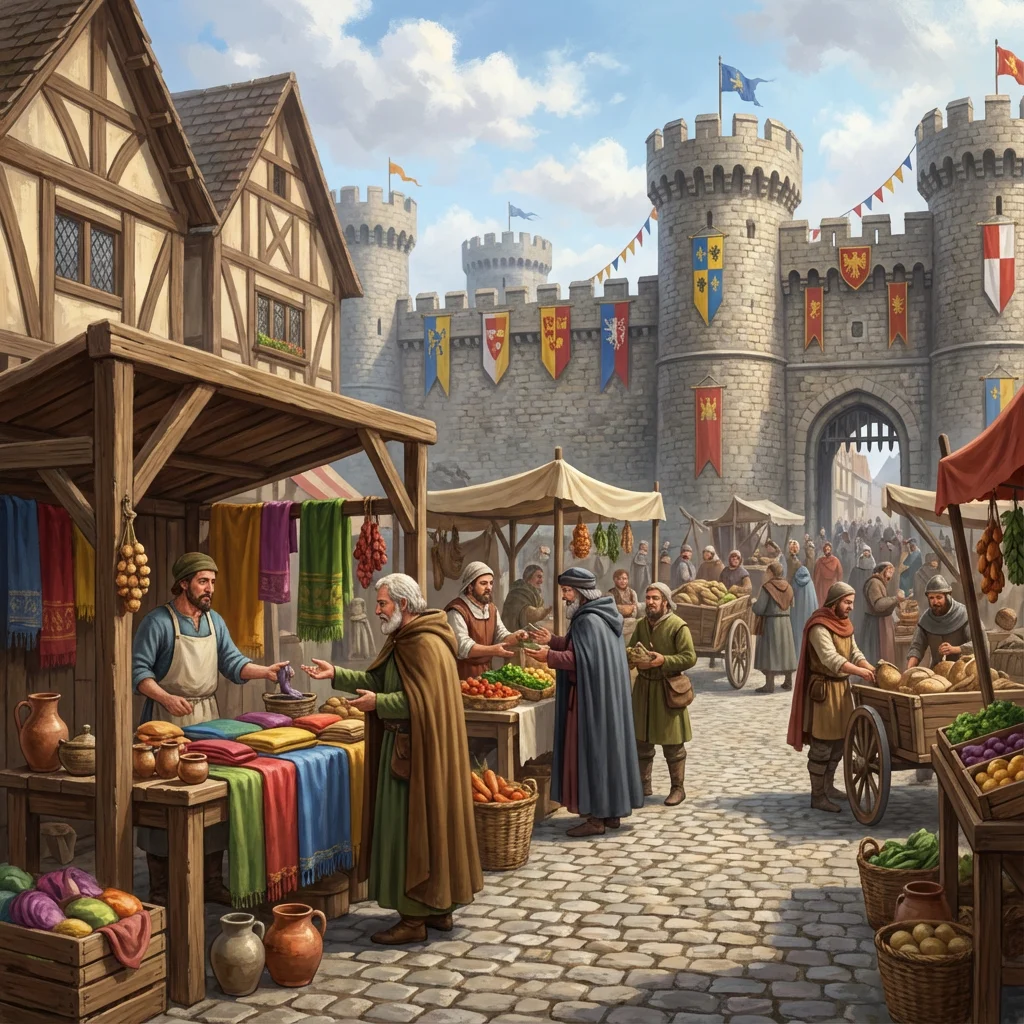
From photorealistic portraits to architectural visualizations — see the quality level achievable with image-to-image AI. Every image below demonstrates the output fidelity of our models.
AI Image Generator from Image for Every Creator
Whether you're retouching, restyling, or reimagining — AI image generation from photos is changing how professionals work with existing visuals.
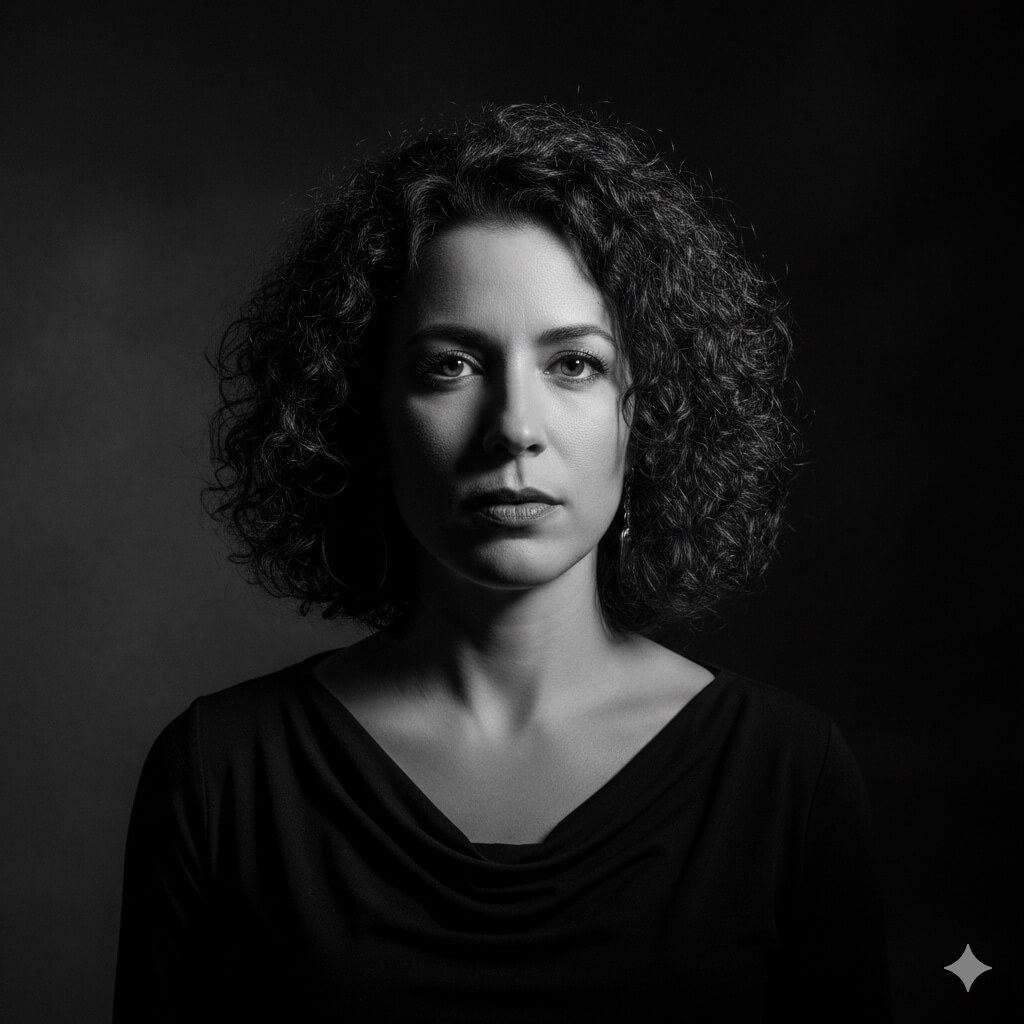
Photographers & Retouchers
AI Saved Photographers 12 Work Weeks Each in 2025[1]
Stop spending hours on manual retouching. Upload your photos and apply artistic styles, color grading, or creative effects in seconds. Transform client portraits into fine art, apply consistent editing across entire shoots, and explore dozens of style directions without starting from scratch.
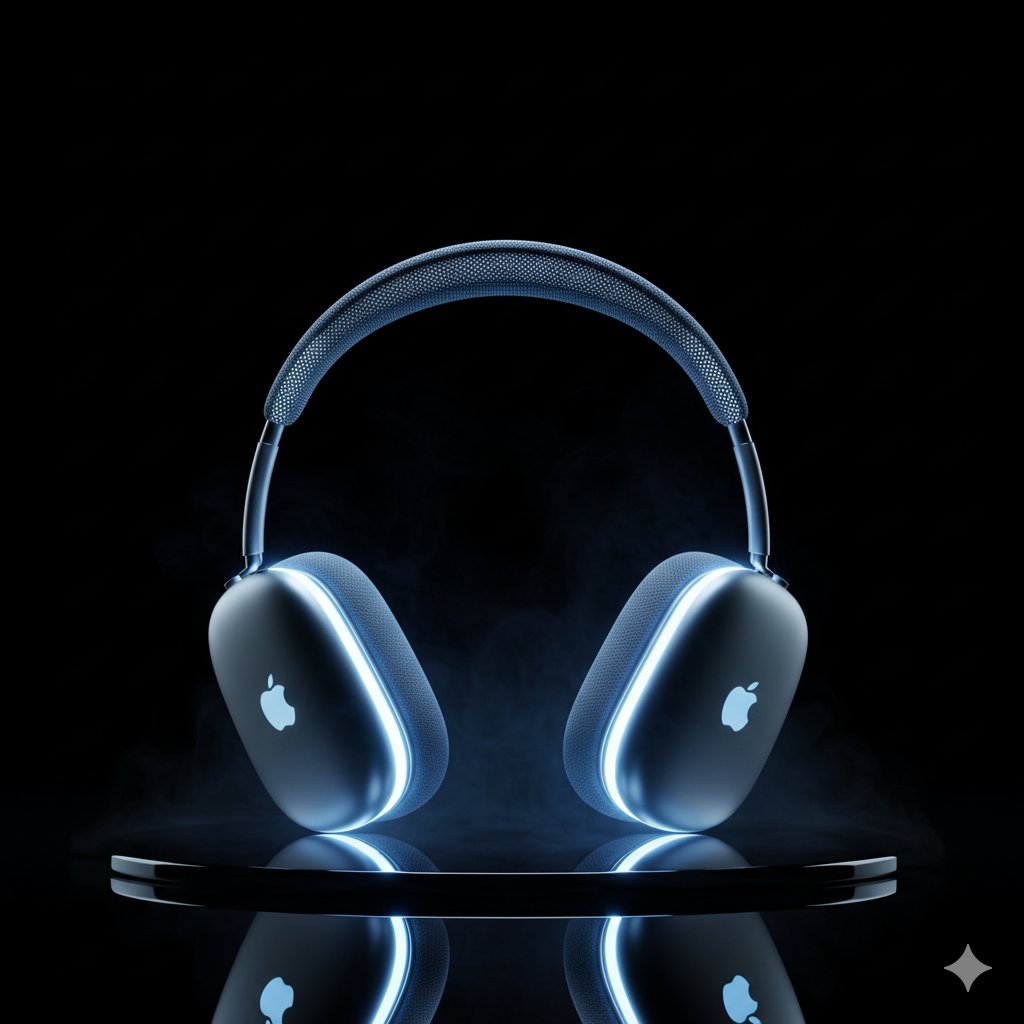
Product & E-Commerce
90% of Shoppers Say Image Quality Is the #1 Purchase Factor[2]
Turn flat product photos into lifestyle mockups, swap backgrounds, and enhance image quality — all without a reshoot. Upload your existing product shots and let AI place them in professional settings, improve lighting, and generate multiple variations for A/B testing.
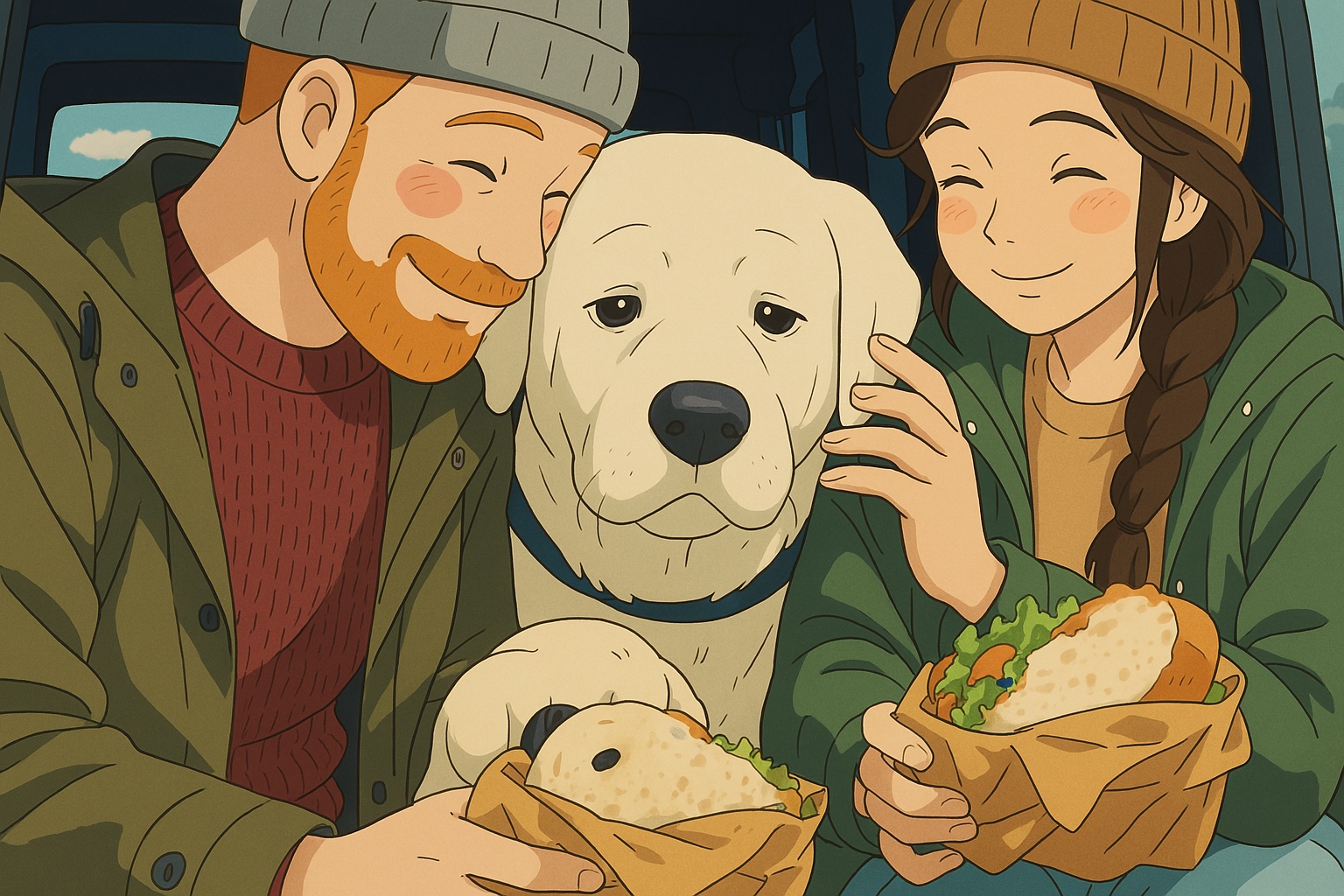
Artists & Illustrators
77% of Artists Find AI Image Tools Useful for Creative Work[3]
Upload rough sketches, concept drafts, or work-in-progress pieces and let AI render them into polished output. Explore style variations instantly — convert your linework into anime, oil painting, watercolor, or photorealistic styles without redrawing. Iterate faster, experiment more.
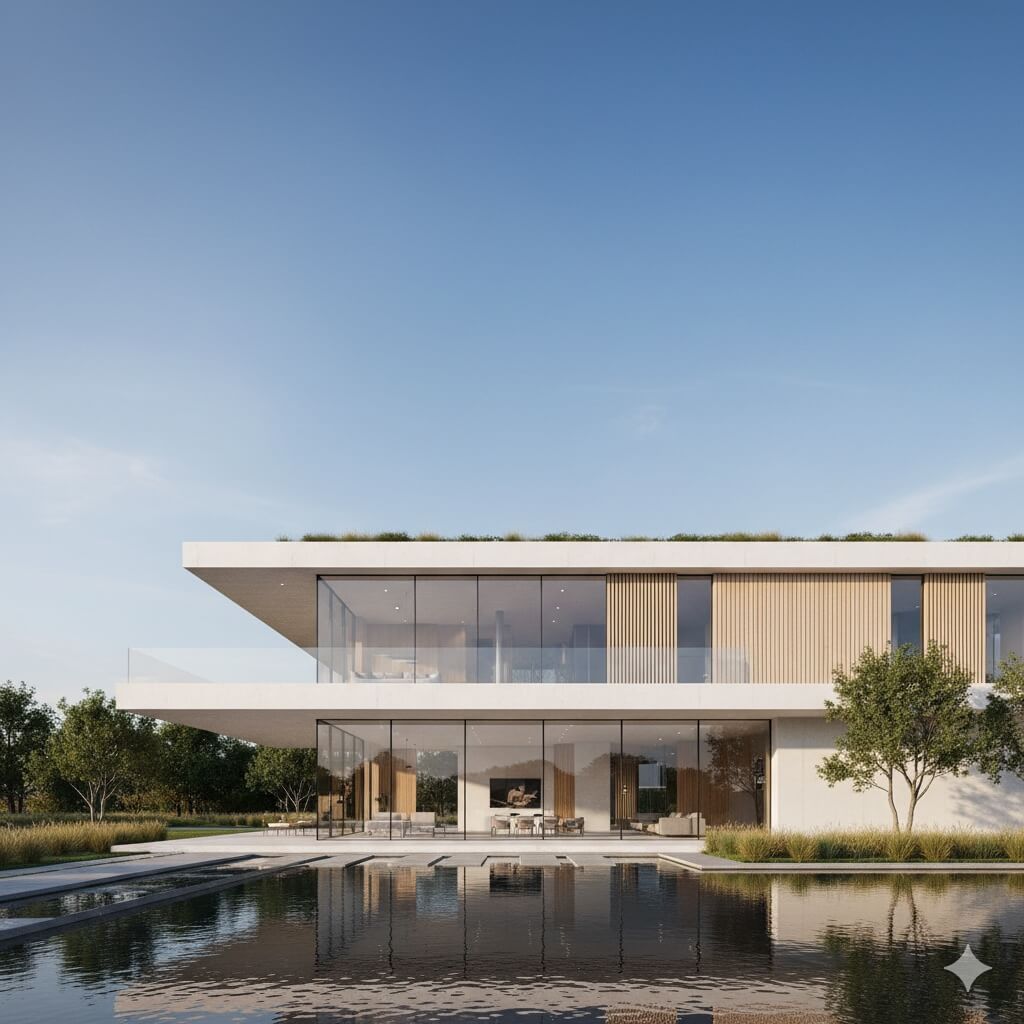
Architects & Real Estate
Homes with Professional Visuals Sell 32% Faster[4]
Transform floor plans and architectural sketches into photorealistic renderings. Visualize properties in different styles, materials, and lighting conditions. Generate virtual staging for empty rooms and create professional marketing visuals from basic construction photos.
How to Use AI Image to Image Generator
Upload Your Image
Upload a photo, sketch, or any image you want to transform. Supported formats include JPG, PNG, and WebP. For multi-reference composition with FLUX 2, you can upload up to 8 reference images.
Describe the Transformation
Write a text prompt describing how you want the image changed — a new art style, enhanced detail, different setting, or creative remix. Choose from Nano Banana Pro (up to 4K) or FLUX 2 (multi-reference).
Generate & Download
Hit generate and your transformed image is ready in seconds. Download in full resolution, compare with the original, or iterate with a new prompt to explore more variations.
Explore More AI Tools
From video generation to text-to-image and viral short-form content — discover everything you can create with VicSee.
Frequently Asked Questions

Try AI Image to Image Generator for Free
Upload a photo, sketch, or product shot and generate new images in seconds. Style transfer, enhancement, multi-reference composition — all from one platform.
Try Image to Image Generator