
Grok Imagine AI Image Generator
Generate 6 images per prompt with xAI's Grok Imagine. Precise text rendering, image-to-image with reference uploads, and 7 aspect ratios — from square to widescreen.
Key Features of Grok Imagine Image
- •Image-to-Image:Upload a reference image to guide style, composition, or creative direction
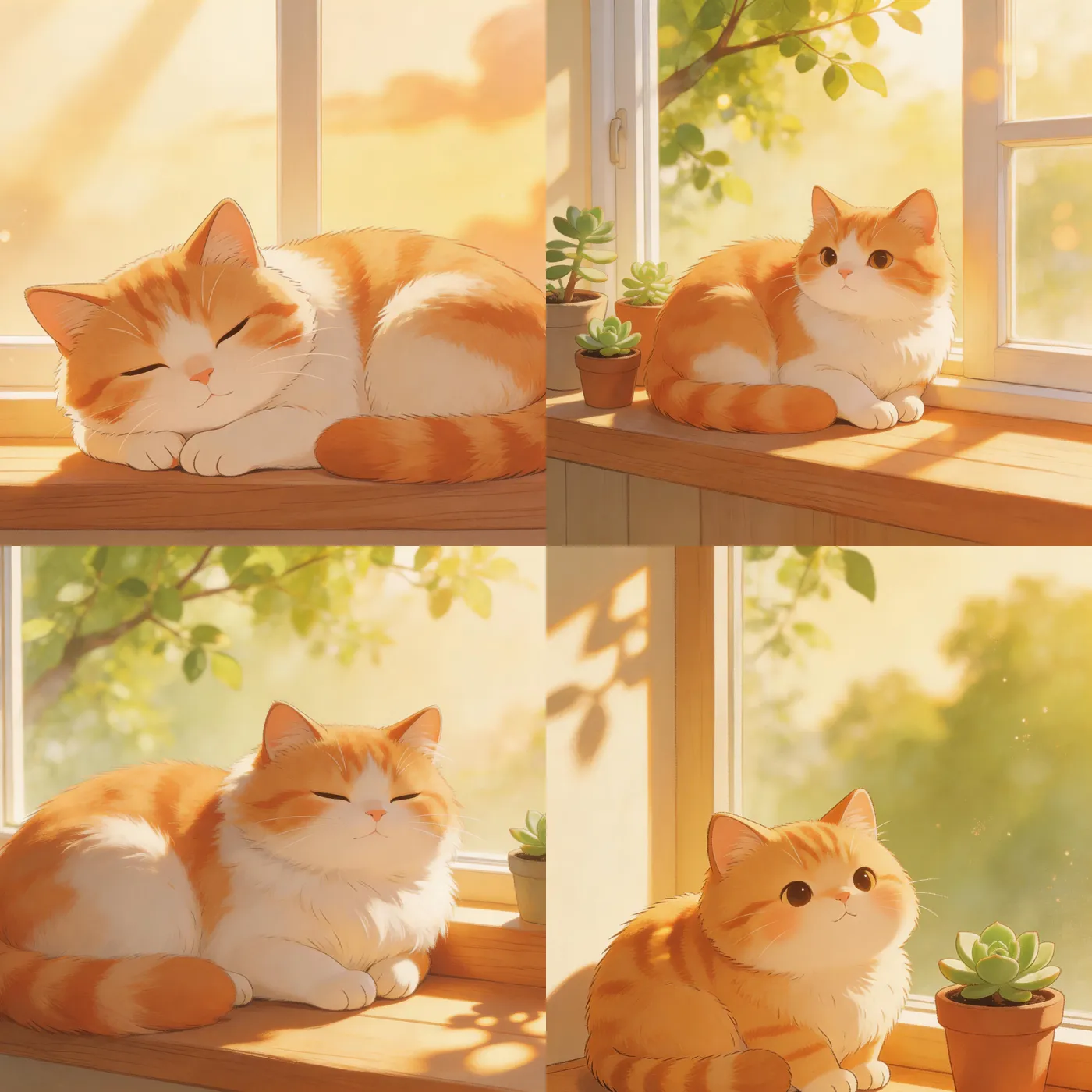
- •6 Variations per Prompt:Text-to-image returns 6 results to explore ideas in one generation
- •Cinematic Characters:Consistent faces, expressive lighting, and strong compositions
- •Spicy Mode:Bold, imaginative generations with fewer creative restrictions
- •7 Aspect Ratios:Square, portrait, landscape, vertical, widescreen — any platform format
- •Free to Start:New accounts get free credits — no credit card required
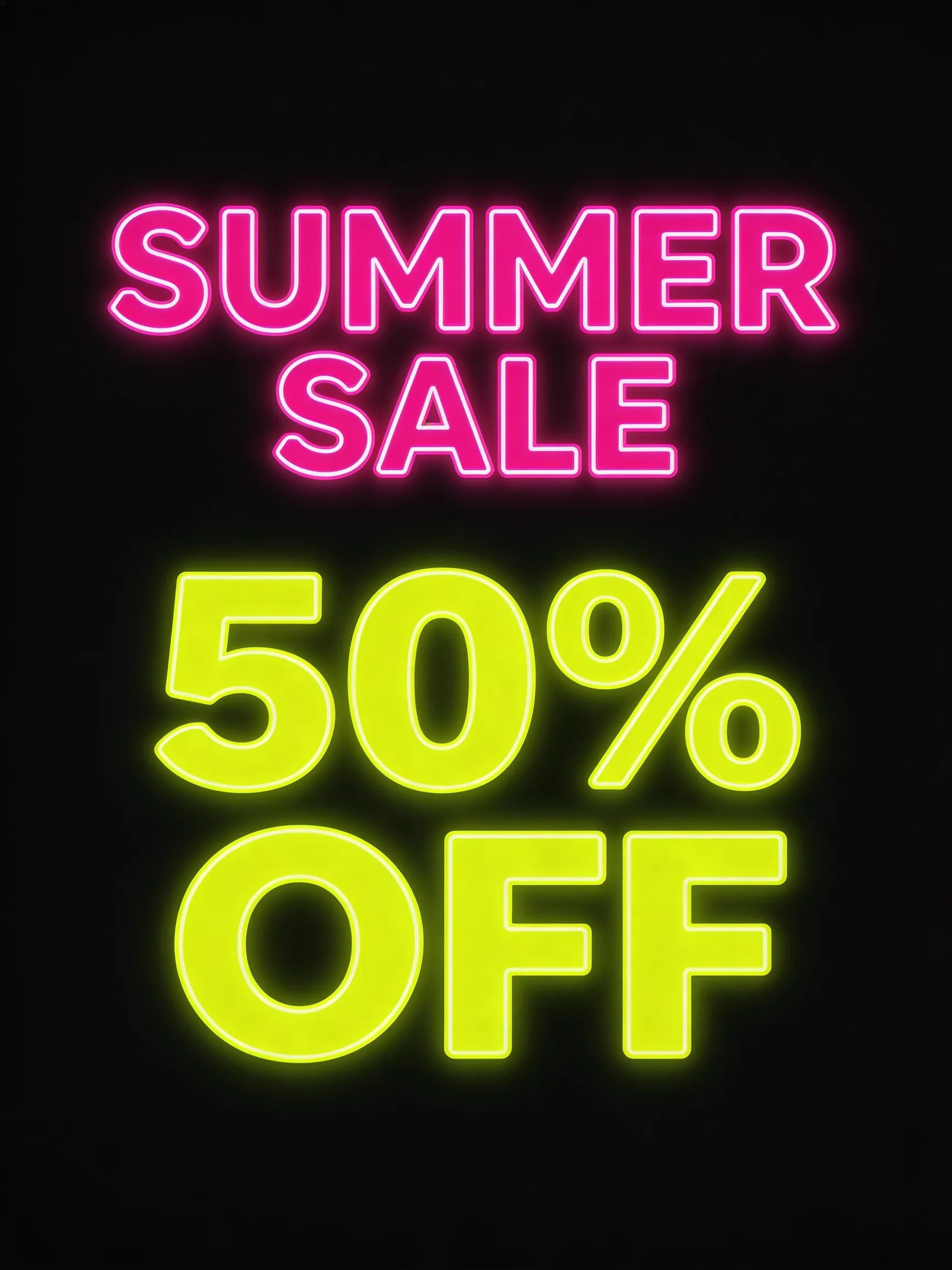
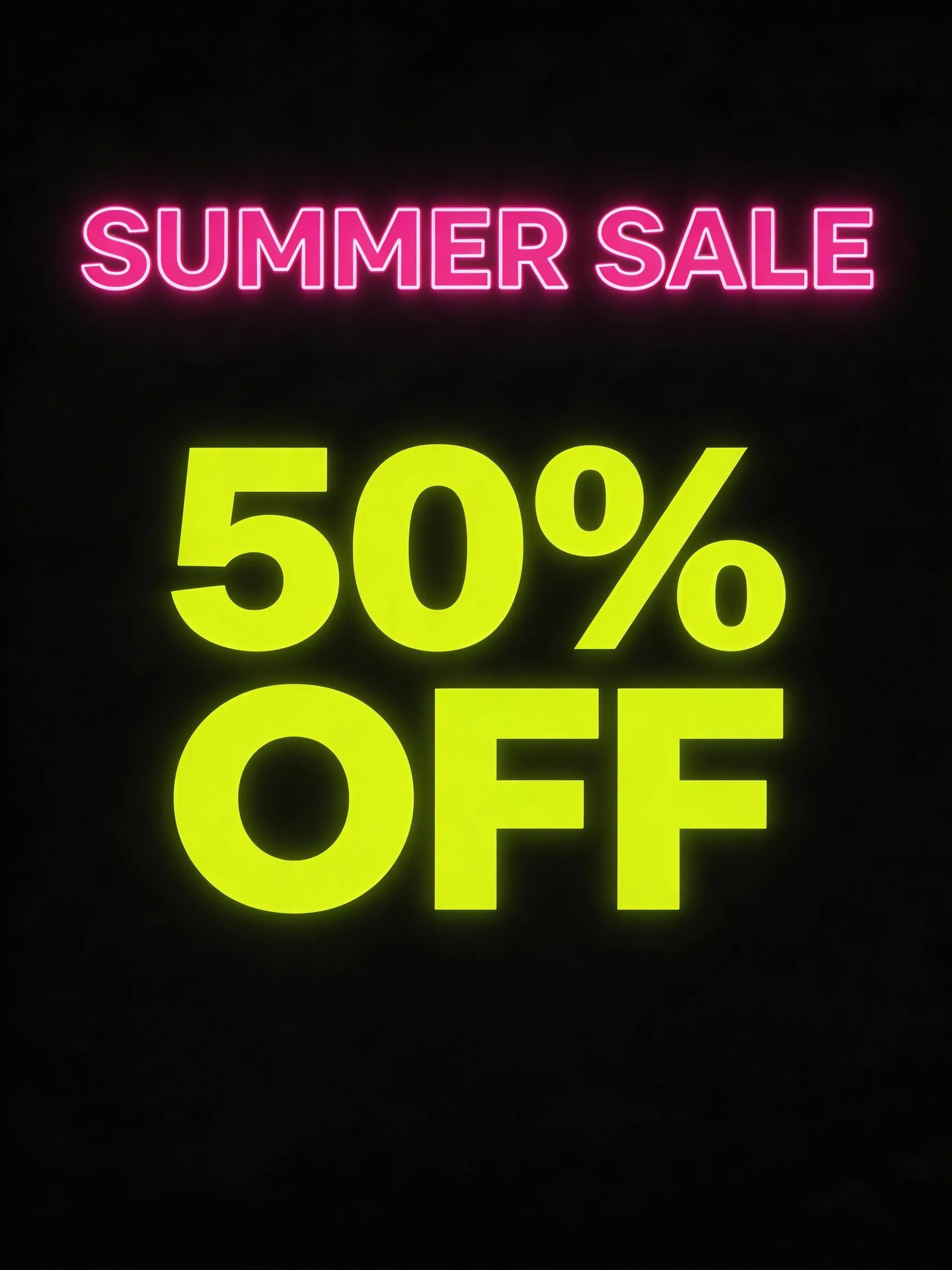
- •Precise Text Rendering:Clear, readable text inside generated images — posters, graphics, logos
Image-to-Image with Reference Upload
Upload a reference image to guide the generation. Grok Imagine uses your input to match style, composition, mood, or subject while generating new variations. Returns 2 results per generation — ideal for iterating on existing visuals.
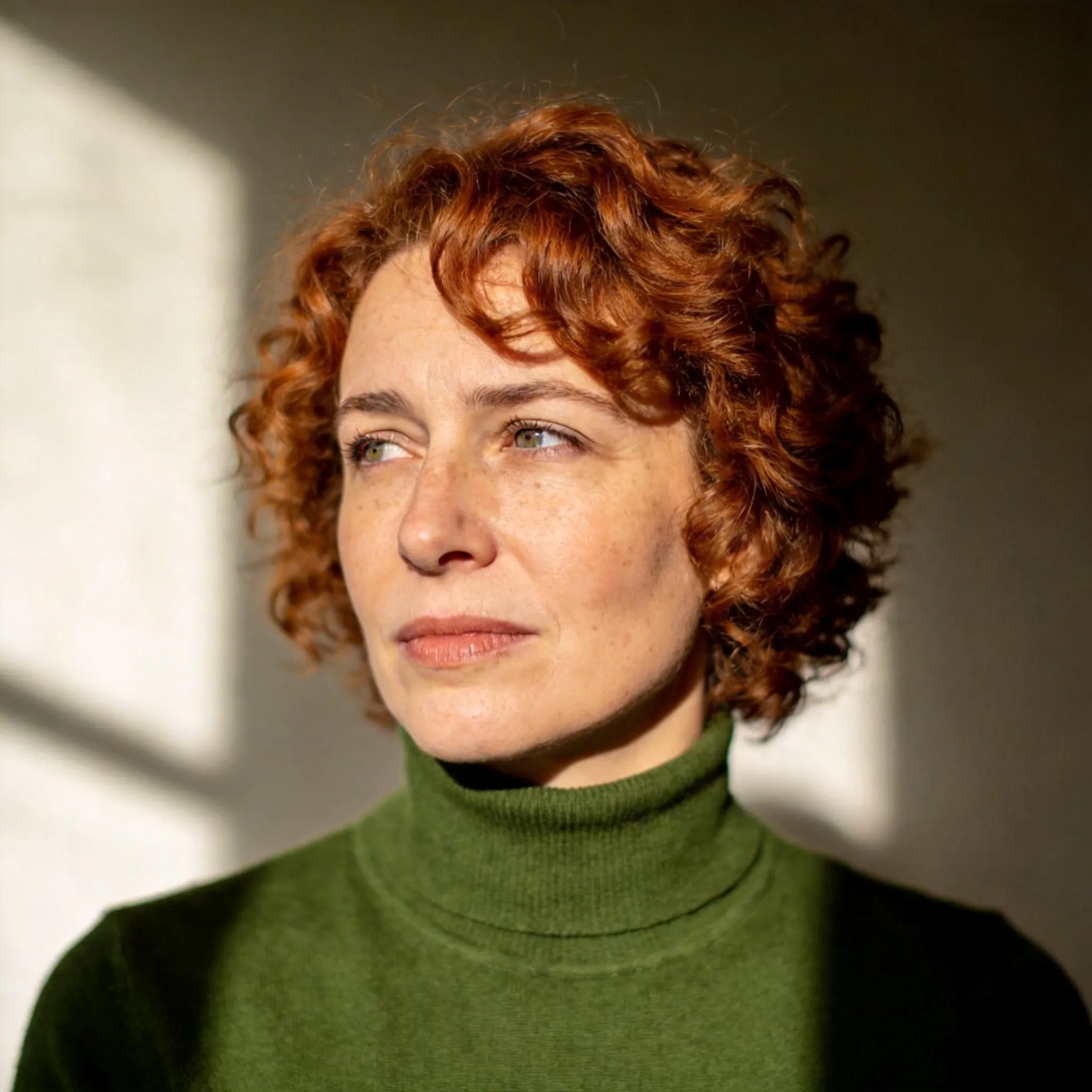
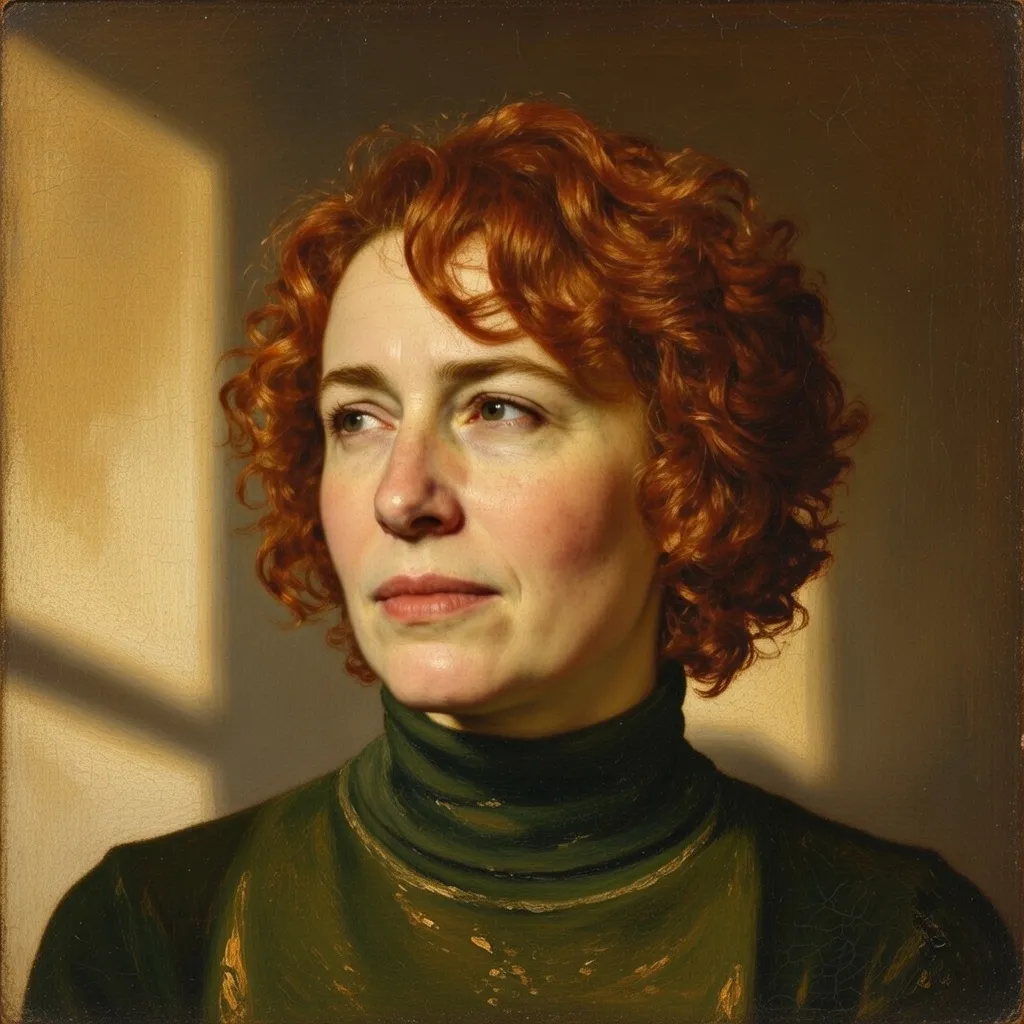
6 Image Variations Per Prompt
Each text-to-image generation returns 6 distinct variations from a single prompt. Explore different compositions, lighting, and stylistic interpretations without re-running your prompt. Pick the best result or combine ideas.
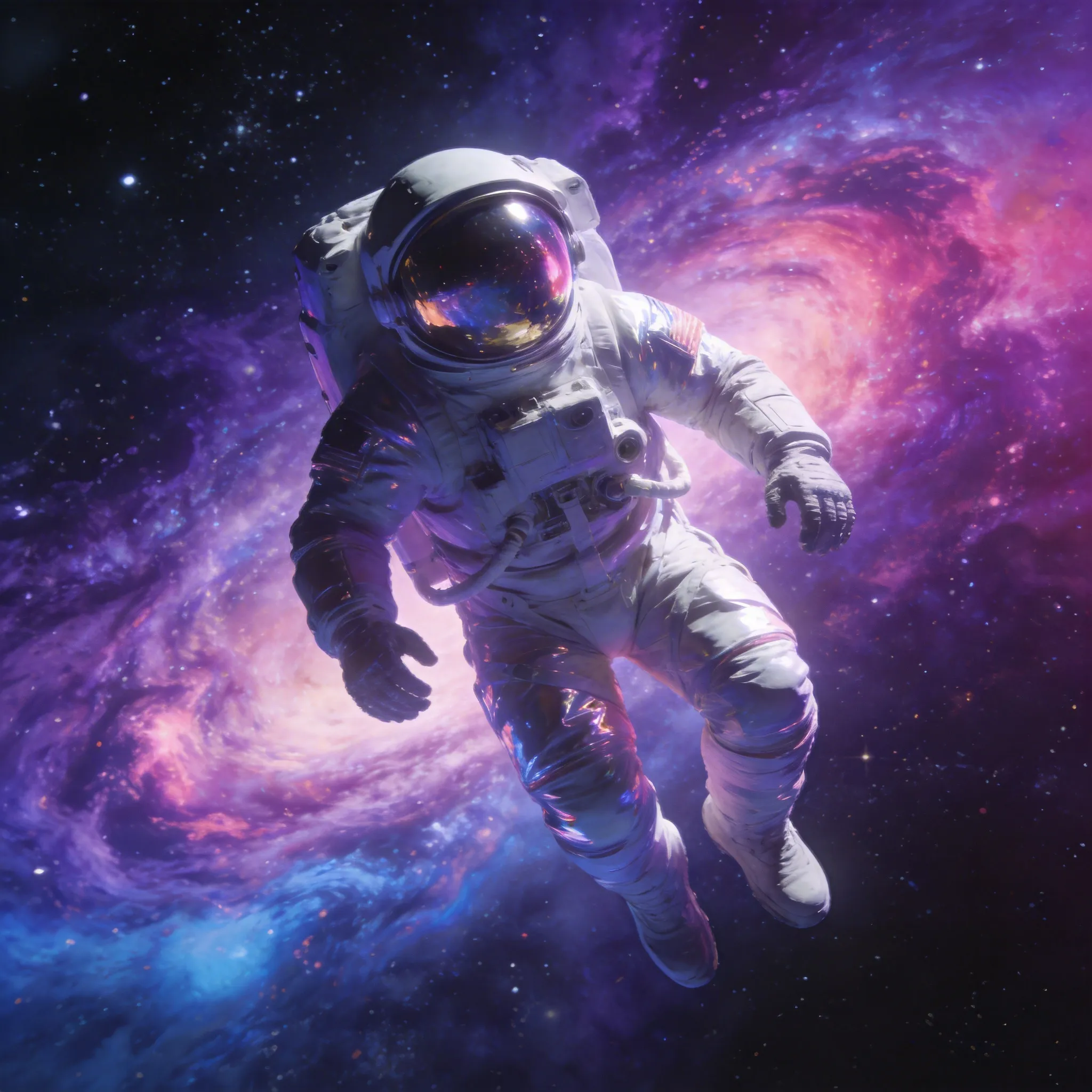
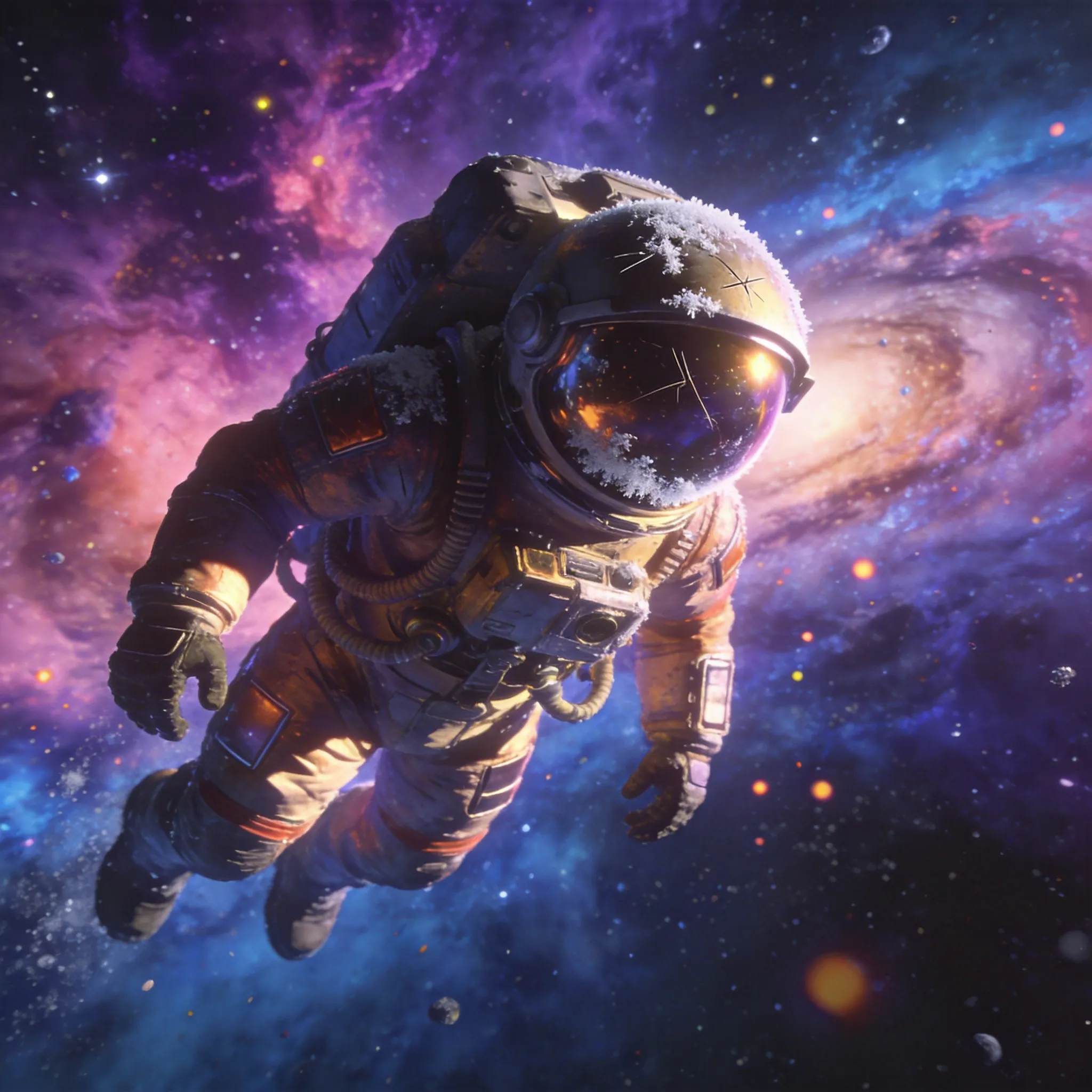
Cinematic Character Rendering
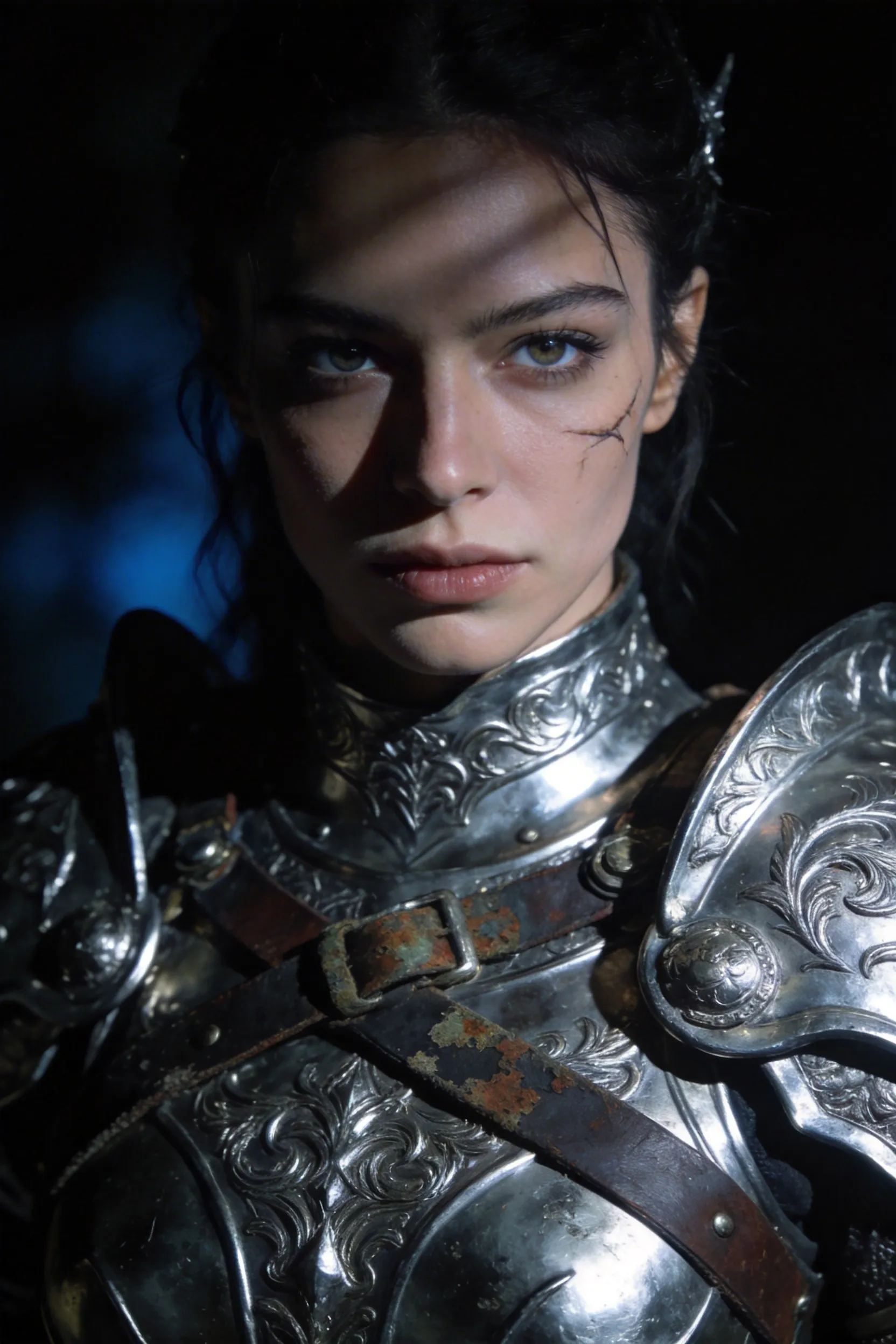
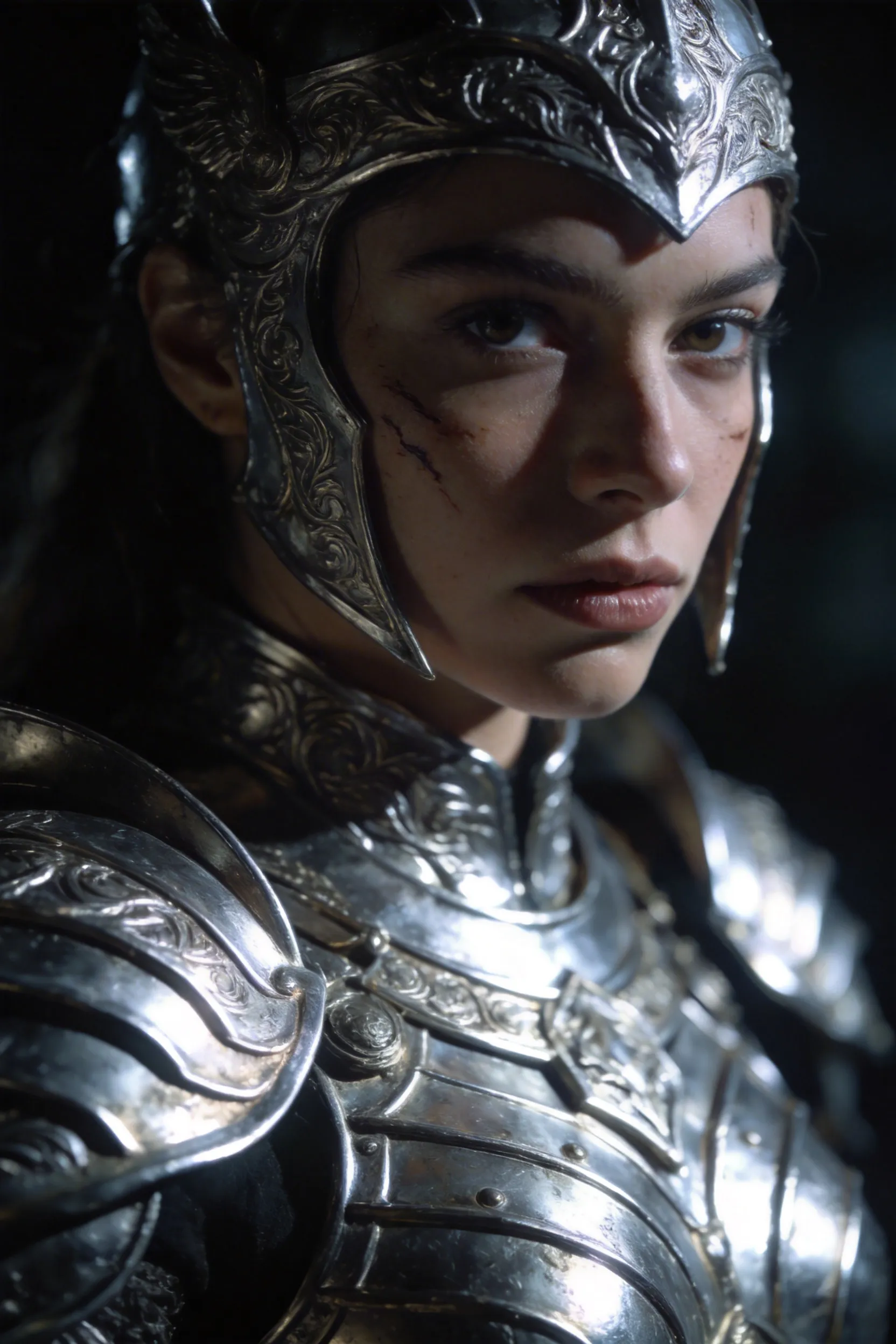
Generate characters with highly consistent faces, realistic lighting, and strong compositions. Grok Imagine Image produces polished, cinematic-quality results — ideal for portraits, character art, and scenes requiring visual coherence across multiple subjects.
Spicy Mode
Grok Imagine's Spicy Mode unlocks more creative freedom with fewer restrictions. Generate bolder, more imaginative, and artistically expressive images that go beyond the default output. Select Spicy in the mode dropdown to enable it.
7 Aspect Ratios for Any Platform
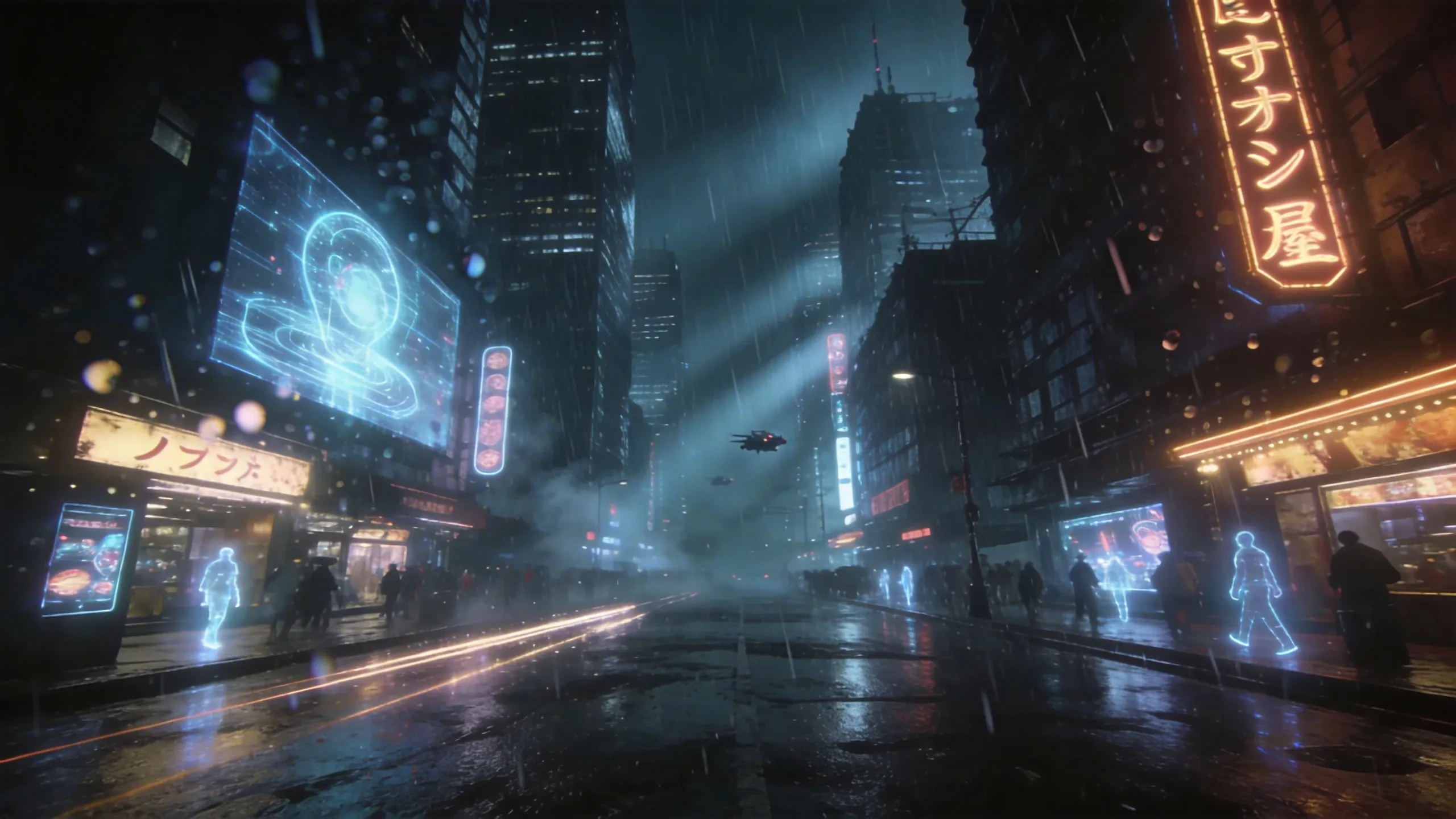
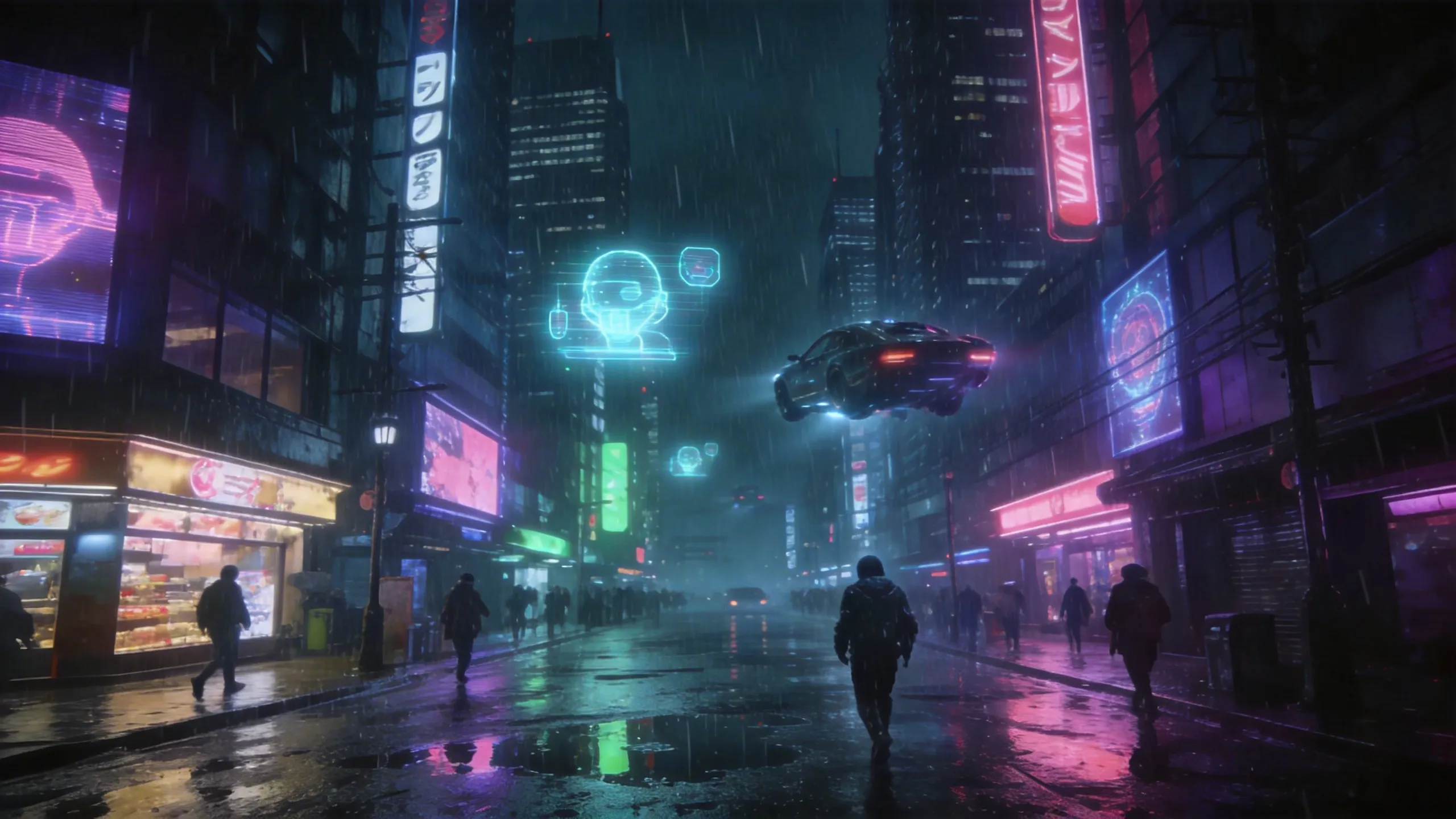
Generate in 7 native aspect ratios: 1:1 square for Instagram, 9:16 vertical for Reels and TikTok, 16:9 widescreen for YouTube thumbnails, 3:2 and 2:3 for photography formats, 3:4 and 4:3 for presentations and blog headers.
Precise Text Rendering
Grok Imagine renders clear, legible text inside images with strong prompt adherence. Ideal for social media graphics, posters, event flyers, logos, and branded content where typography matters. No post-processing needed.
Grok Imagine vs Other Image Models
Compare image generation capabilities on VicSee
| Feature | Grok Imagine | Nano Banana 2 | FLUX AI | Seedream 5.0 |
|---|---|---|---|---|
| Outputs per Prompt | 6 (T2I) / 2 (I2I) | 4 | 1 | 4 |
| Text Rendering | Excellent | Excellent | Good | Excellent |
| Image-to-Image | Yes (reference upload) | Yes (up to 14 refs) | Yes (up to 8 refs) | Yes |
| Aspect Ratios | 7 | 15 | 8 | 11 |
| Max Resolution | Standard | 4K | 2K | 4K |
| Credits per Generation | 10 | 10 | 15 | 18 |
| AI Model | xAI Grok Imagine | Gemini 3.1 Flash | FLUX.2 | Seedream |
What Can You Create with Grok Imagine?
From social media graphics to concept art — Grok Imagine is built for fast, expressive image creation
Social Graphics & Posters
Create event posters, social media graphics, and branded visuals with clear, accurate text rendering built in.
Concept Art & Mood Boards
Explore creative concepts fast — 6 variations per prompt lets you iterate without re-prompting.
Product & E-Commerce
Generate product lifestyle shots and marketing visuals across portrait, square, and widescreen formats.
Stylized & Anime Art
Create anime, cyberpunk, fantasy, and other stylized visuals with vivid neon, bold layouts, and expressive character aesthetics.
How to Use Grok Imagine Image Generator
Write Your Prompt
Describe your image in detail. Grok Imagine excels at photorealistic subjects, precise text rendering, and expressive visual styles.
Choose Format
Select an aspect ratio for your platform — square for Instagram, 9:16 for Reels, 16:9 for YouTube thumbnails, or any of the 7 supported ratios.
Generate & Download
Click Generate and get 6 image variations in seconds. Download your favorites or switch to Image-to-Image mode to refine further with a reference.
Frequently Asked Questions
Everything you need to know about Grok Imagine image generation
Explore Other AI Image Models
Discover the full suite of image generation tools on VicSee
Start Generating with Grok Imagine
6 image variations per prompt, precise text rendering, 7 aspect ratios. Start free with signup credits — no credit card required.