
Upload Your Photo *
Drop your photo here or click to upload
JPG, PNG, WebP. Max 10MB.
AI Age Filter — Results Gallery
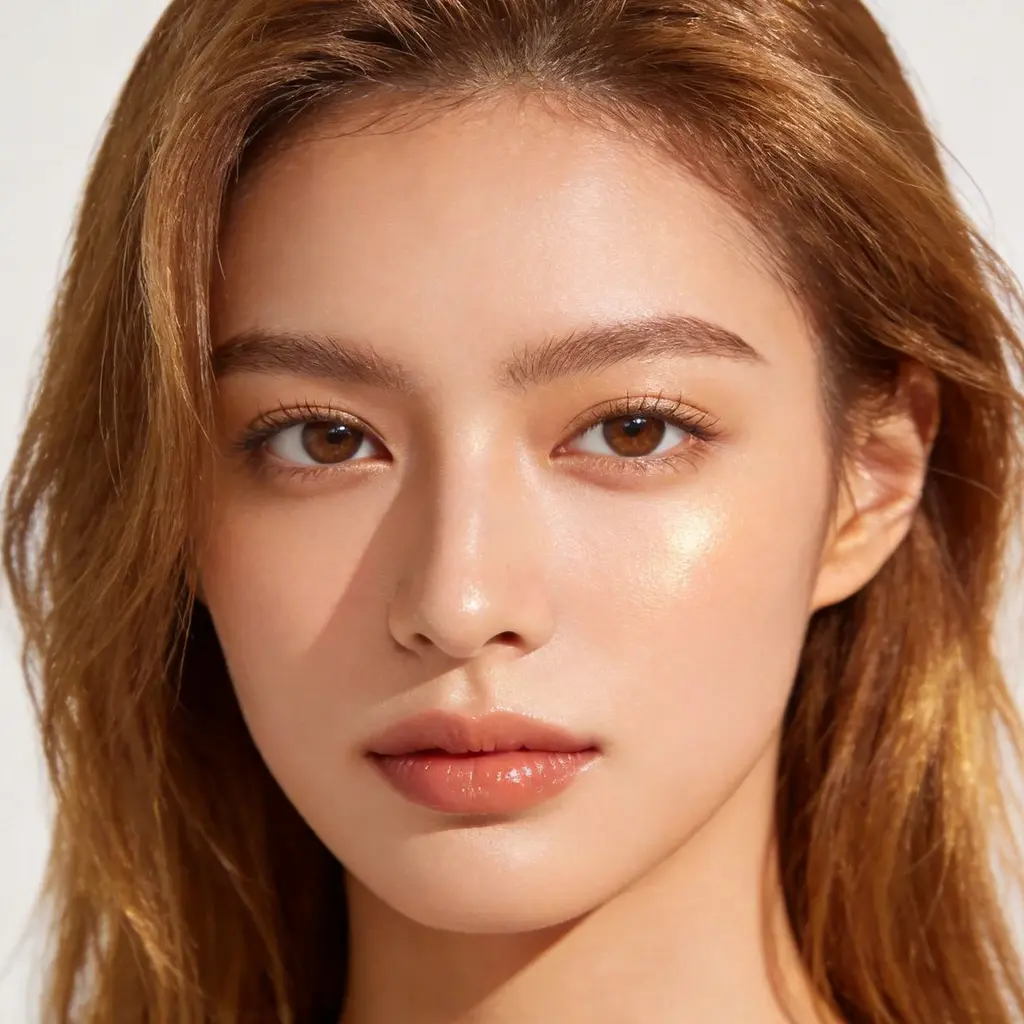
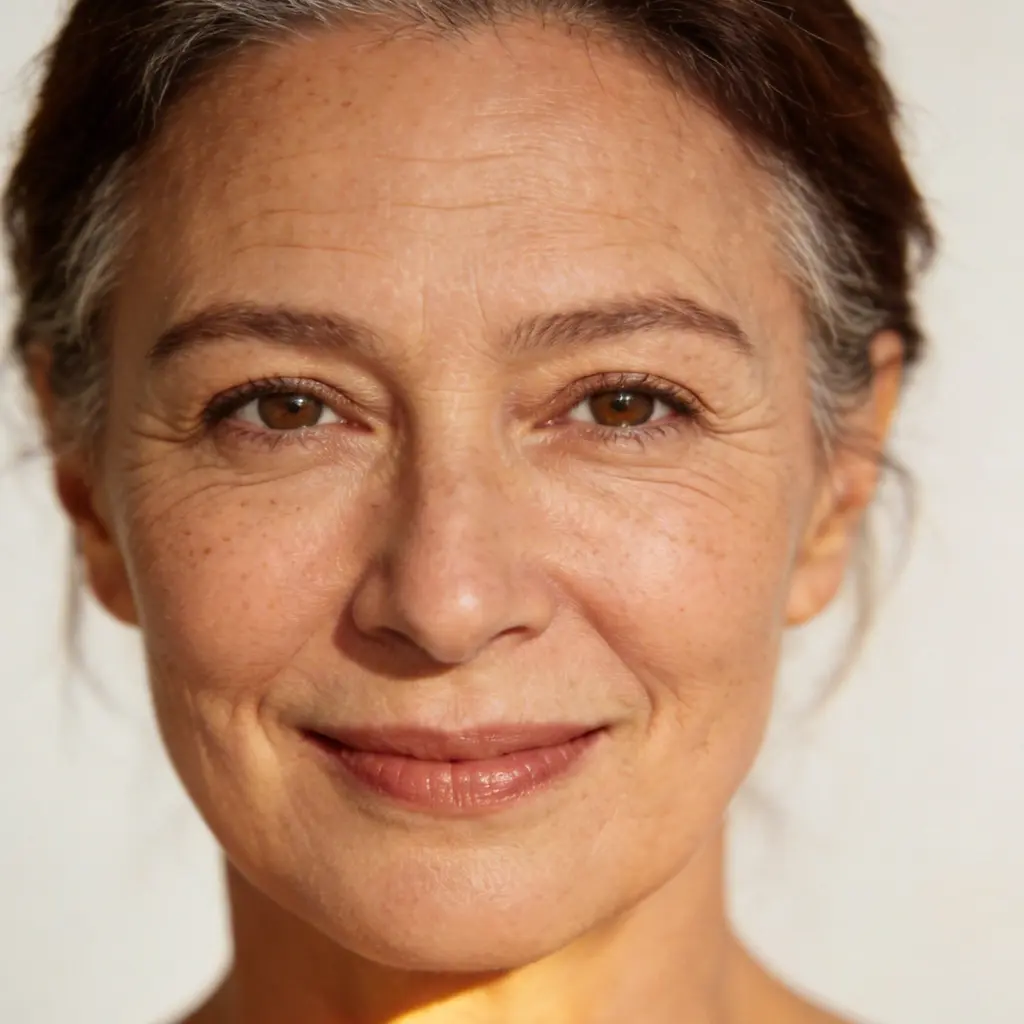
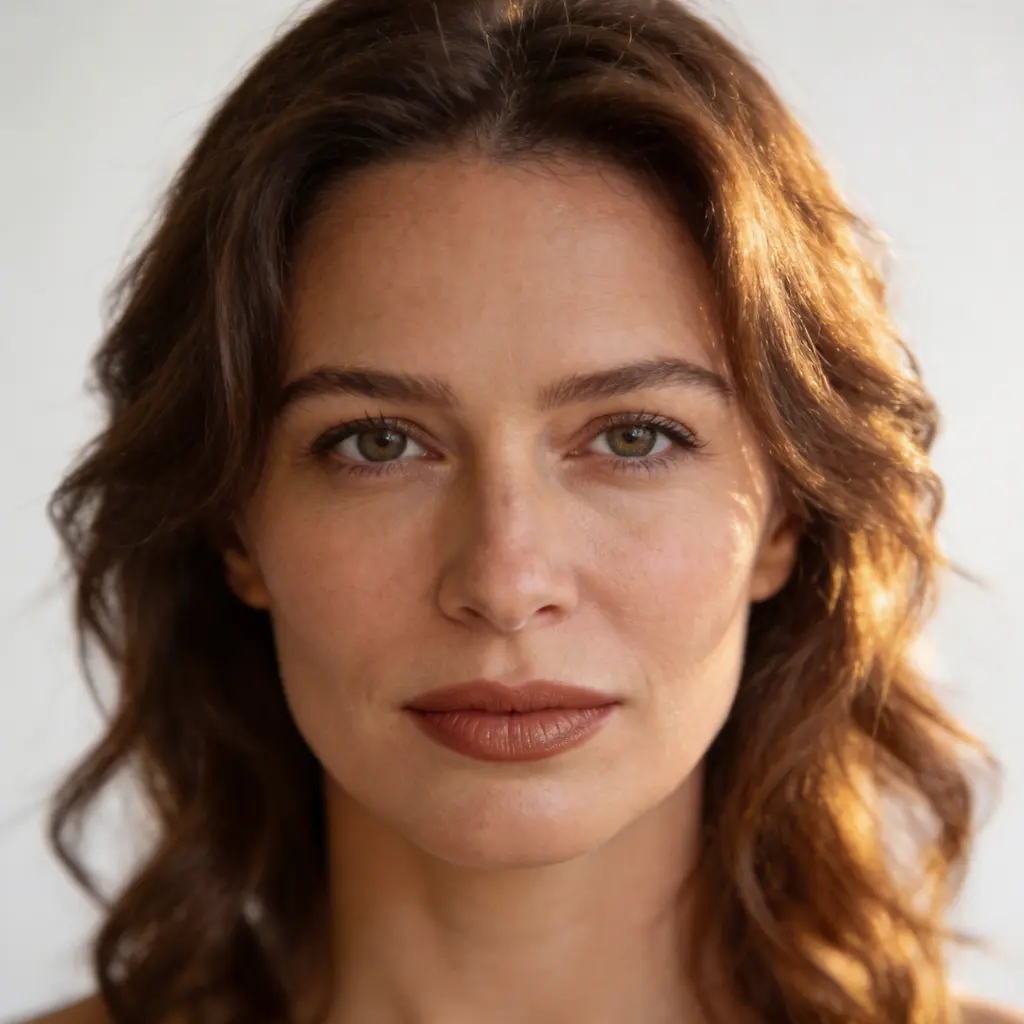
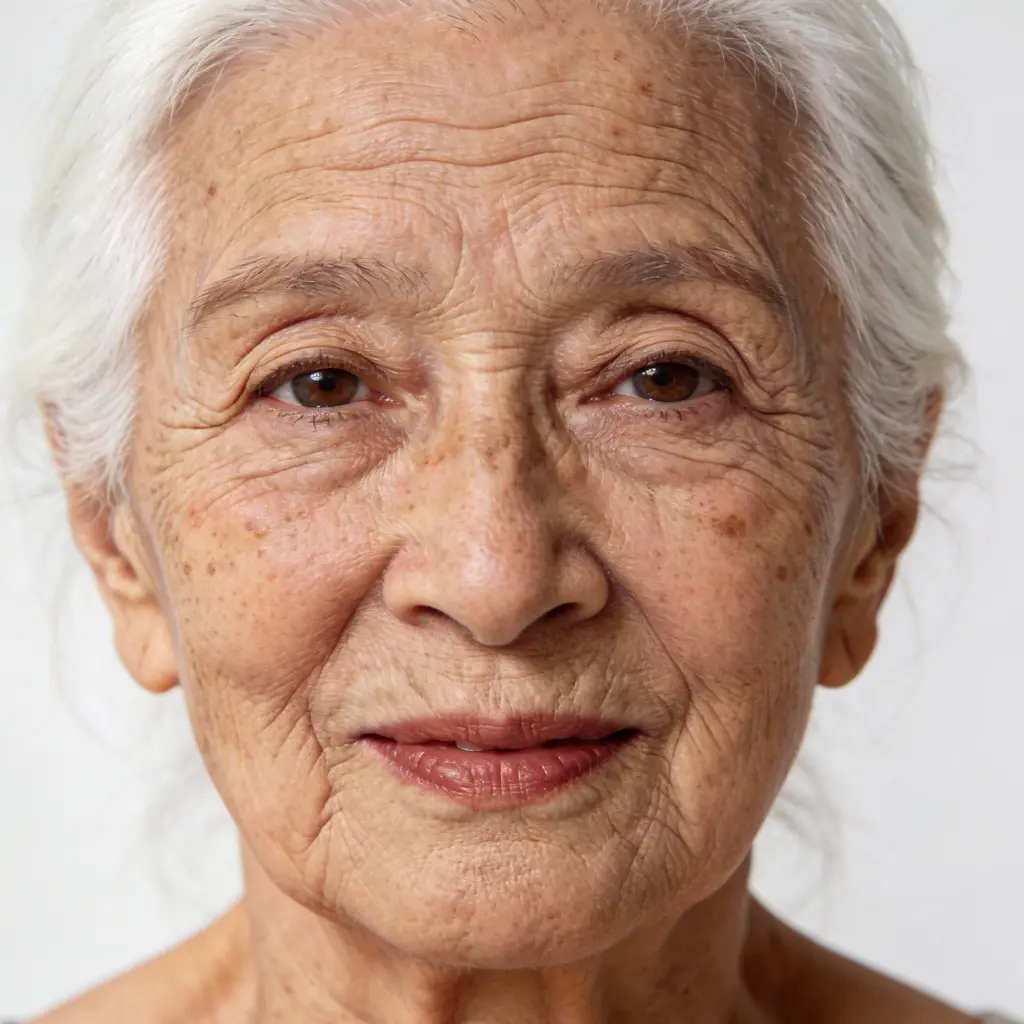
AI Age Filter — See Yourself at Any Age
Curious how you'd look at 70? Or what you looked like as a kid? Upload any photo and our AI age filter transforms your face in seconds. Choose from multiple age styles — Childhood, Teen, your 20s, 30s, Middle Aged, and Elderly. See the future, revisit the past. Free to try, works directly in your browser.

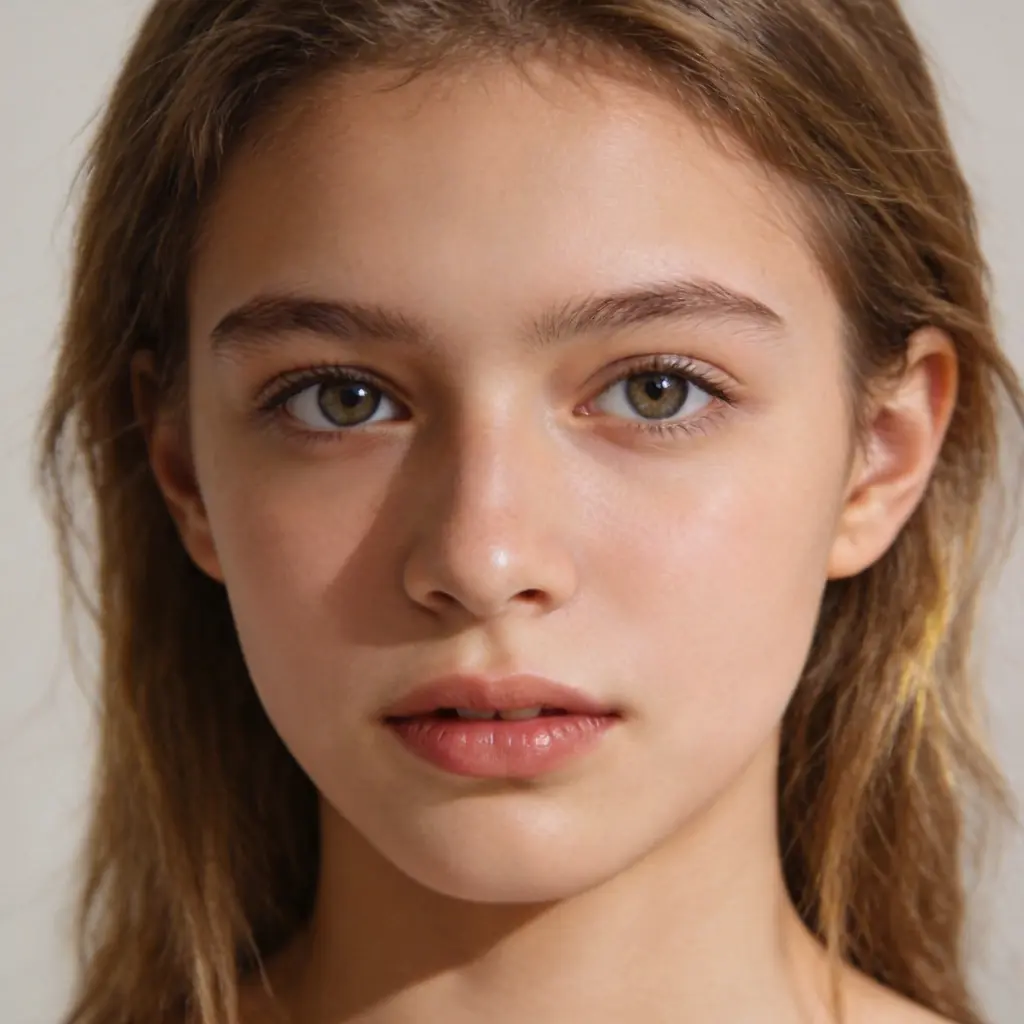
Age Forward or Back — Any Age, Both Directions
Most age filters only make you older. VicSee goes both ways. De-age yourself to Childhood, Teen, or your 20s — or fast-forward to your 30s, Middle Age, or Elderly. Every preset adapts to your facial features, skin tone, and structure.
Photorealistic Results on Any Face
The AI analyzes your facial structure, skin texture, and bone definition to produce convincing age transformations. Wrinkles are placed naturally, skin tone adjusts with age, and hair color shifts realistically. Works on all skin tones, ages, and genders — any portrait photo gives great results.
How to Use the AI Age Filter
Upload Your Photo
Upload a clear portrait or selfie — front-facing with your full face visible gives the best results. Phone photos work perfectly.
Choose Your Age Style
Pick an age style: go back to Childhood or Teen, revisit your 20s or 30s, or fast-forward to Middle Age or Elderly. Or describe a specific age in the Custom tab.
See Yourself at That Age
The AI transforms your face with realistic aging or de-aging effects. Download your result and compare — or try another age style instantly.
Who Uses the AI Age Filter
Curiosity — Future & Past Self
See exactly how you might look at 70, or what you looked like as a child based on today's features. Satisfy the curiosity everyone has about their face over time.
Social Media & Viral Trends
Age filter content performs extremely well on TikTok and Instagram. Create compelling before-and-after posts showing yourself at different life stages — all without actually aging.
Family & Nostalgic Moments
See how a parent might look in 20 years, or preview what a young child could look like as an adult. A touching way to visualize time and share with family.
Pranks & Fun
Apply extreme aging or de-aging to photos of friends and family. The reactions to a 'what you'll look like at 80' reveal are priceless.
Why Use Our AI Age Filter
Multiple Age Styles — Both Directions
Childhood, Teen, 20s, 30s, Middle Age, Elderly — the only free AI age filter that lets you go both older and younger. Explore your full face timeline in one tool.
Realistic in Seconds
AI maps your facial structure to place wrinkles, adjust skin texture, and shift hair color realistically. Results that look like real photographs, not an obvious filter.
Works for Everyone
The AI age filter works on any portrait — any skin tone, any age, any gender. Clear front-facing photos give the most accurate age transformations.
High-Resolution Downloads
Download your age filter results in high resolution. Share with family, post to social media, or use for creative projects.
Travel Through Time
See your past and future self in one place. Perfect for visualizing how you might age, satisfying curiosity, or creating engaging before-and-after content.
Works in Your Browser
No app download needed — the AI age filter runs entirely in your browser. Sign up for free in seconds and start exploring your face through time.
More AI Photo Tools
More AI photo transformation tools from VicSee
AI Age Filter FAQ

See Yourself at Any Age — Free
Upload your photo and travel through time. Childhood, Teen, 20s, 30s, Middle Age, Elderly — photorealistic, free, no download needed.
Try the Age Filter