
Upload Your Photo *
Drop your photo here or click to upload
JPG, PNG, WebP. Max 10MB.
AI YouTube Thumbnail Maker Gallery

AI YouTube Thumbnail Maker — Create Click-Worthy Thumbnails
Upload your photo and AI transforms it into a professional YouTube thumbnail. Choose from 6 genre styles — Gaming, Vlog, Tech Review, Reaction, Tutorial, and Cooking. Each style applies the right lighting, color palette, and composition for your niche. No Photoshop or Canva skills needed. Free to start with starter credits.
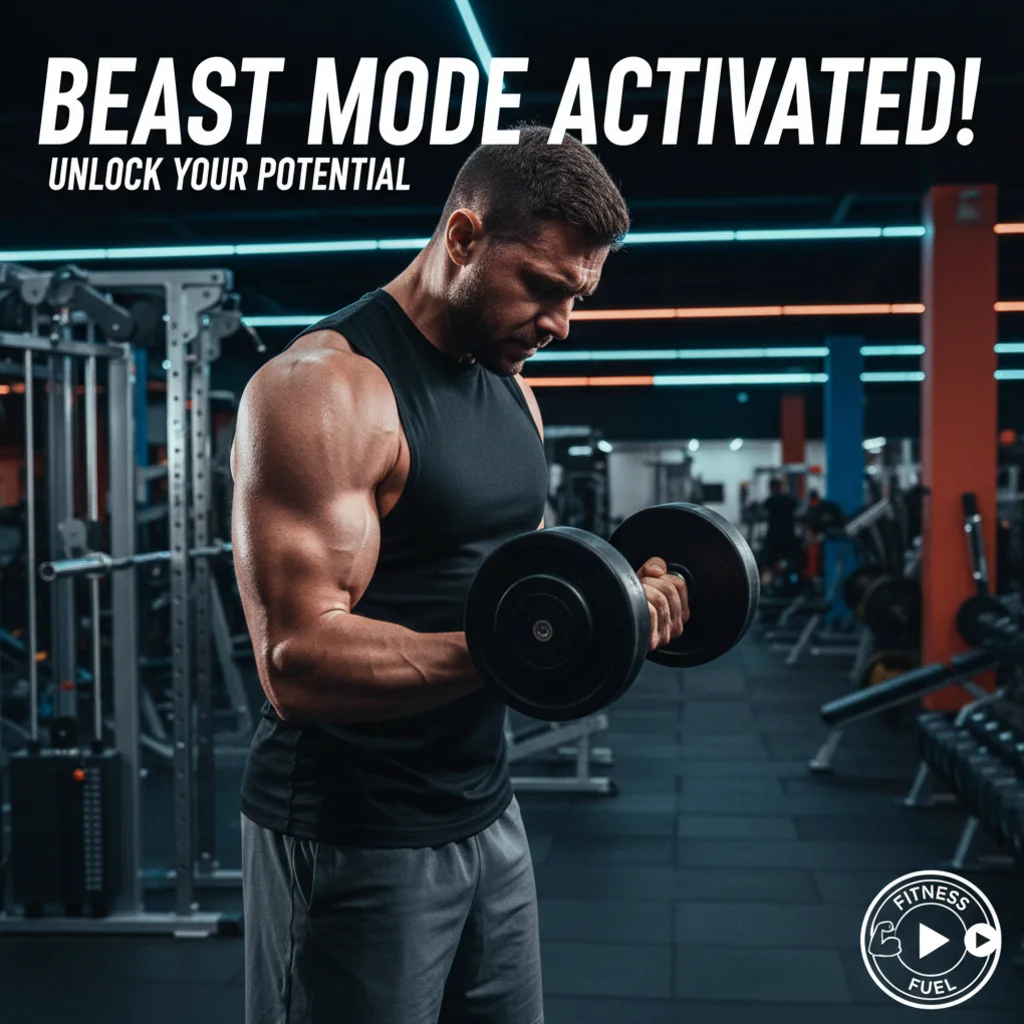
6 YouTube Thumbnail Styles for Every Niche
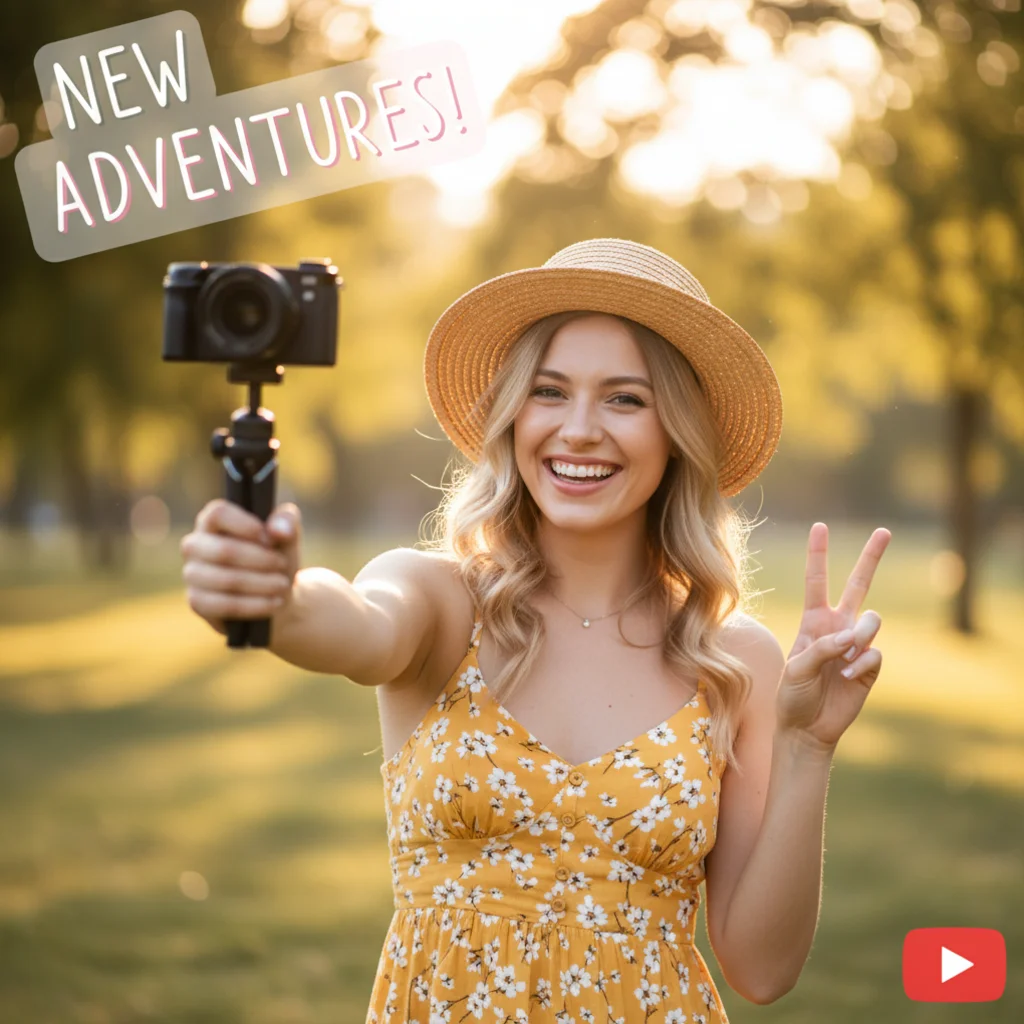
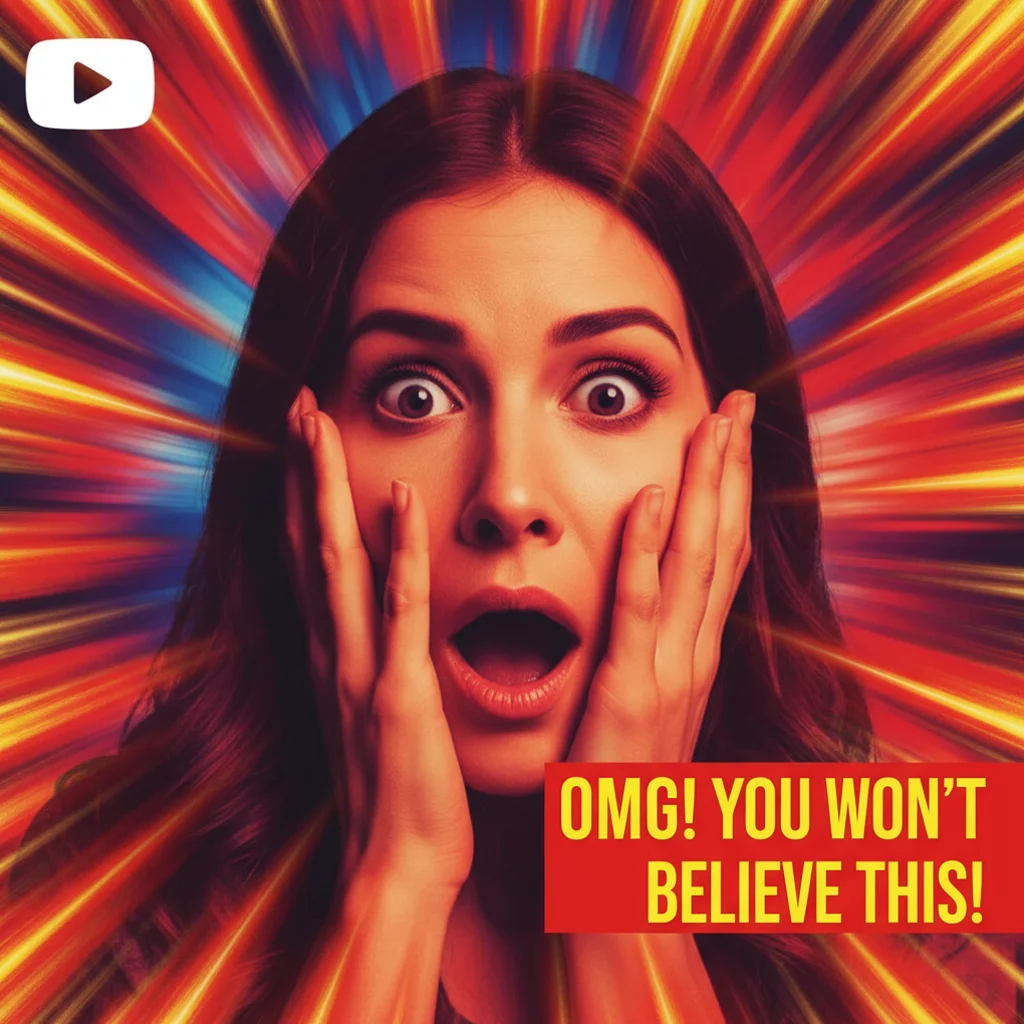
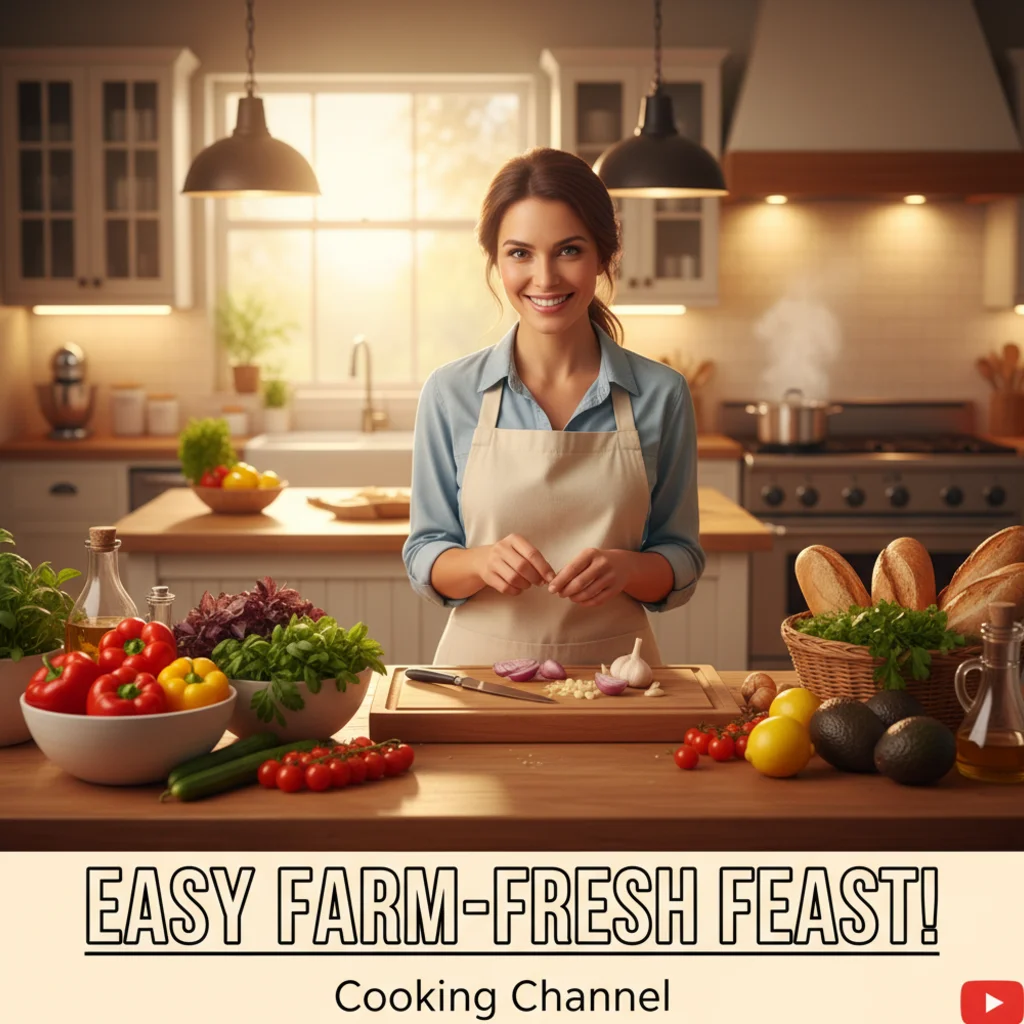
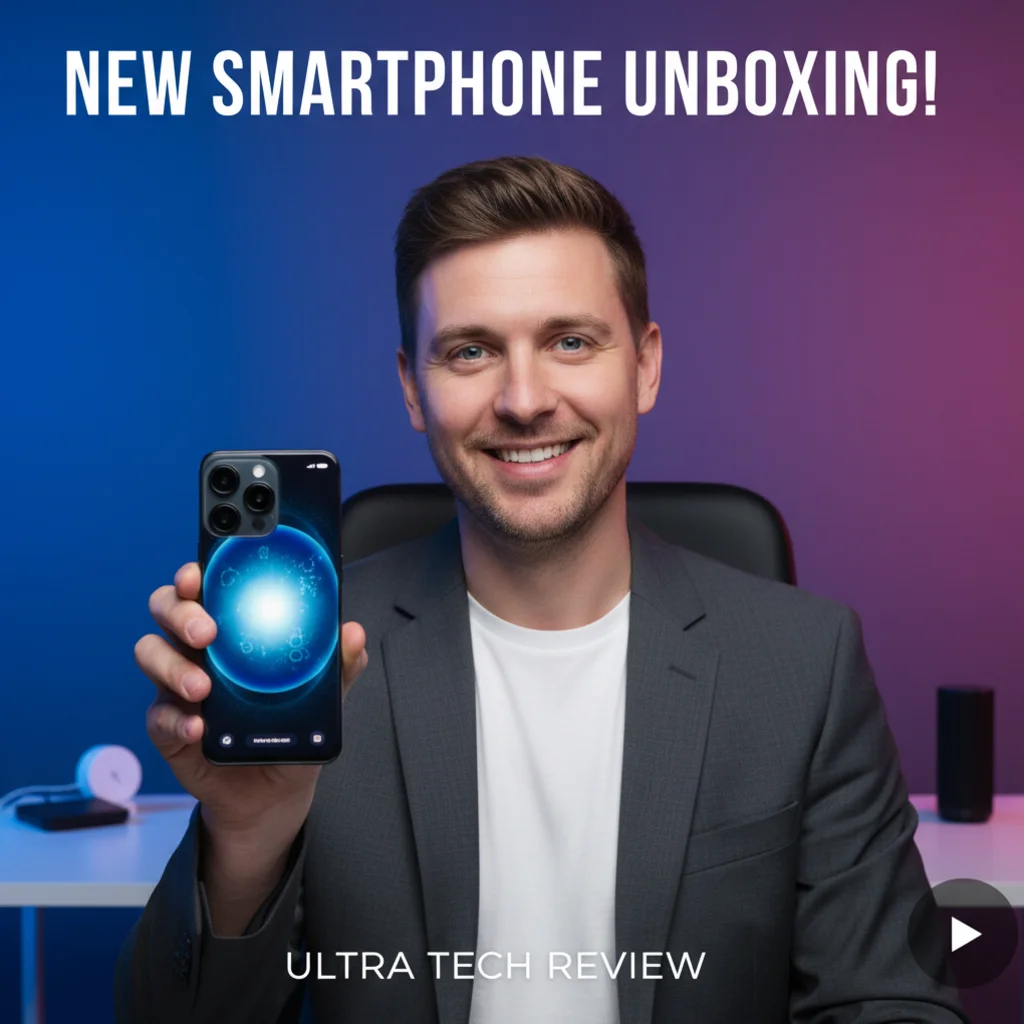
Most AI thumbnail makers only analyze your video. VicSee gives you 6 genre-specific styles designed for high click-through rates. Gaming applies neon glow and dramatic lighting. Vlog uses warm golden tones and soft bokeh. Tech Review creates sleek gradient backgrounds. Reaction amplifies expressions with bold zoom effects. Tutorial adds clean professional framing. Cooking brings warm appetizing food photography tones. Pick your niche, upload a photo, get a thumbnail.
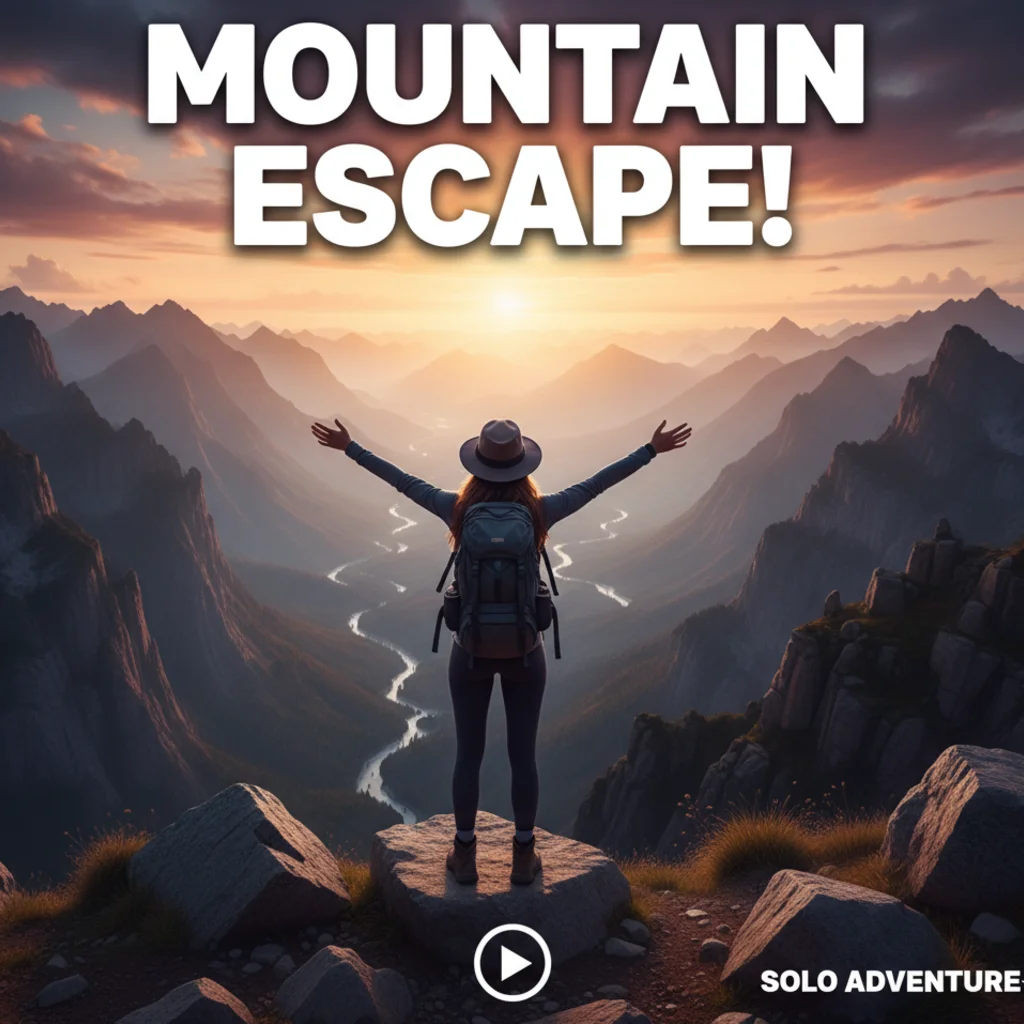
Make YouTube Thumbnails from Any Photo
Upload a selfie, a screenshot, or any photo and AI handles the transformation. The style preset adjusts lighting, color grading, contrast, and composition to match your channel's aesthetic. Works on portraits, product photos, food shots, and landscapes. Use the Custom tab to describe a specific look if none of the 6 presets fit. Results in seconds, every time.
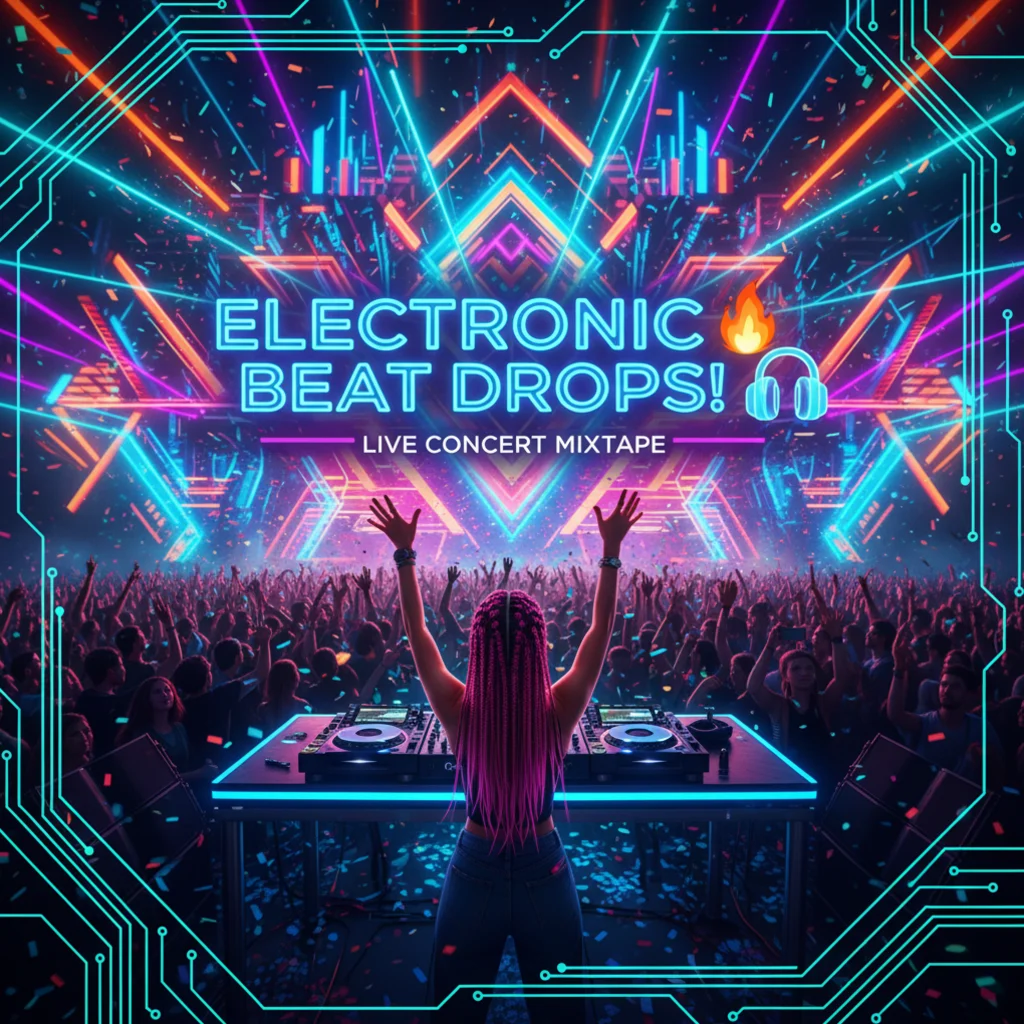
AI Thumbnail Maker for YouTube Creators
Stop spending hours in Photoshop or Canva. Upload one photo, pick a style, and AI creates a thumbnail designed to get clicks. Perfect for YouTubers who need fast, consistent thumbnails across every upload. Works for long-form videos and YouTube Shorts. Browser-based, no downloads needed. Each generation costs 6 credits.
How to Make a YouTube Thumbnail with AI
Choose a Thumbnail Style
Pick from 6 YouTube thumbnail styles — Gaming, Vlog, Tech Review, Reaction, Tutorial, or Cooking. Each style is optimized for a specific content niche. Or use the Custom tab to describe your own look.
Upload Your Photo
Upload a clear photo of yourself, your subject, or your content. Portraits and selfies work best. JPG, PNG, and WebP up to 10 MB accepted. The clearer the photo, the better the thumbnail.
Download Your Thumbnail
AI transforms your photo into a styled YouTube thumbnail in seconds. Download the result and upload directly to YouTube Studio. Recommended YouTube thumbnail size is 1280x720 pixels (16:9).
Who Uses the AI YouTube Thumbnail Maker
Gaming YouTubers
The Gaming style adds neon glow, dramatic dark backgrounds, and esports-inspired lighting. Upload your face cam screenshot or gaming setup photo and get a thumbnail that matches channels like MrBeast Gaming and Markiplier.
Vloggers and Lifestyle Creators
The Vlog style applies warm golden hour tones with soft bokeh for an inviting, lifestyle-creator look. Works great for daily vlogs, travel videos, and day-in-my-life content.
Tech Reviewers
The Tech Review style creates sleek gradient backgrounds with product spotlight lighting. Upload a photo with your latest gadget for a clean, professional thumbnail that builds credibility.
Reaction and Commentary Channels
The Reaction style amplifies facial expressions with dramatic zoom effects and bold saturated colors. Designed for reaction videos, commentary, and content that thrives on expressive thumbnails.
Educators and Tutorial Creators
The Tutorial style adds clean, professional framing with a neutral background and educational aesthetic. Perfect for how-to videos, course content, and skill-building channels.
Food and Cooking Channels
The Cooking style brings warm, appetizing tones with food photography lighting. Upload a kitchen photo or food shot for a thumbnail that makes viewers hungry and curious.
Why Use VicSee YouTube Thumbnail Maker
6 Niche-Specific Styles
Gaming, Vlog, Tech Review, Reaction, Tutorial, Cooking. Each style applies the right color palette, lighting, and composition for your channel type. Not a one-size-fits-all filter.
Thumbnails in Seconds
Upload a photo, pick a style, and your thumbnail is ready in under 30 seconds. No design tools, no templates to customize, no learning curve. Browser-based AI does the work.
Photo to Thumbnail
Transform any photo into a YouTube-ready thumbnail. AI adjusts lighting, contrast, and color grading to match the selected style. Works on selfies, product shots, food photos, and more.
Optimized for YouTube
Each style is designed to grab attention in YouTube's browse feed. Bold colors, high contrast, and clean composition that reads well at small thumbnail sizes on desktop and mobile.
Custom Thumbnail Prompts
Use the Custom tab to describe any thumbnail style you can imagine. Type a description like 'dark cinematic with red accent lighting' and AI generates a matching thumbnail from your photo.
Free to Start
Sign in with a free account to get starter credits. Each thumbnail generation costs 6 credits. Try all 6 styles with your free credits before upgrading.
More AI Photo Tools
More AI photo tools from VicSee
YouTube Thumbnail Maker — Frequently Asked Questions

AI YouTube Thumbnail Maker — 6 Styles, Free to Start
Gaming, Vlog, Tech Review, Reaction, Tutorial, Cooking. Upload any photo and get a click-worthy YouTube thumbnail in seconds.
Create Your Thumbnail Free