
Upload Your Photo *
Drop your photo here or click to upload
JPG, PNG, WebP. Max 10MB.
AI Anime Art Gallery
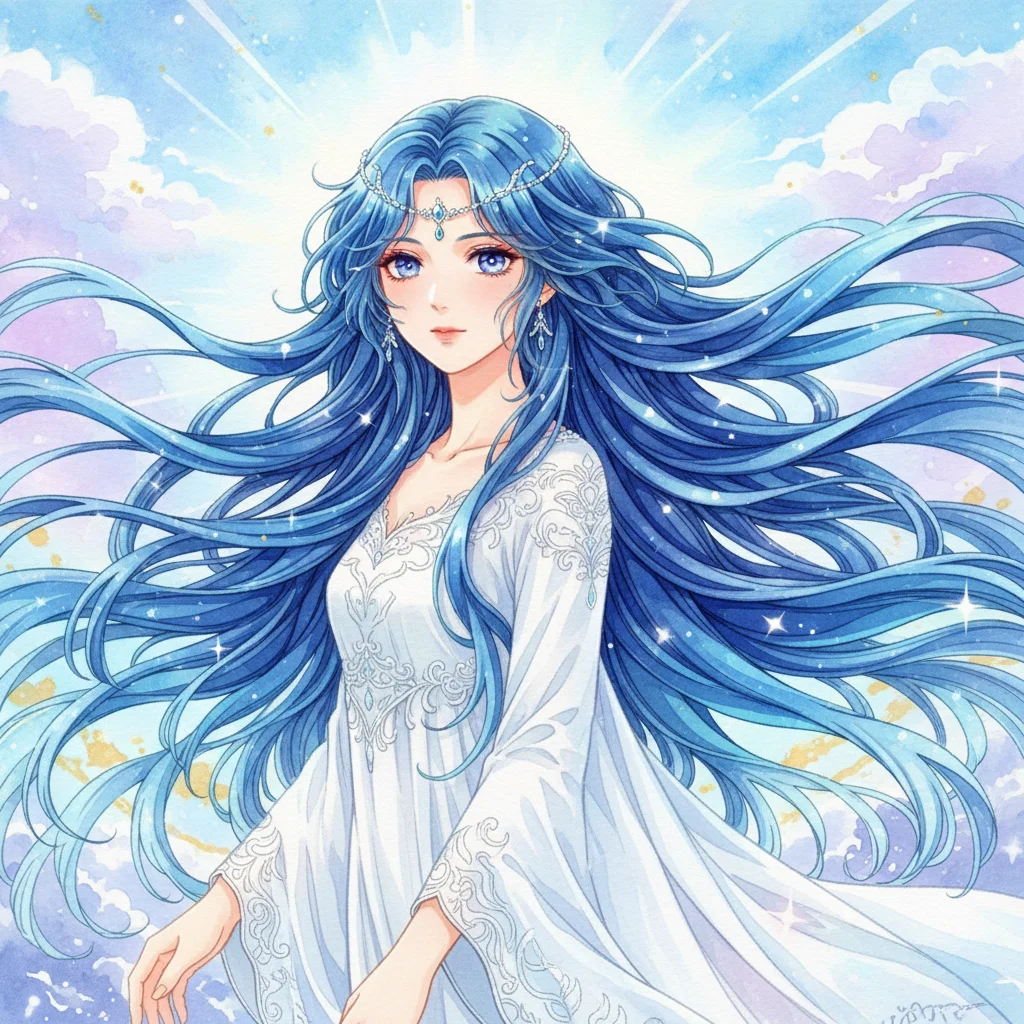
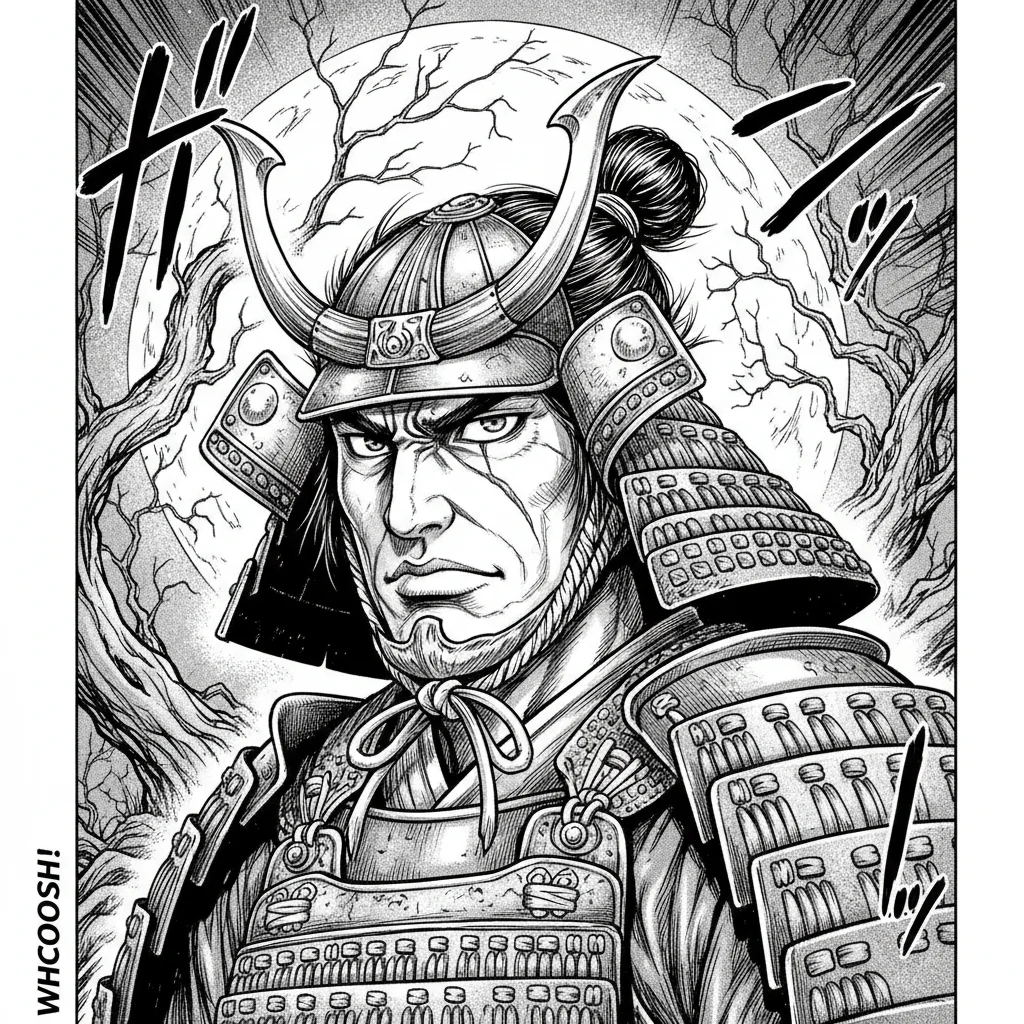
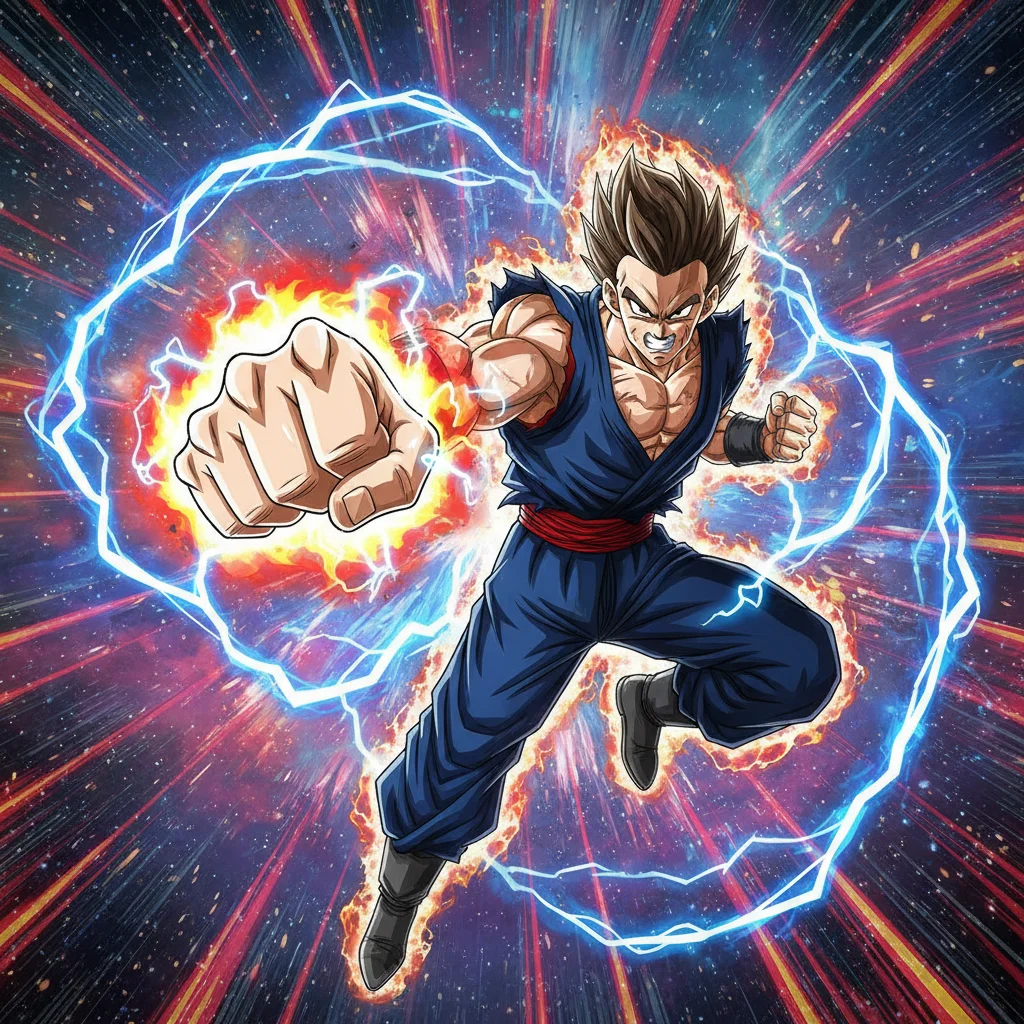
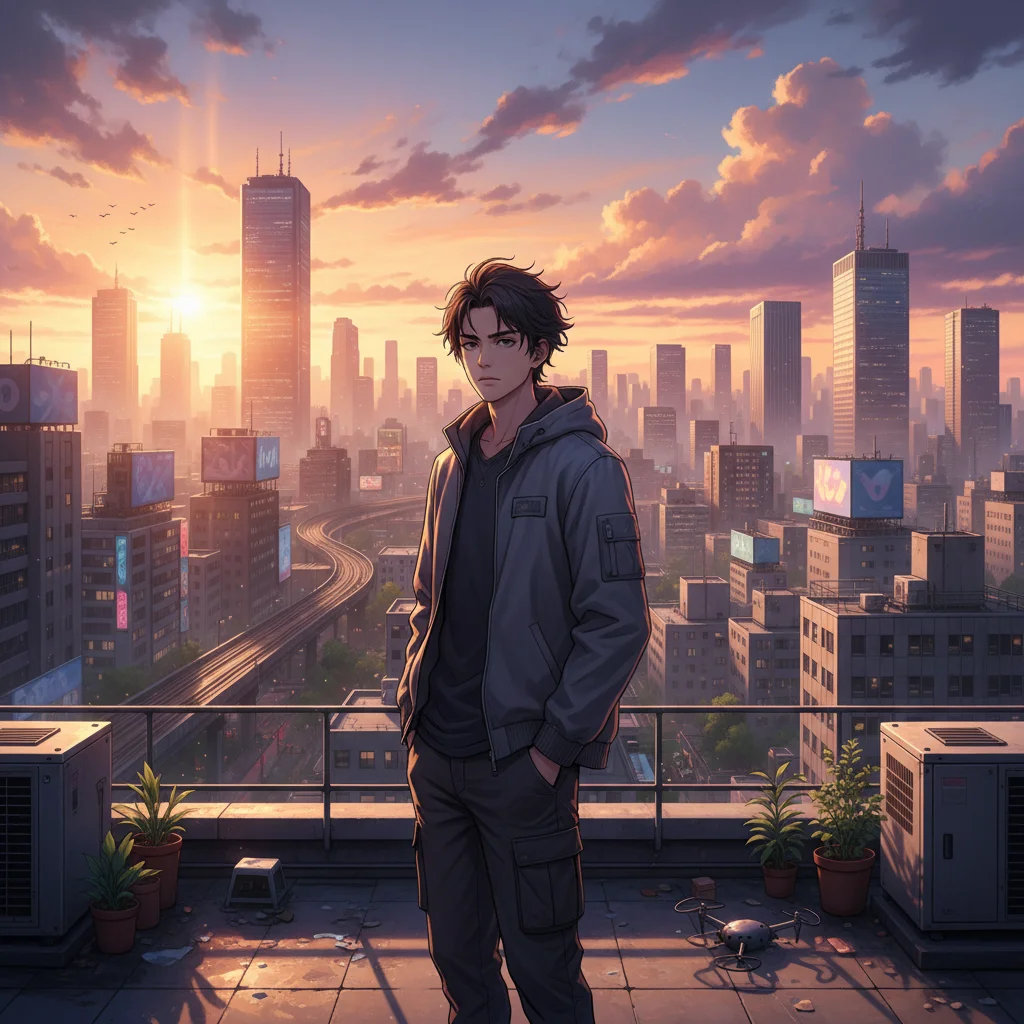
AI Anime Generator — Create Anime Art from Any Photo
Upload any photo and transform it into anime art in seconds. Choose from 9 distinct anime styles — Classic Anime with vibrant cel shading, black-and-white Manga linework, adorable Chibi proportions, soft Ghibli-Inspired watercolors, nostalgic 90s Retro, cinematic Modern visuals, explosive Shonen Action, moody Dark Fantasy, and sweet Kawaii Pastel. Each style produces a completely different anime aesthetic from the same photo.
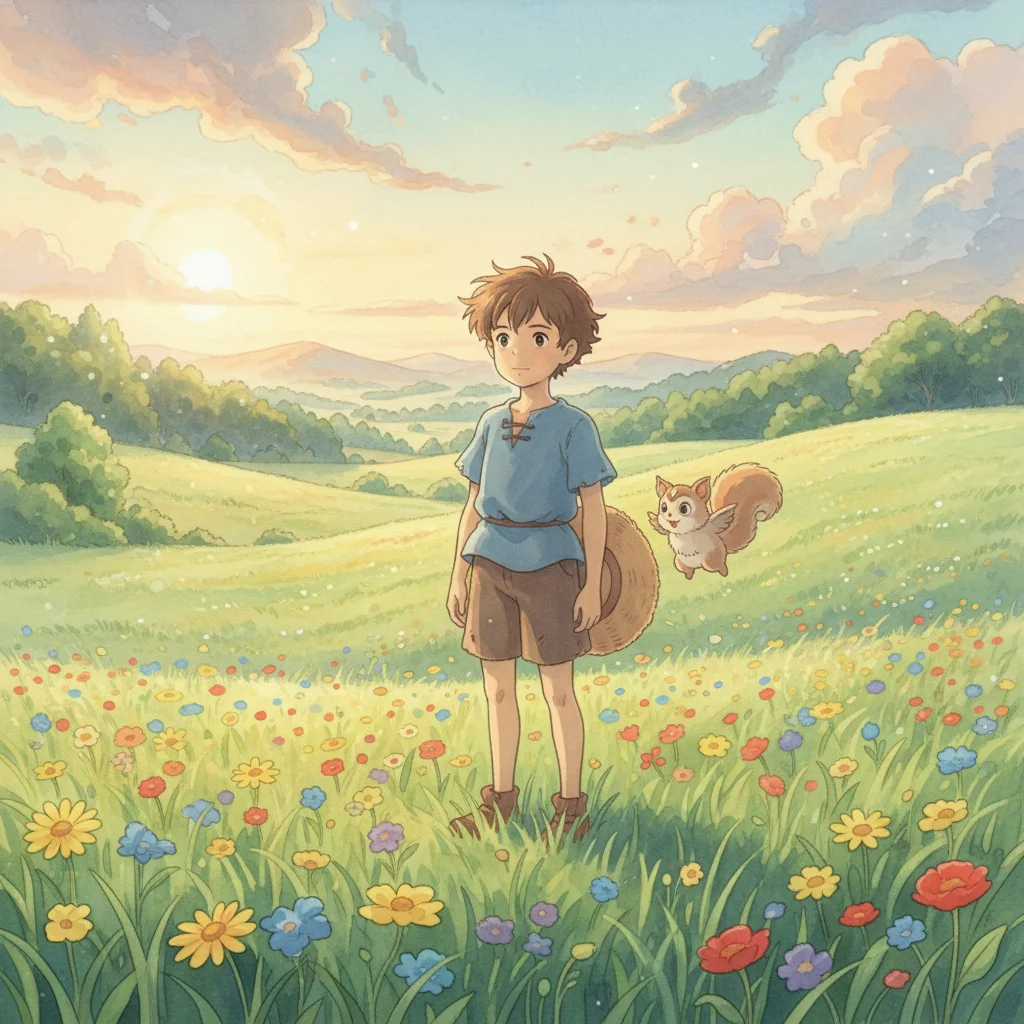
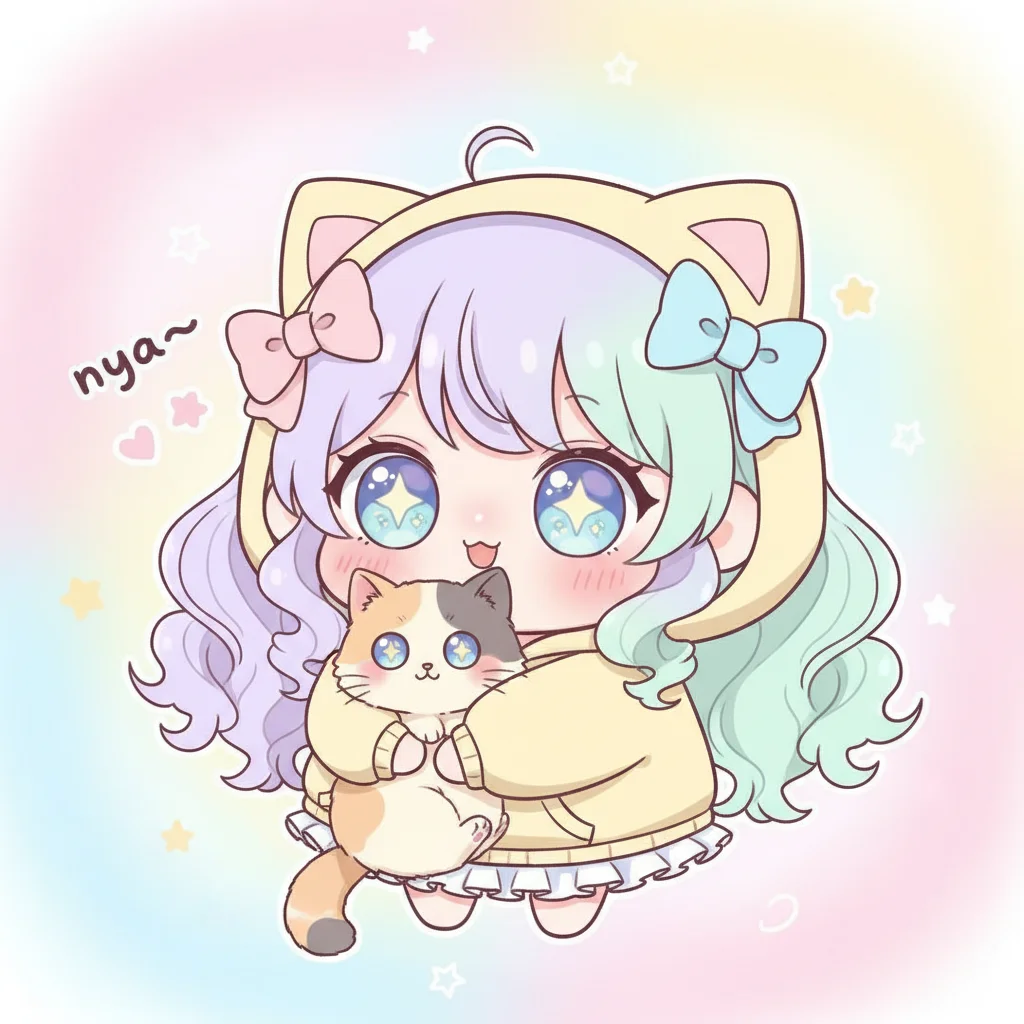
9 Anime Art Styles to Choose From
Classic Anime, Manga, Chibi, Ghibli-Inspired, 90s Retro, Modern Cinematic, Shonen Action, Dark Fantasy, and Kawaii Pastel. Each preset captures a specific anime aesthetic, from cel-shaded key visuals to black-and-white manga panels. Pick the exact style you want instead of settling for a generic anime filter.
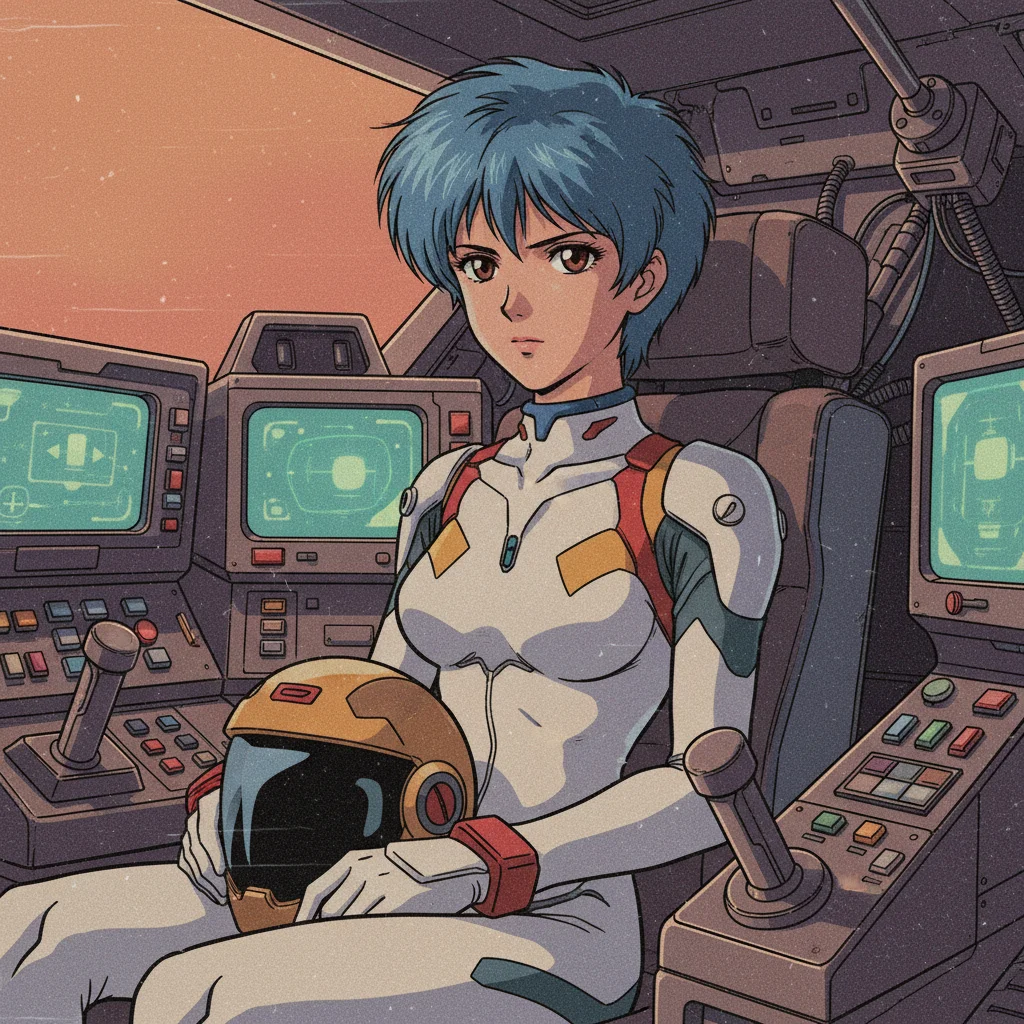
90s Retro Anime — Nostalgic Cel Animation Look
Recreate the look of 90s anime classics like Sailor Moon, Cowboy Bebop, and Neon Genesis Evangelion. Warm faded color palette, bold outlines, and VHS grain texture give your photo an authentic retro anime feel that modern AI tools usually miss.
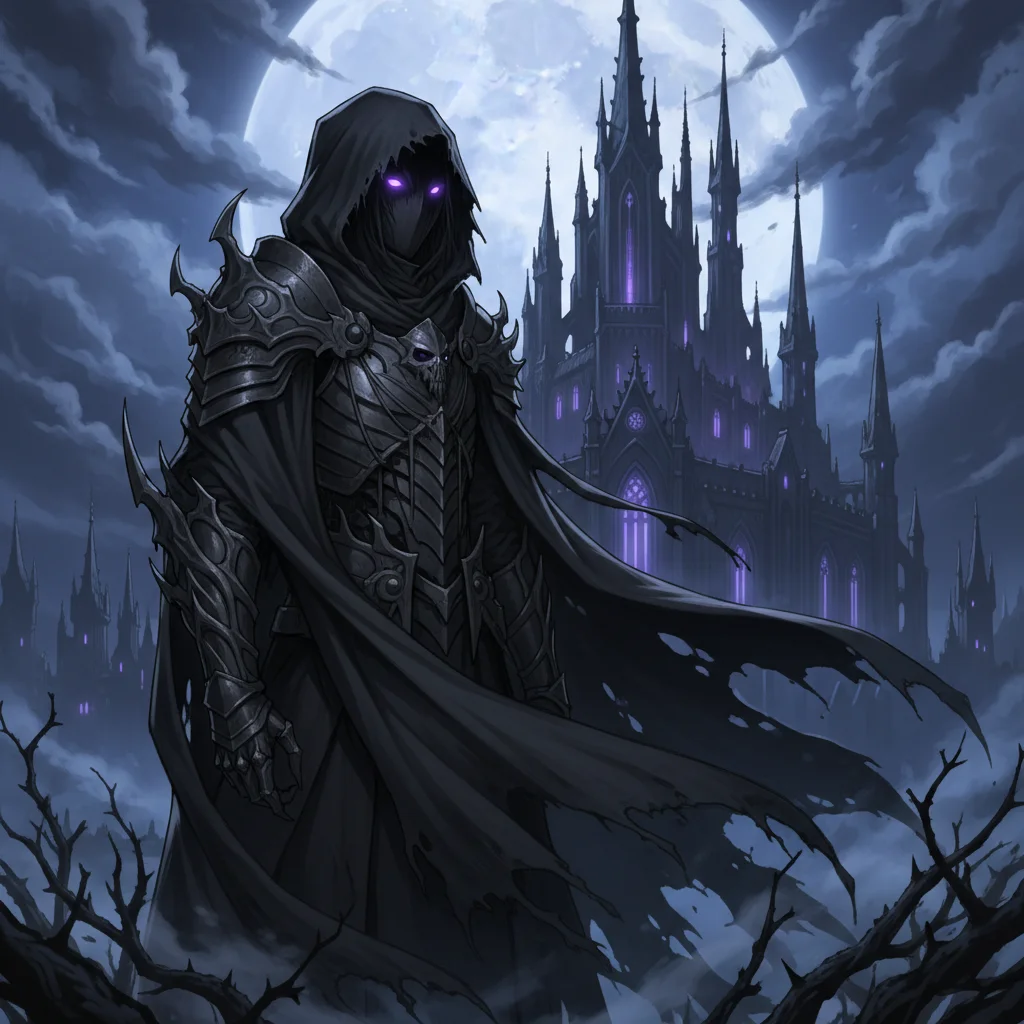
Dark Fantasy Anime — Gothic and Supernatural
Transform your photo into a dark fantasy anime character. Deep shadows, cool blue-purple tones, supernatural glowing eyes, and a moody gothic atmosphere. Inspired by anime series like Berserk, Claymore, and Attack on Titan.
How to Turn Your Photo into Anime Art
Upload Your Photo
Choose any photo — a portrait, selfie, or full-body shot. Clear photos with good lighting give the best anime transformation. Phone photos work great.
Choose Your Anime Style
Pick from 9 anime presets: Classic Anime, Manga, Chibi, Ghibli-Inspired, 90s Retro, Modern Cinematic, Shonen Action, Dark Fantasy, or Kawaii Pastel. Or describe your own style in the Custom tab.
Generate and Download
Click Generate and your anime art is ready in seconds. Download the result and try a different anime style from the same photo without re-uploading.
What People Create with AI Anime Generator
Anime Profile Pictures
Transform your selfie into an anime-style profile picture for Discord, Twitter, TikTok, or Instagram. Pick Classic Anime for a standard look, or Chibi for something cute and eye-catching.
Anime Character Design
Upload a reference photo and see yourself as an anime character in different styles. Use Shonen Action for a fighter look, Dark Fantasy for a gothic vibe, or Ghibli for soft whimsy.
Social Media Content
Create viral anime-style content for TikTok and Instagram. Generate a comparison reel showing the same photo in 9 different anime styles — a format that consistently gets engagement.
Manga-Style Illustrations
Turn photos into black-and-white manga art with the Manga preset. Detailed screentone shading, precise linework, and dramatic contrast — perfect for comic projects or manga-inspired content.
Anime Gifts and Fan Art
Transform photos of friends and family into anime art as a personalized gift. Print as posters, stickers, or cards. The Kawaii Pastel and Ghibli styles are especially popular for gifts.
Cosplay and Character Reference
See how you would look as a specific anime archetype before cosplaying. Upload your photo, apply Shonen, Dark Fantasy, or 90s Retro, and use the result as a visual reference for your costume.
Why Use VicSee's AI Anime Generator
9 Distinct Anime Art Styles
Classic Anime, Manga, Chibi, Ghibli, 90s Retro, Modern Cinematic, Shonen Action, Dark Fantasy, Kawaii Pastel. Not a single anime filter — each style is a unique aesthetic with its own color palette, shading, and character look.
Free to Try, No Design Skills Needed
Sign in free and receive starter credits. Upload your photo, choose an anime style, and generate — no drawing skills, no Photoshop, no tutorials. Your anime art is ready in seconds.
Photo to Anime in Seconds
Upload a selfie, portrait, or any photo and the AI transforms it into anime art. The transformation preserves your features while applying the chosen anime aesthetic. Most generations complete in 15-30 seconds.
Try All 9 Styles from One Photo
Upload once and switch between Classic, Manga, Chibi, and all other presets without re-uploading. Compare side by side to find the anime style that fits you best.
Custom Anime Prompts
Go beyond the presets with the Custom tab. Describe any anime style you want — mix elements from different sub-genres, specify colors, add details. The AI follows your description to create a unique anime transformation.
Works in Any Browser, No App Needed
Generate anime art directly in your browser on desktop, tablet, or phone. No app to download, no software to install. Just upload, pick a style, and generate.
Explore More AI Photo Style Tools
More AI photo transformation tools from VicSee
AI Anime Generator — Frequently Asked Questions

Turn Your Photo into Anime Art — Free
9 anime styles: Classic, Manga, Chibi, Ghibli-Inspired, 90s Retro, Modern Cinematic, Shonen Action, Dark Fantasy, and Kawaii Pastel. Sign in free, upload your photo, and see the result in seconds.
Generate Free Anime Art