
Upload Your Photo *
Drop your photo here or click to upload
JPG, PNG, WebP. Max 10MB.
AI Photo to Cartoon Results — Real Photos Transformed
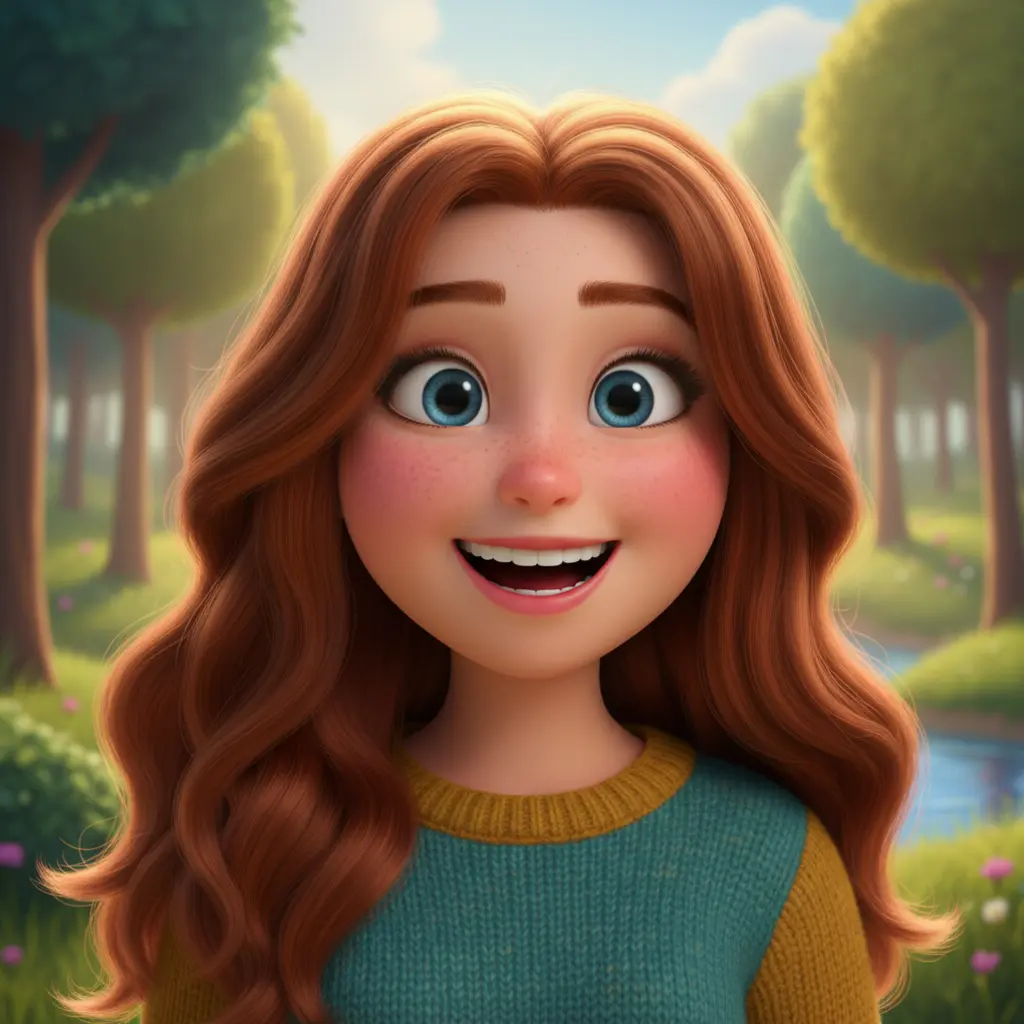
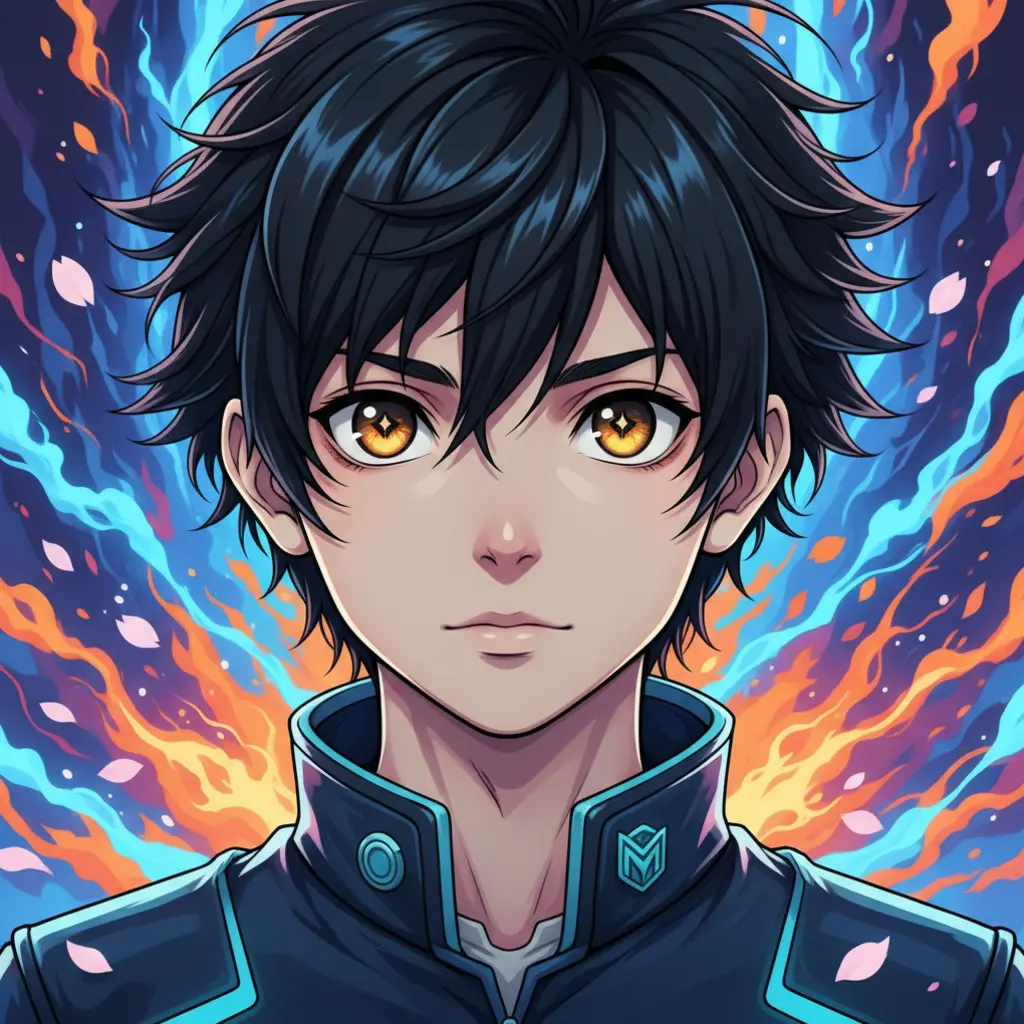
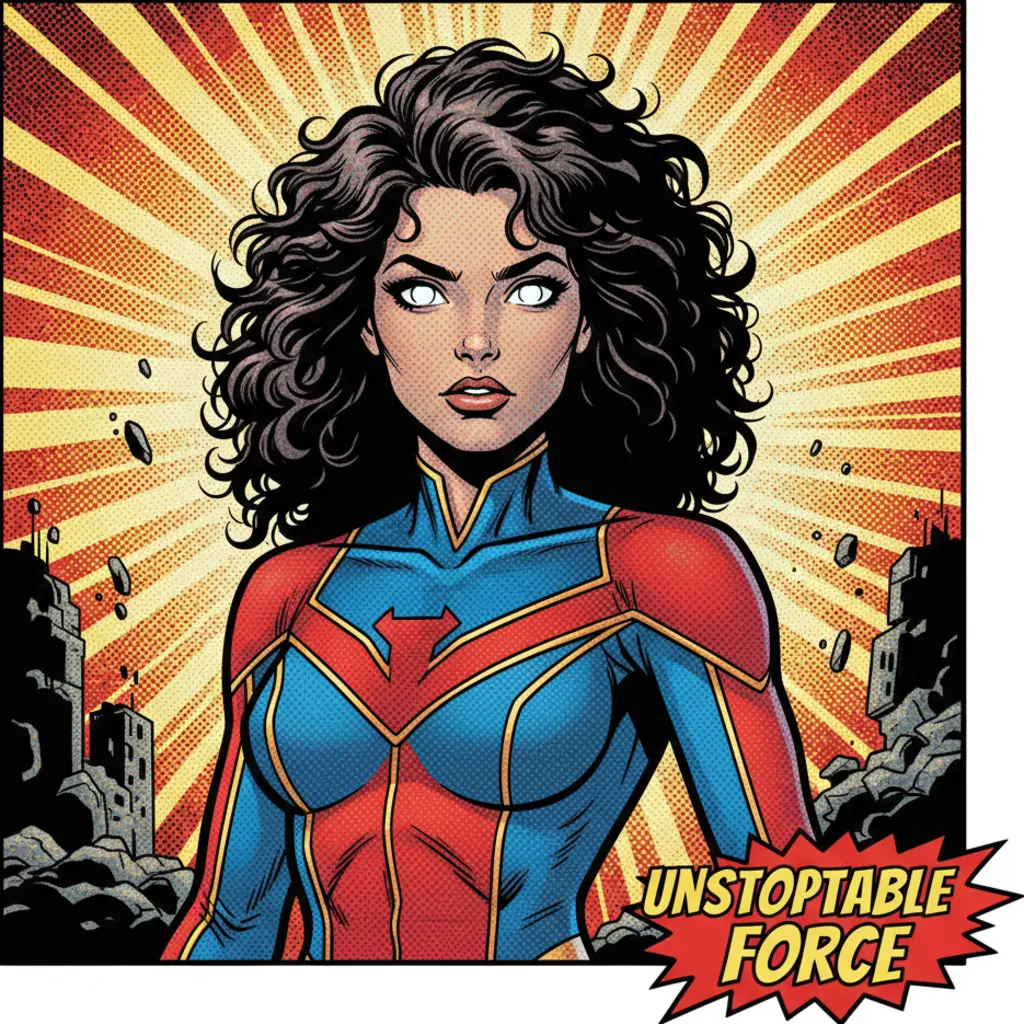
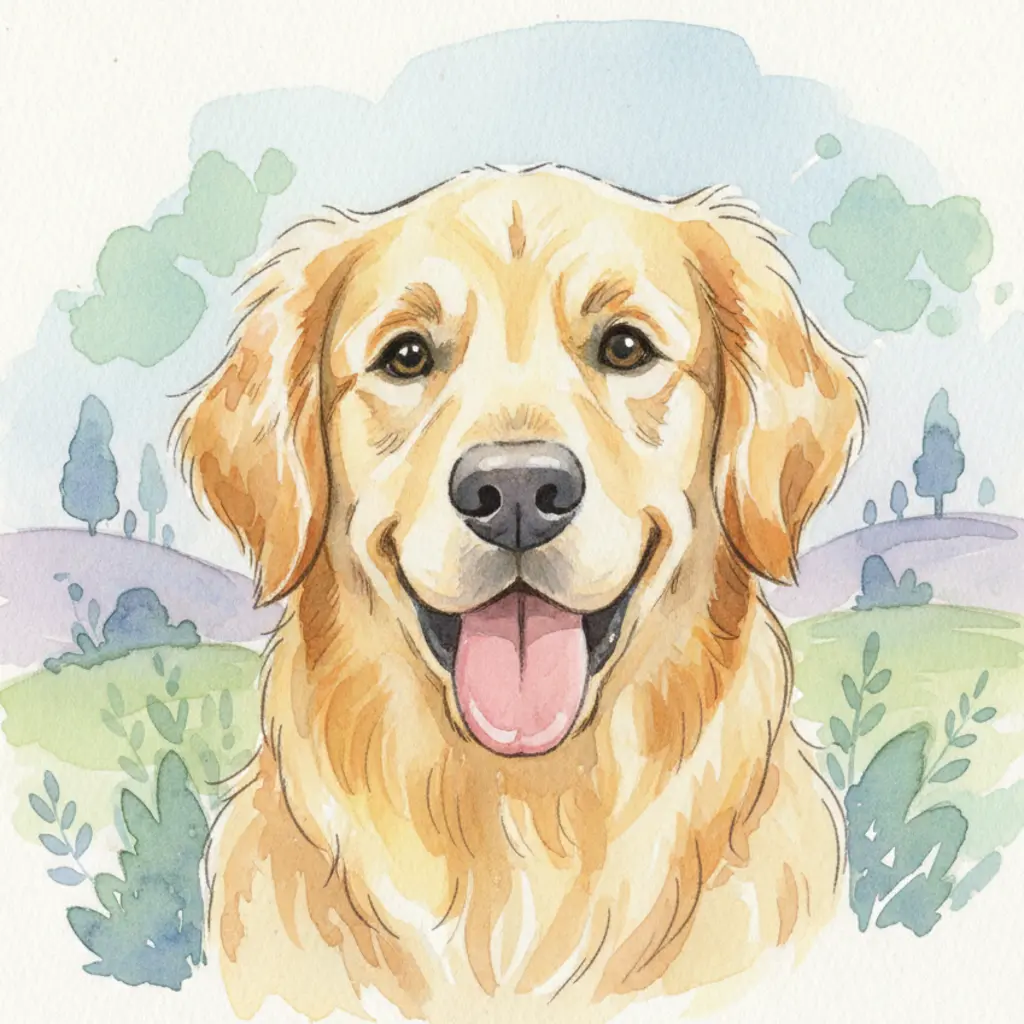
Your Photo, Transformed into a Cartoon
VicSee's AI photo to cartoon tool uses your actual photo as the input — not text prompts. Upload any selfie, portrait, or pet photo and the AI converts it into your chosen cartoon style. Works on faces, pets, couples, and group photos. No app download needed.
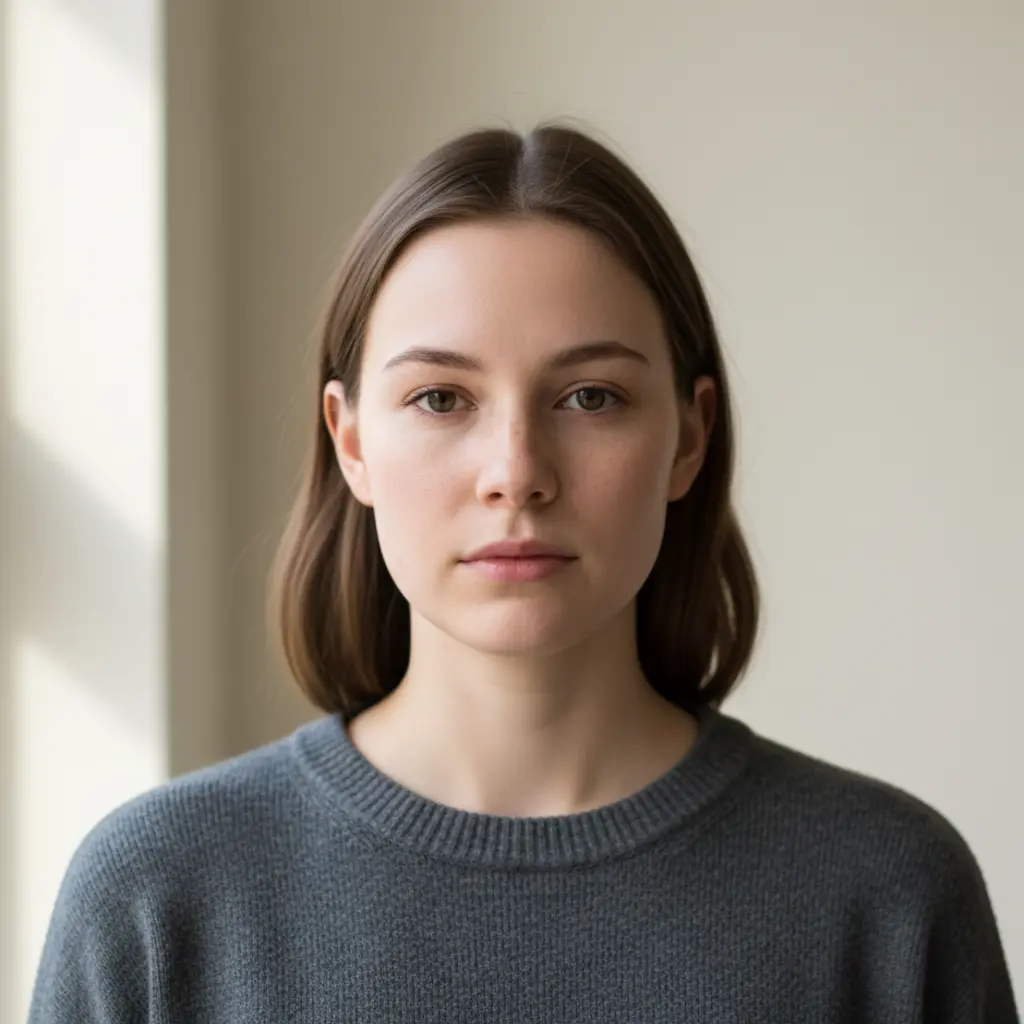
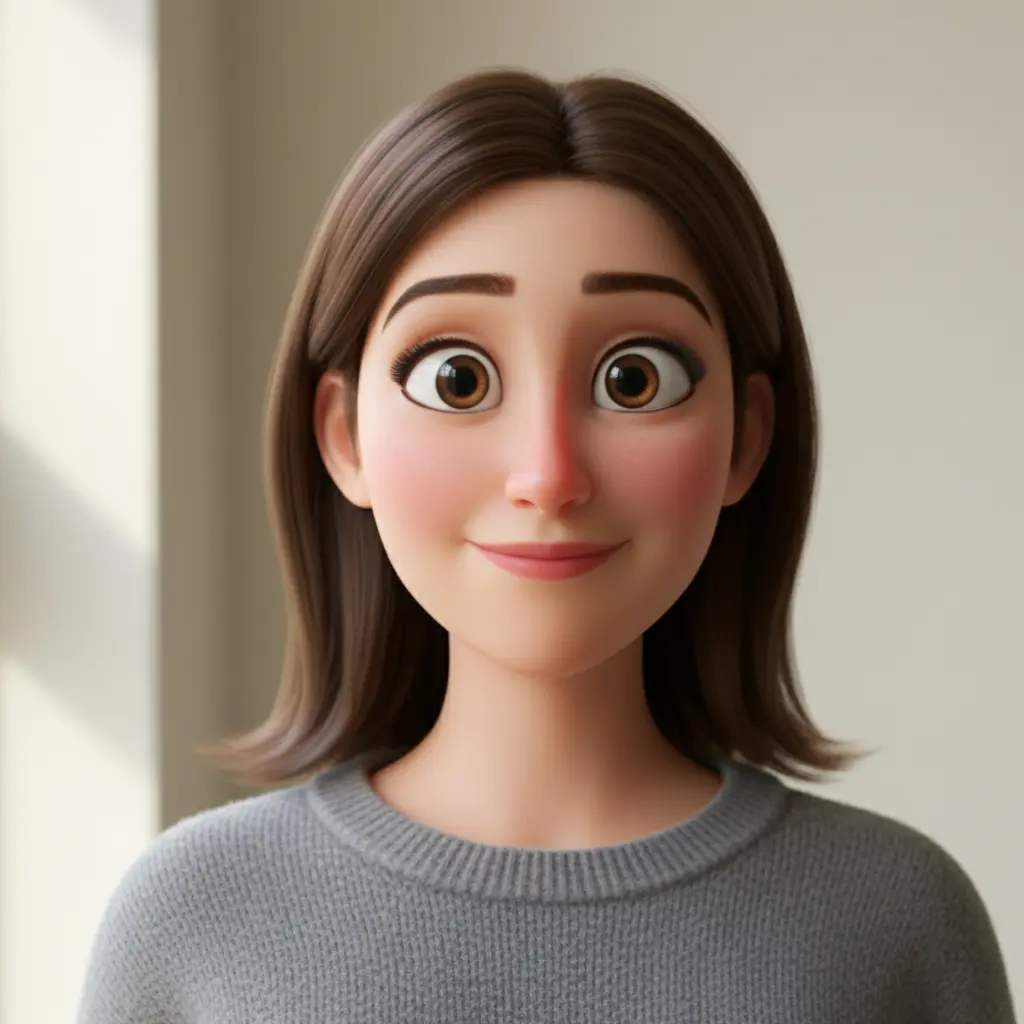
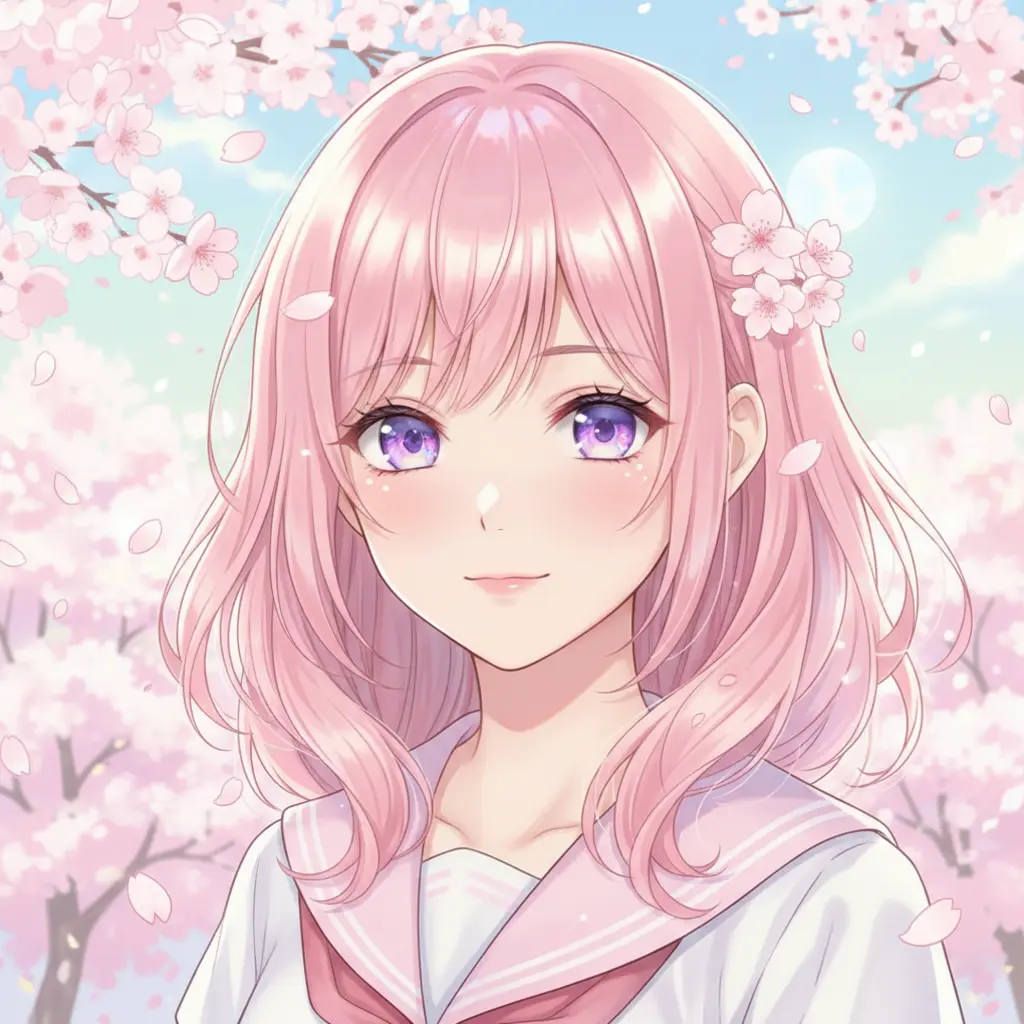
Pixar 3D and Anime — The Most Popular Photo to Cartoon Styles
The Pixar 3D style transforms your photo into a smooth, expressive 3D animated movie character — the most requested cartoon look. The Anime style converts your photo into a Japanese animation portrait with large expressive eyes and clean linework. Both styles work on any face photo and produce results in seconds.

Comic Book and Watercolor — Bold and Artistic Cartoon Conversions
The Comic Book style applies bold ink outlines and halftone patterns to your photo, giving it a Marvel or DC comic panel aesthetic. The Watercolor style creates a soft, hand-painted cartoon feel with pastel tones and brushstroke textures. Both are unique looks that no other photo to cartoon app offers in the same place.
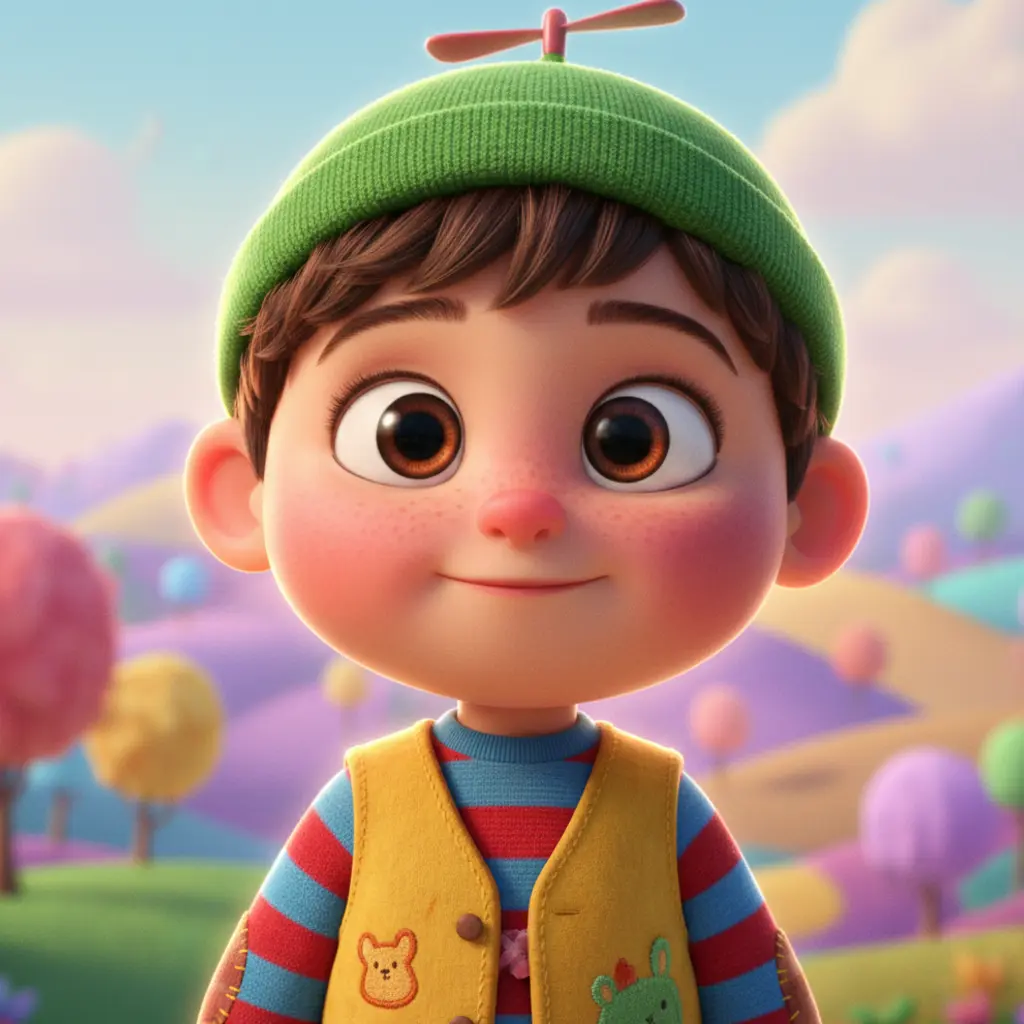
Turn Selfies, Pets, and Group Photos into Cartoons
VicSee's AI cartoon generator works on more than just selfies. Upload a pet photo for a cute animated portrait, a couple photo for a fun cartoon keepsake, or a group shot for a personalized social media image. The AI detects the main subject and applies your chosen cartoon style to the entire photo.
How to Turn Your Photo into a Cartoon
Upload Your Photo
Choose any selfie, portrait, pet photo, or group shot where the subject is clearly visible. JPG, PNG, and WebP all work.
Choose a Cartoon Style
Pick from 6 AI cartoon styles — Pixar 3D, Anime, Classic Cartoon, Comic Book, Watercolor, or Minimalist. Or describe your own custom cartoon look.
Download Your Cartoon
Your AI cartoon is ready in seconds. Use it as an avatar, for social media, creative projects, gifts, or fun.
Why Use VicSee AI Photo to Cartoon
From Your Photo, Not Text
Most AI cartoon tools generate from text prompts. VicSee converts your actual photo — so the cartoon looks like you, your pet, or whoever is in the picture.
6 Distinct Cartoon Styles
Pixar 3D, Anime, Classic Cartoon, Comic Book, Watercolor, and Minimalist. Six completely different cartoon looks, all generated from one photo.
Works on Any Device
No app download needed. VicSee works on any phone, tablet, or computer — Android, Windows, Mac, or iPhone — directly in your browser.
Results in Seconds
AI cartoon generation takes 10 to 30 seconds. Upload your photo, pick a style, and your custom cartoon is ready almost instantly.
Related AI Photo Tools
More AI tools to transform your photos.
Frequently Asked Questions — AI Photo to Cartoon

Turn Your Photo into a Cartoon Free
6 cartoon styles — Pixar 3D, Anime, Comic Book, Watercolor, Classic Cartoon, and Minimalist. Works on selfies, pets, portraits, and group photos. No app needed.
Cartoonify My Photo Free