
Upload Your Old Photo *
Drop your old photo here or click to upload
JPG, PNG, WebP. Max 10MB.
AI Photo Restoration Gallery
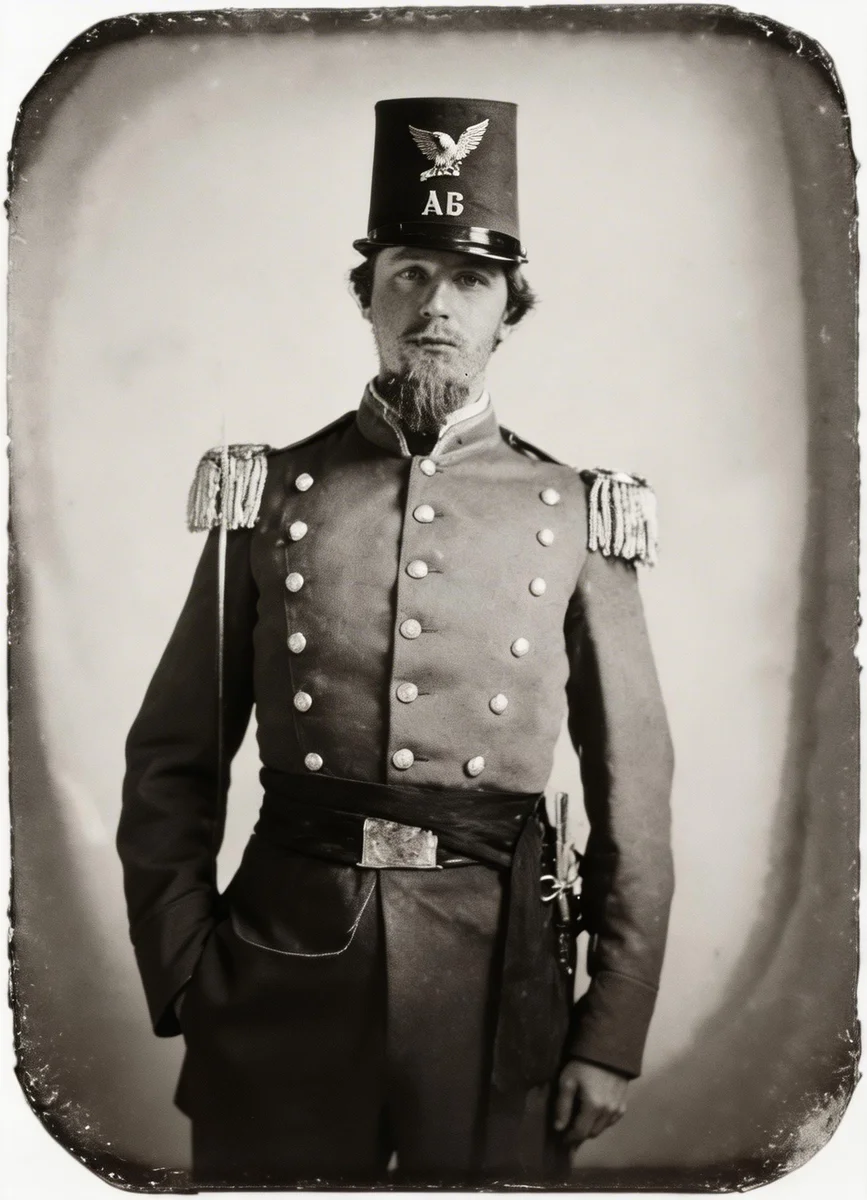
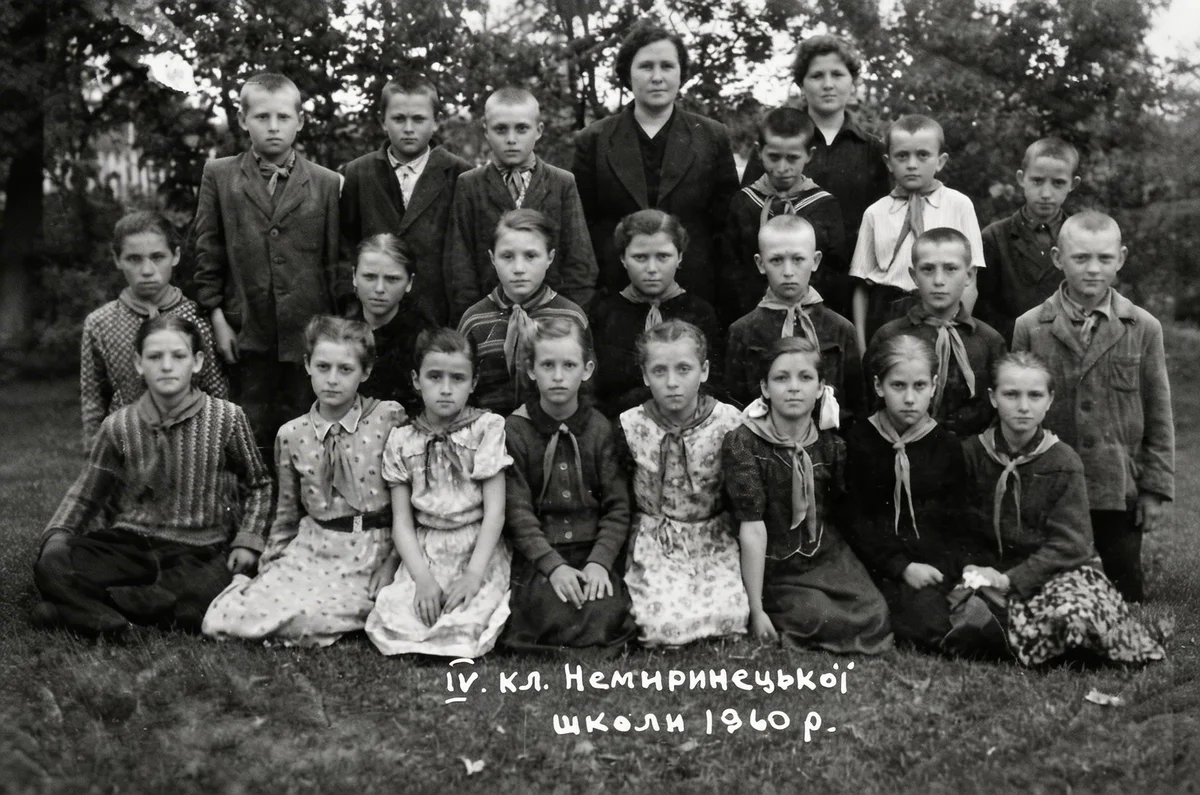
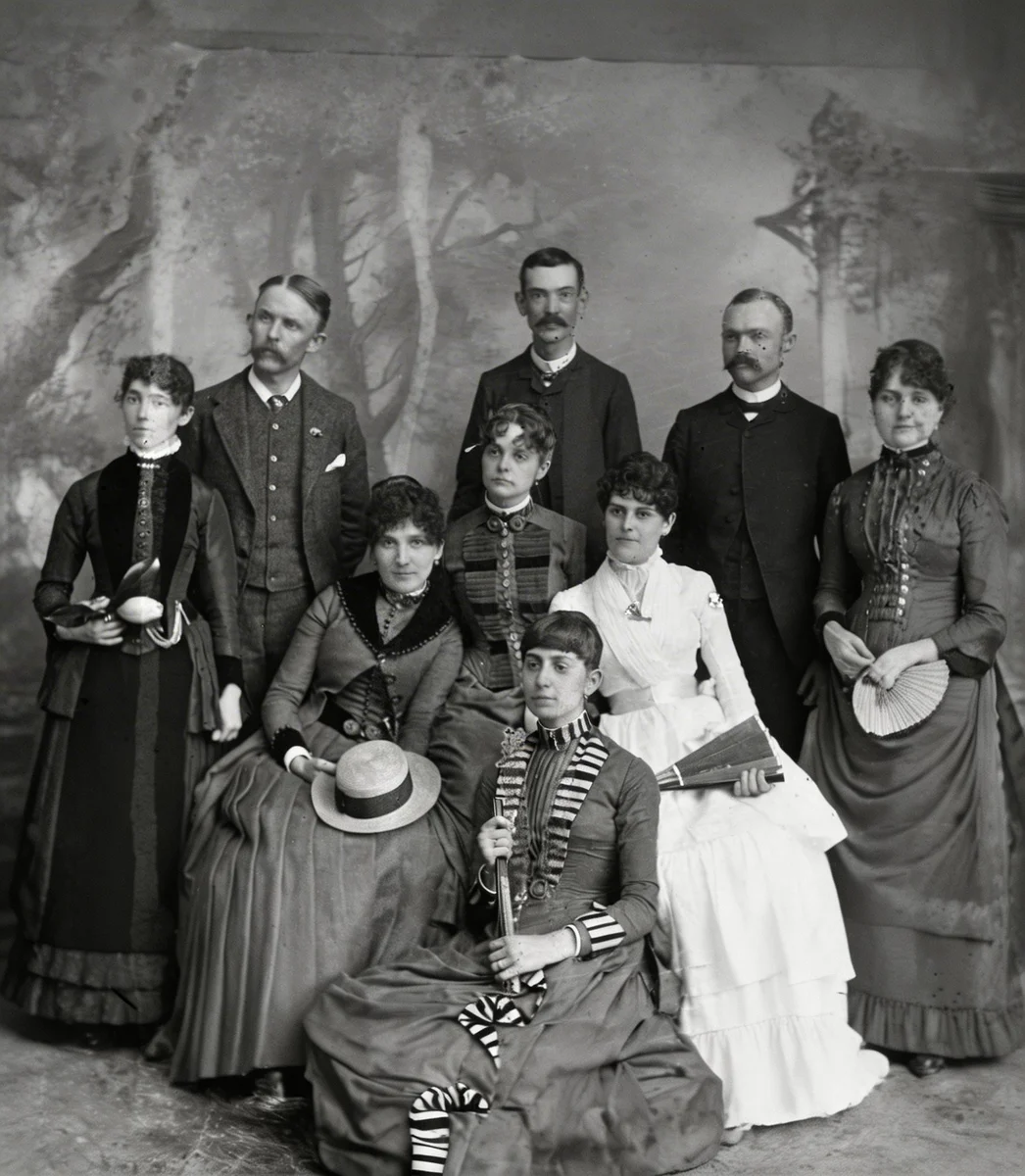
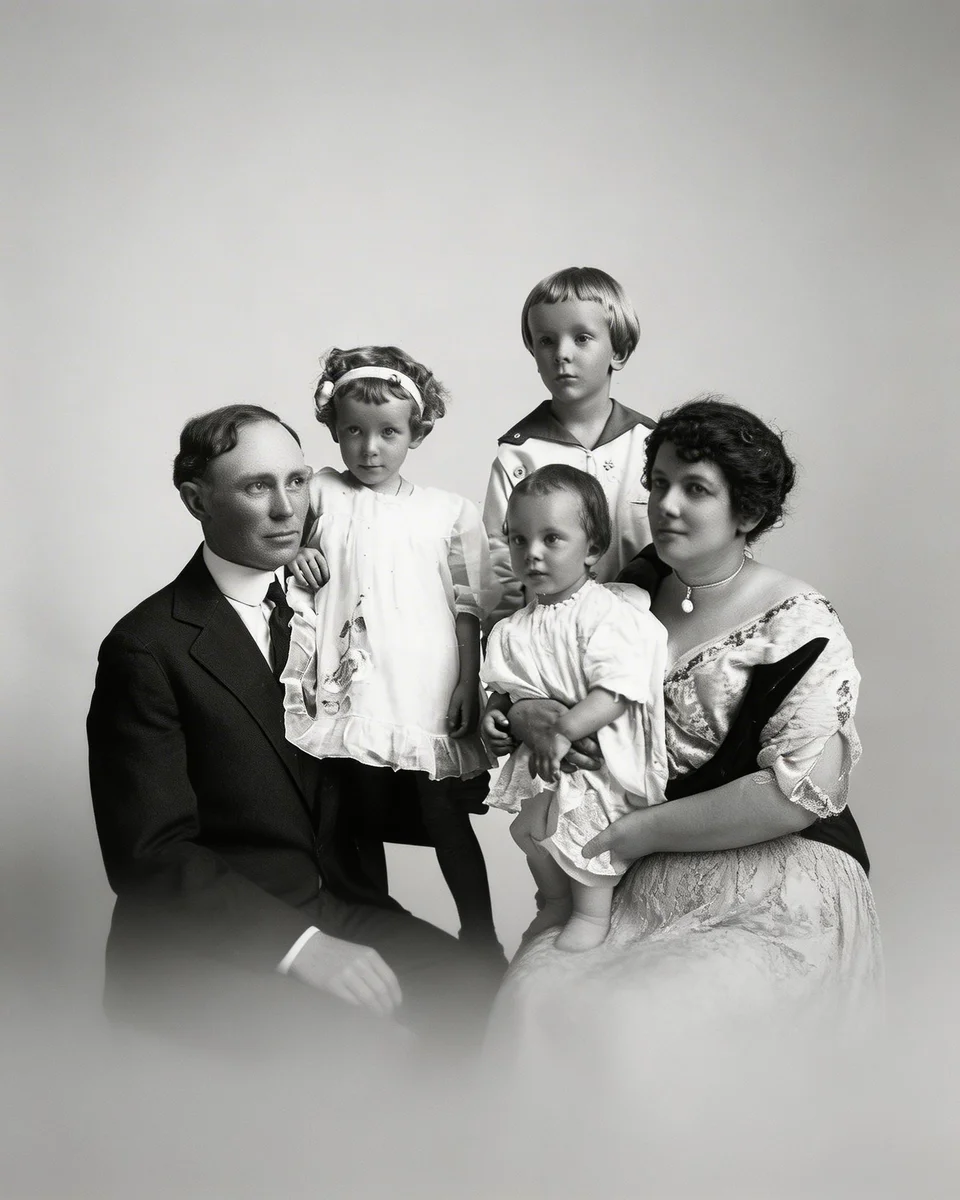
AI Repairs What Time Has Damaged
Old photos fade, crack, and yellow over time — but the memories in them don't have to disappear. VicSee's AI old photo restoration analyzes your image and automatically removes scratches, repairs tears, fixes discoloration, and sharpens faded details. Upload your photo and see the difference in seconds. No editing skills needed.
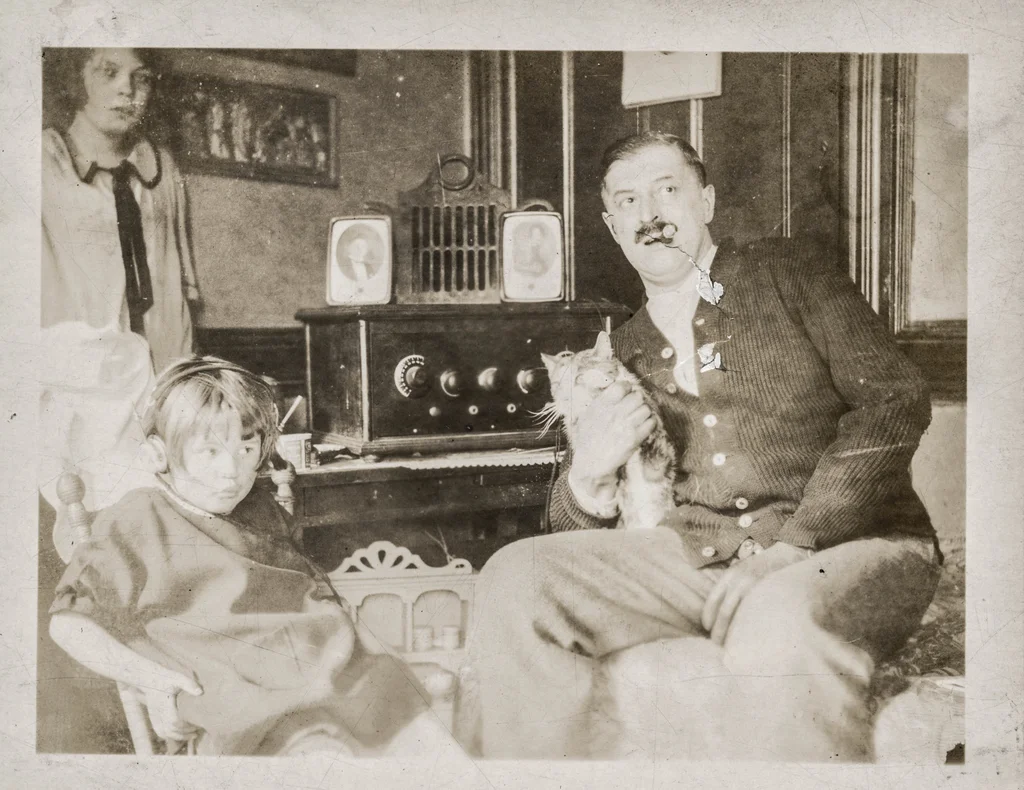
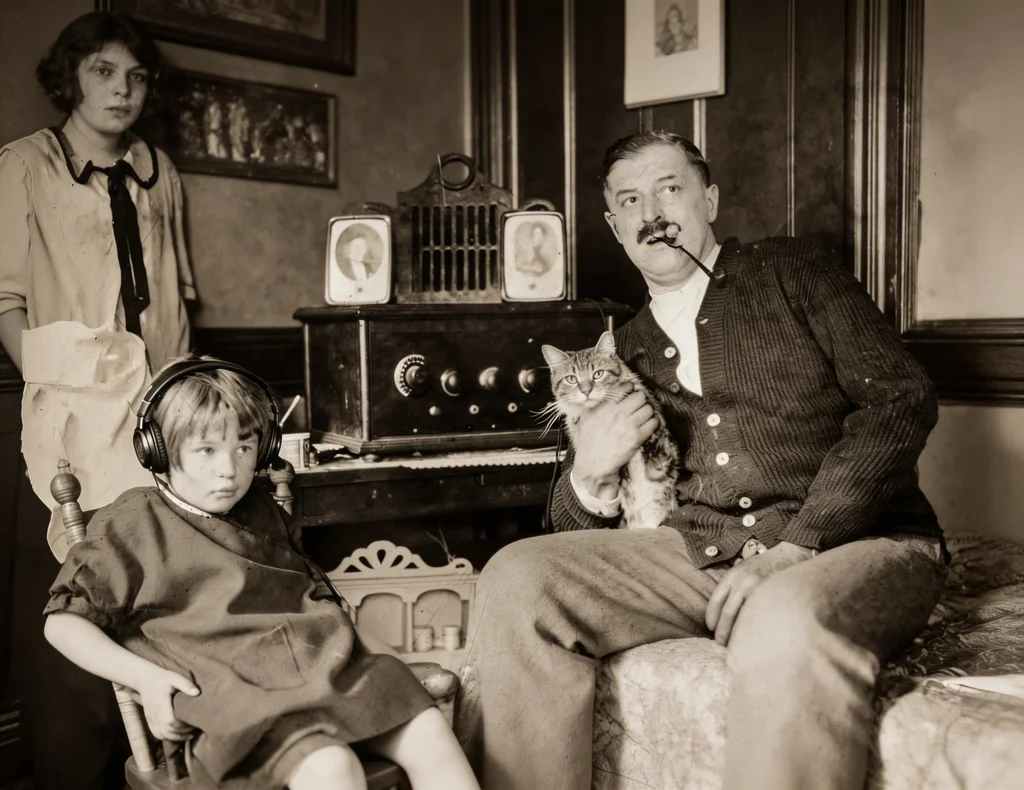
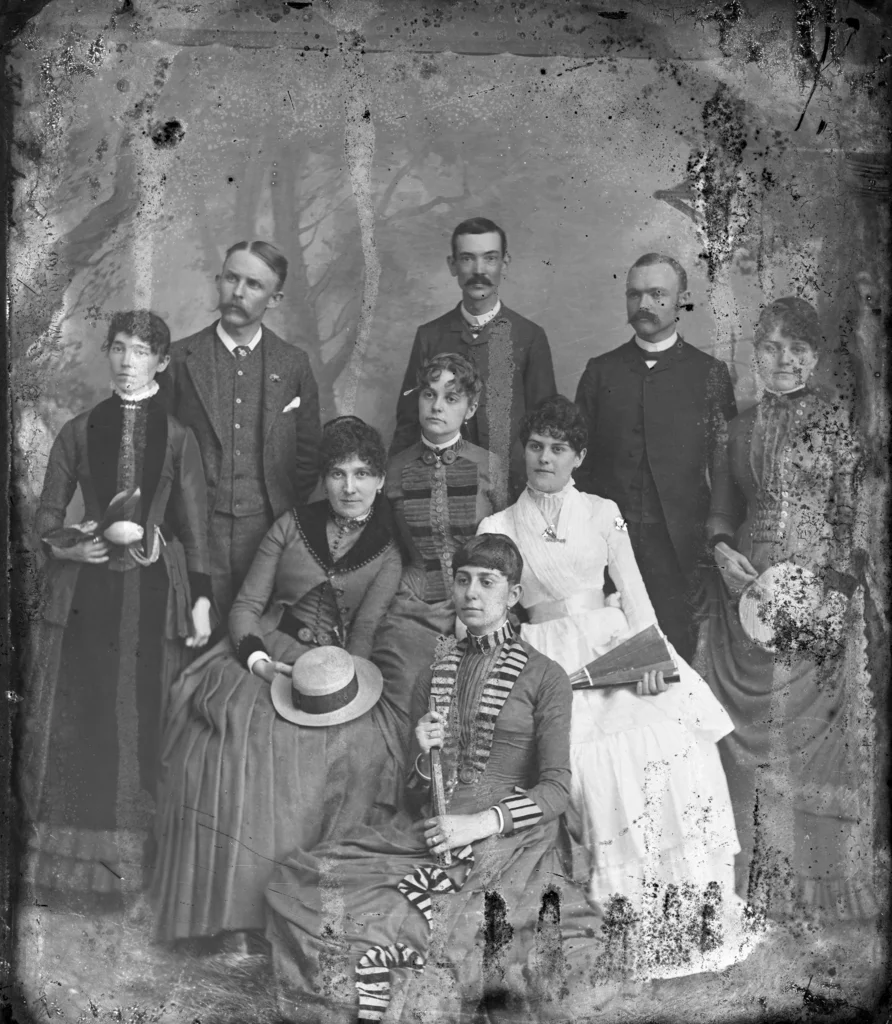
Repair Scratches, Tears, and Physical Damage
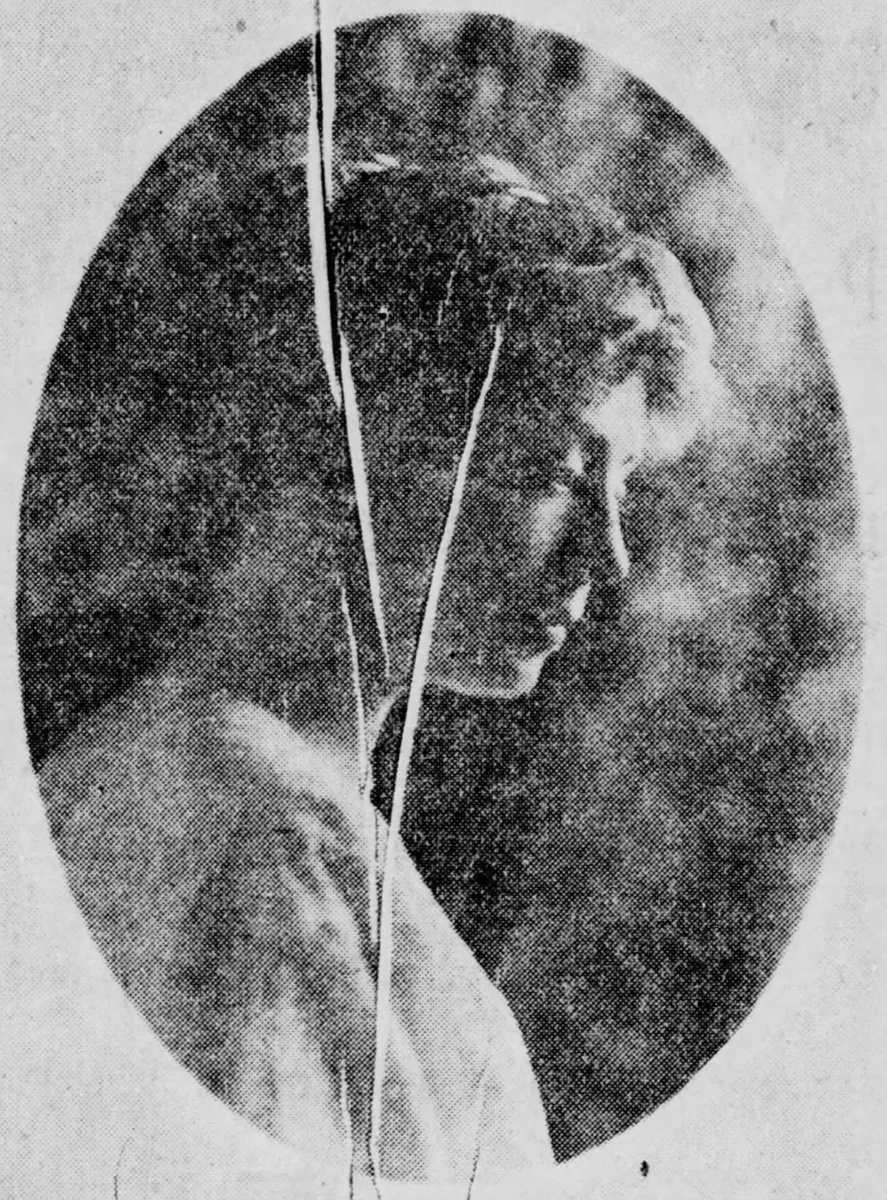
Old photos often have visible scratches, fold lines, torn corners, and water stains from years of storage. VicSee's AI identifies every damaged area and fills it in seamlessly — restoring the image to what it looked like before the damage occurred. Works on lightly scratched prints and severely damaged photos alike.
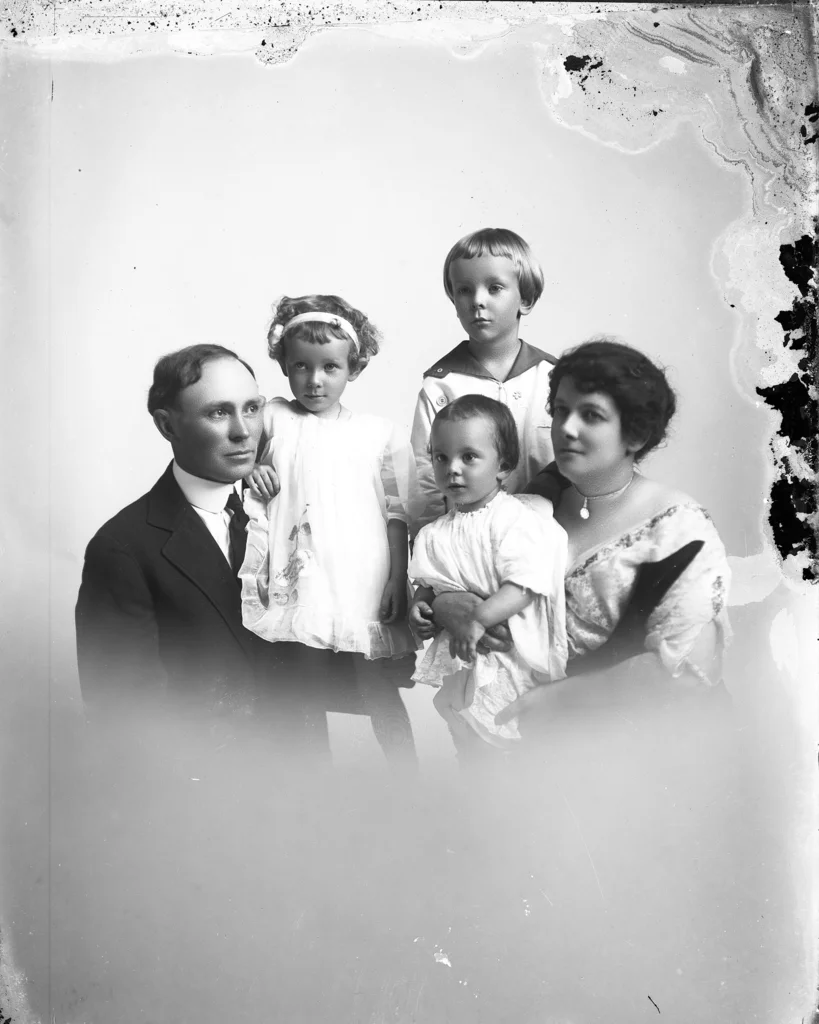
Restore Faded Colors and Fix Yellowing
Color photos from the 1970s and 1980s often fade to orange or yellow tones over time. Black-and-white photos develop brown discoloration. VicSee's AI restores natural color balance — reviving the original hues of skin tones, clothing, and backgrounds — so your photo looks vivid again without an unnatural, over-saturated appearance.
Revive Faces and Sharpen Lost Details
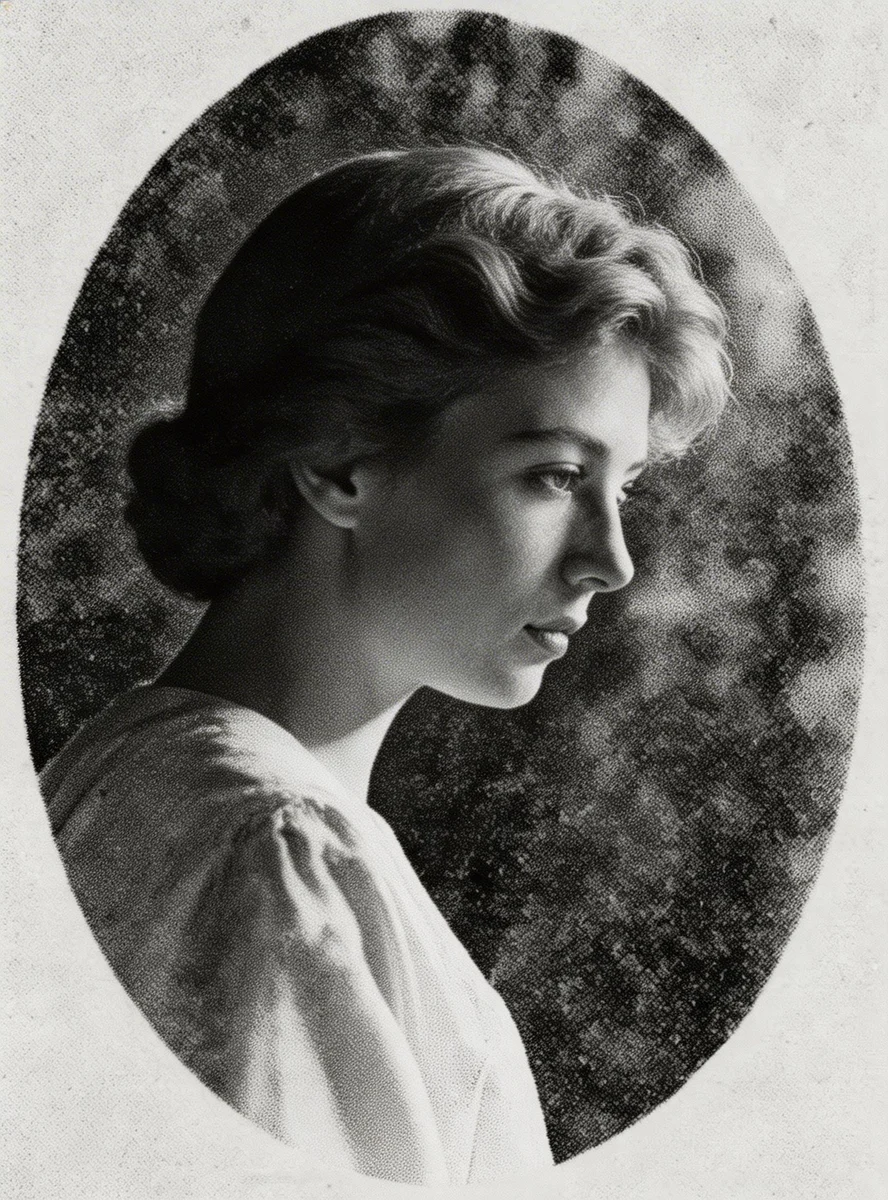
Blurry faces and lost details are the most heartbreaking part of a damaged old photo. VicSee's AI sharpens facial features, recovers fine details in hair and clothing, and improves overall clarity — bringing the people in your photos back to life with the level of detail they deserve.
How to Restore Old Photos with AI
Upload Your Old Photo
Scan or photograph your damaged, faded, or old photo and upload it. JPG, PNG, and WebP formats all work. Max 10MB.
AI Restores Your Photo Automatically
VicSee's AI analyzes the damage — scratches, tears, fading, discoloration — and repairs it automatically. No settings to adjust, no editing skills needed.
Download Your Restored Photo
Your restored photo is ready in seconds. Download the high-quality result and print it, share it, or preserve it digitally for your family.
What Old Photos Can You Restore?
Family Portraits
Restore faded grandparent portraits, damaged family reunion photos, and cherished pictures of relatives no longer with us.
Wedding Photos
Revive old wedding photos with yellowing, scratches, or faded colors — preserve the most important day in its full clarity.
School and Childhood Photos
Repair old school portraits, class photos, and childhood memories that have yellowed or cracked over decades.
Military and Historical Photos
Preserve service photos, historical portraits, and documents from decades past — repair damage without losing authenticity.
Vintage and Film Photos
Restore analog film photos, 35mm prints, and old Polaroids — fix grain, scratches, and age-related degradation.
Any Damaged Photo
Water damage, torn corners, faded prints, or cracked glass scans — VicSee AI handles all types of photo damage automatically.
Why Use VicSee for AI Old Photo Restoration
Automatic AI Repair
No manual editing required. Upload your old photo and AI automatically detects and repairs every type of damage — scratches, tears, fading, yellowing, and discoloration.
Results in Seconds
Old photo restoration takes 10 to 30 seconds. No waiting days for a professional service — your repaired photo is ready almost instantly.
Works in Any Browser
No app download needed. VicSee works on any phone, tablet, or computer — Android, iPhone, Windows, or Mac — directly in your browser.
Preserves Original Character
AI restores damage while keeping the authentic vintage look of your photo. The repaired result feels natural — not over-processed or artificially perfect.
All Types of Damage
Works on scratched, torn, faded, yellowed, water-damaged, and discolored photos. Handles black-and-white and color photos equally well.
Free to Try
New accounts receive free starter credits to restore your first photos. No subscription required to get started.
Related AI Photo Tools
More AI tools to transform and enhance your photos.
Frequently Asked Questions — AI Old Photo Restoration

Restore Your Old Photos Free with AI
Repair scratches, fix fading, and revive damaged photos automatically. Works on any device, no app download needed.
Restore My Old Photo Free