
AI Logo Generator Gallery

Free AI Logo Generator — 6 Professional Logo Styles
Describe your brand and AI generates a professional logo in your chosen style. Pick from Minimalist, Vintage Badge, Modern Flat, Mascot, Emblem, or Monogram — then type your business name and a short description. Or upload a reference image on the Reference tab to guide the AI. No design skills, no expensive software. Free to start with starter credits.
6 Professional Logo Styles for Every Brand
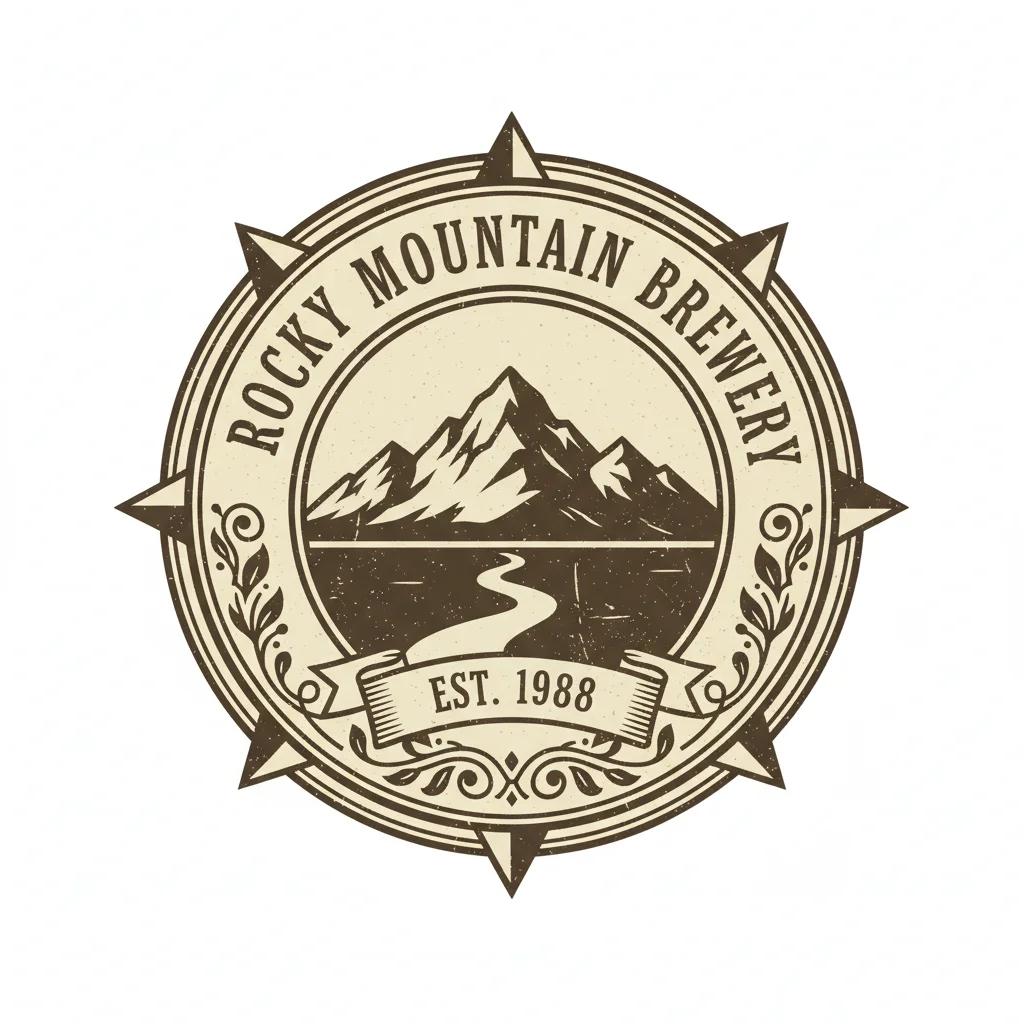
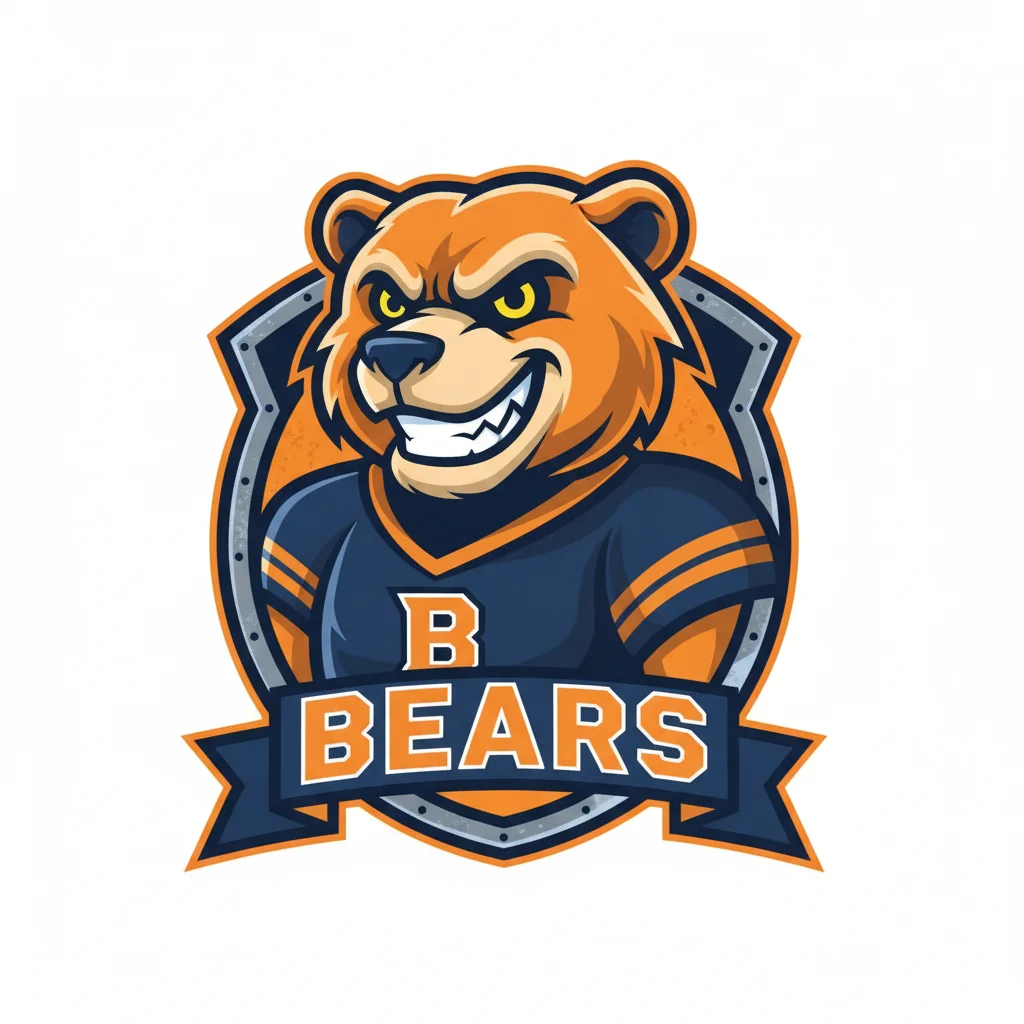
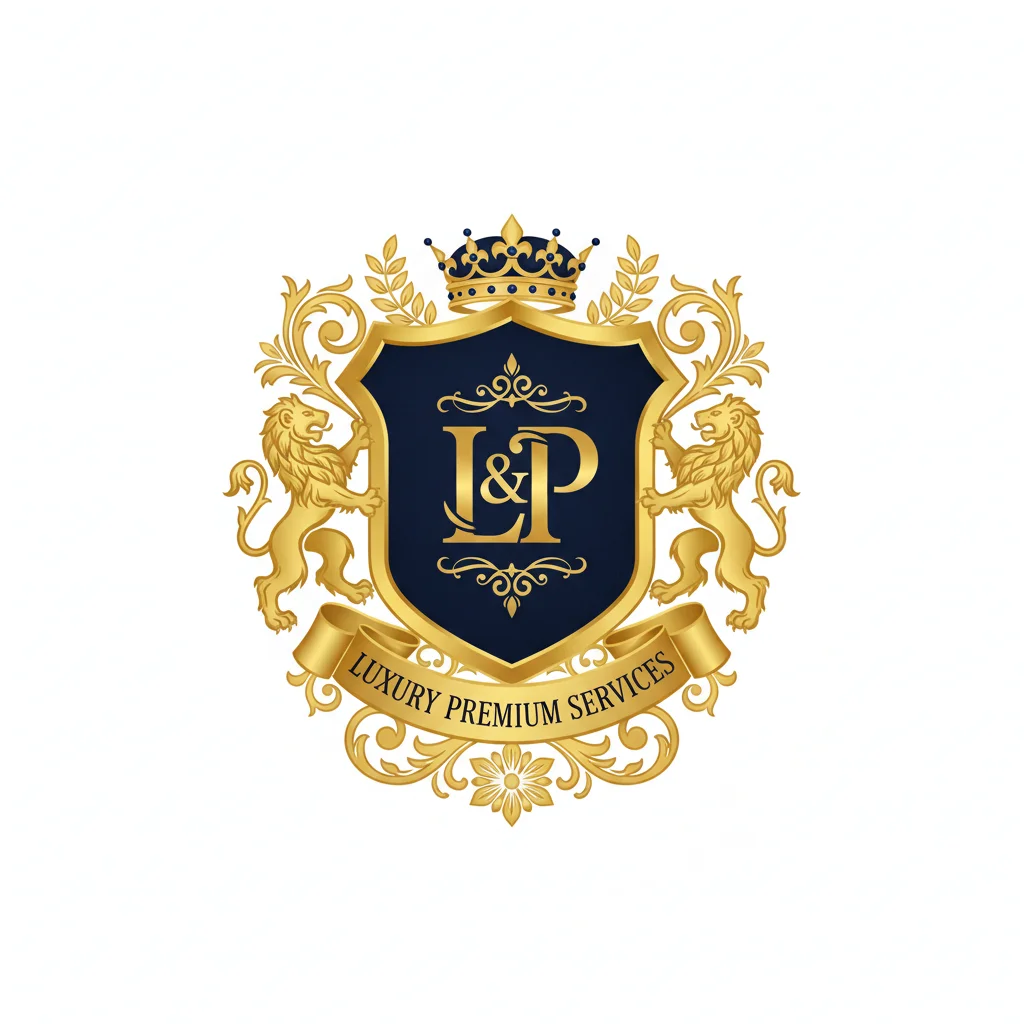
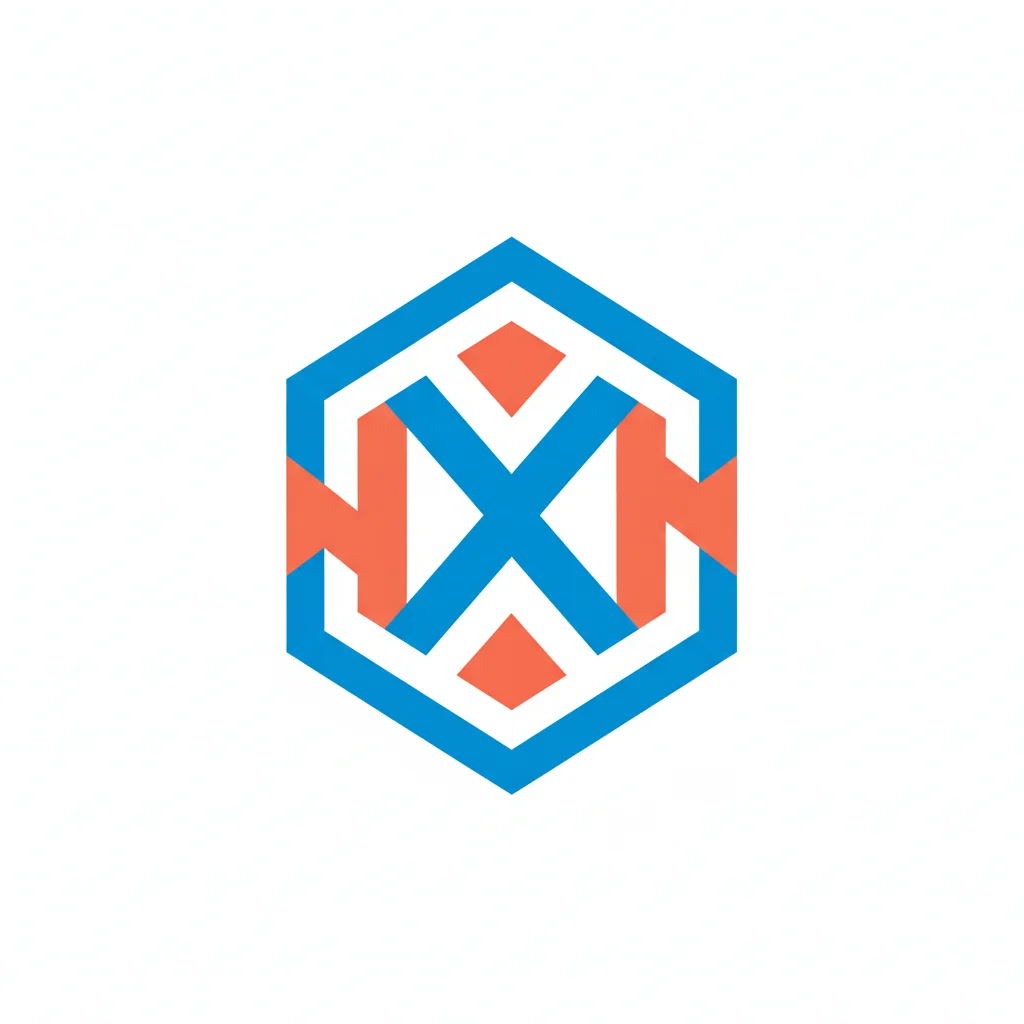
Every business needs a different logo aesthetic. Minimalist suits tech startups and apps with clean flat design. Vintage Badge captures the craft and heritage feel for breweries, coffee shops, and outdoor brands. Modern Flat uses bold geometric shapes for digital-native companies. Mascot brings character and energy to gaming, sports, and kids' brands. Emblem adds formal prestige for professional services and luxury businesses. Monogram creates elegant typographic marks for fashion and premium brands.
Text Prompt or Reference Image — Your Choice
Start from a text description on the Style tab: type your business name, industry, and visual preference. AI generates a logo from scratch in your chosen style. Or switch to the Reference tab and upload a hand-drawn sketch, a symbol, or a photo. AI uses your image as the creative foundation and applies the selected logo style on top. Both modes produce professional results in seconds.
AI Logo Generator for Businesses and Creators
From solo entrepreneurs to growing startups, VicSee generates logos ready for business cards, websites, social media profiles, and brand kits. Each style produces a square 1:1 format — the standard for profile pictures, app icons, and brand marks. Generate multiple styles to A/B test your brand identity before committing. Free starter credits let you explore every style risk-free.
How to Create a Logo with AI
Choose a Logo Style
Select from 6 logo styles — Minimalist, Vintage Badge, Modern Flat, Mascot, Emblem, or Monogram. Each style applies a distinct visual language suited to different industries and brand personalities. Or use the Custom tab to enter your own text prompt.
Describe Your Brand
Type your business name and a short description of what you want. For example: 'TechNova, a modern SaaS startup logo with abstract shapes'. The style preset guides the visual direction. Or switch to the Reference tab to upload a sketch or image for AI to build on.
Download Your Logo
AI generates your logo in seconds. Download the result and use it across your brand — website, business cards, social media profiles, email signatures, and more. Try different styles on the same image to explore multiple directions.
Who Uses the AI Logo Generator
Startups and Entrepreneurs
The Minimalist and Modern Flat styles suit tech startups, SaaS tools, and digital businesses. Upload a simple icon or shape concept and get a clean, professional logo that scales from favicon to billboard. Ideal for founders who need a brand identity fast without hiring a designer.
Small Businesses and Shops
The Vintage Badge style captures the craft and character that coffee shops, bakeries, breweries, and boutique retailers want. Upload a rough badge sketch or a product photo and AI renders it into a market-ready retro emblem with texture and personality.
Gaming and Sports Brands
The Mascot style generates bold illustrated character logos perfect for esports teams, sports clubs, and gaming channels. Upload a character idea or animal reference and AI creates a dynamic mascot with thick outlines and vibrant colors.
Professional Services
The Emblem style produces formal shield and crest logos for law firms, consultancies, financial services, and luxury brands. Gold and navy palettes with heraldic details convey credibility and tradition. Upload any professional symbol or crest concept.
Fashion and Luxury Brands
The Monogram style creates elegant letter-based logos for fashion labels, luxury goods, and premium services. Interlinked initials with refined typography project sophistication. Upload any letterform concept and AI renders it in luxury brand style.
Content Creators and Influencers
Need a logo for your YouTube channel, Twitch stream, or social media brand? VicSee generates logos optimized for profile pictures and channel art. All 6 styles work as social profile images in 1:1 square format.
Why Use VicSee AI Logo Generator
6 Distinct Logo Styles
Minimalist, Vintage Badge, Modern Flat, Mascot, Emblem, Monogram. Each style is engineered for a specific brand archetype — not generic filters applied to any image, but purpose-built logo aesthetics.
Logos in Seconds
Upload an image, pick a style, and your AI-generated logo is ready in under 30 seconds. No multi-step wizard, no questionnaire, no waiting. Browser-based — works on any device.
Text Prompt or Reference Image
Describe your logo idea in words on the Style tab, or upload a sketch, symbol, or photo on the Reference tab. VicSee supports both text-to-logo and image-to-logo generation in one tool.
Ready for Businesses
Generate logos suitable for websites, business cards, app icons, social profiles, and brand kits. The 1:1 square format is the professional standard for brand marks and profile images.
Custom Logo Prompts
Use the Custom tab to describe any logo concept in text. Type your brand name, industry, and style preference — AI generates a matching logo from your uploaded image.
Free to Start
Sign in with a free account to get starter credits. Each logo generation costs 8 credits. Explore all 6 styles with your free credits. No credit card required to start.
More AI Photo and Design Tools
More AI creative tools from VicSee
AI Logo Generator — Frequently Asked Questions

Free AI Logo Generator — 6 Styles, Instant Results
Upload any image and transform it into a professional brand logo. Minimalist, Vintage Badge, Modern Flat, Mascot, Emblem, or Monogram — get a brand-ready logo in seconds.
Create Your Logo Free