
Upload Your Photo *
Drop your photo here or click to upload
JPG, PNG, WebP. Max 10MB.
AI Sticker Generator Gallery
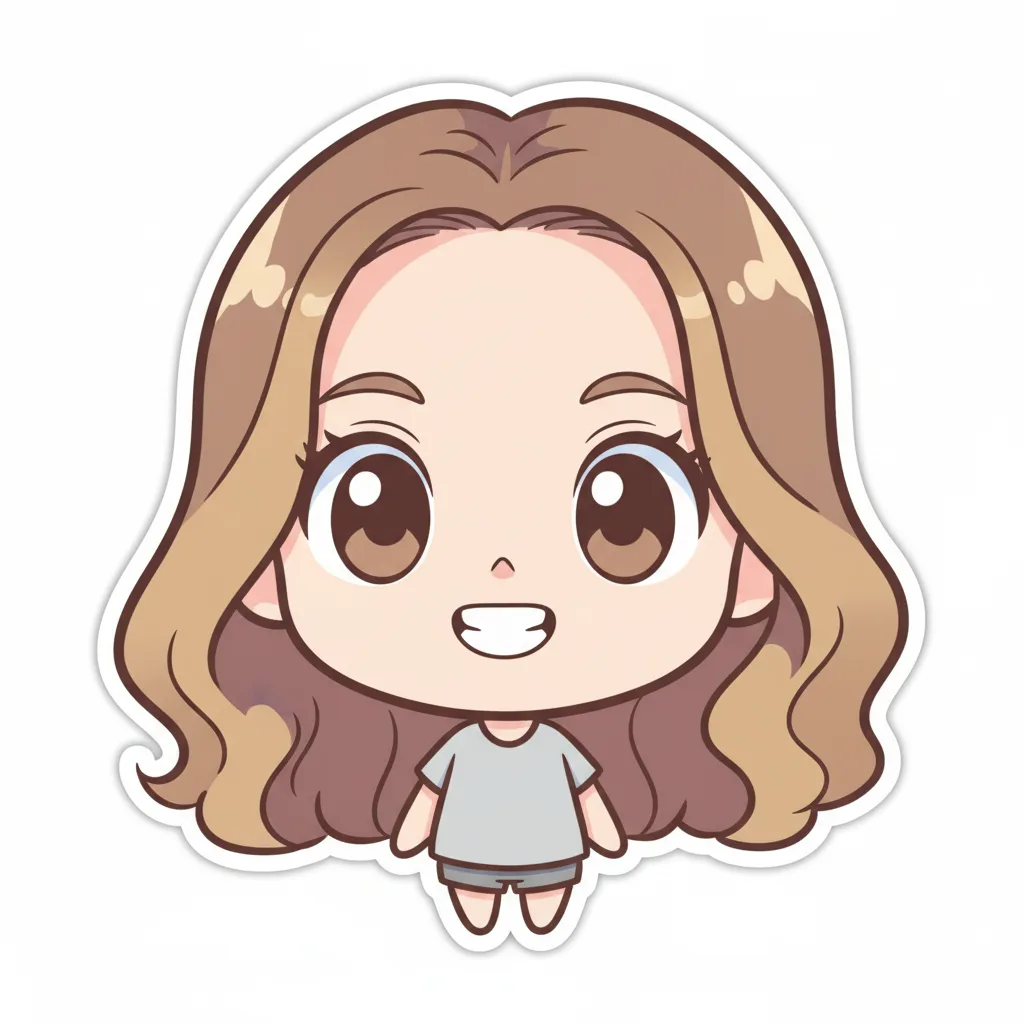

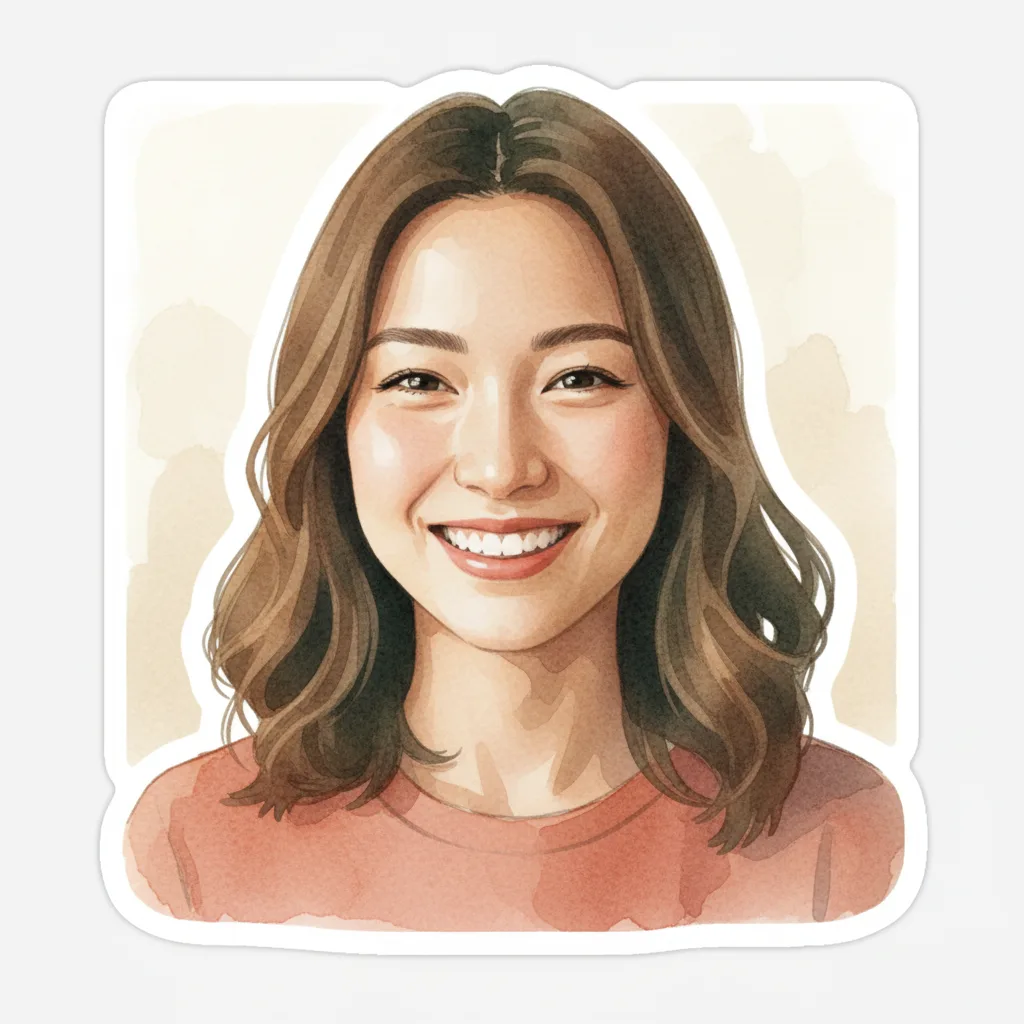

AI Sticker Generator — Turn Any Photo into a Custom Sticker
Upload any photo and AI transforms it into a custom sticker instantly. Choose from 6 distinct styles — Chibi, Kawaii, Cartoon Emoticon, Ghibli Style, Sticker Art, and Pixel Art. Works on portraits, selfies, and any subject. Download and use on WhatsApp, Instagram, iMessage, Telegram, and Facebook. Free to start, runs entirely in your browser.
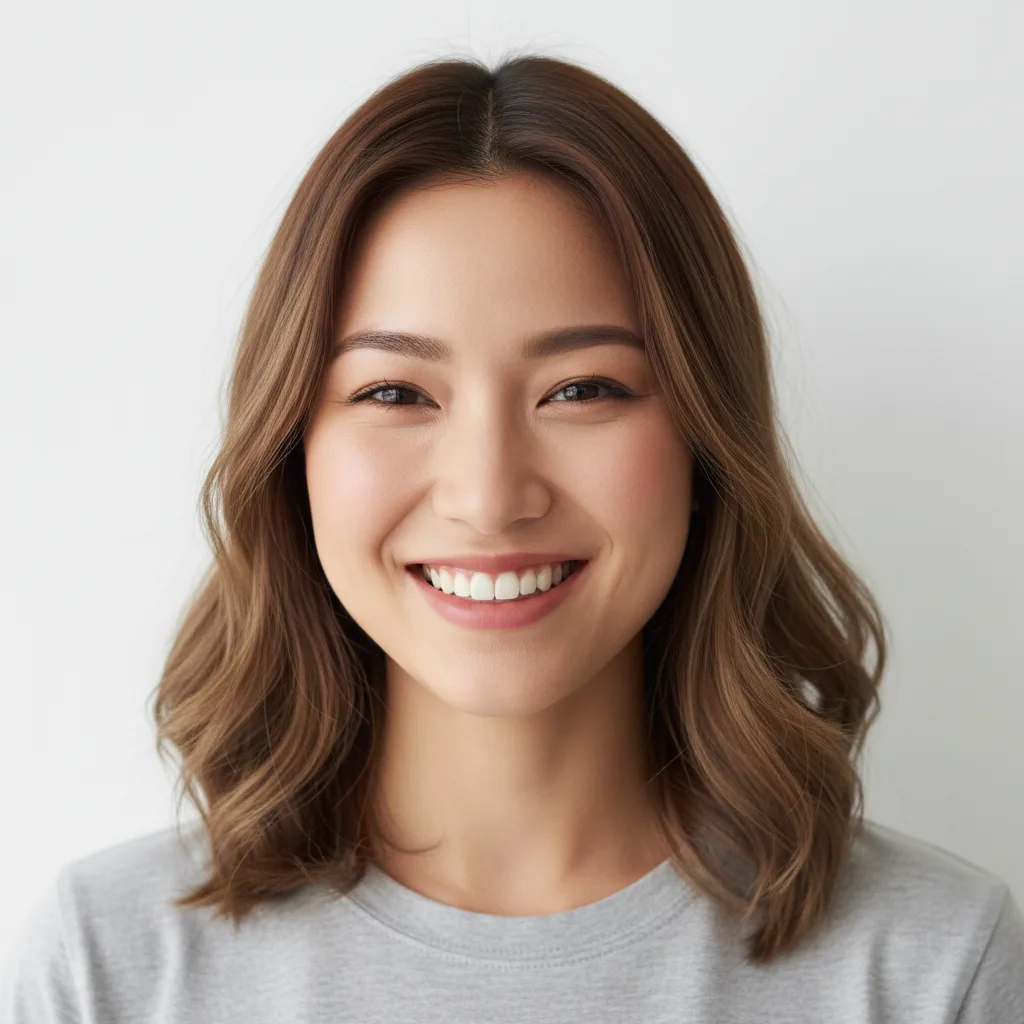
6 Sticker Styles — Chibi, Kawaii, Cartoon, Ghibli, and More
Most AI sticker tools offer one generic output. VicSee gives you 6 distinct styles: Chibi with big expressive eyes and pastel colors, Kawaii with sparkles and a soft pink palette, Cartoon Emoticon in bold flat lines for messaging apps, Ghibli Style with warm watercolor aesthetics, Sticker Art with classic vinyl die-cut look, and Pixel Art for retro 8-bit vibes. Pick the style that fits your photo.
Stickers for WhatsApp, Telegram, Instagram, iMessage, and Facebook
Generate AI stickers optimized for every messaging platform. Cartoon Emoticon and Kawaii styles are built for WhatsApp and Telegram packs. Chibi and Ghibli styles work great as Instagram story stickers. Pixel Art is perfect for Discord and gaming communities. Download your sticker and add it to any platform — no extra resizing or editing needed.
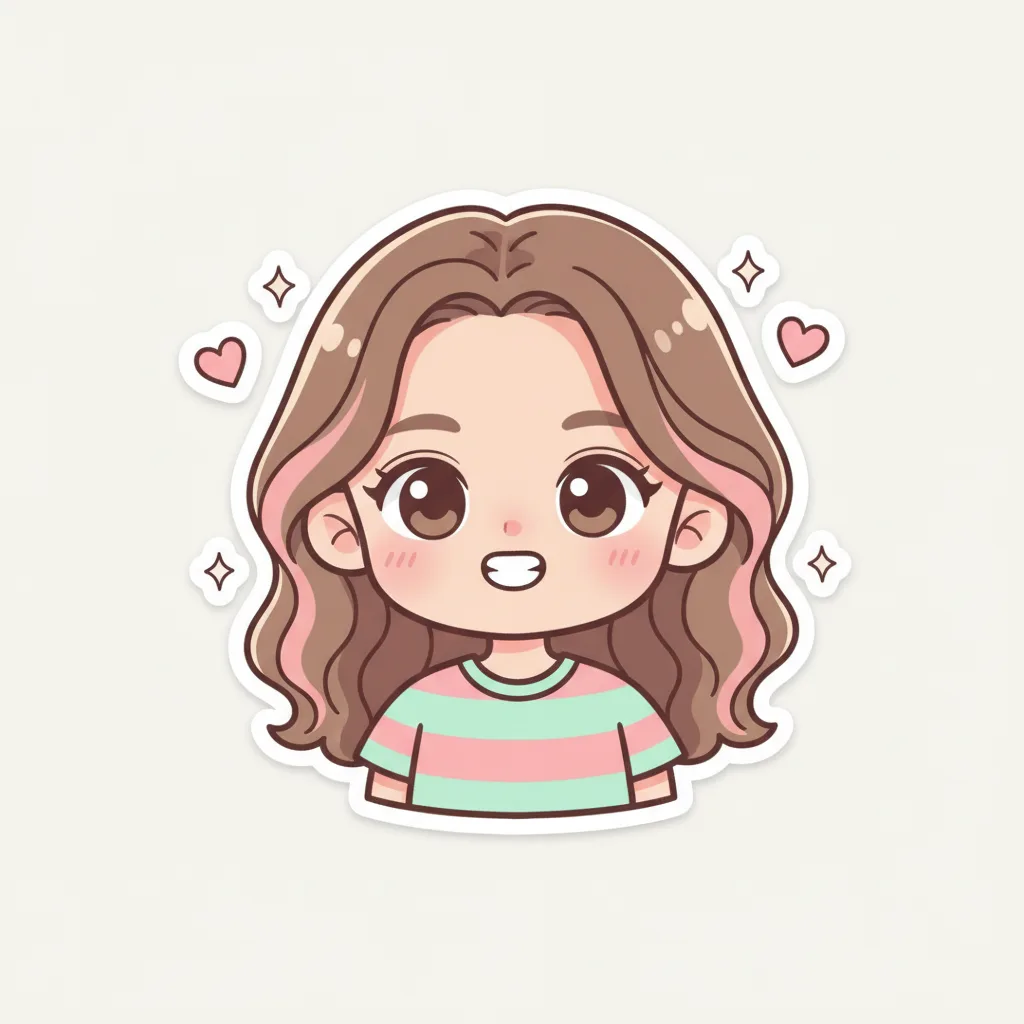
Create Custom Stickers from Any Photo — No Design Skills Needed
Upload a selfie, a pet photo, a product image, or any subject and AI handles the transformation. No prompts required — just upload and pick a style. Use the Custom tab if you want to describe a specific look. Results in seconds. Free starter credits for new accounts, with affordable top-up packs available.
How to Create an AI Sticker from a Photo
Choose Your Sticker Style
Pick from 6 styles — Chibi, Kawaii, Cartoon Emoticon, Ghibli Style, Sticker Art, or Pixel Art. Each style produces a distinct look. Use the Trendy tab to choose a preset, or the Custom tab to describe your own style.
Upload Your Photo
Upload a clear photo with a defined subject — a portrait, selfie, pet, or object. A clean background gives the sharpest sticker result. JPG, PNG, and WebP up to 10 MB accepted.
Download and Use Your Sticker
AI transforms your photo into a custom sticker in seconds. Download the result and use it on WhatsApp, Telegram, Instagram, iMessage, Facebook, or anywhere stickers are supported.
Who Uses the AI Sticker Generator
WhatsApp and Telegram Sticker Packs
Turn photos of yourself, your friends, or your pets into a custom sticker pack. The Cartoon Emoticon and Kawaii styles are designed for messaging app stickers — bold, expressive, and clear at small sizes.
Instagram Story Stickers
Create custom stickers for Instagram stories from your own photos. The Chibi and Ghibli styles add personality to story content — more unique than generic emoji stickers.
Pet and Character Stickers
Upload a photo of your cat, dog, or any pet and turn it into a custom sticker. The Kawaii and Chibi styles work especially well for animals — producing adorable, shareable results.
Gaming and Discord Stickers
The Pixel Art style is perfect for Discord servers and gaming communities. Create 8-bit character stickers from selfies or game screenshots — retro aesthetic that fits gaming culture.
Branding and Product Stickers
Use the Sticker Art style with its bold die-cut outline to create brand stickers for product packaging, business cards, or marketing materials. High-contrast flat colors scale to any size.
Gifts and Personal Keepsakes
Create custom Chibi or Ghibli-style stickers of family members, couples, or pets as personalized gifts. The illustrated sticker look makes any photo feel special and handcrafted.
Why Use VicSee AI Sticker Generator
6 Distinct Sticker Styles
Chibi, Kawaii, Cartoon Emoticon, Ghibli Style, Sticker Art, Pixel Art. Most sticker generators offer one generic output — VicSee gives you 6 curated styles to match your personality and platform.
Turn Any Photo into a Sticker
Works on portraits, selfies, pet photos, and objects. The AI detects your subject and applies the selected sticker style — no manual editing, no complex prompts required.
Results in Seconds
Upload, pick a style, and your custom sticker is ready in under 30 seconds. Browser-based AI — no app to download, no queue to wait in.
Works on All Platforms
Download your sticker and use it on WhatsApp, Telegram, Instagram, iMessage, Facebook Messenger, and Discord. Sticker-ready output without extra editing.
Custom Sticker Prompt
Use the Custom tab to describe your own sticker style — 'a chibi version with blue hair and hearts' or 'a die-cut sticker with thick black border and flat colors'. Full creative control.
Free to Start
Sign in with a free account to get starter credits. Each sticker generation costs 6 credits. New accounts receive free starter credits to try all 6 styles.
More AI Photo Transformation Tools
More AI photo tools from VicSee
AI Sticker Generator — Frequently Asked Questions

AI Sticker Generator — 6 Styles, Free to Start
Chibi, Kawaii, Cartoon Emoticon, Ghibli Style, Sticker Art, Pixel Art. Upload any photo and get your custom sticker in seconds.
Create Your Sticker Free