
FLUX AI Image Generator
Create stunning images with FLUX.2 from Black Forest Labs. Multi-reference consistency, superior text rendering, and 4MP resolution. Choose fast Pro mode or quality-focused Flex.
Key Features of FLUX.2
- •Multi-Reference Consistency:Combine up to 8 reference images for consistent characters and products
- •Higher Fidelity Detail:Sharper textures, cleaner materials, and realistic lighting
- •Improved Text Rendering:Fine typography, infographics, and structured instructions
- •Stronger Prompt Following:Complex prompts with multi-part instructions executed accurately
- •Real-World Knowledge:Spatial logic, natural reflections, and coherent scenes
- •4MP Resolution:Up to 2K output with flexible aspect ratios
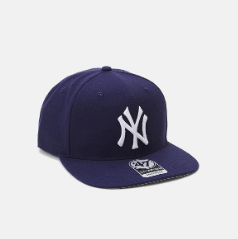
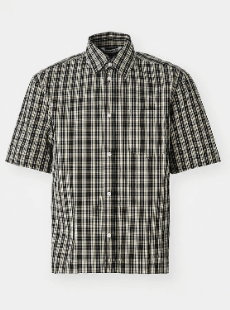
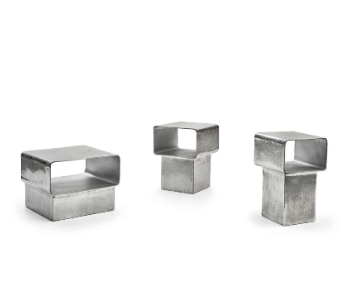
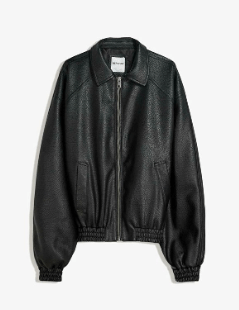
Multi-Reference Consistency with Up to 8 Images
FLUX.2 delivers strong multi-reference control. Combine up to 8 images to keep characters, products, and styles consistent across outputs. The model handles identity stability even in complex scenes with reliable accuracy.
Reference Images


Output Image
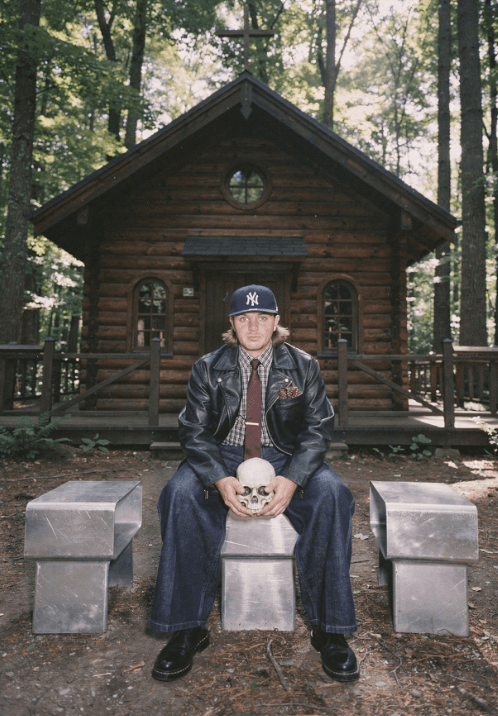
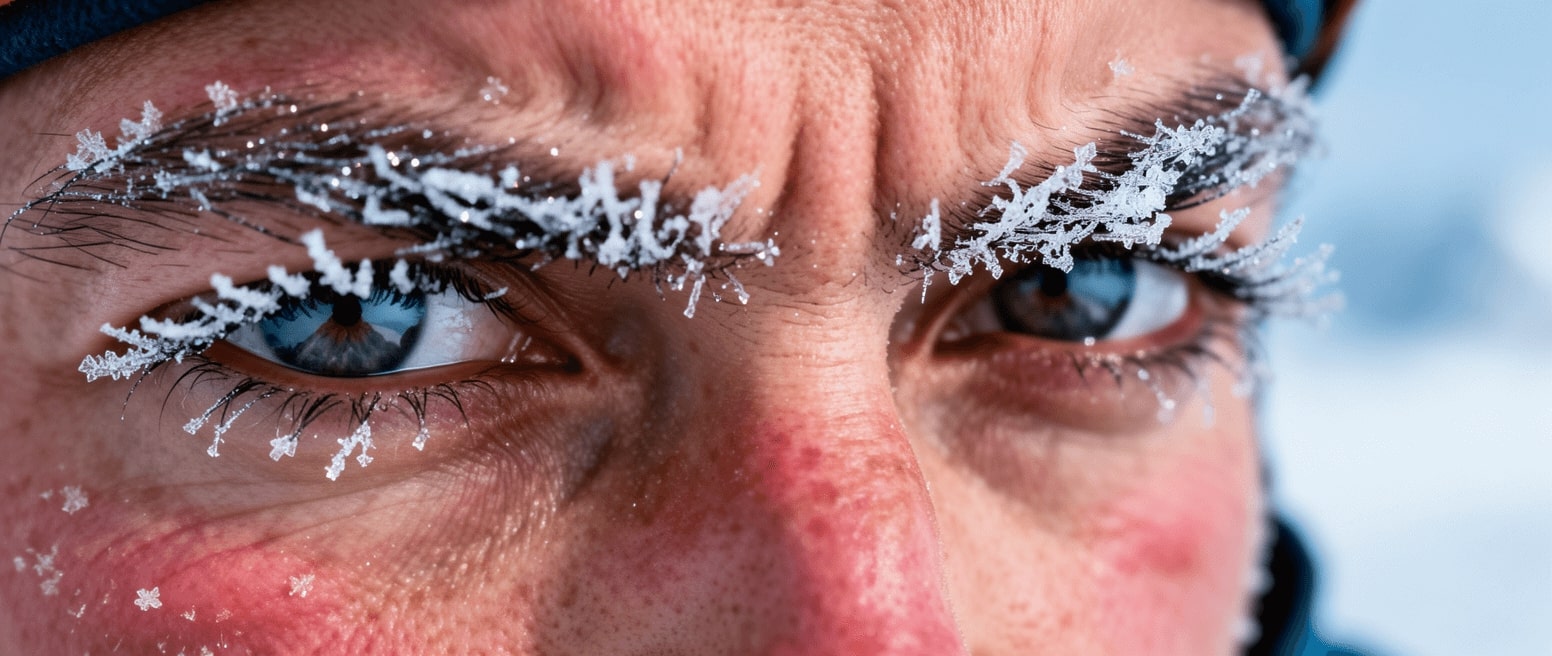
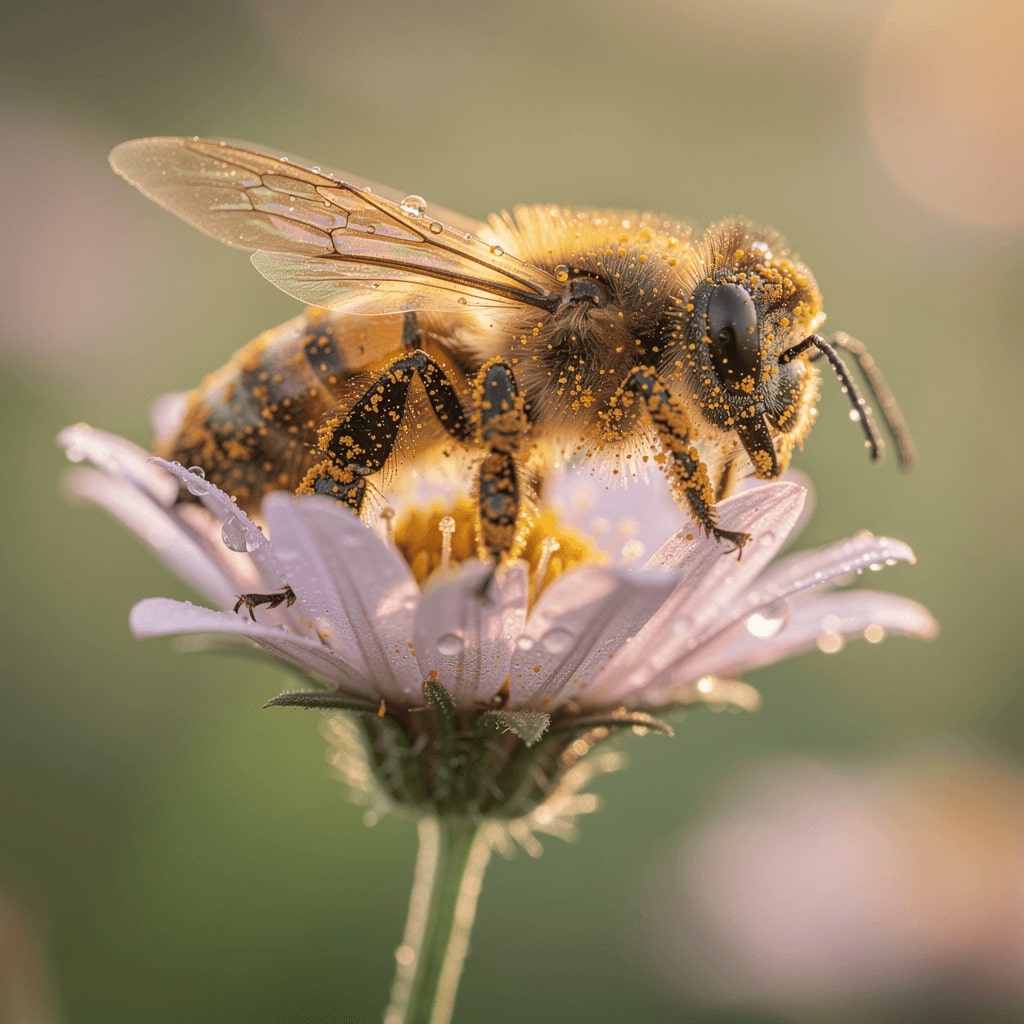
Higher Fidelity Detail
FLUX.2 produces sharper textures, cleaner materials, and more realistic lighting than previous generation models. Fine details like fabric weave, skin texture, and material properties are rendered with exceptional clarity.
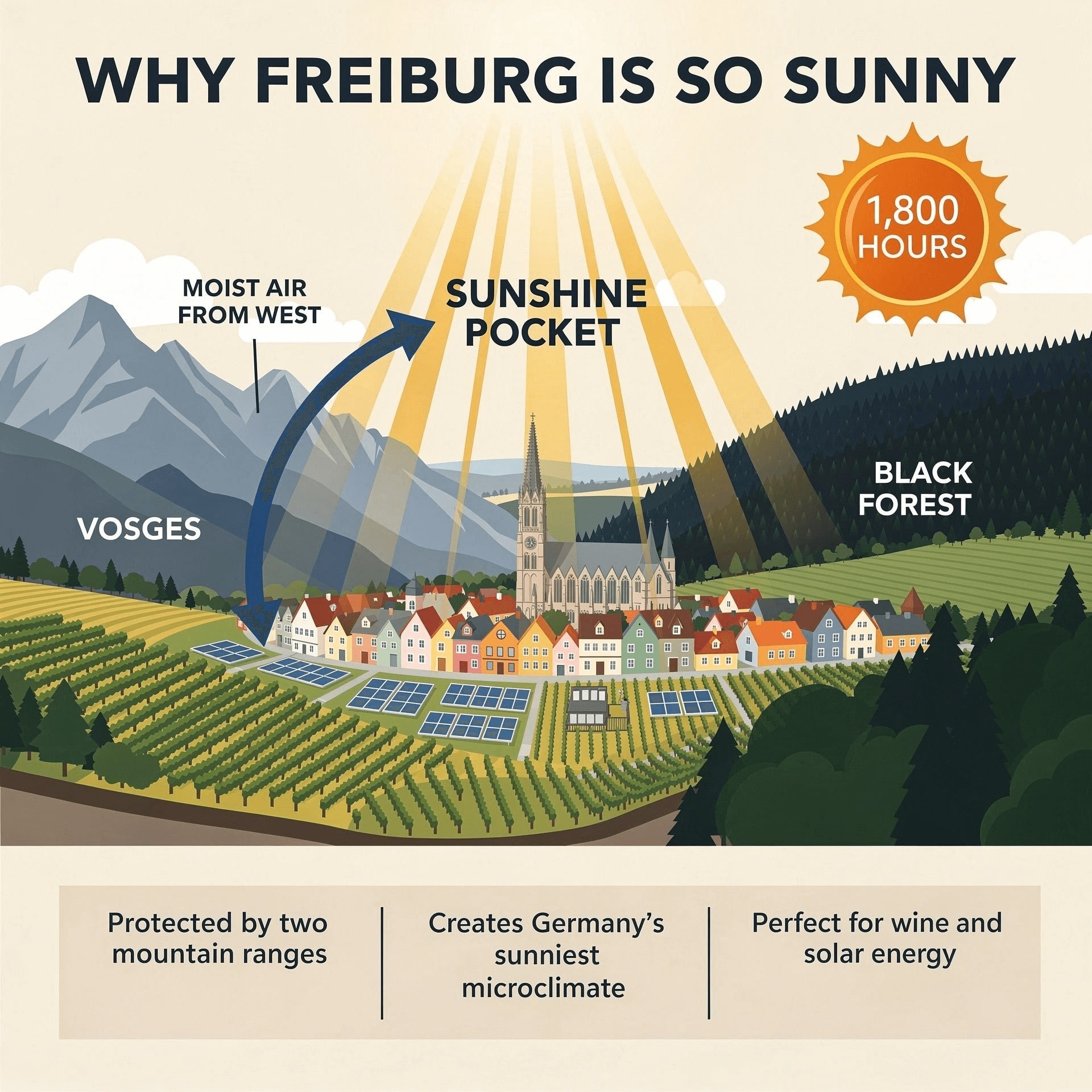
Improved Text Rendering
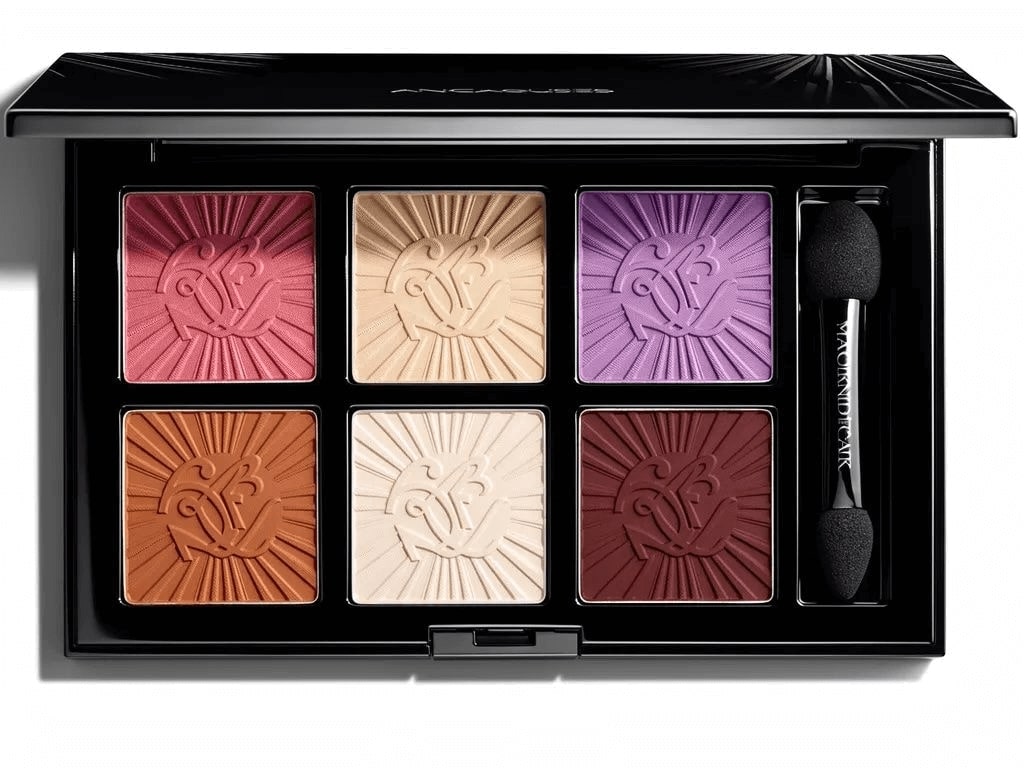
Unlike most image models that struggle with text, FLUX.2 excels at fine typography, infographics, and structured instructions. Generate images with readable text, logos, and branded content.

Stronger Prompt Following
FLUX.2 handles complex, multi-part prompts with remarkable accuracy. Describe intricate scenes with multiple elements, specific positioning, and detailed attributes—the model follows your instructions precisely.

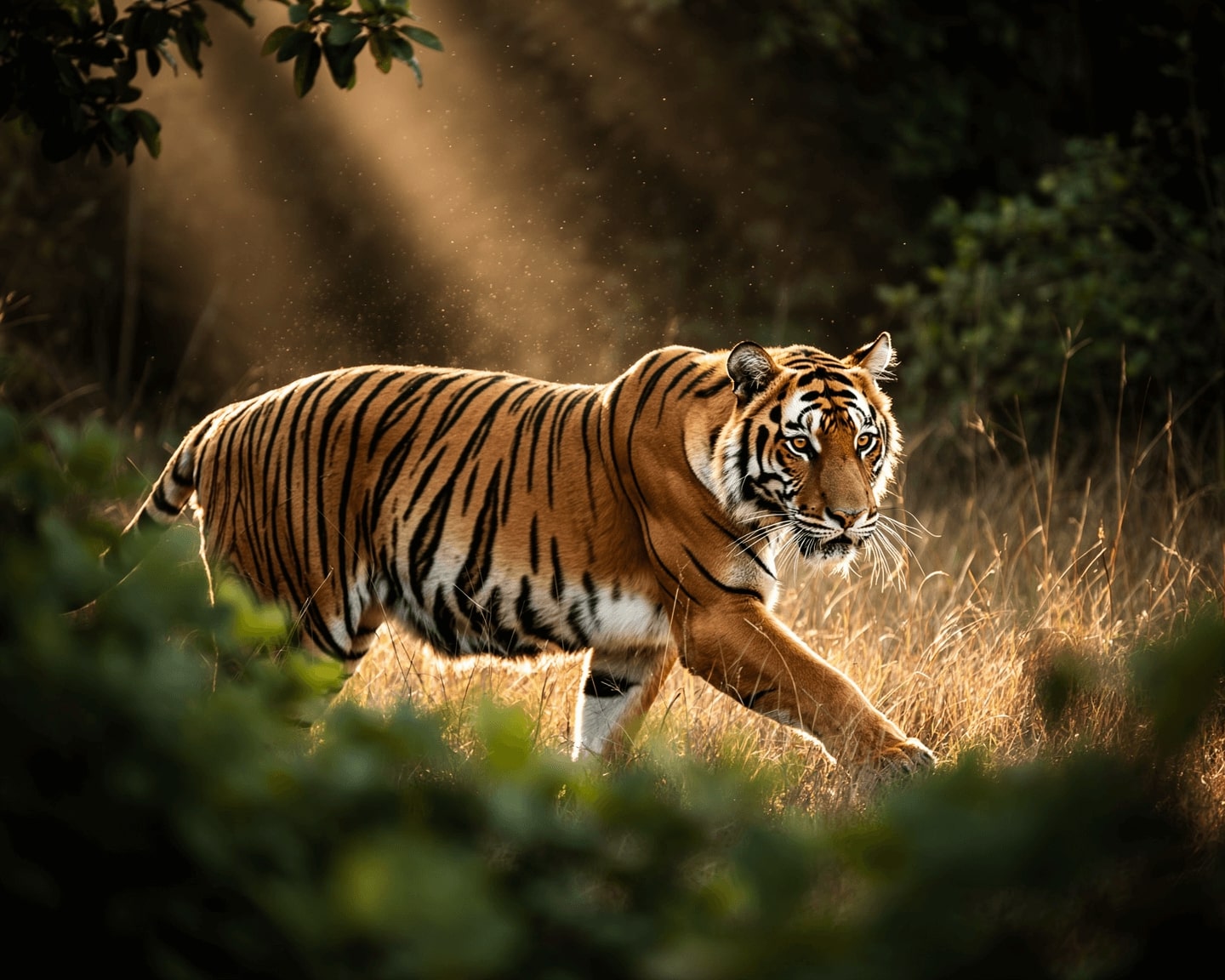
Real-World Knowledge
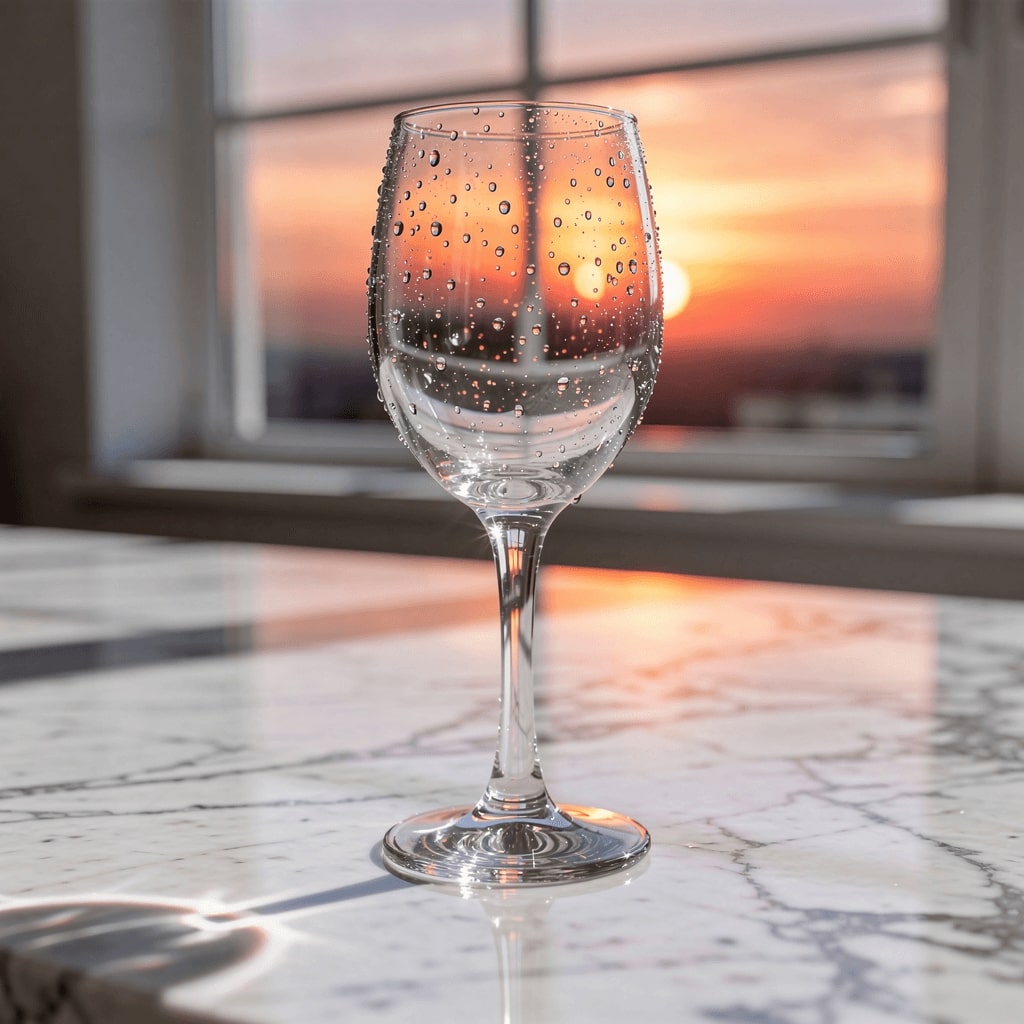
FLUX.2 understands spatial logic, natural reflections, shadows, and coherent scene composition. Objects interact naturally with their environment, creating believable and grounded imagery.
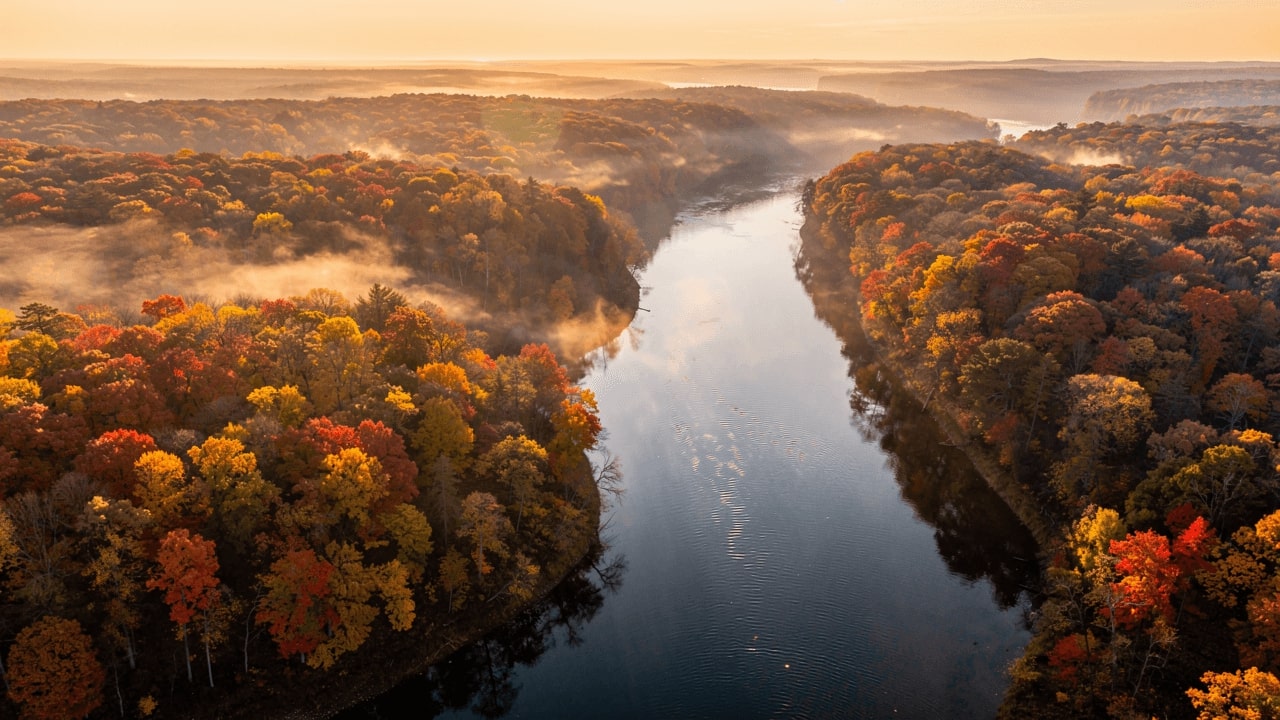
4MP Resolution & Flexible Ratios
Generate images up to 2K resolution with support for various aspect ratios including 1:1, 16:9, 9:16, 4:3, and more. Perfect for social media, print, and professional deliverables.


FLUX.2 Pro vs Flex
Choose the right mode for your workflow
FLUX.2 Pro
FLUX.2 Flex
How To Use FLUX AI Image Generator
Choose Quality Mode
Select Pro for fast generation or Flex for maximum quality output.
Write Your Prompt
Describe your image in detail. Include style, lighting, and composition for best results.
Generate & Download
Click generate and download your high-quality FLUX.2 image.
FLUX.2 vs Nano Banana Pro
Which model fits your workflow?
When FLUX.2 Is the Better Choice
- Photorealistic, consistent characters, reliable multi-reference
- Portraits, product photography, creative scenes
- Superior lighting, texture, and realism
When Nano Banana Pro Works Better
- Precise text rendering, multilingual typography
- Infographics, logo design, UI concepts
- Sharper text layouts and cleaner branded assets
What Can You Create with FLUX AI?
Product Photography
Studio-quality product shots with consistent lighting
Marketing Creatives
Campaign assets and social media visuals
UI Mockups & Layouts
Design mockups with text and structured layouts
Character Consistency
Consistent characters across storyboards
FAQs
Common questions about FLUX AI
Explore Other AI Models
Discover our complete suite of AI generation tools
Ready to Create with FLUX AI?
Generate stunning images with Black Forest Labs' FLUX.2. Fast Pro mode or quality-focused Flex—your choice.