
Upload Your Photo *
Drop your photo here or click to upload
JPG, PNG, WebP. Max 10MB.
AI Emoji Generator Results — Custom Emojis Made from Real Photos

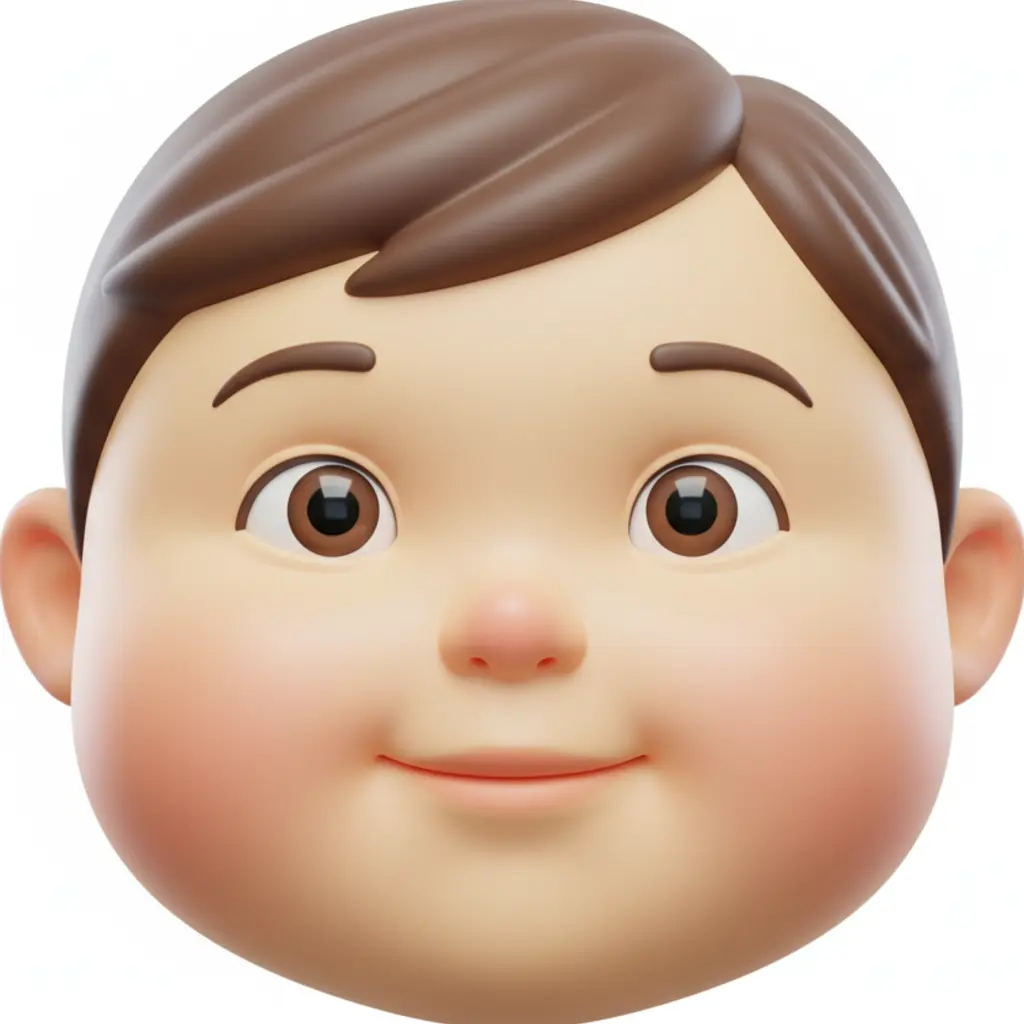


Personalized Emojis from Your Own Photo
Unlike text-based emoji generators, VicSee's AI emoji generator uses your actual face. Upload a selfie, choose a style, and get a custom emoji that looks like you — in Cartoon, Pixel Art, 3D, Sticker, Anime, or Flat design. Works on any device, no app download needed.


Cartoon Emoji — Bold Colors and Expressive Features
The Cartoon Emoji style transforms your photo into a vivid, expressive character with bold outlines and flat colors. Think Disney-Pixar meets emoji — your face reimagined as an animated character in perfect 1:1 emoji format. Great for profile pictures, reaction packs, and Slack.
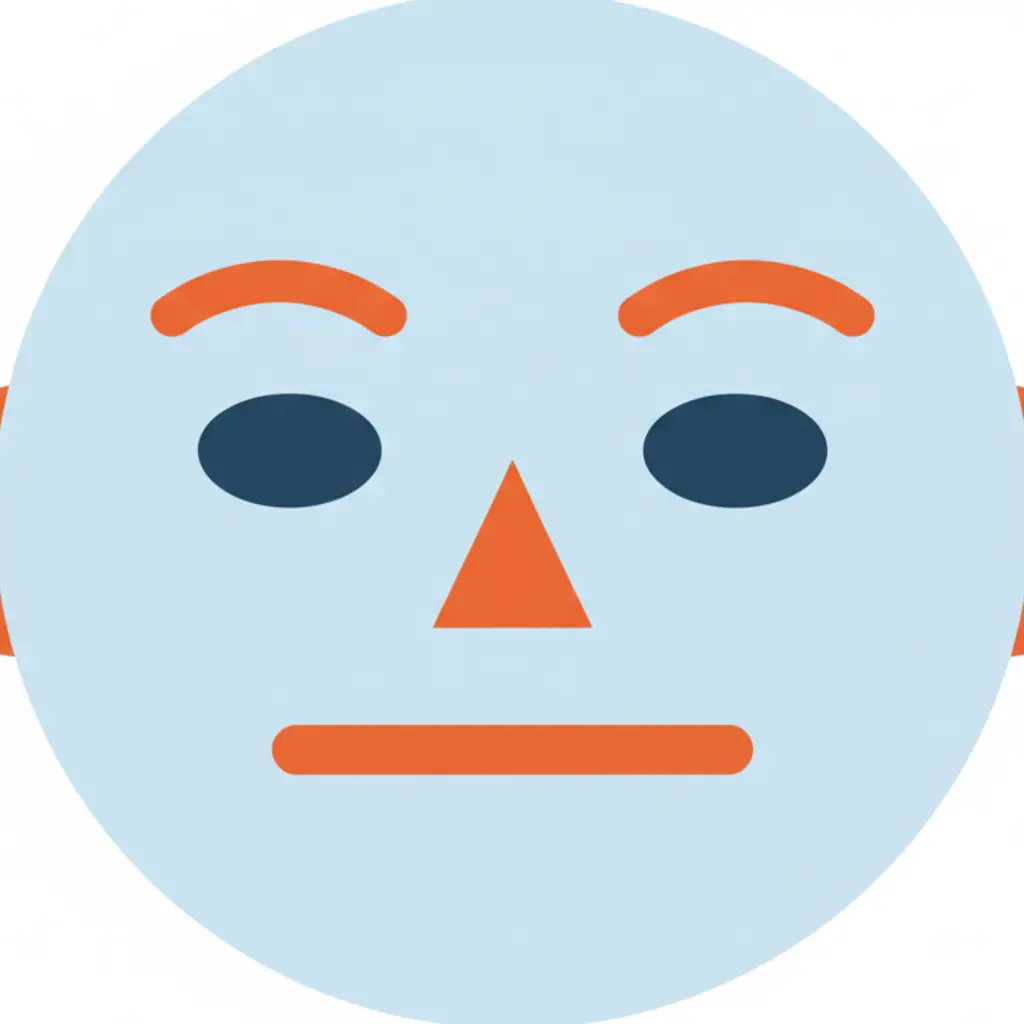
Custom Emojis for Slack and Discord
Create personalized emoji packs for your team workspace or Discord server. All 6 emoji styles output in 1:1 square format — exactly the format Slack and Discord require for custom emoji uploads. Turn your whole team into cartoon, pixel, or sticker versions of themselves.
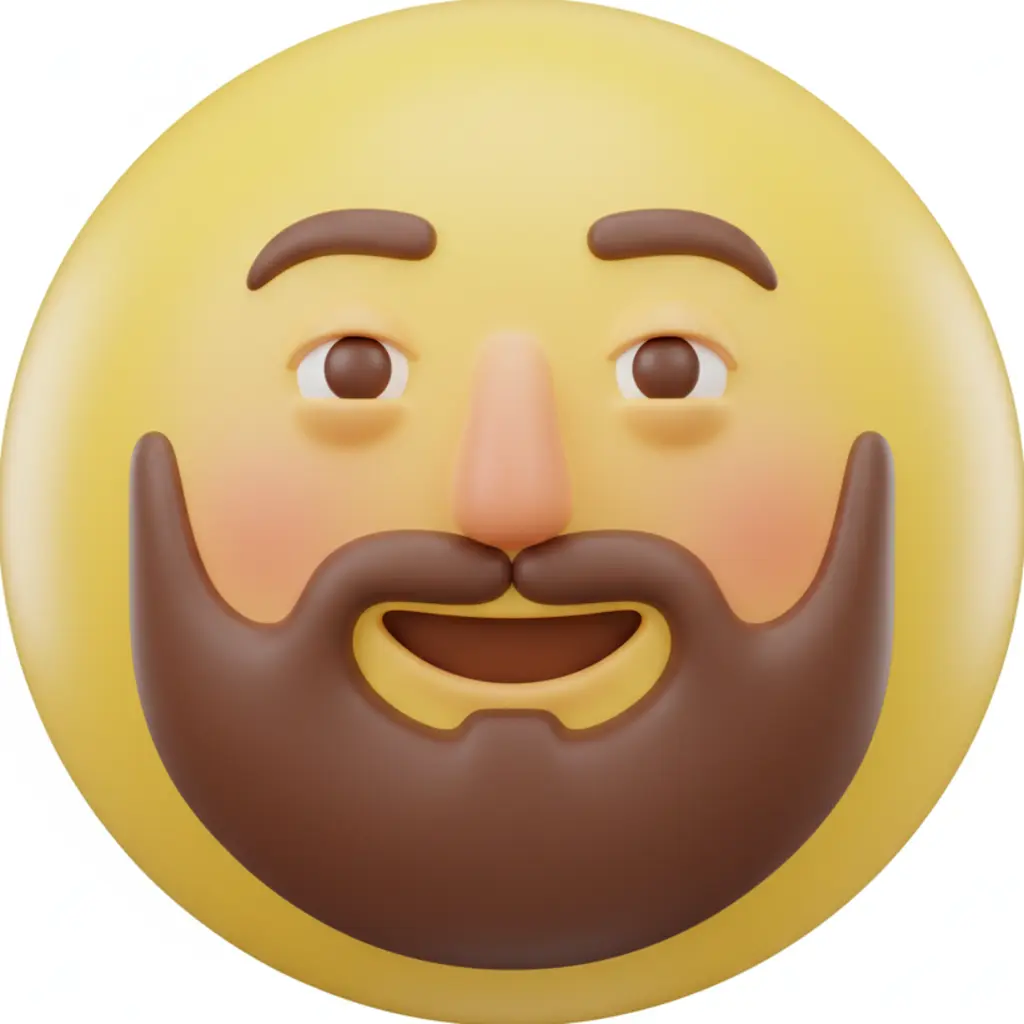
AI Emoji Generator — Works on Any Device (Not Just iPhone)
Apple Genmoji is only available on iPhone with iOS 18. VicSee works on any device — Android, Windows, Mac, or iPhone — with no app download. Upload a photo from any device and create a personalized emoji in seconds.
How to Generate AI Emojis from Your Photo
Upload Your Selfie or Portrait
Choose any selfie, portrait, or photo where your face is clearly visible. JPG, PNG, and WebP all work.
Choose an Emoji Style
Pick from 6 AI emoji styles — Cartoon, Pixel Art, 3D, Sticker, Anime, or Flat. Or describe your own custom emoji style.
Download Your Custom Emoji
Your personalized emoji is ready in seconds. Use it on Slack, Discord, WhatsApp, social media, or anywhere else.
Why Use VicSee AI Emoji Generator
From Your Photo, Not Text
Every other AI emoji generator works from text descriptions. VicSee is different — it uses your actual face to create a personalized emoji that looks like you.
6 Distinct Emoji Styles
Choose from Cartoon Emoji, Pixel Art Emoji, 3D Emoji, Sticker Emoji, Anime Emoji, or Flat Emoji. Six different looks from one photo.
Works on Any Device
No iPhone needed. Unlike Apple Genmoji which requires iOS 18, VicSee works on any phone, tablet, or computer — no app download required.
Results in Seconds
AI emoji generation takes 10 to 30 seconds. Upload your photo, pick a style, and your custom emoji is ready almost instantly.
Related AI Photo Tools
More AI tools to transform your photos.
Frequently Asked Questions — AI Emoji Generator

Try the AI Emoji Generator Free
Turn your photo into a personalized emoji with 6 styles. Works on any device — no app download needed.
Create My Emoji Free