
Upload Garden Photo *
Drop your garden, yard, or planting area photo here or click to upload
JPG, PNG, WebP. Max 10MB.
AI Garden Design Gallery
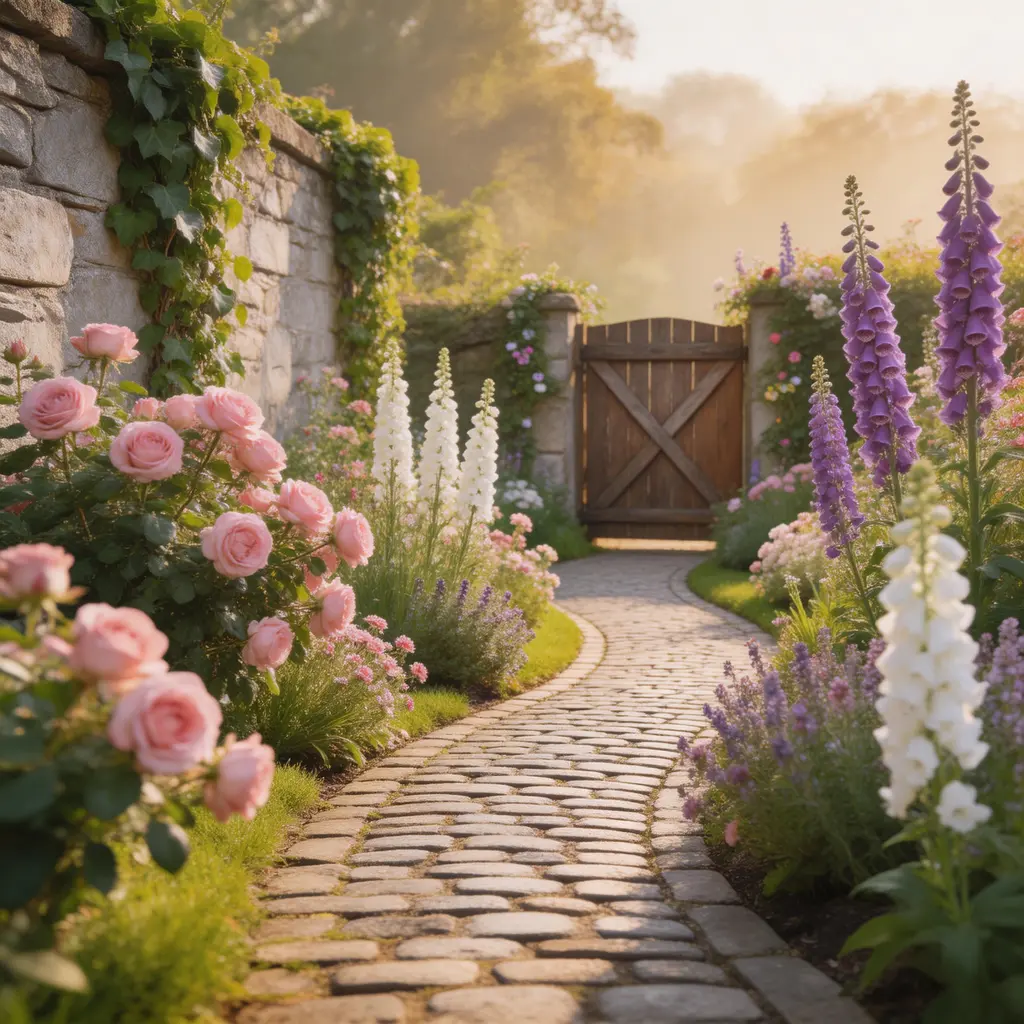
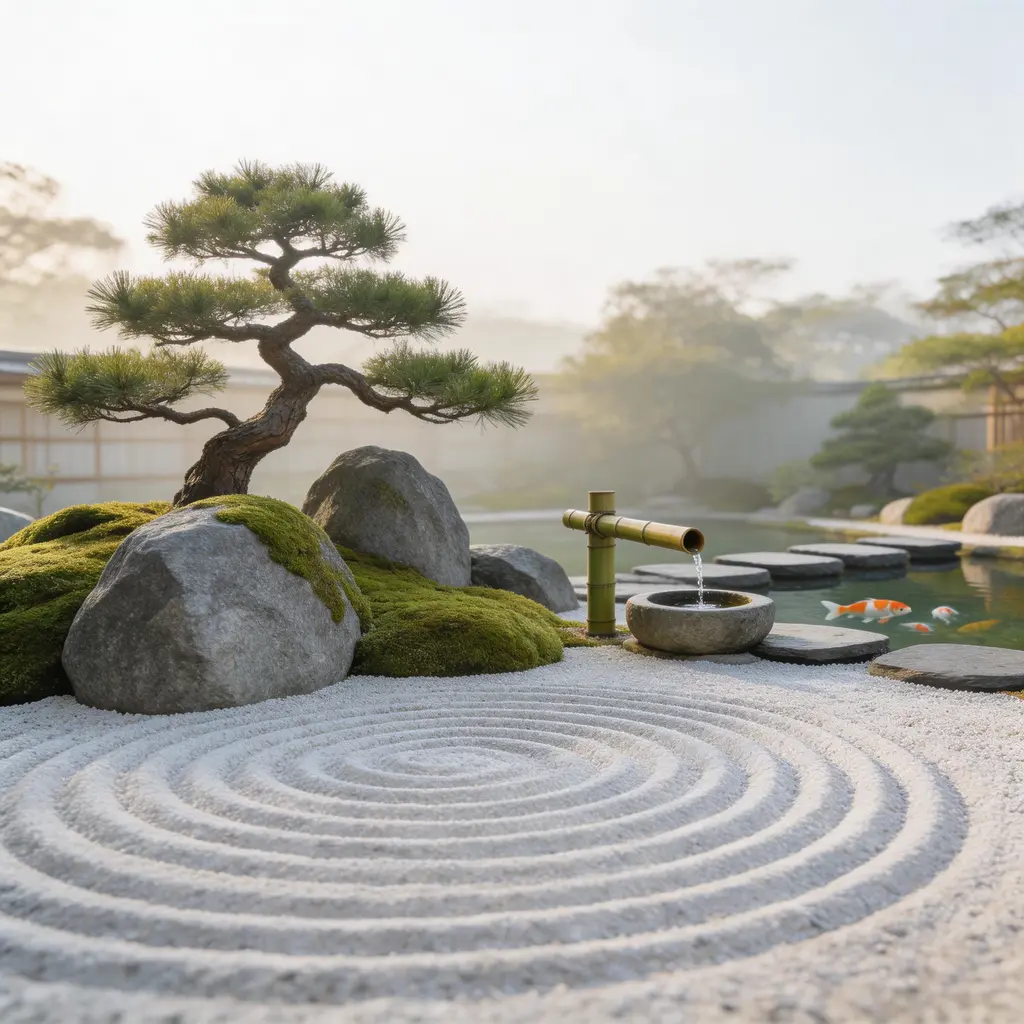
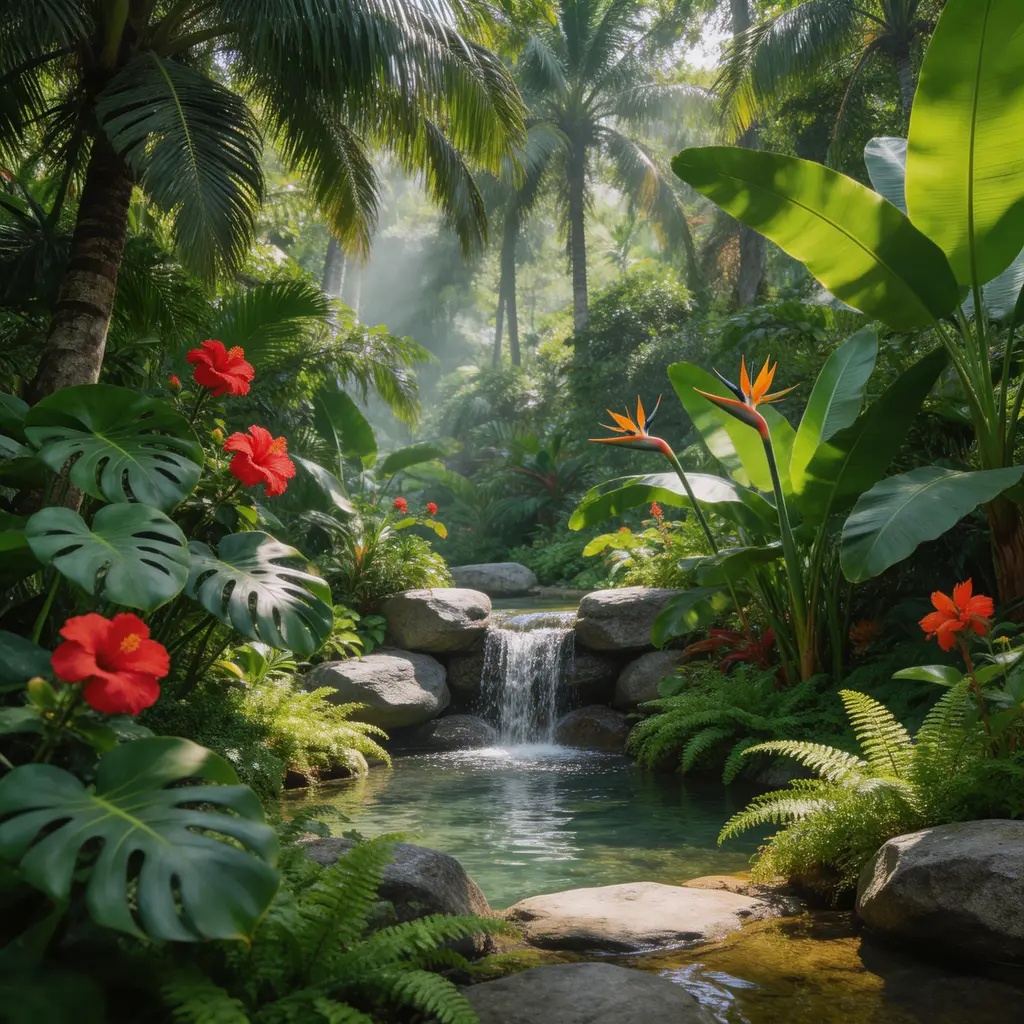
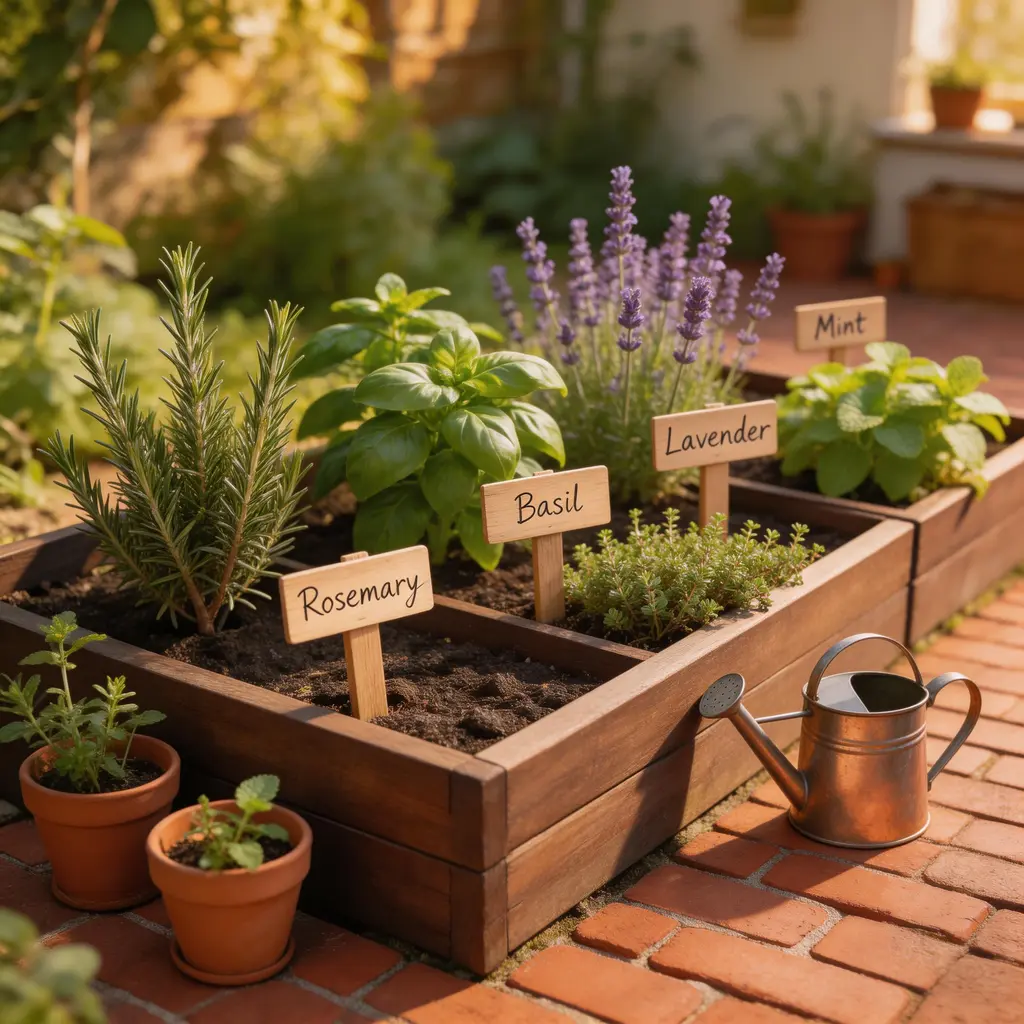
Free AI Garden Design Generator — Transform Any Garden from a Photo
VicSee's AI garden design generator transforms any garden photo into a beautiful botanical design in seconds. Upload a photo of your flower bed, vegetable patch, backyard garden, or front yard planting area, choose from 9 curated garden styles, and the AI reimagines your space with new plants, flowers, ground cover, and garden features. Use the Custom tab to describe any garden design in your own words. No garden design app or software to download.
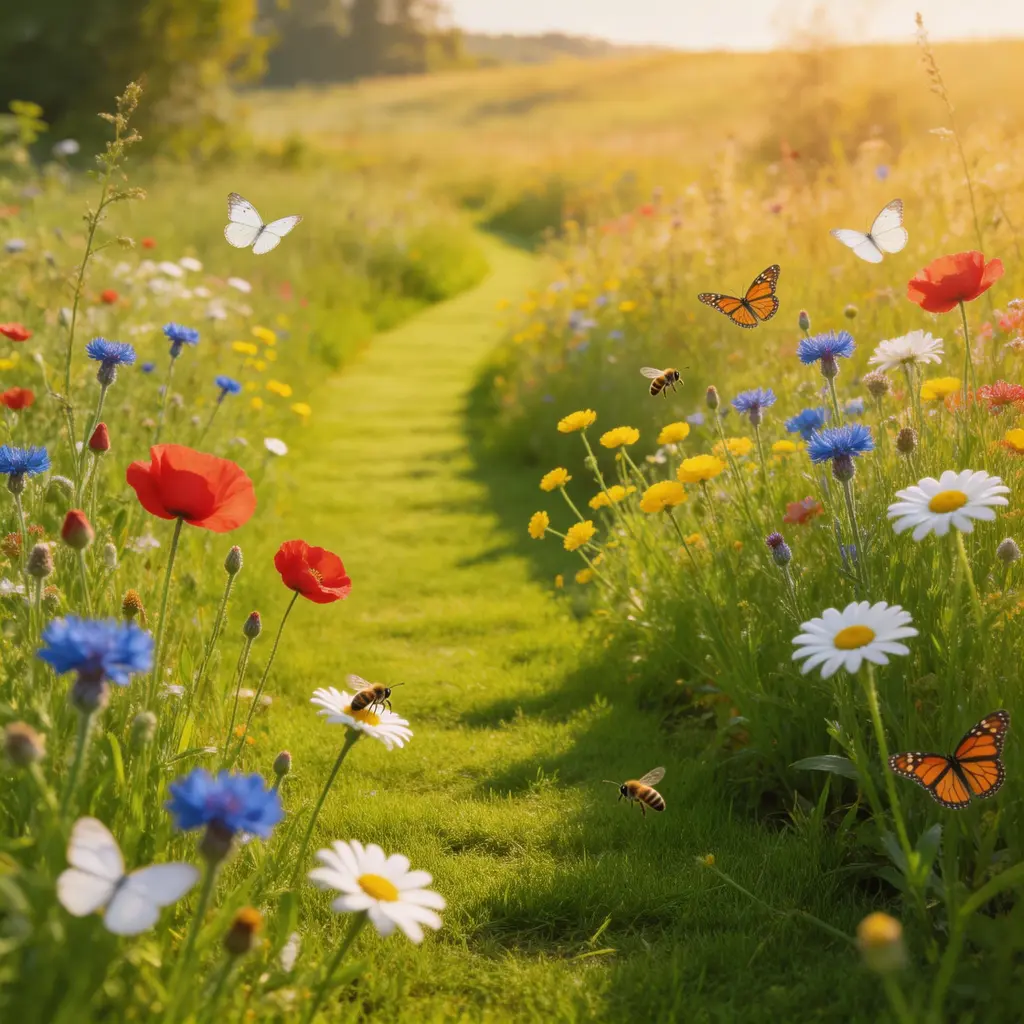
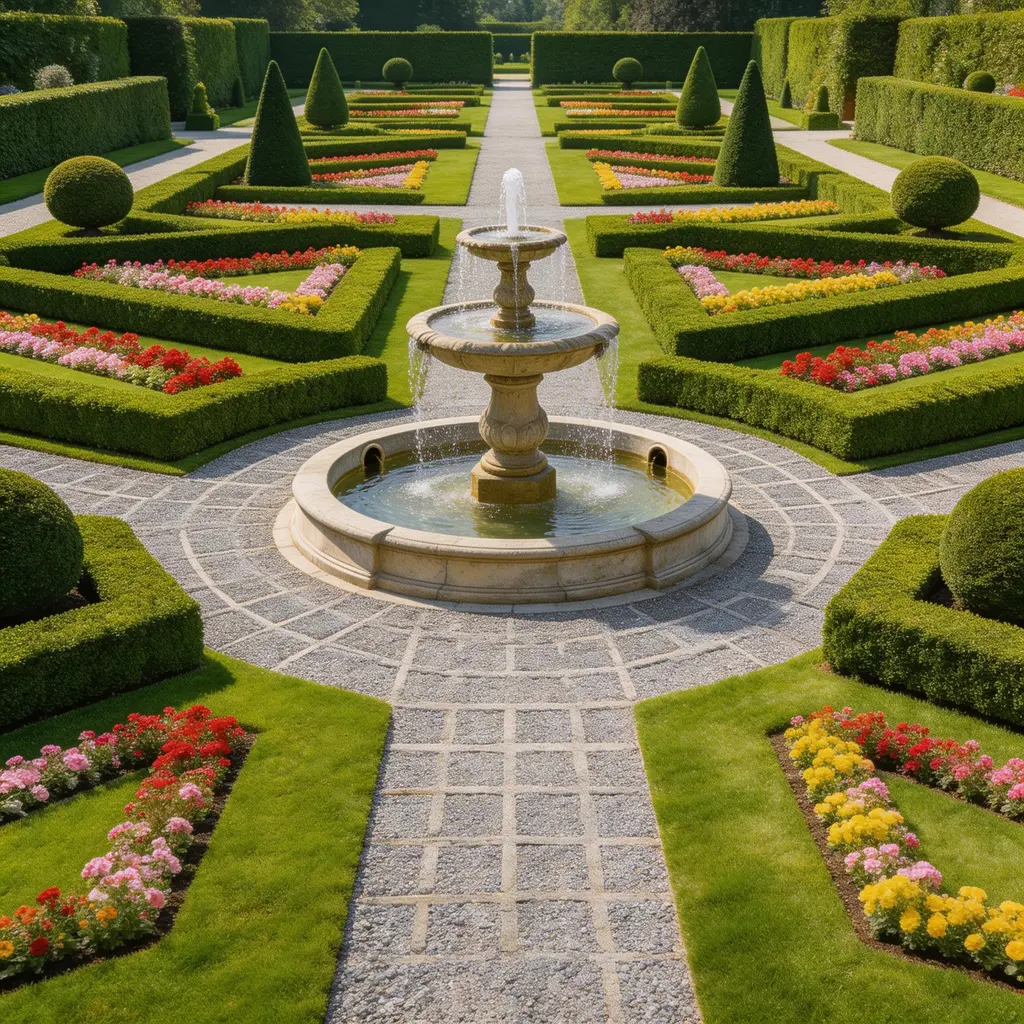
9 AI Garden Design Styles — Botanical Presets for Every Taste
Cottage, Japanese, Tropical, Herb, Wildflower, Formal, Succulent, Rose, and Vegetable. Each AI garden design preset applies a complete botanical system covering plant selection, flower arrangements, ground cover, pathways, and garden features. Try multiple garden design AI styles on the same photo to compare looks before planting.
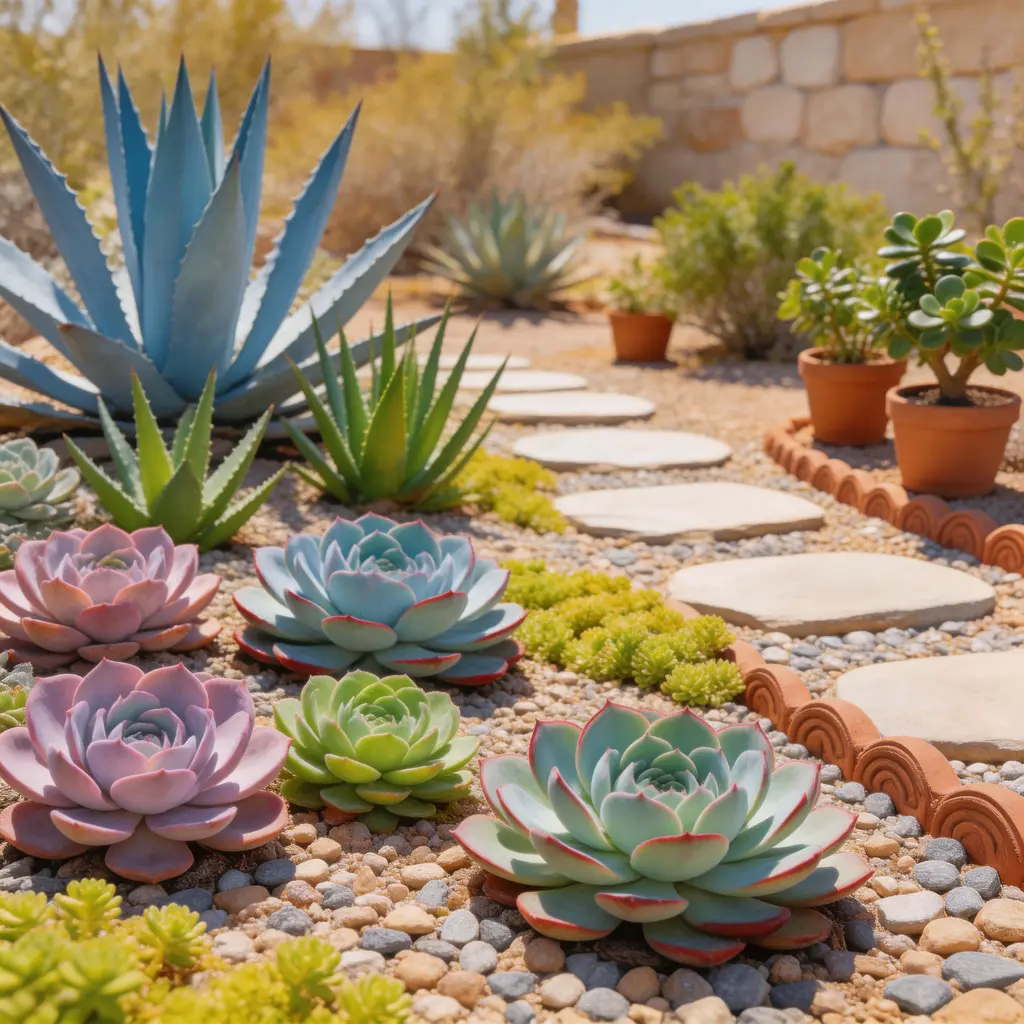
AI Garden Design from Photo — Upload and Transform Instantly
Upload any garden photo and the AI analyzes existing structures like fences, paths, walls, and terrain. It generates a redesigned garden that preserves the layout while transforming plants, flowers, and garden elements. No blueprints needed, no measurements required, and no gardening expertise necessary. This free AI garden design tool delivers results in seconds, not hours.

Design Flower Gardens, Herb Gardens, Vegetable Patches, and More
The AI garden designer works with any garden type: flower beds, herb gardens, vegetable patches, rock gardens, cottage gardens, container gardens, raised beds, and border plantings. Upload a photo from any angle and the AI adapts the garden design to your space. Whether you have a small balcony planter or a large estate garden, AI garden design scales to fit.
How to Design a Garden with AI in 3 Steps
Upload a Photo of Your Garden
Take a photo of the garden, flower bed, or planting area you want to redesign. Clear, well-lit photos taken from a wide angle give the best results. The AI garden design tool works with flower gardens, herb gardens, vegetable patches, rock gardens, raised beds, and container gardens.
Choose a Garden Design Style
Pick from 9 curated AI garden design styles: Cottage, Japanese, Tropical, Herb, Wildflower, Formal, Succulent, Rose, or Vegetable. Or use the Custom tab to describe any garden design in your own words for a fully personalized result.
Generate Your AI Garden Design
Click Design My Garden and the AI generates your new garden design in seconds. Existing structures stay in place while plants, flowers, and garden features are transformed. Download the result or try another style on the same photo. No garden design software needed.
What People Use AI Garden Design For
Garden Makeovers and Replanting
See how your garden will look with new plants and flowers before spending money at the nursery. Test different AI garden design styles on your actual garden and make confident planting decisions.
Real Estate Garden Staging
Stage garden spaces for property listings. Upload the garden as-is and generate a beautifully planted version that helps buyers visualize the property's potential. AI garden design creates professional results without hiring a gardener.
Seasonal Garden Planning
Visualize how your garden will look with different seasonal plantings. Try Wildflower for spring color, Tropical for summer lushness, or Formal for year-round structure. Plan your planting calendar with AI garden design.
Social Media Garden Content
Generate dramatic garden transformations for Instagram, TikTok, or Pinterest. Before-and-after garden makeovers created with AI garden design are highly shareable content for gardening and home improvement audiences.
Client Presentations for Garden Designers
Garden designers and landscapers can show clients multiple planting options in minutes using AI garden design. Upload the client's garden photo and generate several looks to guide discussions and planning.
Community Garden Planning
Visualize how shared garden plots, allotments, or community green spaces will look with different planting approaches before presenting to a gardening club, HOA, or local council.
Best AI Garden Design Tool — Why Choose VicSee
9 Botanical Styles Plus Custom AI Designs
Choose from 9 curated AI garden design presets or describe your own design. Try a Cottage flower garden, Japanese zen garden, or Tropical paradise on the same photo to compare before planting. Each preset applies botanically appropriate plants and arrangements.
Instant AI Garden Design — No App or Software Needed
Get a redesigned garden in seconds. VicSee runs entirely in your browser with no garden design app to download and no software to install. Works on desktop, tablet, and mobile. The best free AI garden design tool that works anywhere.
Preserves Your Garden Structure
The AI keeps your garden's fences, paths, walls, and terrain intact. Only the plants, flowers, and garden elements change, so the result looks like a real garden renovation. Unlike generic AI image generators, this tool understands garden design and botanical arrangements.
Free AI Garden Design with Starter Credits
Sign in to your free VicSee account and start designing gardens right away. Starter credits are included on signup, no payment required to get started. Each AI garden design costs credits, with no hidden fees.
Try Multiple Garden Designs on One Photo
Upload your garden photo once and switch between all 9 styles without re-uploading. Compare Cottage, Tropical, and Japanese garden designs side by side from the same photo to find the perfect botanical look.
Every Garden Type, Every Size, Every Climate
Flower beds, herb gardens, vegetable patches, rock gardens, raised beds, and container gardens all work. Tropical styles suit warm climates, Succulent suits dry regions, and Cottage suits temperate zones. The AI adapts to your space regardless of size.
Explore More AI Design Tools
More AI tools from VicSee
AI Garden Design — Frequently Asked Questions

Free AI Garden Design Generator — Try It Now
Upload a garden photo, choose from 9 AI garden design styles, and get an instant result. Browser-based, no app or software to download. Sign in free and start designing your garden.
Design My Garden Free