
Upload Original Image *
Drop image here or click to upload
JPG, PNG, WebP · Max 10MB
Upload Target Face *
Drop image here or click to upload
JPG, PNG, WebP · Max 10MB
Sample Image
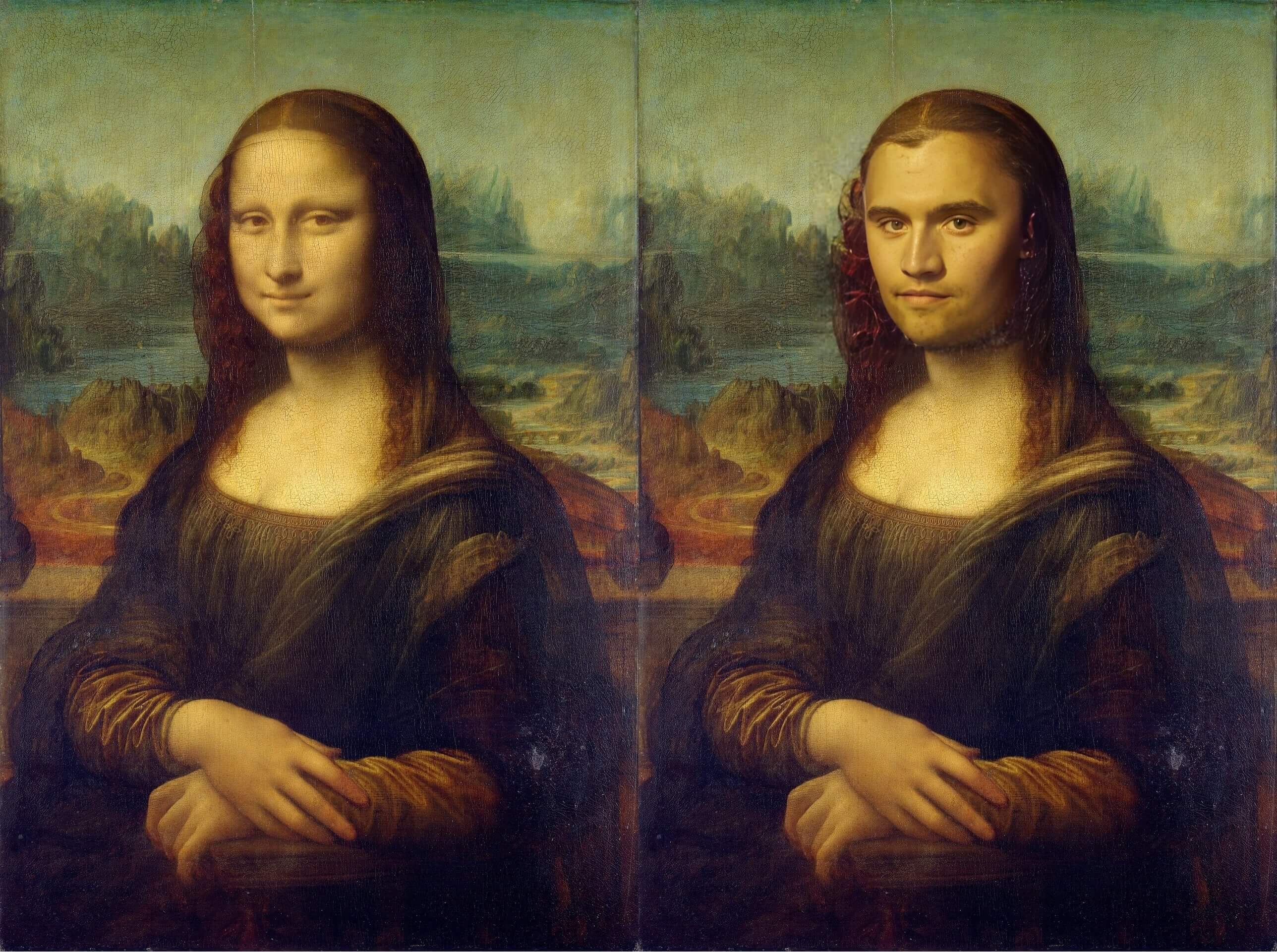
See It In Action
Watch how AI swaps faces while preserving natural lighting, skin tone, and expressions
Face Swap Demo
Upload an original photo and a target face — get a realistic AI face swap result in seconds.
Input Images
Original Image
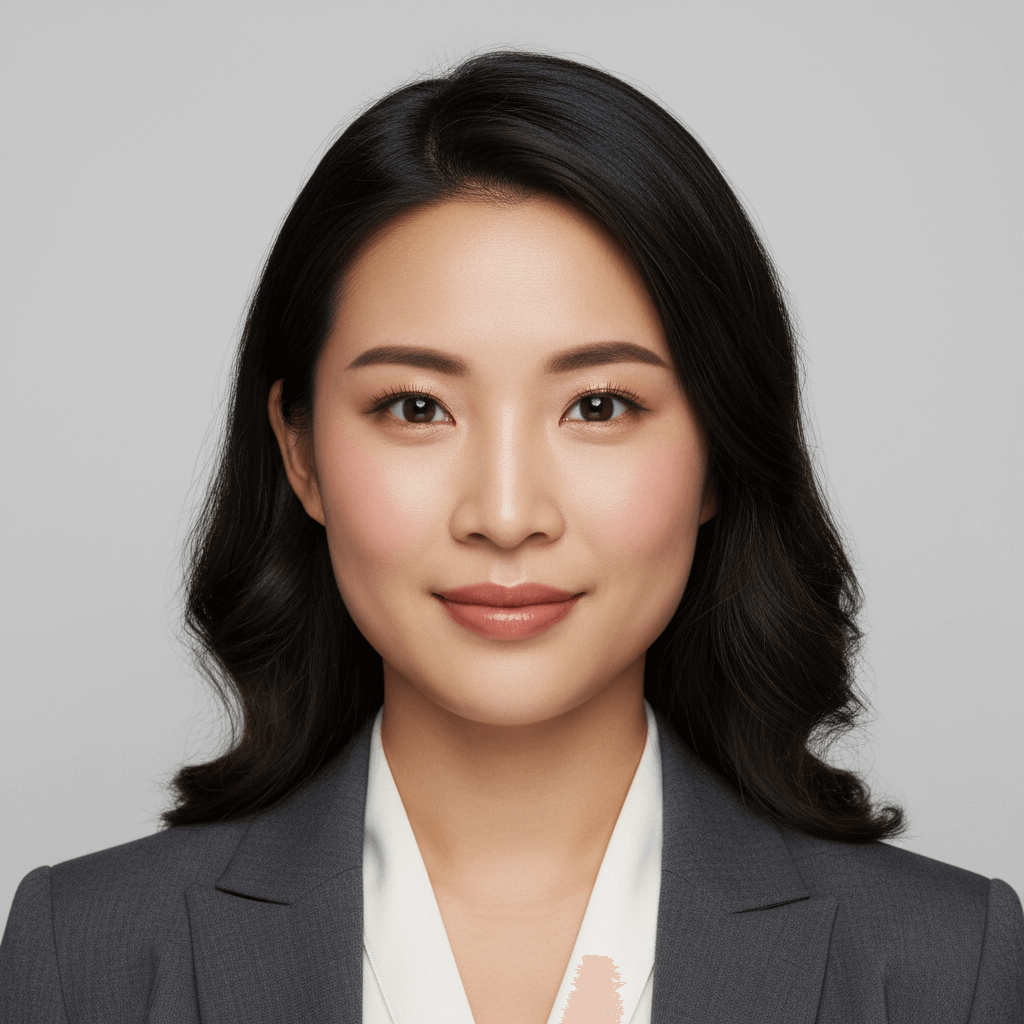
Target Face

Output Image
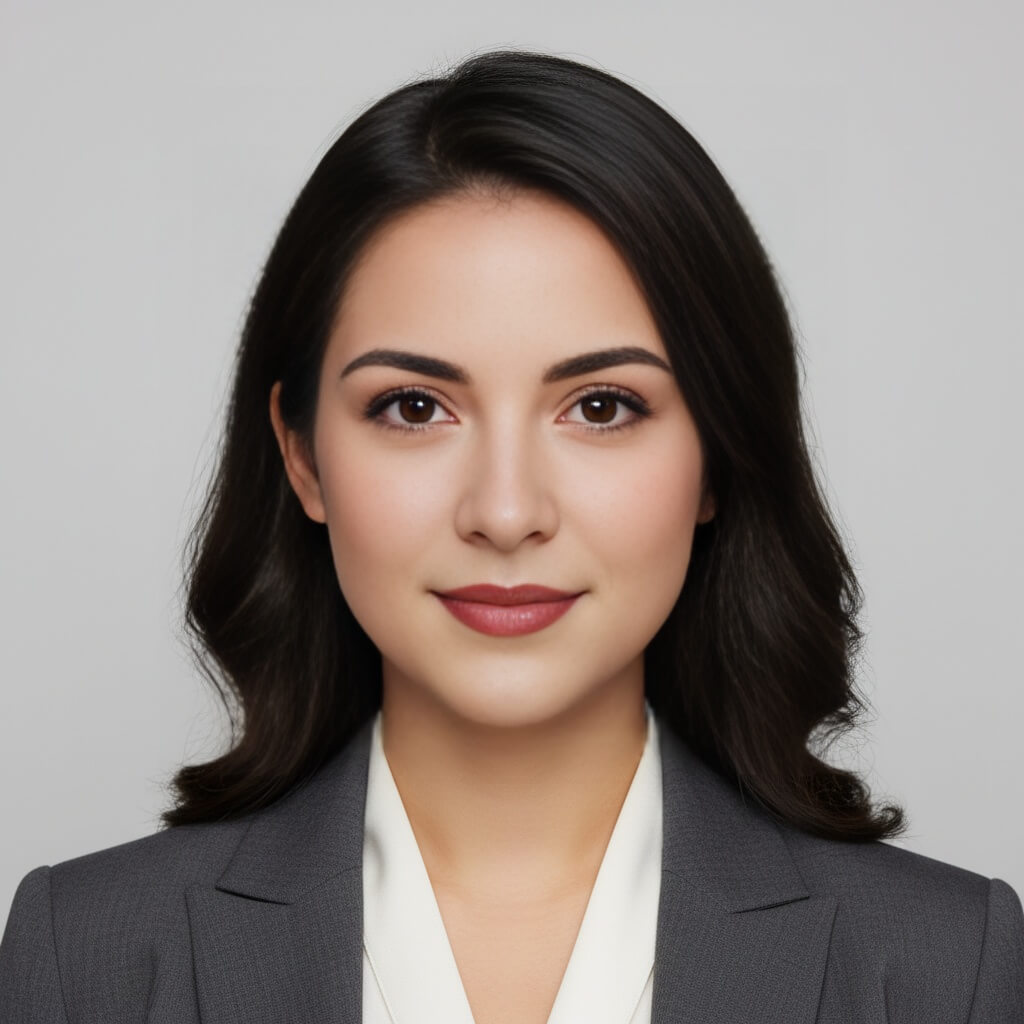
Reverse Face Swap
Swap in the other direction — same two photos, roles reversed.
Input Images
Original Image
Target Face
Output Image
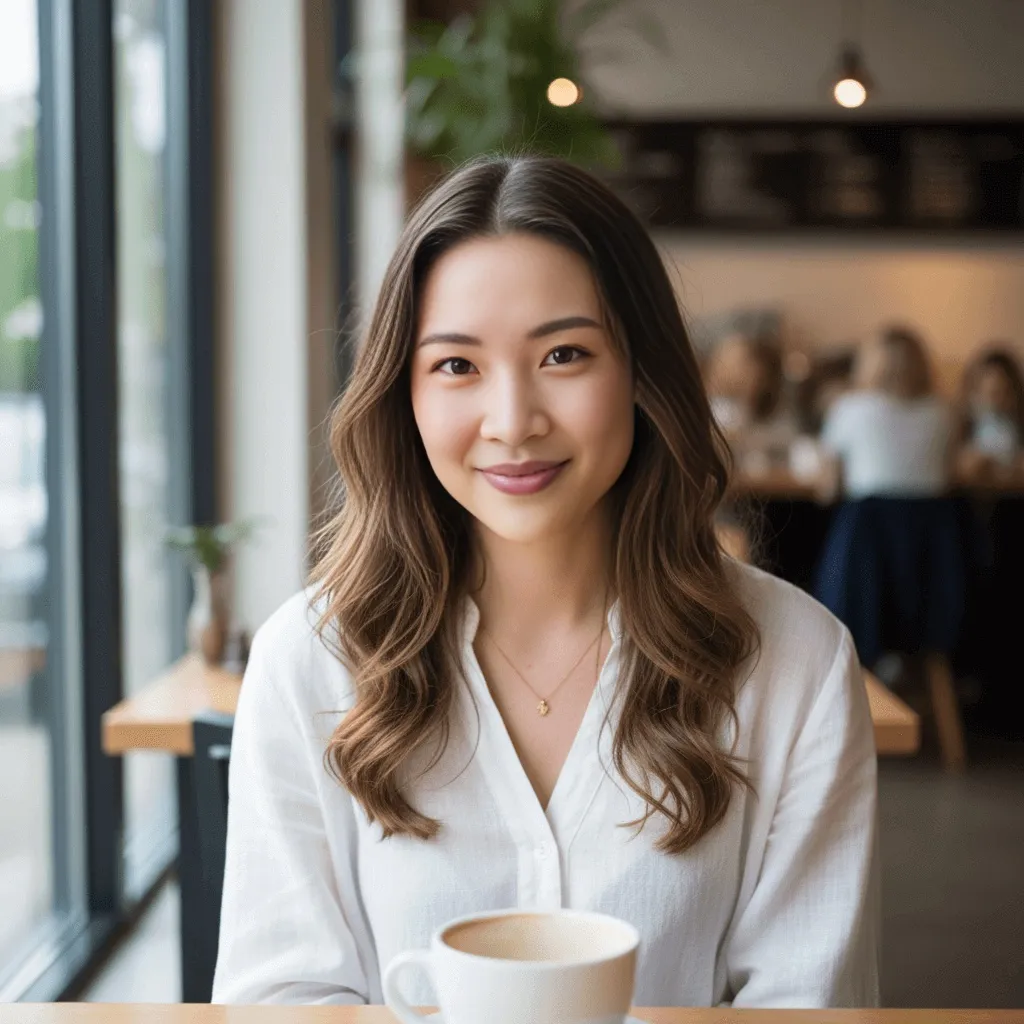
How to Face Swap Online — 3 Simple Steps
Upload Your Original Photo
Choose the photo where you want to replace the face. Works best with clear, front-facing photos with good lighting.
Upload the Target Face
Upload the face you want to swap in. Use a well-lit photo where the face is clearly visible and front-facing.
Swap & Download Free
Click generate and get your AI face swap result in seconds. Download the photo instantly with no watermark.
What Can You Do with AI Face Swap?
From viral memes to professional projects, AI face swap works across every creative use case
Create Viral Memes
Swap faces into popular meme templates for shareable social media content
Celebrity & Movie Swaps
See yourself as your favorite movie character or celebrity in seconds
Fix Group Photos
Replace a closed eye or bad expression with a better shot from the same session
Historical & Art Swaps
Put your face in classical paintings, historical photos, or iconic artwork
Gender & Style Exploration
Experiment with how you'd look with different facial features or a new look
Content Creation
Generate unique thumbnails and visuals for YouTube, TikTok, and social media
Commercial Projects
Use AI face swap for promotional content, concept designs, and digital marketing materials
Why Use VicSee for AI Face Swap?
Results in Seconds
Get your face swap in under 10 seconds. No queues, no waiting.
Private & Secure
Your photos are processed securely and never stored or shared after generation.
Realistic Skin Matching
AI blends faces naturally — matching skin tone, lighting, and facial expressions for life-like results.
No Watermark Downloads
Download your face swap in full quality with no watermark added.
Free to Start
Sign in free and get credits to try face swap — no credit card required.
Works on Mobile
Use the face swap tool on any device — desktop, tablet, or mobile browser. No app download needed.
Explore More AI Image Tools
Complete your creative workflow with VicSee's AI suite
Frequently Asked Questions

Try Free AI Face Swap Now
Sign in free and swap faces in photos in seconds — no credit card, no design skills needed.
Start Face Swap Free