
Upload Your Photo *
Drop your photo here or click to upload — the AI keeps your subject and changes the background
JPG, PNG, WebP. Max 10MB.
AI Background Changer Gallery
Free AI Photo Background Changer — Change Any Photo Background Online
VicSee's AI background changer replaces the background of any photo in seconds. Upload a selfie, product photo, headshot, or any image, choose from 9 scene presets, and the AI changes the background while keeping your subject perfectly intact. Use the Custom tab to describe any background scene in your own words. No app to download, no design skills needed. The best way to change background with AI, whether you need professional product photography backgrounds, social media content, or creative portraits.


9 AI Background Scenes — Studio, Beach, City, and More
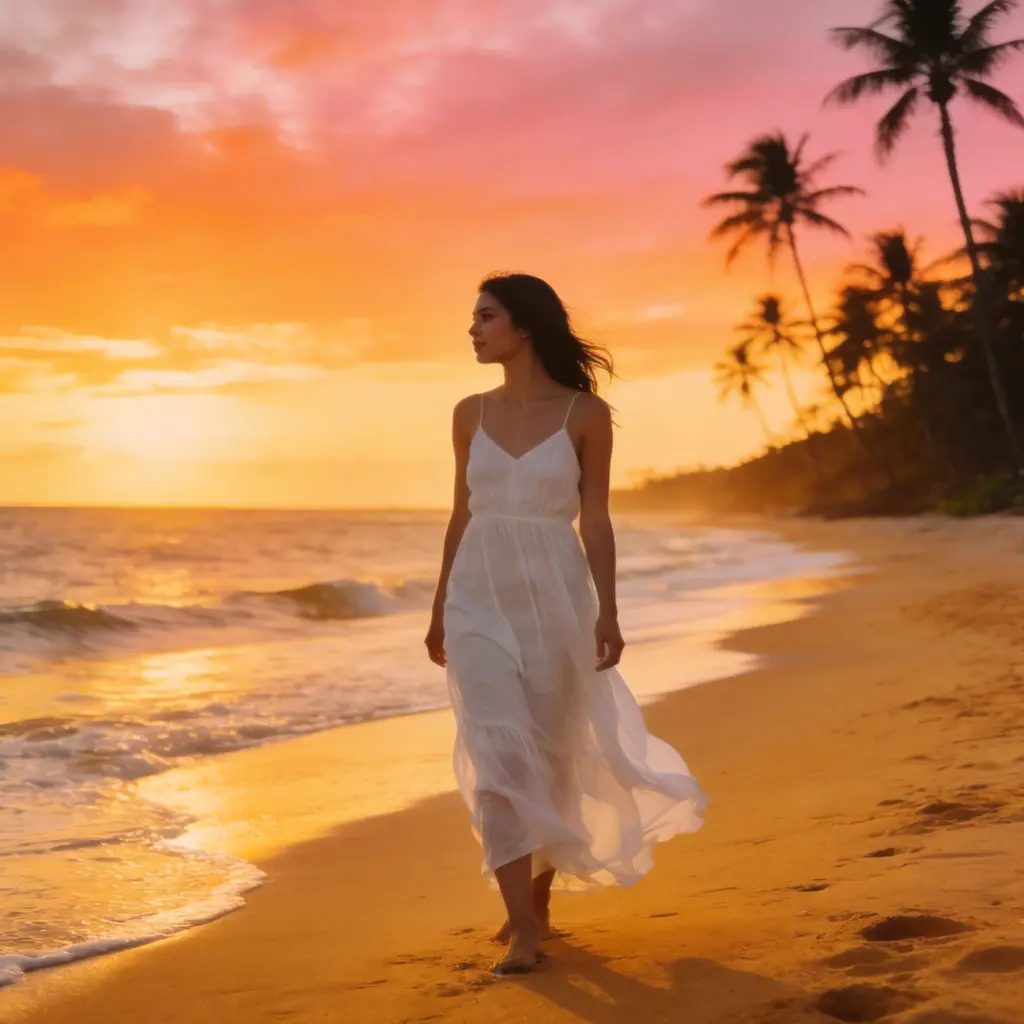
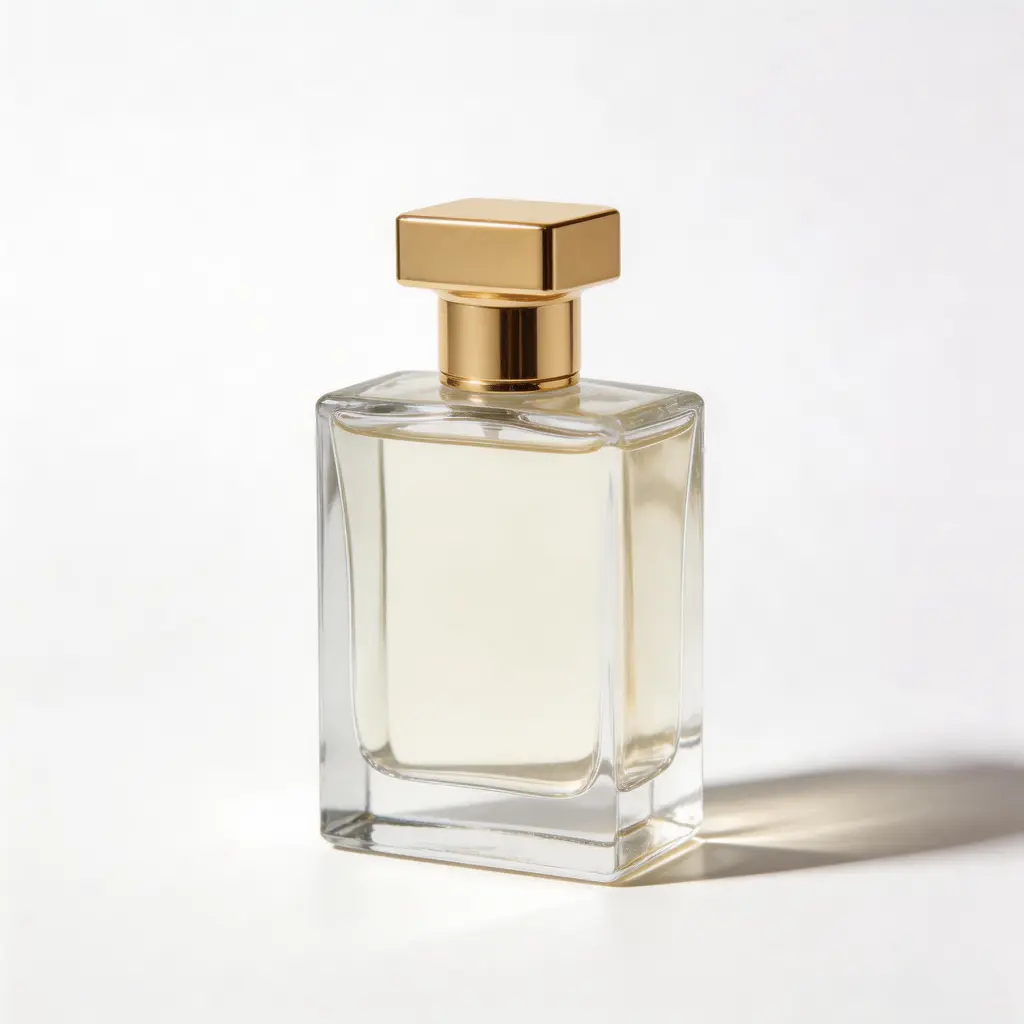
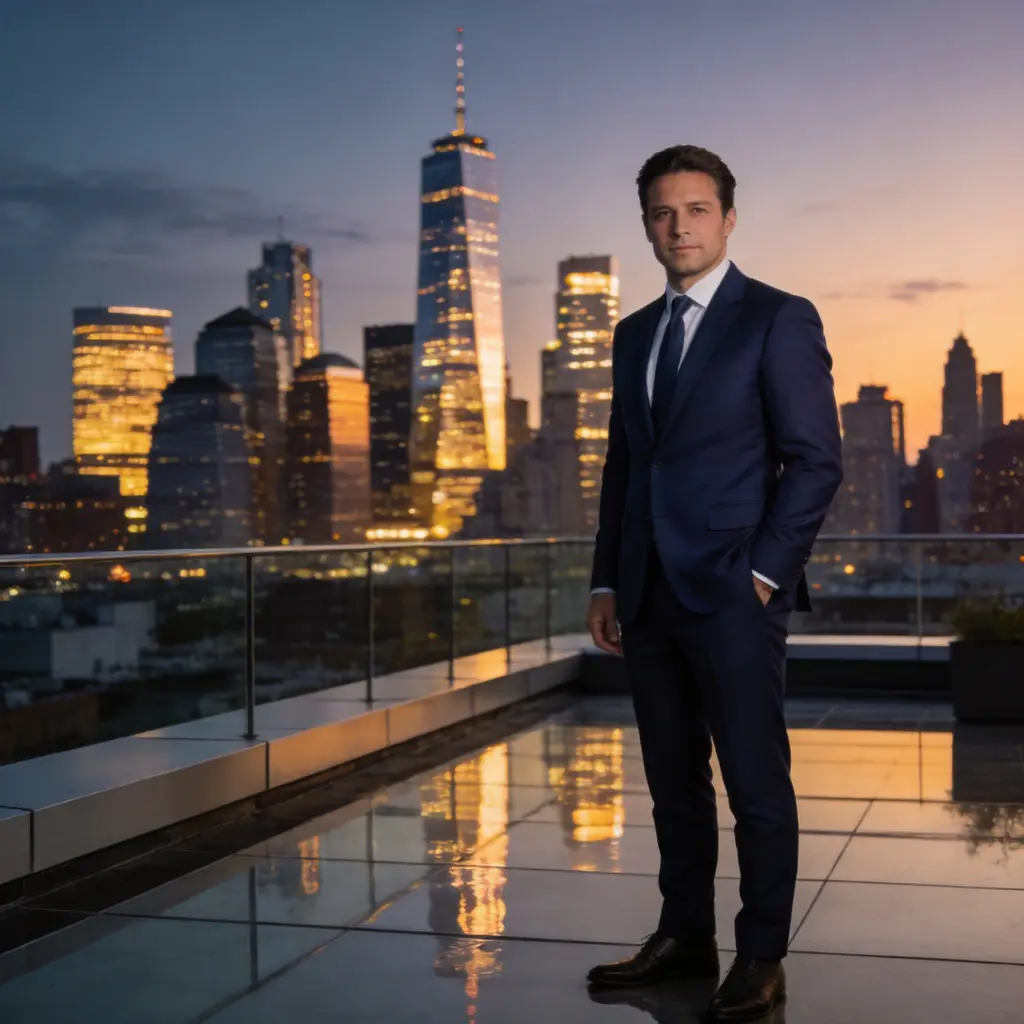
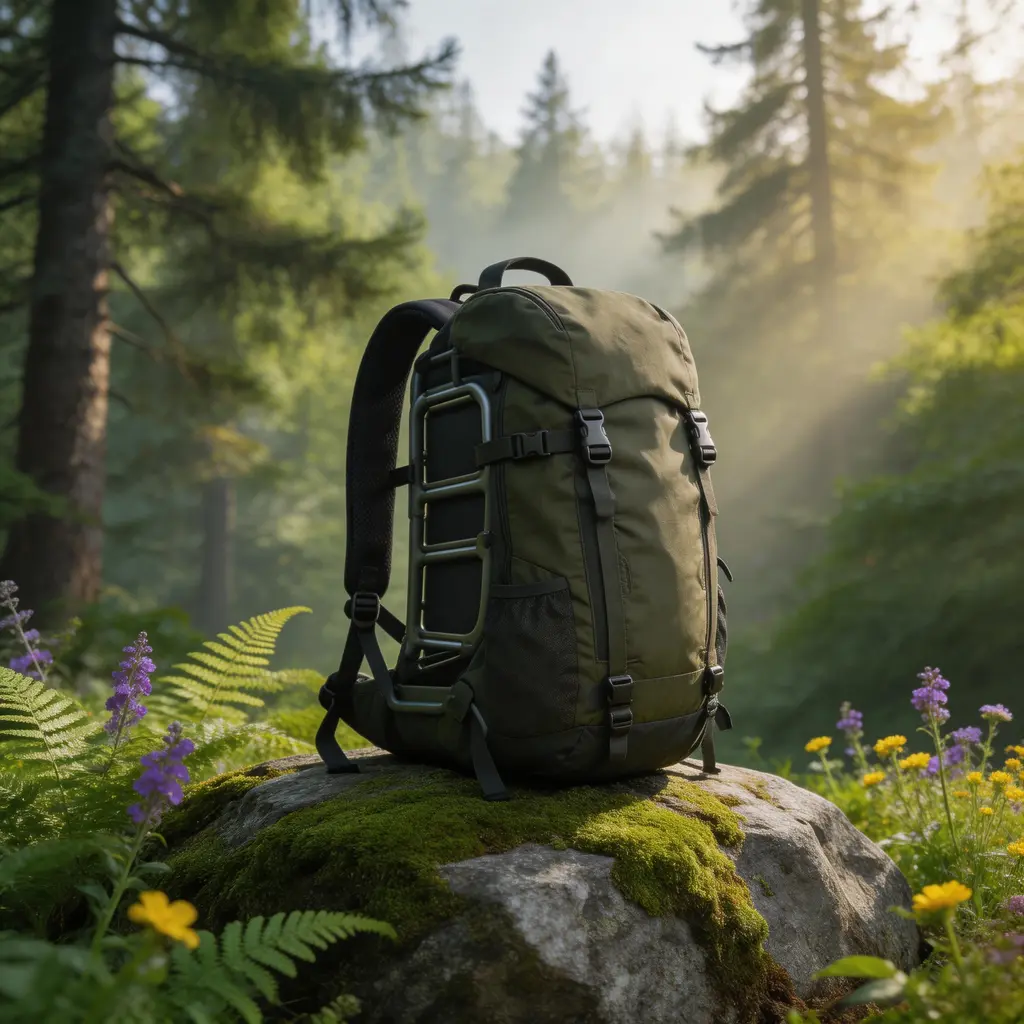
Choose from 9 curated background scenes: Studio White for eCommerce product photography, Beach Sunset for vacation vibes, City Skyline for urban portraits, Forest for natural settings, Office for professional headshots, Cafe for lifestyle content, Gradient for clean modern looks, Garden for bright outdoor scenes, and Neon for dramatic night portraits. Each AI background change preset is optimized for realistic results. Try multiple scenes on the same photo to find the perfect background.

AI Photo Background Changer for Product Photography and eCommerce
The AI background changer is perfect for eCommerce product photography. Place any product on a clean white studio background, a lifestyle scene, or a branded gradient without a physical photo studio. Sellers on Amazon, Etsy, Shopify, and other marketplaces use AI to change product photo backgrounds in seconds instead of hours. Works for clothing, accessories, electronics, food, cosmetics, and any product category. The AI image background change keeps product details sharp while replacing the surroundings.
AI Background Changer for Selfies, Headshots, and Creative Portraits
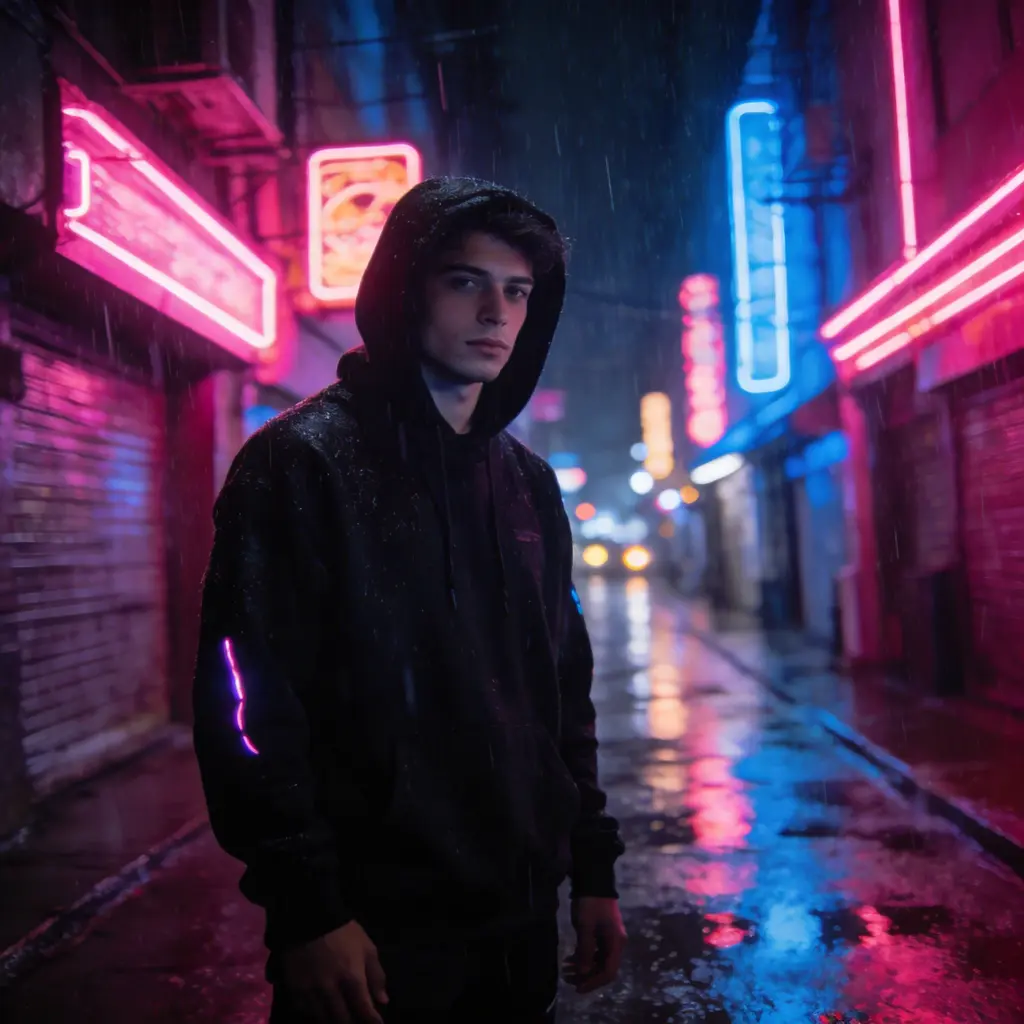
Transform selfies and headshots with AI-generated backgrounds. Place yourself on a beach, in a neon-lit city, or in a professional office setting with one click. The AI selfie background changer keeps your face and body untouched while creating a realistic new background. Perfect for LinkedIn headshots with the Office preset, Instagram content with Beach Sunset, or creative portraits with Neon. The AI background changer produces realistic results that look like real photos, not obvious composites.
How to Change Photo Background with AI in 3 Steps
Upload Your Photo
Upload any photo with a subject you want to keep — a selfie, product photo, headshot, pet, car, or any object. Clear photos with good lighting give the best results. The AI photo background changer works with portraits, product shots, full-body photos, and group photos.
Choose a Background Scene
Pick from 9 curated background scenes: Studio White, Beach Sunset, City Skyline, Forest, Office, Cafe, Gradient, Garden, or Neon. Or switch to the Custom tab and describe any background in your own words using an AI prompt. The AI background changer with prompt gives you unlimited creative control.
Generate and Download
Click Change Background and the AI replaces your photo's background in seconds. The subject stays exactly as-is while the background transforms completely. Download the result or try another scene on the same photo. No app to download and no background editing software needed.
What People Use AI Background Changer For
eCommerce Product Photography
Place products on clean white backgrounds, lifestyle scenes, or branded backdrops without a photo studio. Save hours of photo editing for Amazon, Etsy, and Shopify listings. The AI changes product backgrounds while keeping every product detail sharp.
Professional Headshots and LinkedIn Photos
Transform any selfie into a professional headshot by changing the background to a clean office, studio, or neutral setting. Perfect for LinkedIn profile photos, business cards, and corporate websites without booking a photographer.
AI Selfie Background Changer for Social Media
Change selfie backgrounds for Instagram, TikTok, and social media posts. Place yourself on a beach, in a cafe, or under neon lights without leaving home. The AI selfie background changer creates shareable content in seconds.
Car and Vehicle Photography
Place cars and vehicles on professional showroom backgrounds, dramatic cityscapes, or scenic roads. The AI car background changer is used by dealerships, private sellers, and automotive enthusiasts to create listing photos that stand out.
Creative Portrait Photography
Transform portraits with imaginative backgrounds: neon-lit streets, enchanted forests, or surreal gradients. Professional photographers and content creators use the AI background changer to explore creative concepts without expensive location shoots.
Design Mockups and Marketing Materials
Create marketing assets by placing products and people in branded environments. Change backgrounds for presentation slides, website banners, advertisements, and promotional materials without hiring a graphic designer.
Best AI Background Changer — Why Choose VicSee
9 Scene Presets Plus Custom AI Backgrounds
Choose from 9 curated background scenes or describe your own with a text prompt. Studio White for eCommerce, Beach for vacation vibes, Office for headshots, Neon for creative portraits, and more. The best AI photo background changer with both preset and custom options.
Instant AI Background Change — No App Needed
Change any photo background in seconds. VicSee runs entirely in your browser with no background changer app to download and no software to install. The online AI background changer works on desktop, tablet, and mobile.
AI Background Changer with Realistic Results
The AI produces natural-looking backgrounds with proper lighting, shadows, and perspective matching. Results look like real photographs, not obvious edits. The AI background changer creates realistic composites that maintain the original photo's quality.
Free AI Background Changer with Starter Credits
Sign in to your free VicSee account and start changing backgrounds right away. Starter credits are included on signup, no payment required to get started. Each AI background change costs credits, with no hidden fees.
Try Multiple Backgrounds on One Photo
Upload your photo once and switch between all 9 background scenes without re-uploading. Compare Studio White, Beach Sunset, and City Skyline side by side from the same photo to find the perfect look.
Perfect for eCommerce and Product Photography
Place products on professional backgrounds without a photo studio. White backgrounds for Amazon listings, lifestyle scenes for Shopify stores, and gradient backgrounds for social media ads. The AI changes product photo backgrounds while preserving every detail.
Explore More AI Photo Tools
More AI tools from VicSee
AI Background Changer — Frequently Asked Questions

Free AI Background Changer — Try It Now
Upload a photo, choose from 9 AI background scenes, and get an instant result. Browser-based, no app to download. Sign in free and start changing photo backgrounds.
Change Background Free