
Upload Image *
Drop image here or click to upload
JPG, PNG, WebP · Max 10MB
Upscale Factor
Sample Result
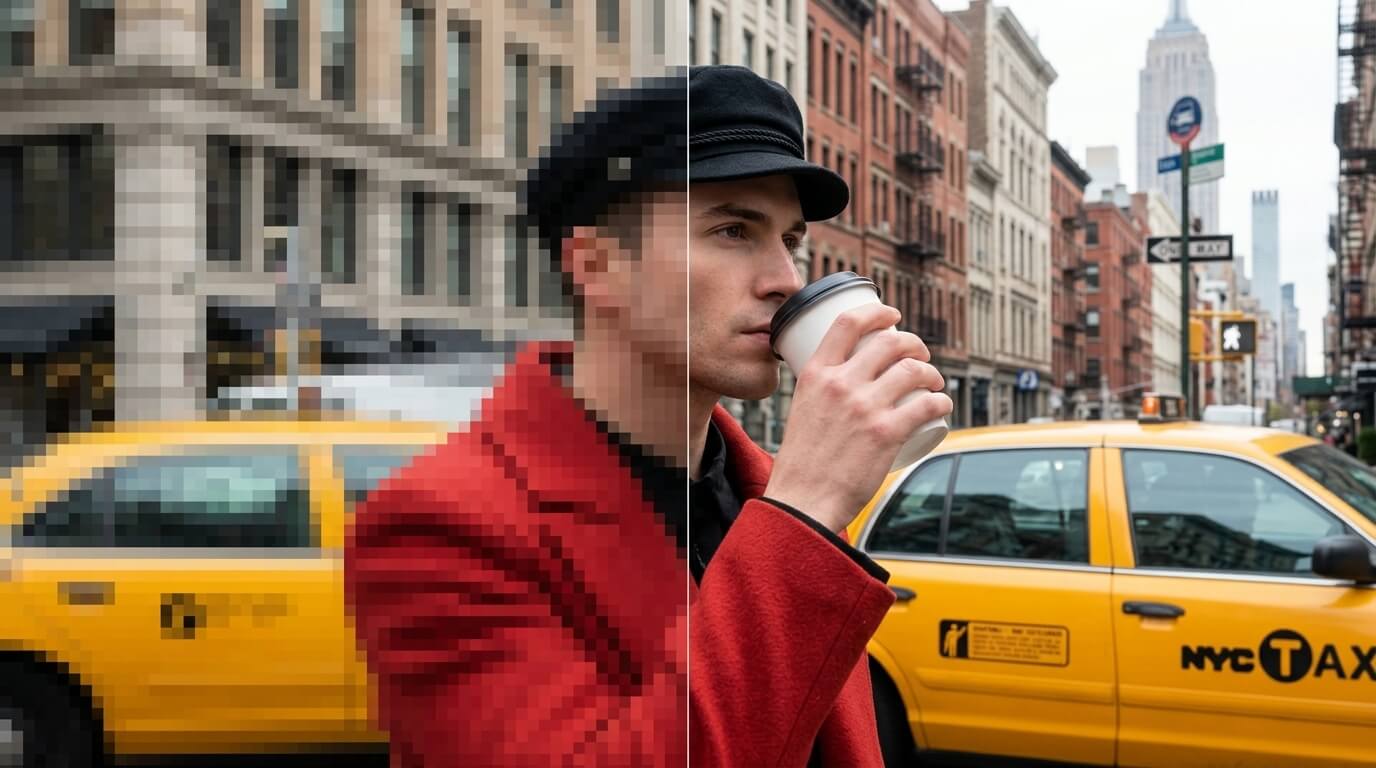
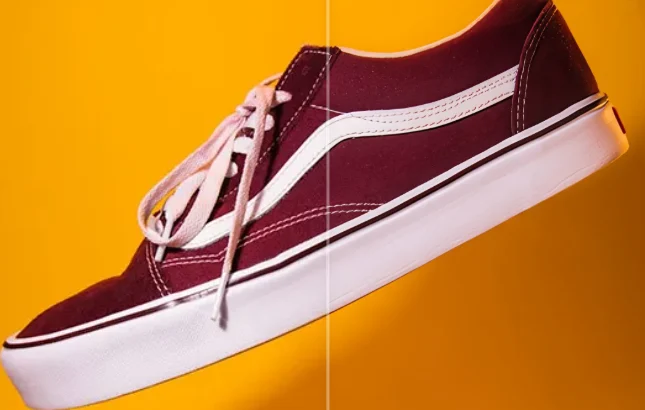
Restore E-Commerce Product Photos
Low-resolution product shots cost you sales. Upscale to 2x or 4x and your listings instantly look more professional — sharper textures, finer details, better conversions.
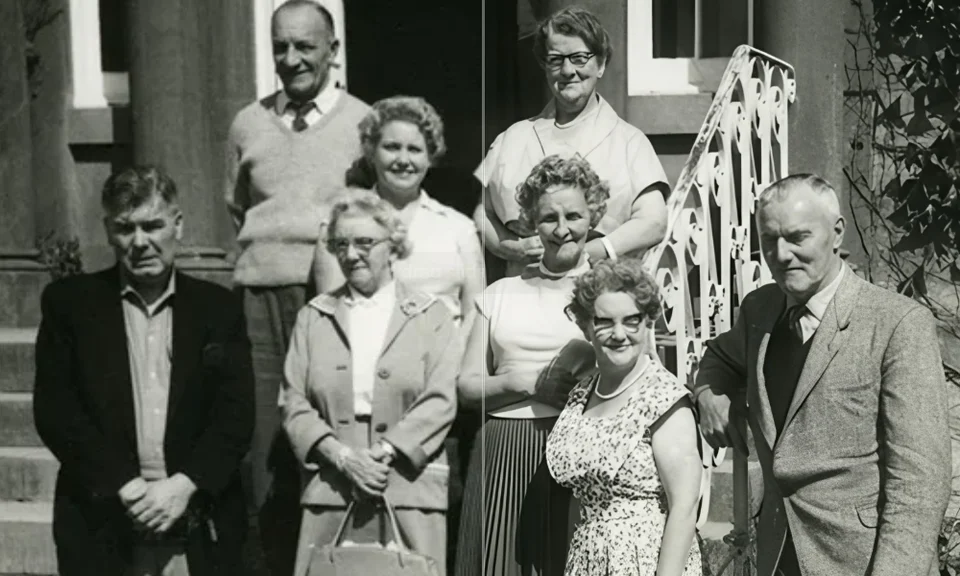
Rescue Old & Damaged Photos
Scanned family photos lose detail over generations. AI upscaling recovers fine features — faces, textures, backgrounds — that were blurred or lost to time.
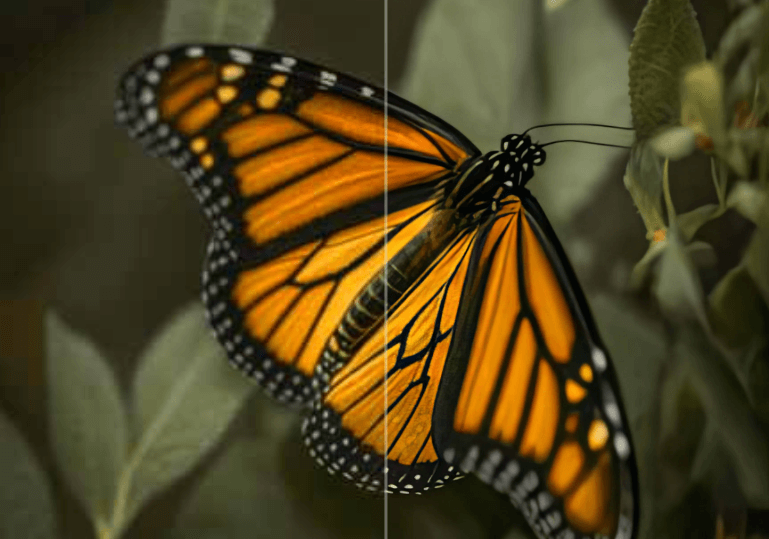
Sharpen Photography & Creative Work
Preserve every wing vein, every feather, every petal at full resolution. Upscale creative shots for print, editorial, or portfolio use without resampling artifacts.
How to Upscale Images Online — 3 Simple Steps
Upload Your Image
Select any JPEG, PNG, or WebP file up to 10MB. The clearer your source image, the better the upscaled result.
Choose Upscale Factor
Pick 2x or 4x. Higher factors add more detail and resolution — perfect for print or large-format display.
Download HD Result
AI processes your image in seconds. Download the enhanced, high-resolution version in seconds.
Why Use VicSee for AI Image Upscaling?
Topaz AI Engine
Powered by Topaz Labs — the industry standard for professional image upscaling used by photographers and studios worldwide.
Lightning Fast
Most images upscale in under 30 seconds. No long queues, no waiting — just instant high-resolution results.
Up to 4x Resolution
Go from 500px to 4000px in one click. Perfect for print, large-format display, or recovering detail from compressed images.
Private & Secure
Your images are processed securely. We never store, share, or use your photos for any other purpose.
Free to Start
Sign in free and get credits to upscale your first images — no credit card required.
Works on Any Device
Use the image upscaler on desktop, tablet, or mobile browser. No app or software download needed.
Explore More AI Image Tools
Complete your creative workflow with VicSee's AI suite
Frequently Asked Questions

Try Free AI Image Upscaler Now
Sign in free and upscale your first photo in seconds — no credit card, no design skills needed.
Start Upscaling Free