
Upload Room Photo *
Drop your room photo here or click to upload
JPG, PNG, WebP. Max 10MB.
AI Room Design Gallery
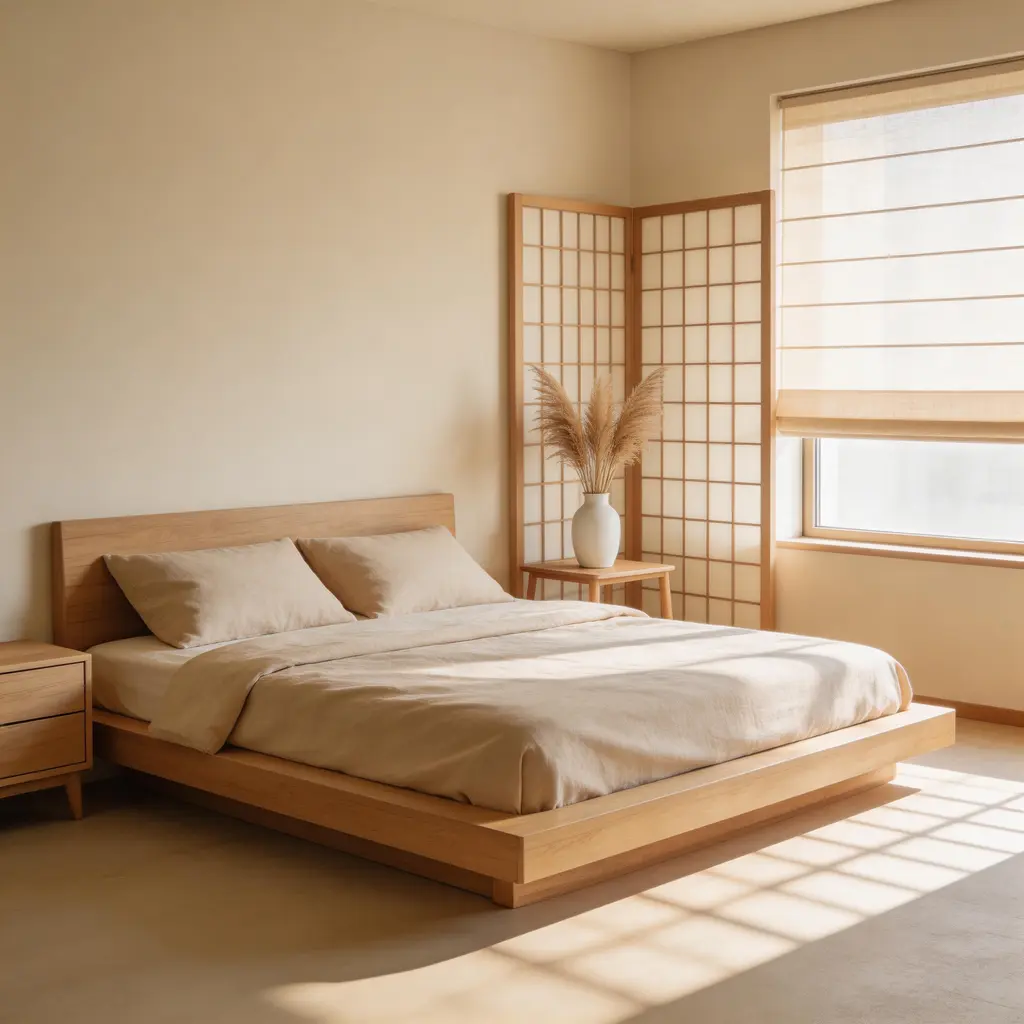
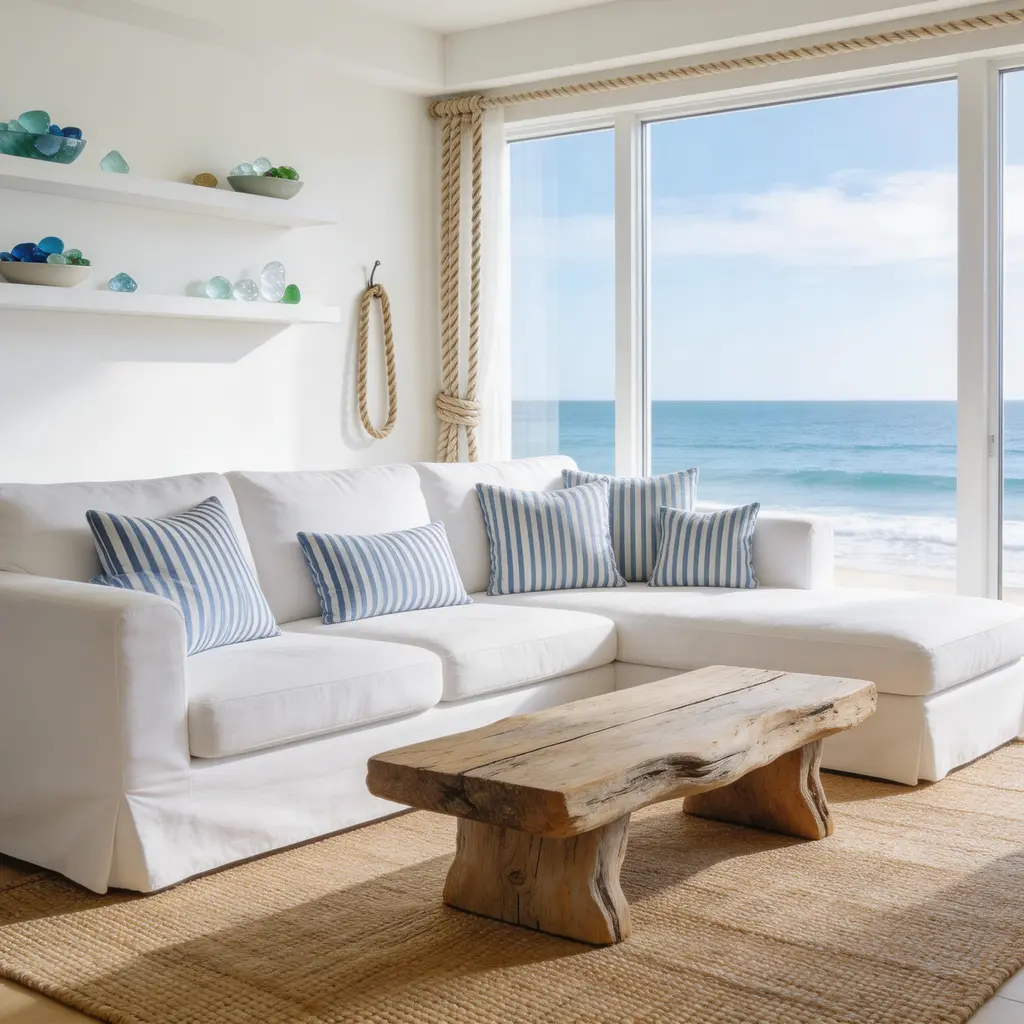
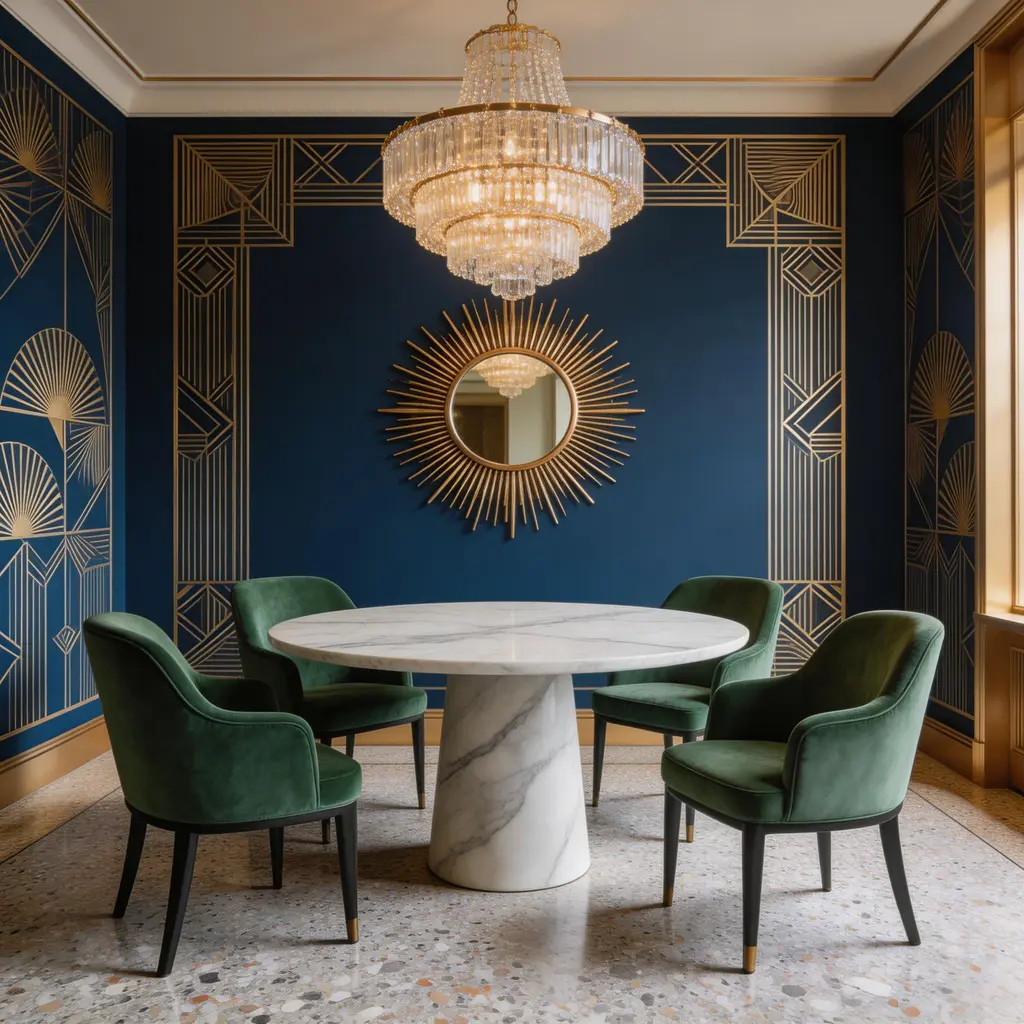
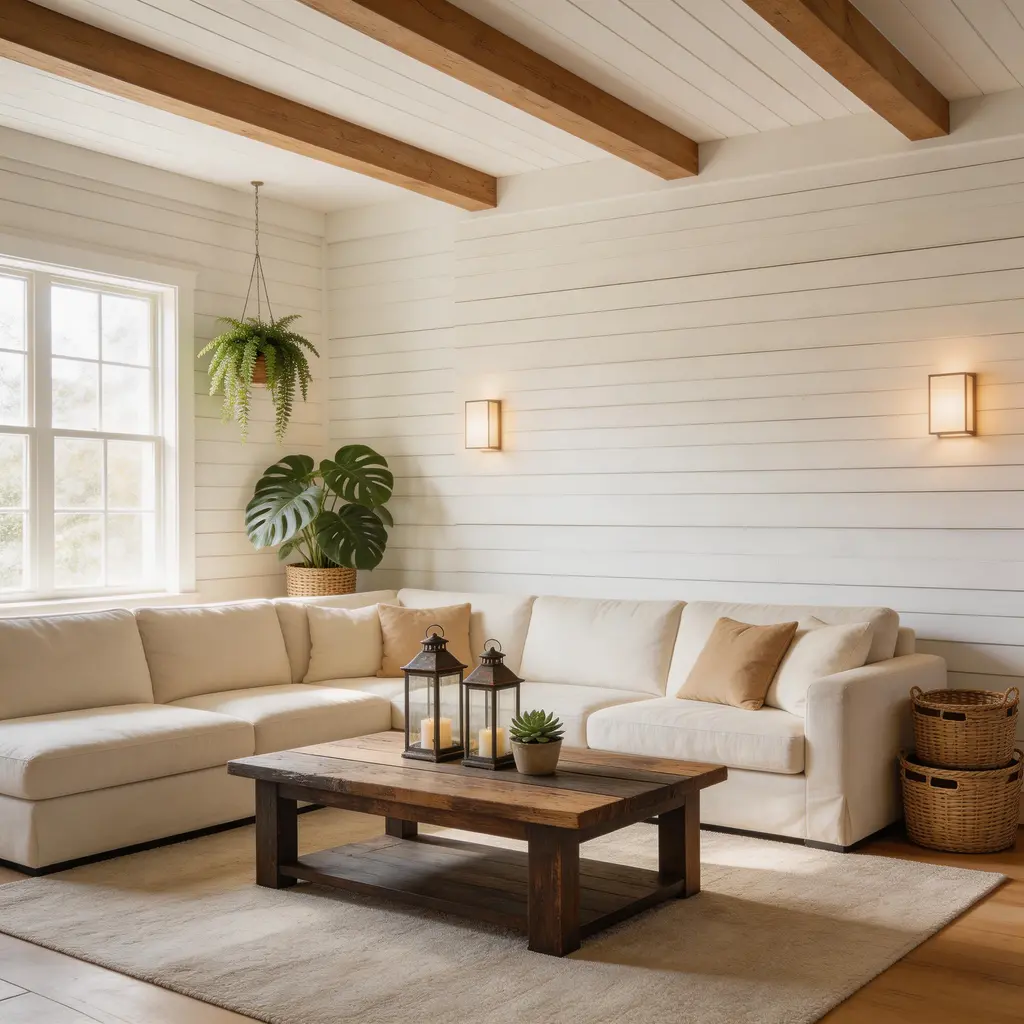
AI Room Designer - Design Any Room from a Photo
Upload a photo of any room and the AI transforms it into a completely new design. Choose from 9 curated styles, from serene Japandi to glamorous Art Deco, or describe your own custom look. The AI preserves your room's layout, walls, and windows while replacing furniture, materials, colors, and lighting to match your chosen design.
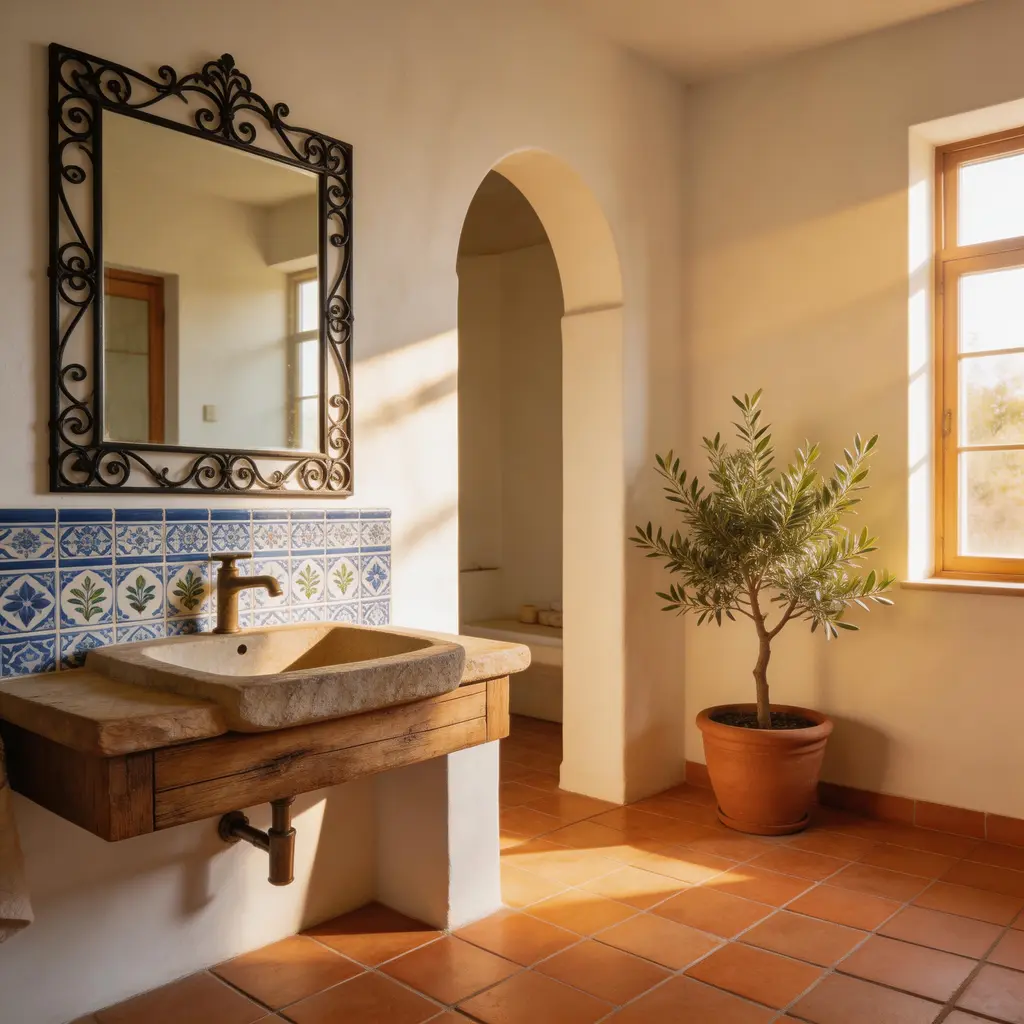
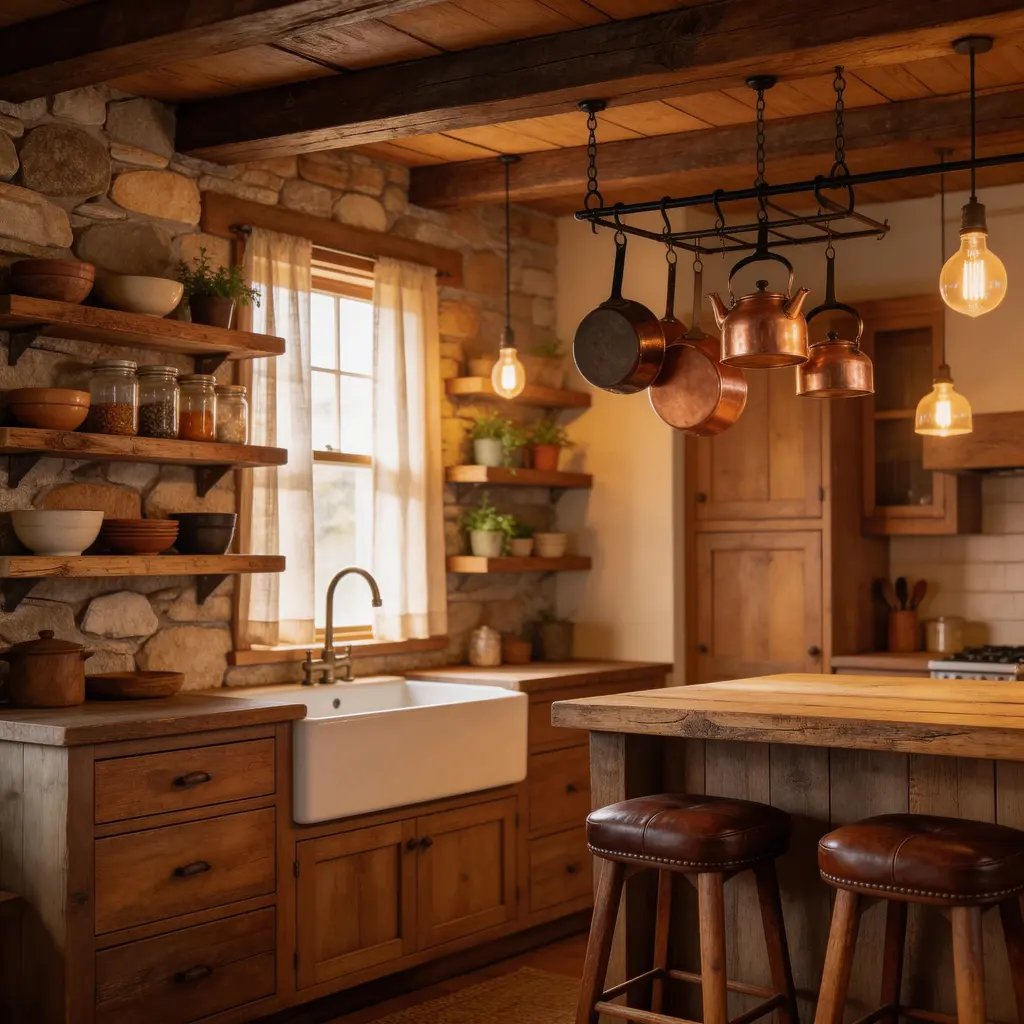
9 Room Design Styles to Try Instantly
Japandi, Coastal, Rustic, Art Deco, Farmhouse, Mediterranean, Mid-Century Modern, Minimalist, and Tropical. Each preset applies a complete design system covering furniture, color palette, materials, textures, and lighting. Try multiple designs on the same room photo to compare looks before committing to a renovation.
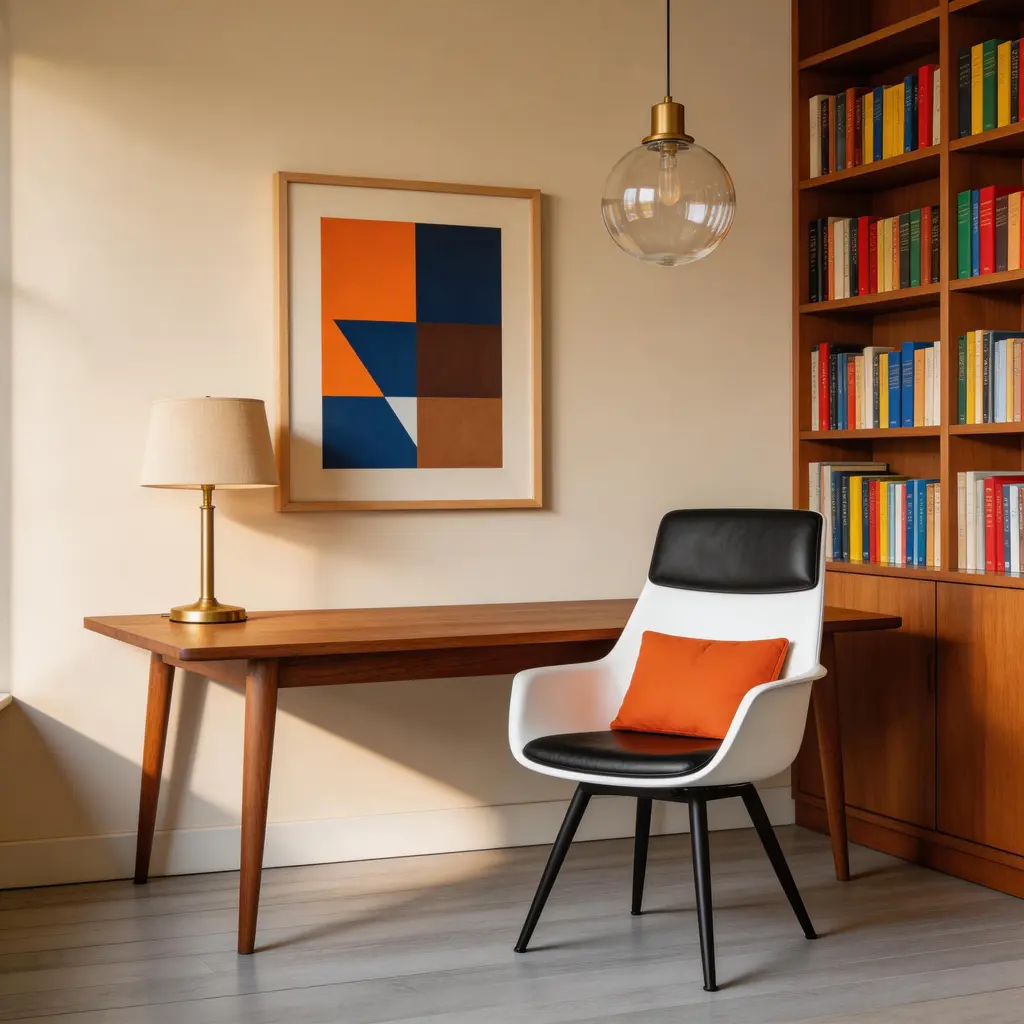
Design Living Rooms, Bedrooms, Kitchens, and More
The AI room designer works with any room type: living rooms, bedrooms, kitchens, bathrooms, home offices, dining rooms, dorm rooms, and even commercial spaces. Upload a photo from any angle and the AI adapts the design to your room's shape, lighting, and function. It handles small apartments just as well as large open-plan spaces.
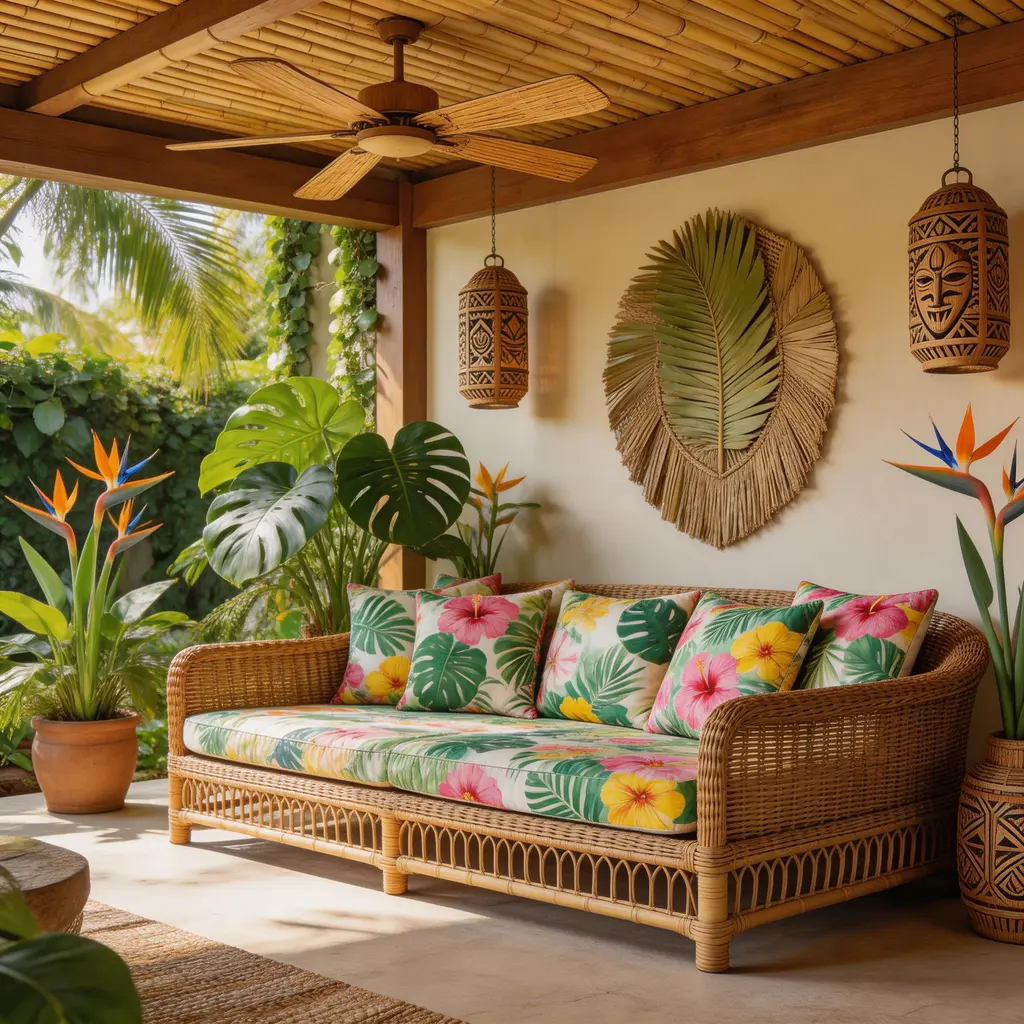
AI Room Design from Photo in Seconds
Just upload a room photo and choose a style. The AI analyzes your room's spatial structure, including walls, windows, doors, and furniture placement, then generates a redesigned version that keeps the layout intact. No floor plans needed, no measurements required, and no design experience necessary. Results are ready in seconds.
How to Use AI to Design a Room
Upload a Photo of Your Room
Take a photo of the room you want to redesign. Clear, well-lit photos from a corner angle give the best results. The AI room designer works with living rooms, bedrooms, kitchens, bathrooms, home offices, and more.
Choose a Design Style
Pick from 9 curated room design styles: Japandi, Coastal, Rustic, Art Deco, Farmhouse, Mediterranean, Mid-Century, Minimalist, or Tropical. Or use the Custom tab to describe any design in your own words.
Generate Your Room Design
Click Design My Room and the AI generates your new room design in seconds. The layout stays the same while furniture, materials, colors, and lighting are transformed. Download the result or try another style on the same photo.
What People Use AI Room Design For
Home Renovation Planning
See how a room will look in a new style before spending money on furniture or paint. Test different design directions on your actual space and make confident renovation decisions.
Real Estate Virtual Staging
Stage empty or dated rooms for property listings. Upload the room as-is and generate a furnished, styled version that helps buyers visualize the space.
Interior Design Inspiration
Explore design styles you haven't considered. Try Japandi, Coastal, or Art Deco on your room to discover what works with your layout and natural lighting.
Social Media Before-and-After Content
Generate dramatic room transformations for Instagram, TikTok, or Pinterest. Before-and-after room makeovers are highly shareable content.
Client Presentations
Interior designers and home stagers can show clients multiple design options in minutes. Upload the client's room and generate several looks to discuss.
Airbnb and Rental Styling
Visualize how to style a rental property for better listing photos. Test different aesthetics to find the look that appeals to your target guests.
Why Use VicSee's AI Room Designer
Preserves Your Room's Layout
The AI keeps your room's walls, windows, and spatial structure intact. Only the furniture, decor, and finishes change, so the result looks like a real renovation of your actual space.
Instant AI Room Design, No App Needed
Get a redesigned room in seconds. VicSee runs in your browser with no app to download and no software to install. Works on desktop, tablet, and mobile.
9 Styles Plus Custom Descriptions
Choose from 9 curated design presets or describe your own style. Try Japandi calm, Coastal brightness, or Art Deco glamour on the same room to compare.
Free to Try with Starter Credits
Sign in to your free VicSee account and start designing rooms right away. Starter credits are included on signup, no payment required to get started.
Try Multiple Designs on One Photo
Upload your room photo once and switch between all 9 styles without re-uploading. Compare Japandi, Farmhouse, and Mediterranean designs side by side from the same room.
Any Room Type, Any Angle
Living rooms, bedrooms, kitchens, bathrooms, home offices, dorm rooms, and dining rooms all work. The AI adapts to the room's layout regardless of the photo angle.
Explore More AI Design Tools
More AI tools from VicSee
AI Room Designer - Frequently Asked Questions

Design Your Room with AI - Free to Try
Upload a room photo, choose from 9 design styles, and get an instant AI-generated room design. Browser-based, no app download needed. Sign in free and start designing.
Design My Room Free