
Veo 3.1 Video Generator
Create cinematic AI videos with native audio and precise creative control. Generate 8-second clips with dialogue, music, and sound effects. Use reference images for character consistency or frame control for perfect transitions.
Key Features of Veo 3.1
- •Native Audio Generation:Creates synchronized dialogue, ambient sounds, and music that naturally complement the video
- •Character Consistency:Maintains character appearance and features across multiple scenes and shots
- •Reference to Video:Guide generation with up to 3 reference images for consistent style and characters
- •Frame to Video:Control your narrative arc with start and end frame images for seamless transitions
Native Audio and Richer Sound
Veo 3.1 adds native audio to your creations—including dialogue, ambient sound, and effects that match every movement. When you generate videos through VicSee, sound and visuals stay perfectly aligned, making scenes feel more immersive and believable.
Prompt
A keyboard whose keys are made of different types of candy. Typing makes sweet, crunchy sounds. Audio: Crunchy, sugary typing sounds, delighted giggles.
Output video
Consistent Characters Across Scenes
Upload reference images of your character, and Veo 3.1 will maintain the subject's identity, appearance, and motion across every frame. This ensures your character stays visually consistent throughout multiple scenes, creating a cohesive and professional-looking video narrative.
Character Reference

Output video
Ingredients to Video
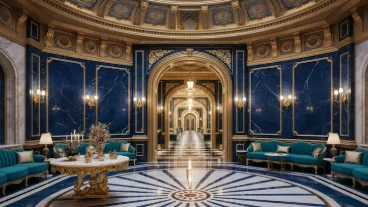
Shape the look and feel of your video by providing up to three reference images of a character, object, or scene. This capability is particularly useful for maintaining consistent appearances across multiple shots or for enforcing a specific visual style throughout your project.
Input Images


Output Video
Frame to Video
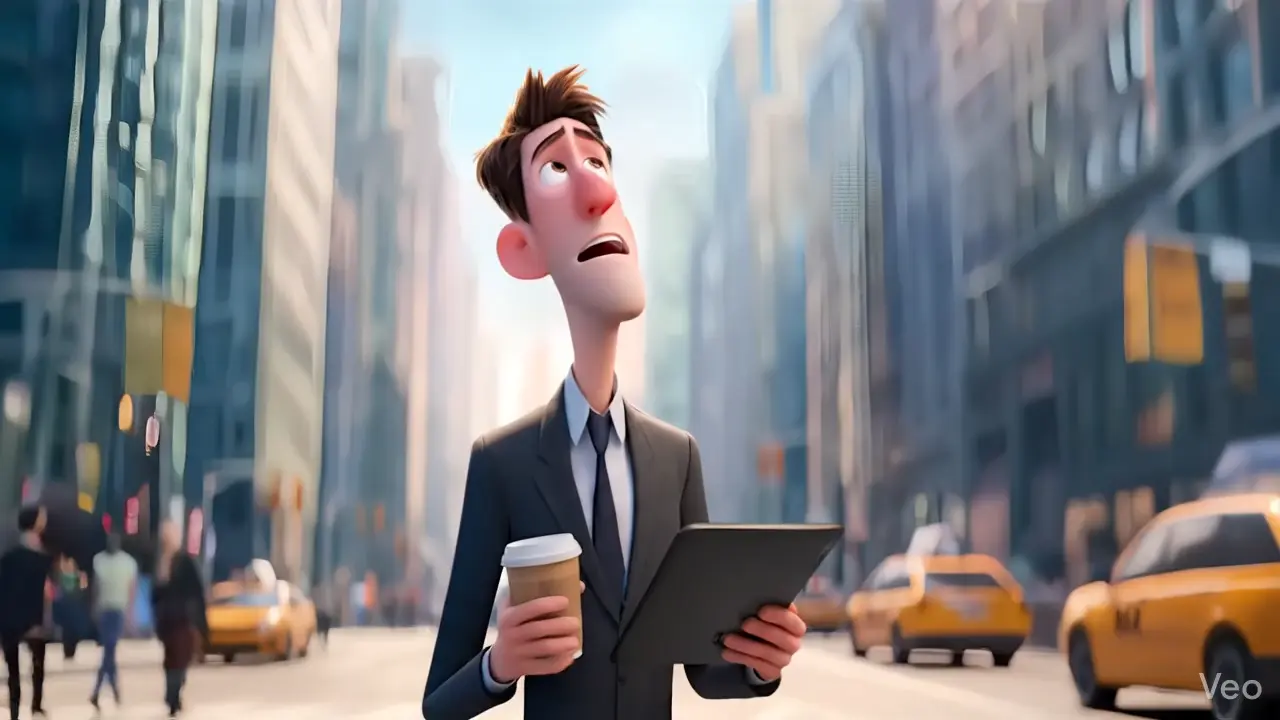
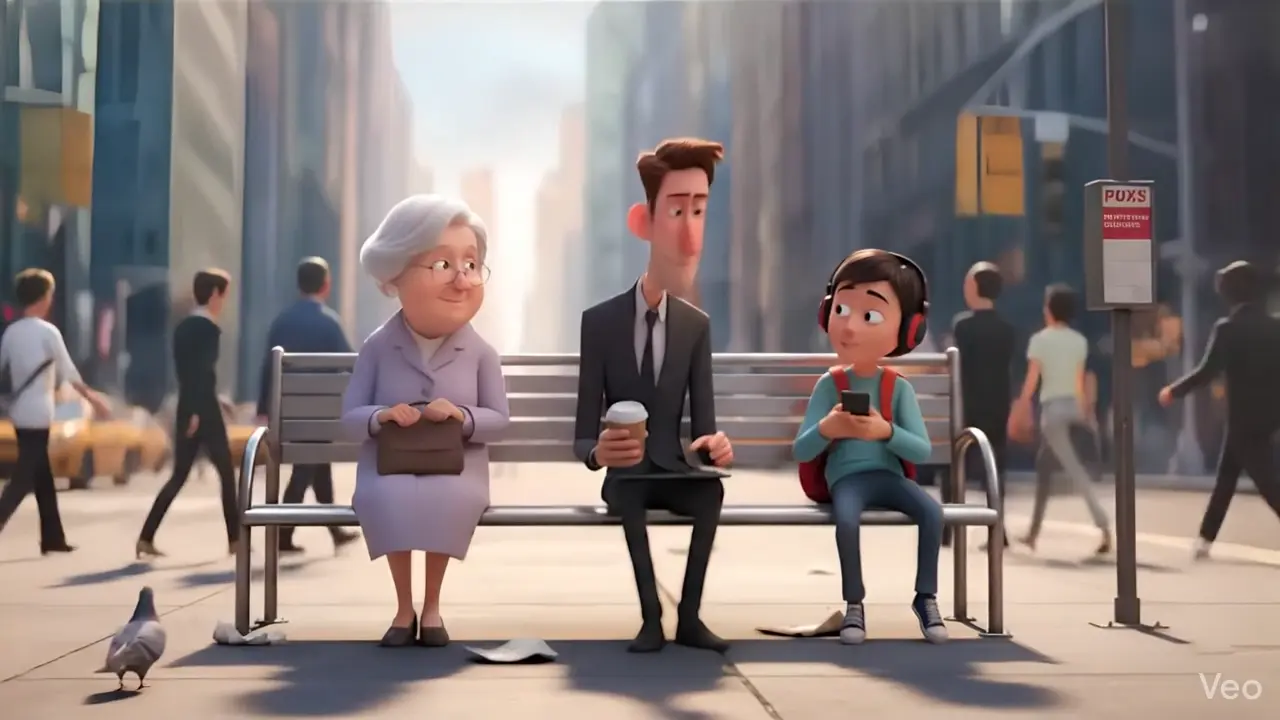
Seamlessly generate a video that begins with a starting image and ends with a final one. This gives you precise control over your video's narrative arc, perfect for product reveals, scene transitions, and storytelling.
Input Frames
Start Frame
End Frame
Output Video
How To Use Google Veo 3.1 AI Video Model on VicSee
Select the Veo 3.1 model
Go to the Veo 3.1 Generator and choose between Fast or Quality mode. Fast is great for testing, Quality for final renders.
Input Your Detailed Prompt
Describe what kind of video you want to generate and select other video configurations. Include audio elements like sounds, dialogue, or music in your prompt.
Download and Share
Click on 'Generate' and you can download or share the generated video as you like. Your video includes synchronized audio—ready to post!
FAQs
Common questions about Veo 3.1
Explore Other AI Models
Discover our complete suite of AI generation tools
Try Google Veo 3.1 on VicSee Today!
Start generating AI videos with native audio — no credit card required.