
Upload Your Photo *
Drop your photo here or click to upload
JPG, PNG, WebP. Max 10MB.
AI Caricature Generator Gallery
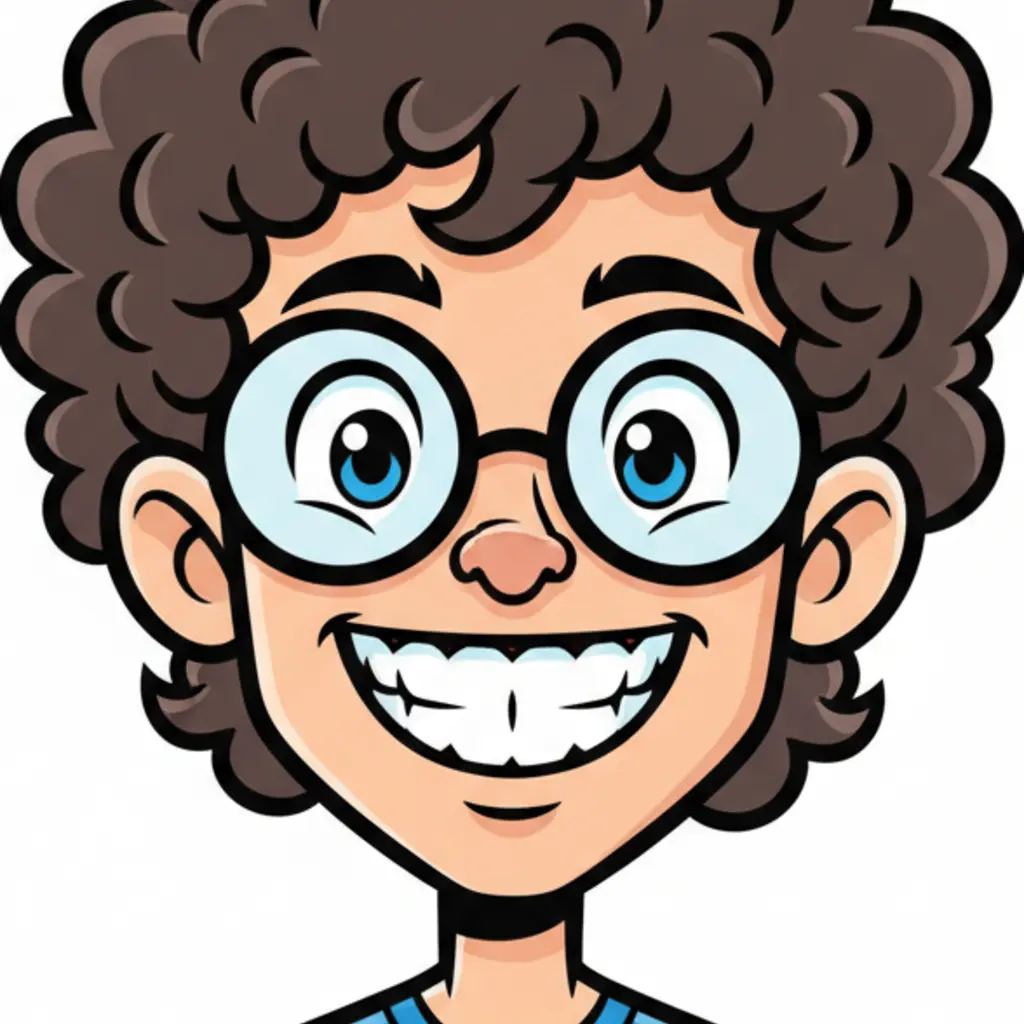
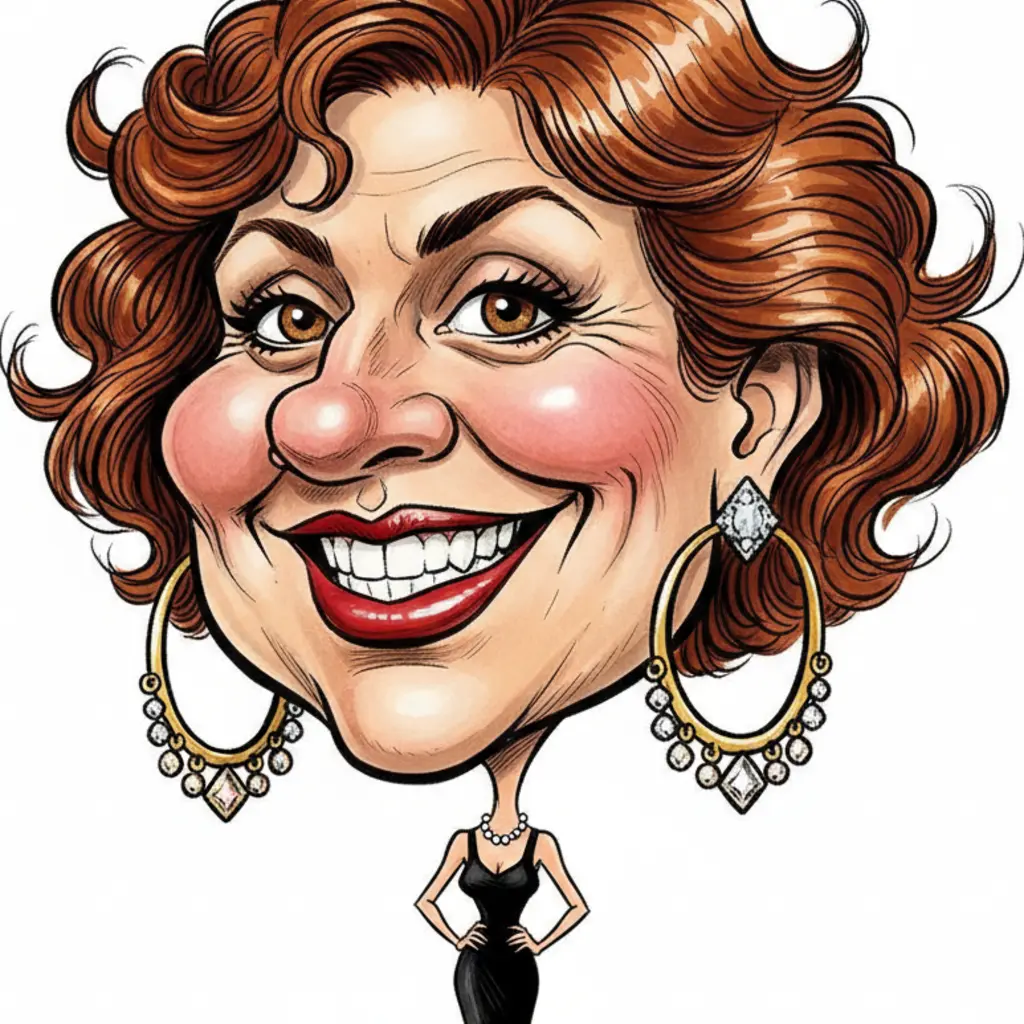
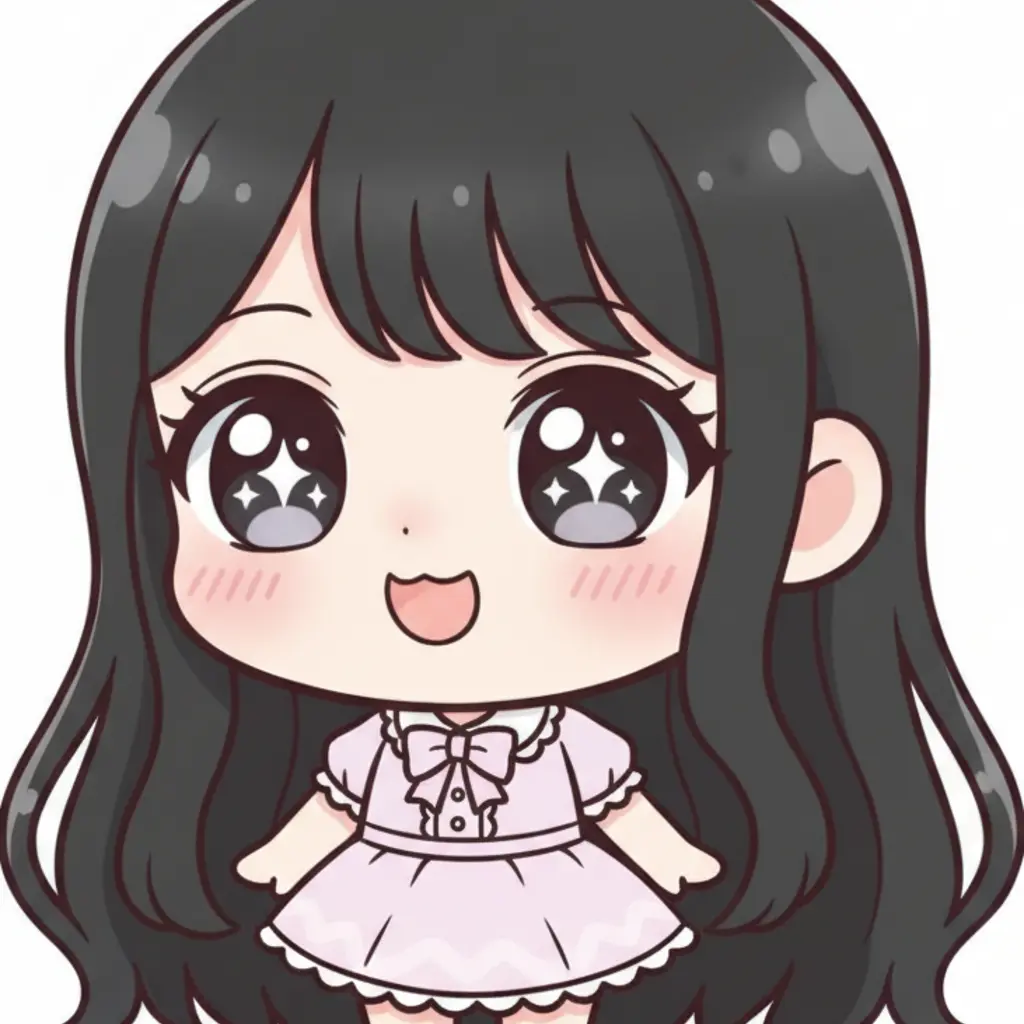
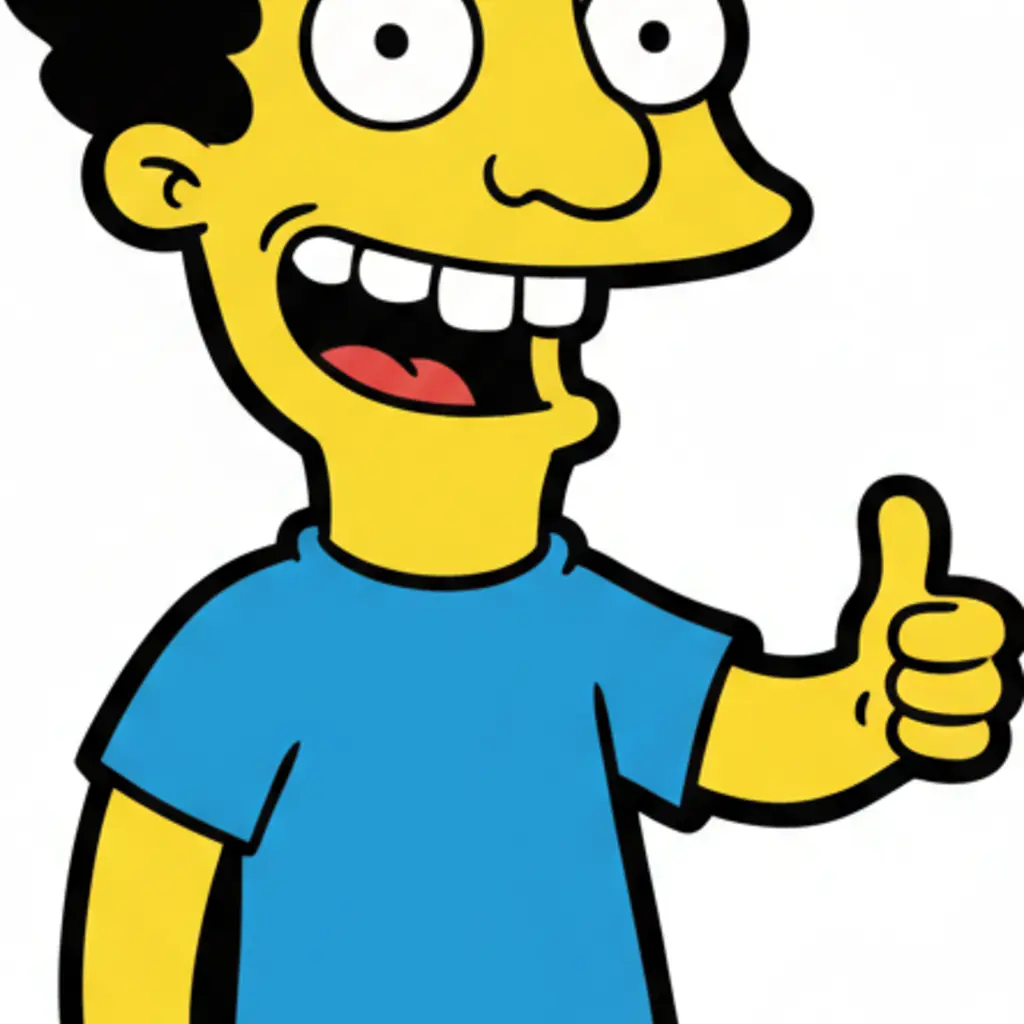
Free AI Caricature Generator — Turn Any Photo into a Caricature
Upload any photo and AI transforms it into a fun caricature instantly. Choose from 6 distinct art styles — Cartoon, Exaggerated, Pencil Sketch, Watercolor, Chibi, and Simpsons Style. Works on portraits, selfies, group photos, and pet photos. Generate caricatures online free for social media, gifts, or just for fun. No app to download, runs entirely in your browser.
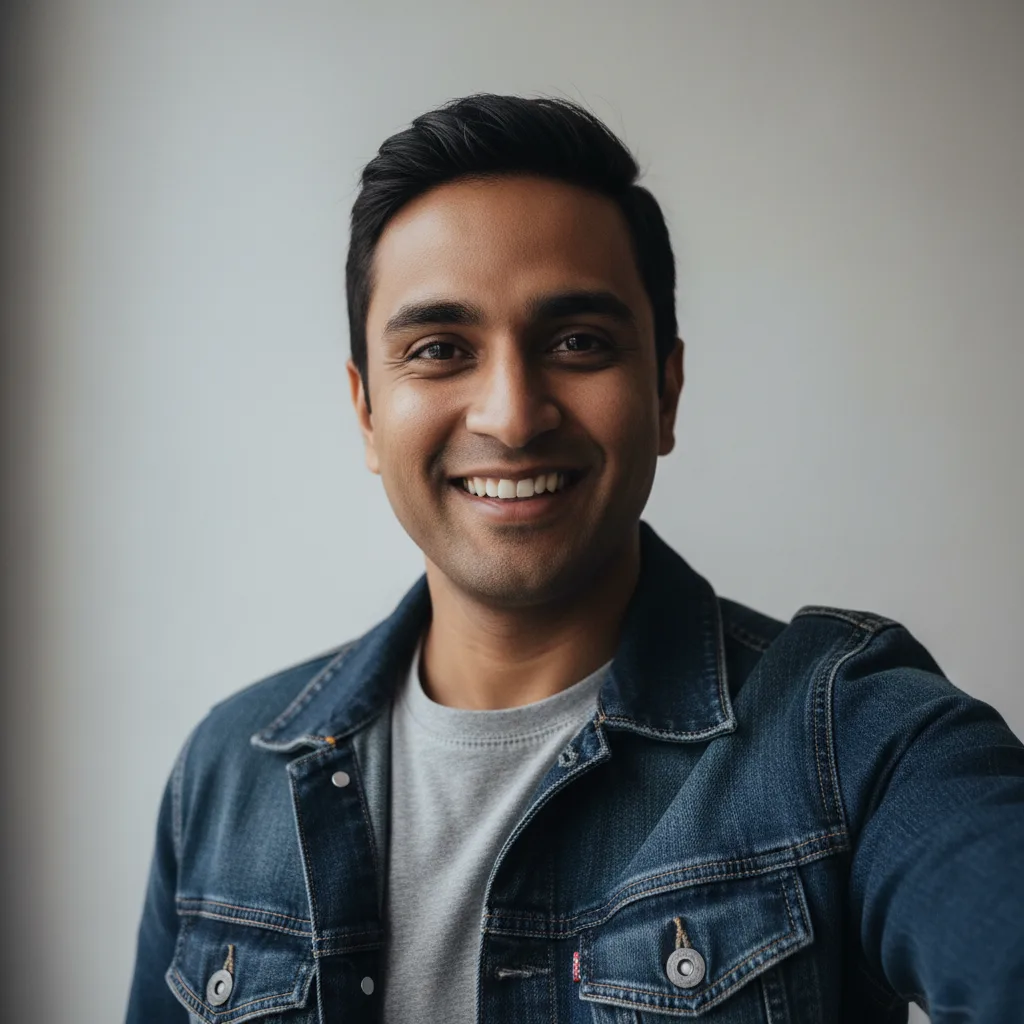
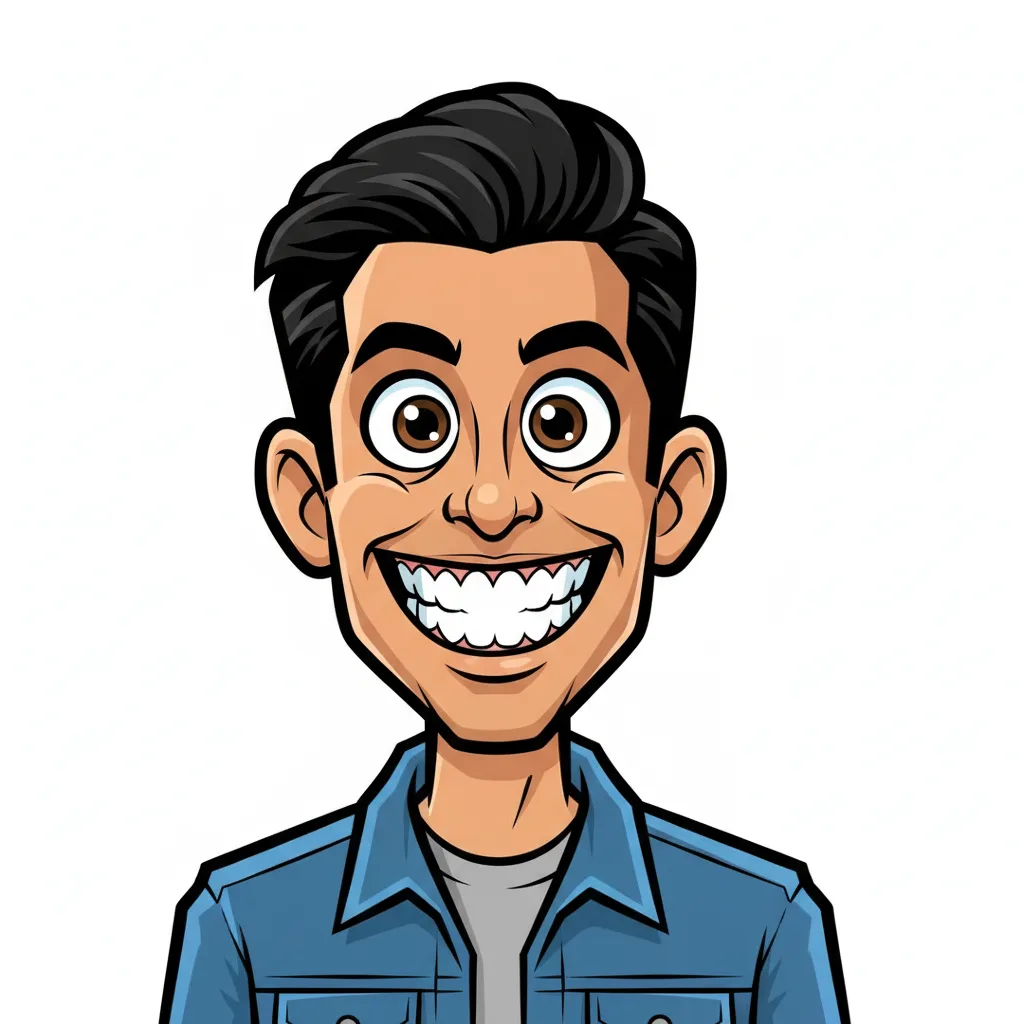
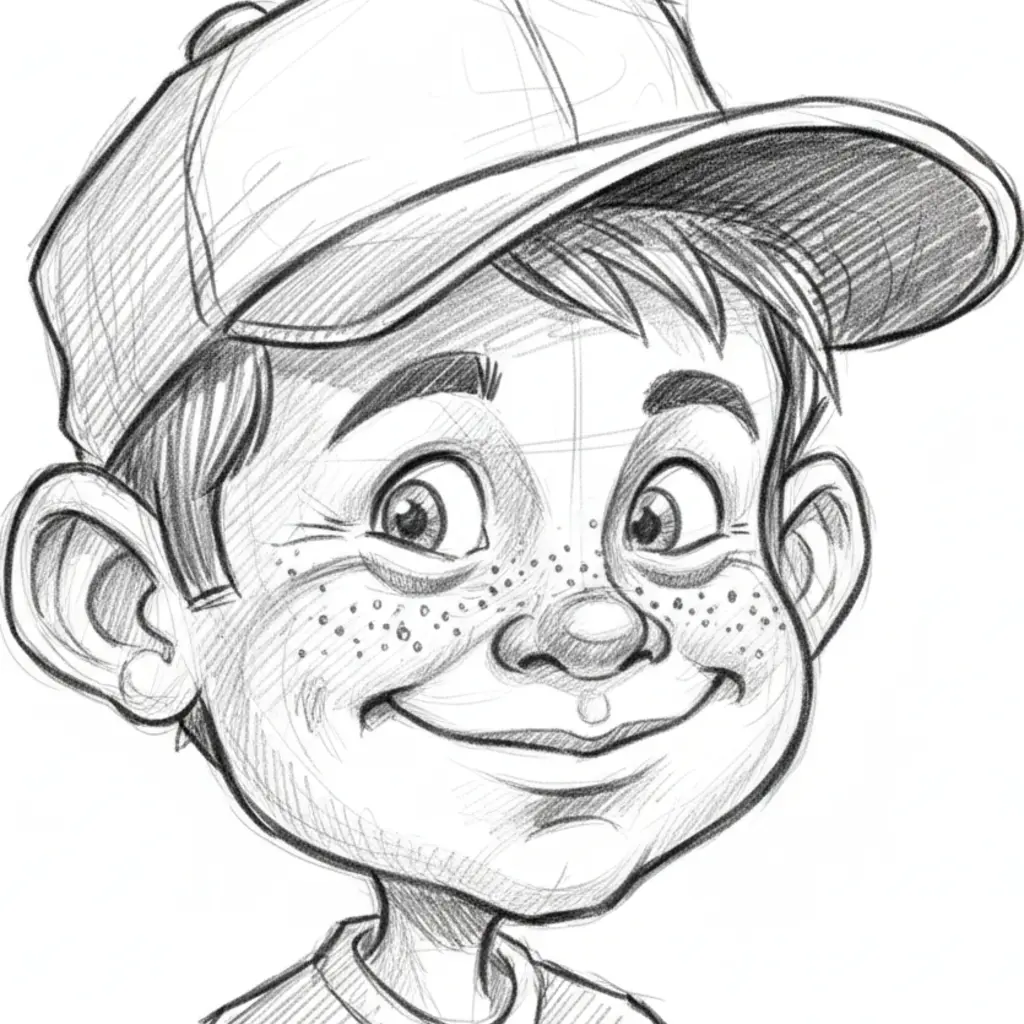
6 Art Styles — Cartoon, Chibi, Simpsons, Pencil Sketch, and More
Most caricature tools apply a single generic effect. VicSee gives you 6 distinct art styles: Cartoon with bold outlines and vibrant flat colors, Exaggerated for classic big-head tiny-body proportions, Pencil Sketch with hand-drawn cross-hatching, Watercolor with loose expressive brushstrokes, Chibi for kawaii anime proportions, and Simpsons Style with its instantly recognizable yellow-skin overbite look. Each style targets a different aesthetic — pick the one that fits your use case.
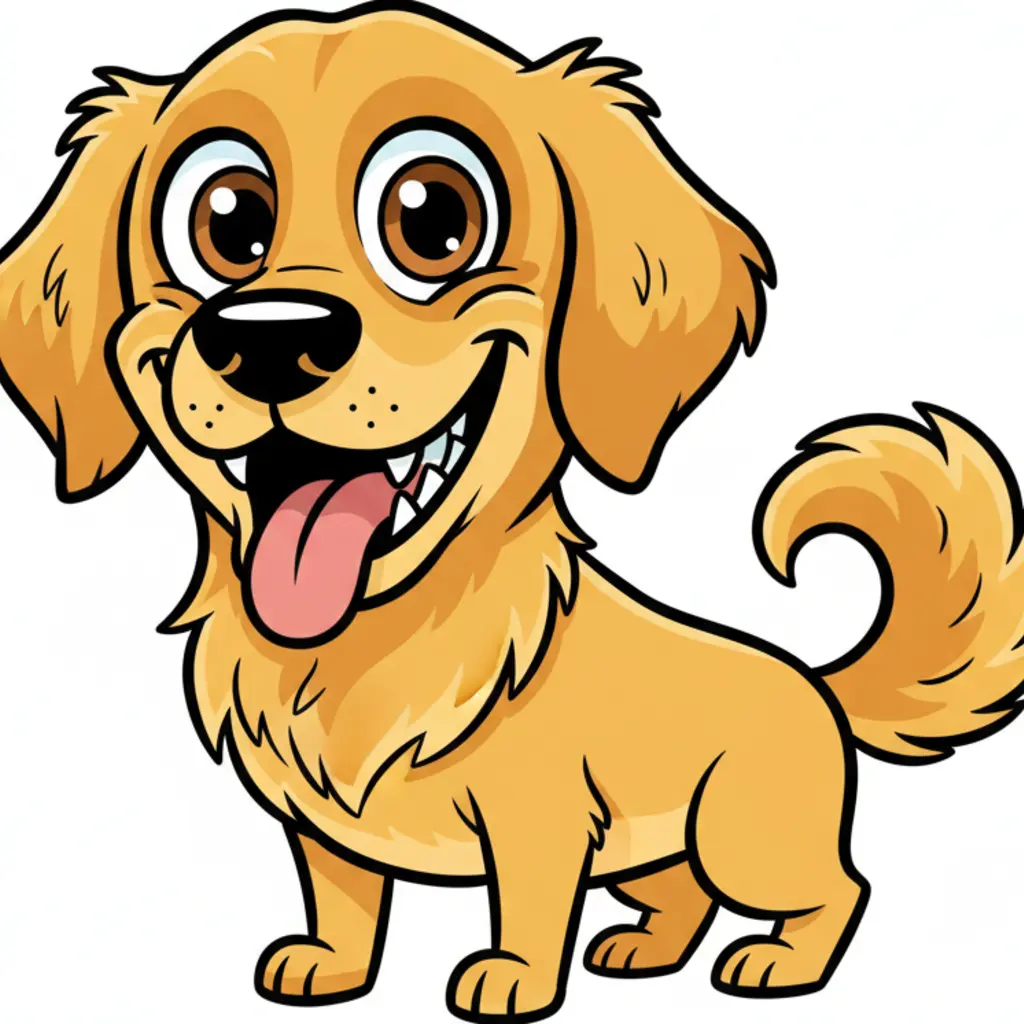
AI Caricature Generator from Photo — Works on Pets Too
Upload a selfie, a group photo, or a pet photo — the AI detects the subject and applies the selected caricature style. The Cartoon and Chibi styles work especially well for dogs and cats, producing adorable exaggerated results. The Exaggerated style transforms human portraits into editorial-quality big-head caricatures. No manual prompting required — just upload and pick a style.
Caricatures for Social Media, Gifts, and Fun
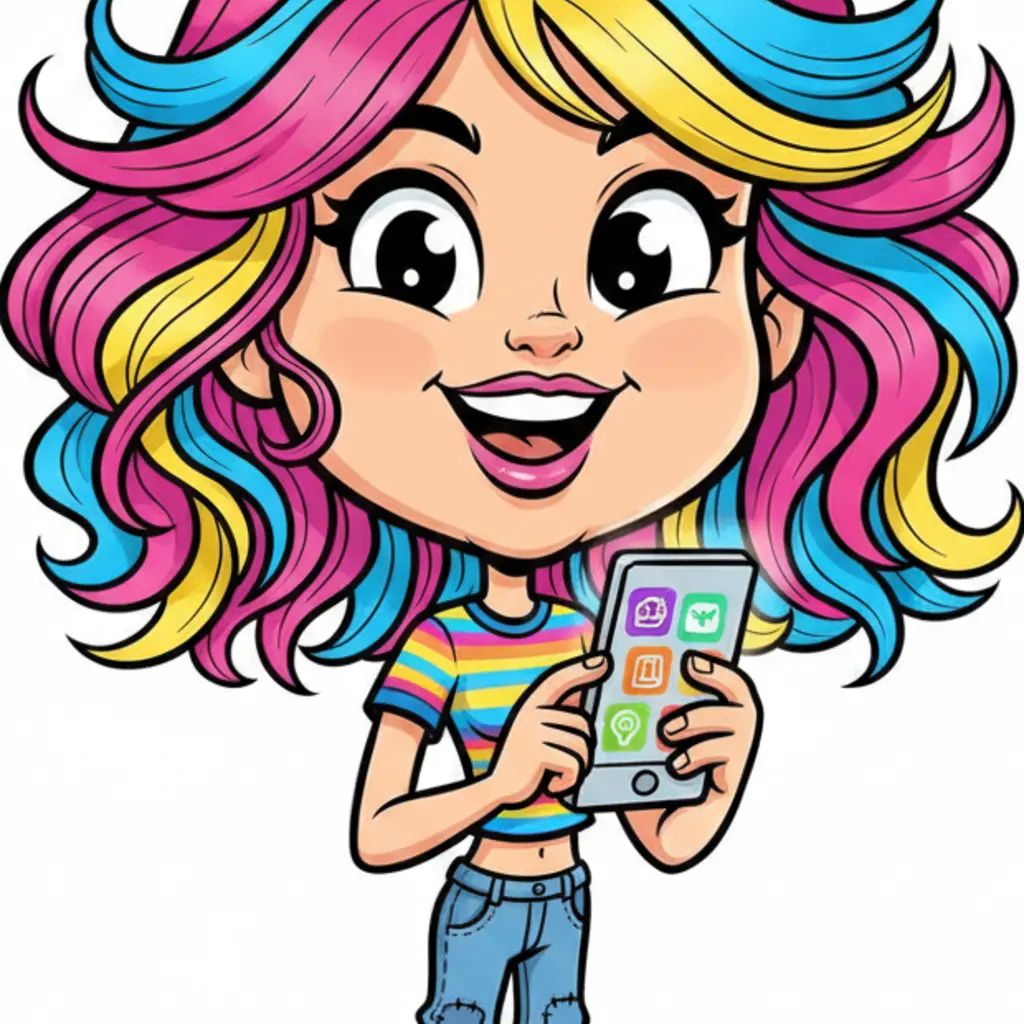
Generate AI caricatures free for any use case. Use the Simpsons Style for pop-culture themed social media posts. Use the Watercolor style for personalized gifts and custom portraits. Use the Chibi style for profile pictures and gaming avatars. The Pencil Sketch style creates professional editorial-look illustrations — perfect for LinkedIn, creative portfolios, and digital art projects.
How to Create an AI Caricature from a Photo
Choose Your Caricature Style
Pick from 6 art styles — Cartoon, Exaggerated, Pencil Sketch, Watercolor, Chibi, or Simpsons Style. Each style produces a distinct caricature look. Use the Caricature Styles tab to choose a preset, or the Custom tab to describe your own style in text.
Upload Your Photo
Upload a clear photo with a defined subject — a portrait, selfie, group shot, or pet. Good lighting and a simple background give the best caricature results. JPG, PNG, and WebP files up to 10 MB are supported.
Download Your Caricature
AI transforms your photo into a caricature in seconds. Download the result and use it for social media profiles, gifts, creative projects, or just to share with friends.
Who Uses the AI Caricature Generator
Social Media Profile Pictures
Turn your photo into a unique cartoon or chibi caricature for a memorable profile picture. The Cartoon and Simpsons styles produce bold, eye-catching results that stand out in feeds and comment sections.
Personalized Gifts and Cards
Generate a watercolor or pencil sketch caricature of a friend, family member, or couple as a custom gift. Caricature portraits are a classic gift idea — more personal than a standard photo print.
Group and Event Caricatures
Upload group photos to create fun caricatures for parties, weddings, team events, or reunions. The Exaggerated style gives everyone their own comedic big-head tiny-body transformation.
Gaming Avatars and Discord Profiles
The Chibi style creates adorable kawaii avatars perfect for Discord servers, gaming profiles, and virtual worlds. Upload a selfie and get a small-body big-head anime-style character.
Pet Caricatures
Upload a photo of your dog, cat, or any pet and transform it into a cartoon or chibi caricature. The Cartoon style works especially well for animals — producing bright, shareable results.
Artists and Creative Projects
Use the Pencil Sketch or Watercolor styles as reference art for creative projects. The AI-generated caricature captures proportions and exaggeration automatically — useful as a starting point for hand-drawn work.
Why Use VicSee AI Caricature Generator
6 Distinct Caricature Art Styles
Cartoon, Exaggerated, Pencil Sketch, Watercolor, Chibi, Simpsons Style. Competitors offer either no style presets or generic use-case categories like 'Wedding'. VicSee gives you 6 named art styles that match exactly what people search for.
Caricature Generator from Photo
Upload any photo and the AI transforms it into a caricature. Works on portraits, selfies, group photos, and pet photos. No prompts required — just upload and pick a style. Results in seconds.
Free Online Caricature Generator
Generate caricatures online free — no app to install, no subscription required to start. Sign in with a free account to get starter credits. Each generation costs 6 credits.
Custom Caricature Prompt
Use the Custom tab to describe any caricature style you want — 'a hand-drawn pencil caricature with exaggerated eyes' or 'a watercolor portrait with soft pastel colors'. Full creative control when the preset styles aren't quite right.
Trending Style: Simpsons Caricature
The Simpsons Style preset transforms any photo into Springfield-style yellow-skin animation caricature art. One of the most searched caricature styles — instantly recognizable and shareable.
Browser-Based, No Download
VicSee runs entirely in your browser. No app to install, no software to download. Sign in, upload your photo, and your caricature is ready in seconds.
More AI Photo Transformation Tools
More AI photo tools from VicSee
AI Caricature Generator — Frequently Asked Questions

AI Caricature Generator — 6 Styles, Free to Start
Cartoon, Exaggerated, Pencil Sketch, Watercolor, Chibi, Simpsons Style. Upload any photo and get your caricature in seconds.
Create Your Caricature Free