
Upload Your Photo *
Drop your photo here or click to upload
JPG, PNG, WebP. Max 10MB.
AI GTA Style Filter Gallery
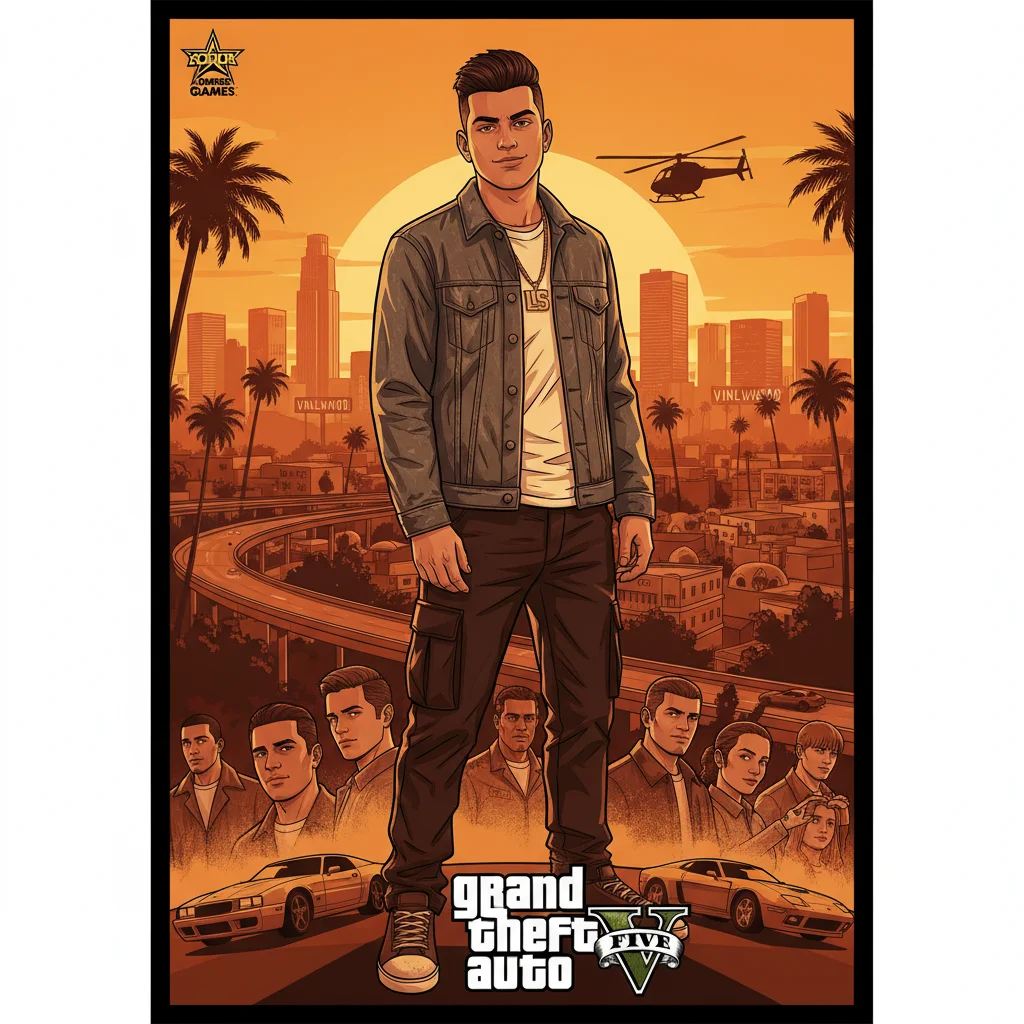
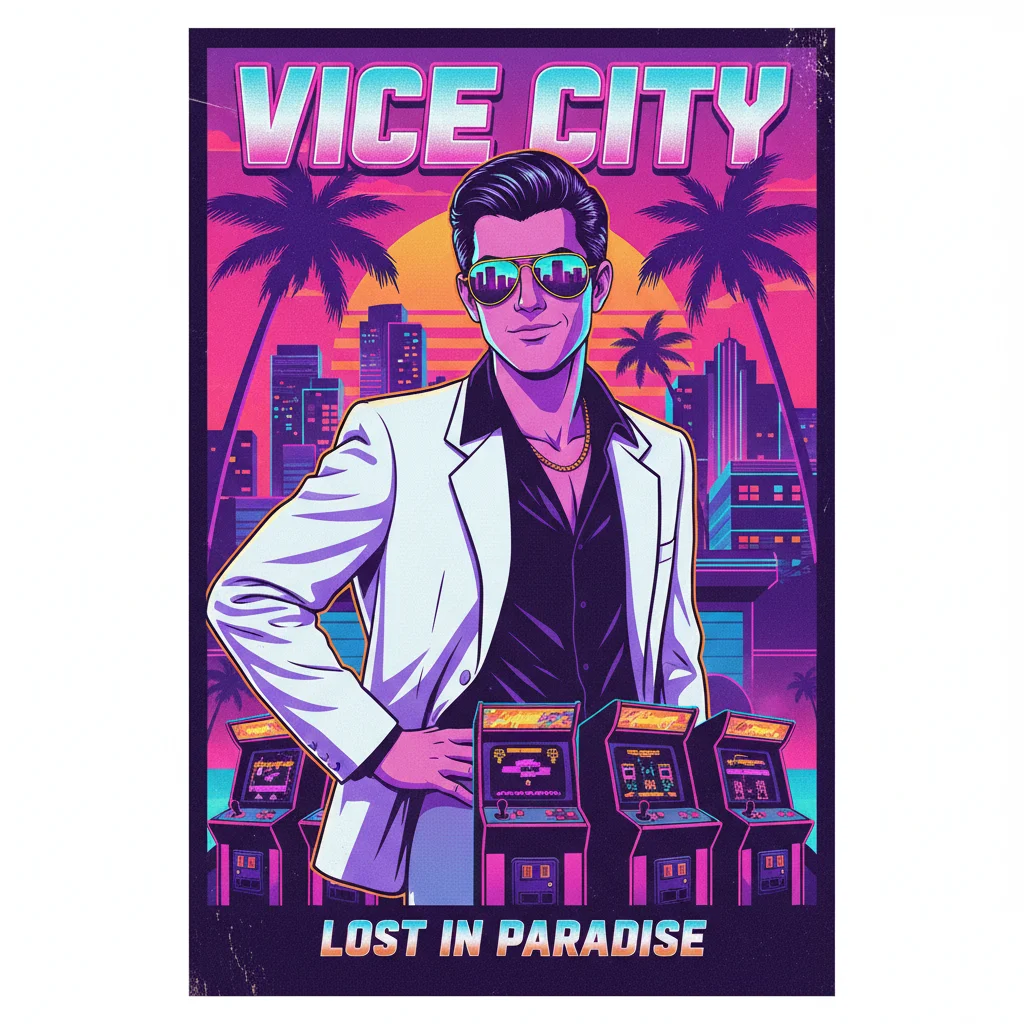
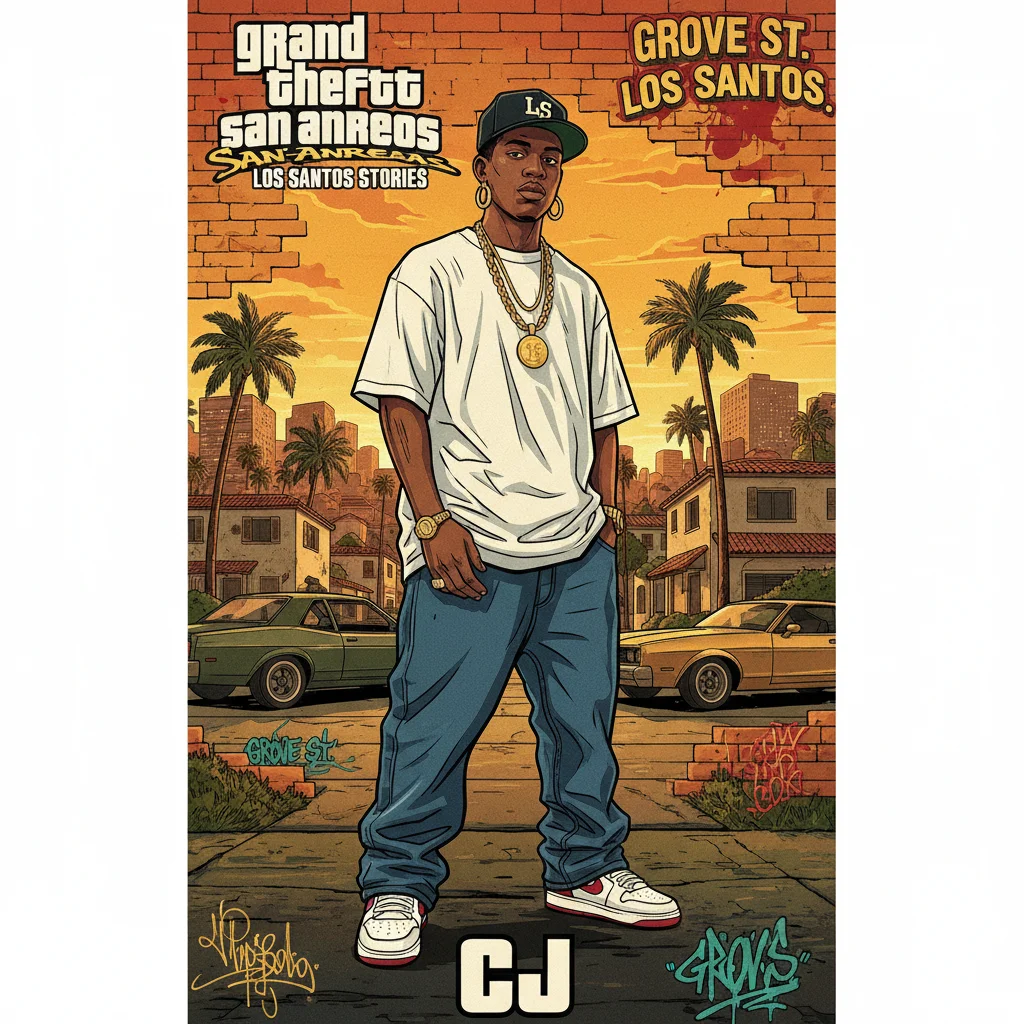
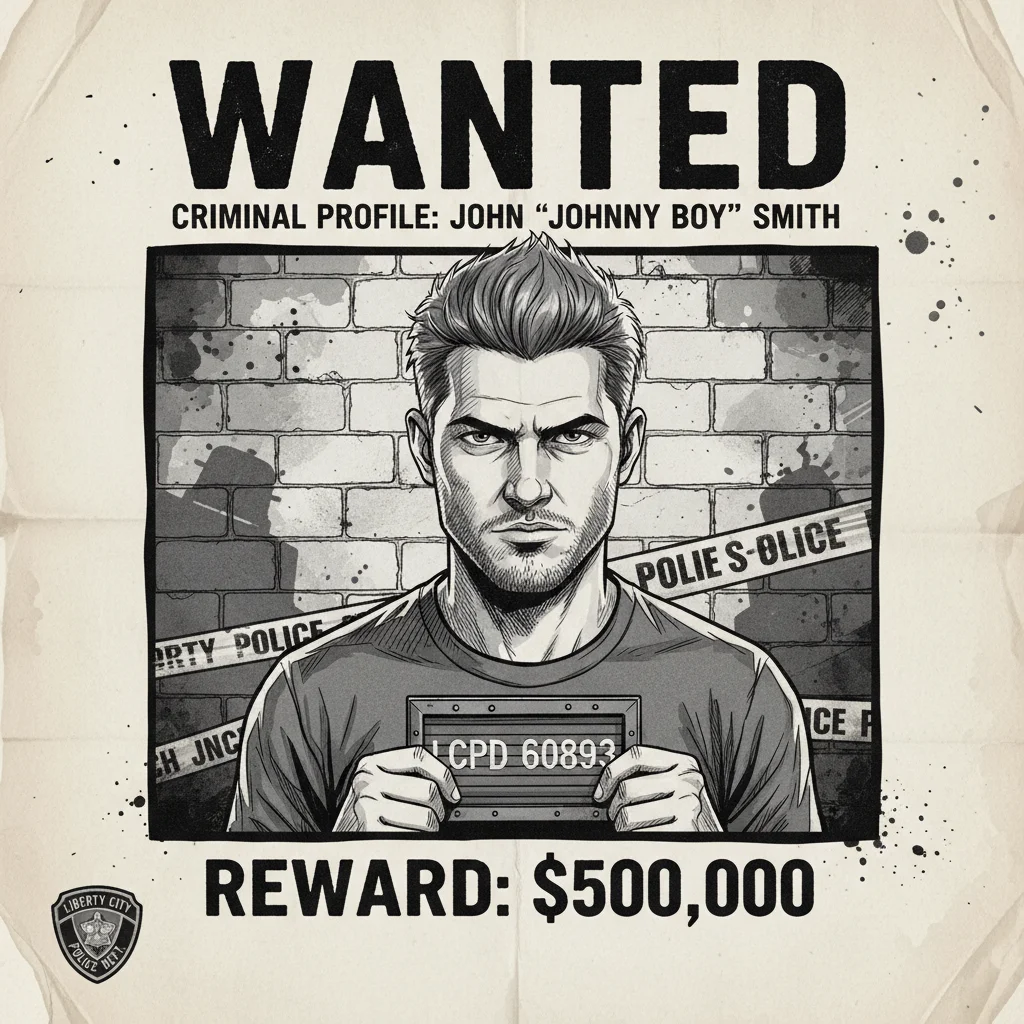
AI GTA Style Filter — Convert Any Photo to GTA Art Style
Upload any photo and AI transforms it into iconic GTA art style. Choose from 6 distinct GTA era styles — GTA V Cover Art, Vice City 80s, San Andreas, Wanted Poster, Loading Screen, and Comic Panel. No design skills needed. Works on portraits, selfies, group photos, and cityscapes. Free to start, runs in your browser.
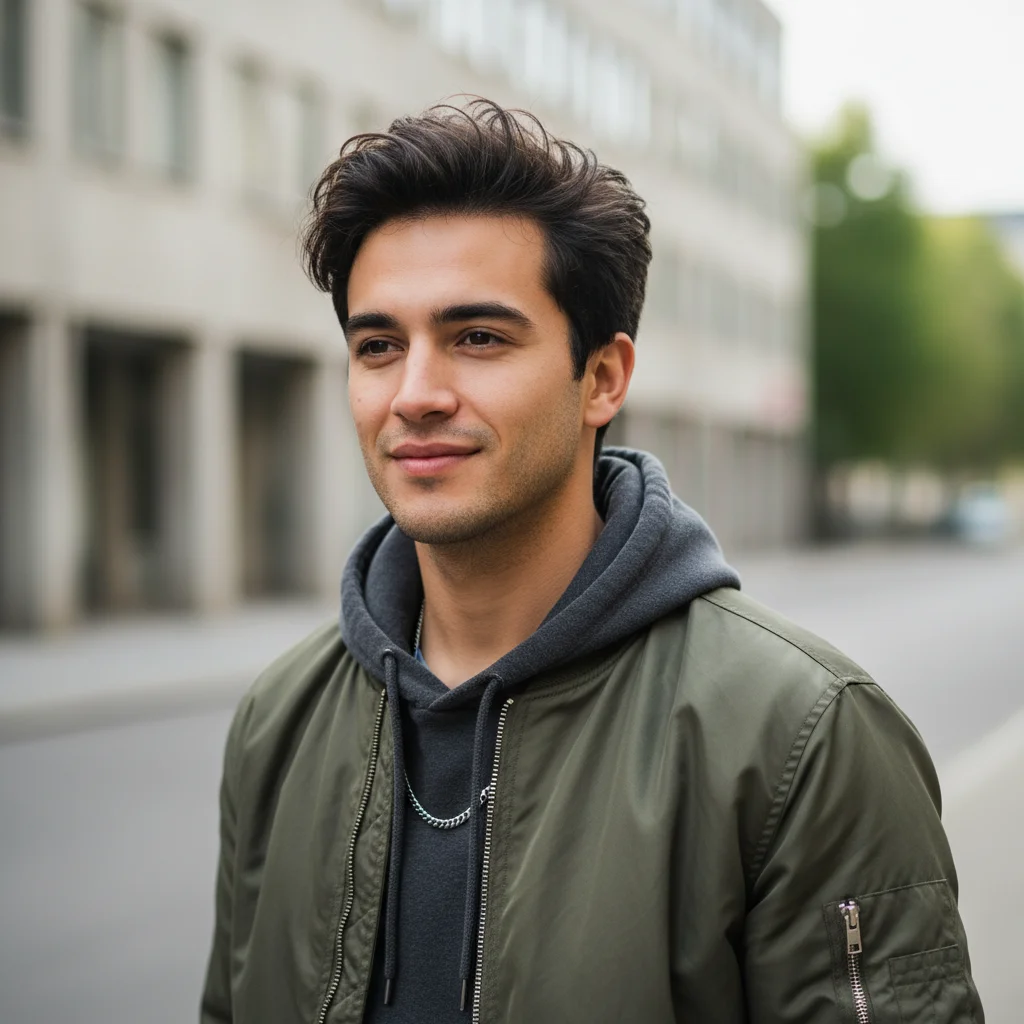
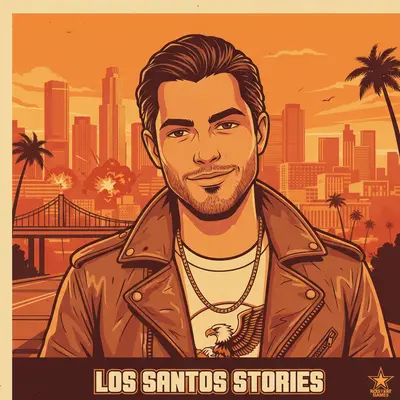
6 Iconic GTA Era Styles — V Cover Art, Vice City, San Andreas and More
Every competitor offers one generic GTA look. VicSee gives you 6 distinct GTA eras: GTA V Cover Art with warm amber tones and bold outlines, Vice City 80s with neon pink and palm trees, San Andreas with early-2000s hip-hop aesthetics, Wanted Poster in grayscale mugshot style, Loading Screen with high-contrast cinematic art, and Comic Panel in bold ink illustration. Pick the era that fits your vibe.
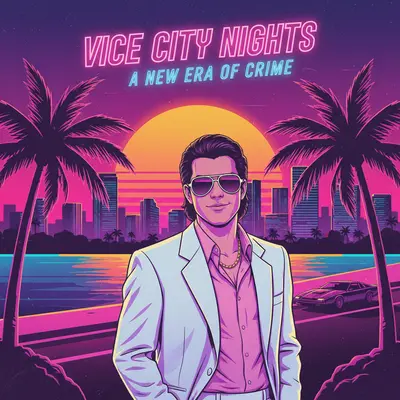
Convert Any Photo to GTA Style — Portraits, Selfies, Group Shots
Upload a selfie, a portrait, a street photo, or a cityscape. The GTA art style filter adapts to your subject — transforming faces into loading-screen characters, backgrounds into Los Santos streets, and ordinary scenes into game-ready art. Supports JPG, PNG, and WebP files up to 10 MB. No manual editing, no prompts required.
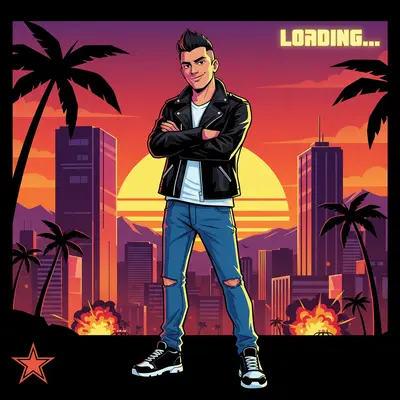
GTA Art Style for Game Thumbnails, Social Media, and Profile Pictures
Use GTA-style art for YouTube thumbnails, Twitch channel art, social media profile pictures, or GTA 6 hype content. The Wanted Poster style is perfect for viral social posts. The Comic Panel style works for storytelling content. Each of VicSee's 6 styles produces a different aesthetic — shareable, distinct, and built for engagement.
How to Convert a Photo to GTA Art Style
Choose Your GTA Style
Pick from 6 iconic GTA era styles — GTA V Cover Art, Vice City 80s, San Andreas, Wanted Poster, Loading Screen, or Comic Panel. Each creates a different GTA aesthetic from your photo.
Upload Your Photo
Upload a clear selfie, portrait, or scene photo. A front-facing photo with good lighting gives the most authentic GTA art style transformation. JPG, PNG, and WebP up to 10 MB.
Download Your GTA Art
AI transforms your photo into GTA art style in seconds. Download the result and share it — or try another era style to compare all 6 GTA aesthetics.
Who Uses the AI GTA Style Filter
GTA 6 Hype Content
Convert your photo to GTA art style to ride the GTA 6 hype wave. The Wanted Poster and Loading Screen styles are perfect for 'imagine being in GTA 6' content on TikTok and Instagram.
YouTube Thumbnails & Twitch Art
GTA-style thumbnails stand out in gaming feeds. Use the GTA V Cover Art or Loading Screen style for YouTube thumbnails, Twitch overlays, or channel art that signals your gaming content.
Viral Memes & Social Posts
The Wanted Poster style creates shareable meme-ready content. Convert a photo of yourself or a friend to GTA Wanted Poster style and post it — the format drives tags and shares naturally.
Profile Pictures & Avatars
Use the GTA V Cover Art style for a unique gaming-aesthetic profile picture on Discord, Twitter, or Steam. The bold illustrated look renders well at small avatar sizes.
Creative Projects & Merch
Apply the Comic Panel style for zine illustrations, fan art, or game-inspired merchandise. The GTA aesthetic translates well to print — bold outlines and high contrast hold up at any size.
Group & Event Photos
Convert group photos into San Andreas-style street art or Vice City 80s posters. GTA gang-poster aesthetics make events and group shots look like iconic game art.
Why Use VicSee AI GTA Style Filter
6 GTA Era Styles
GTA V Cover Art, Vice City 80s, San Andreas, Wanted Poster, Loading Screen, Comic Panel. No other free GTA art style filter offers multiple era presets — most competitors have just one generic GTA look.
Works on Any Photo
Portraits, selfies, cityscapes, street scenes — the GTA filter adapts to your subject. Works on people, cars, buildings, and landscapes. Convert any photo to GTA style in seconds.
Results in Seconds
Upload your photo, pick a GTA style, and AI generates your GTA art in under 30 seconds. No queue, no waiting — browser-based GTA art style conversion.
Works on Any Device
Use the GTA style filter on your desktop, laptop, tablet, or phone. No app download needed — works entirely in your browser.
Custom GTA Style
Want a specific GTA look? Use the Custom tab to describe exactly the GTA style you want — from a GTA V amber loading screen portrait to a classic Vice City neon poster.
Free to Start
Sign in with a free account and start transforming with starter credits. Each GTA art style generation costs 6 credits. New accounts receive free starter credits.
More AI Photo Transformation Tools
More AI photo tools from VicSee
AI GTA Style Filter — FAQ

Convert Your Photo to GTA Art Style — 6 Era Styles, Free to Start
GTA V Cover Art, Vice City 80s, San Andreas, Wanted Poster, Loading Screen, Comic Panel. Upload your photo and get your GTA art style transformation in seconds.
Apply GTA Style Free