
Upload Your Photo *
Drop your photo here or click to upload
JPG, PNG, WebP. Max 10MB.
AI Sketch Generator Results — Sketches Made from Real Photos
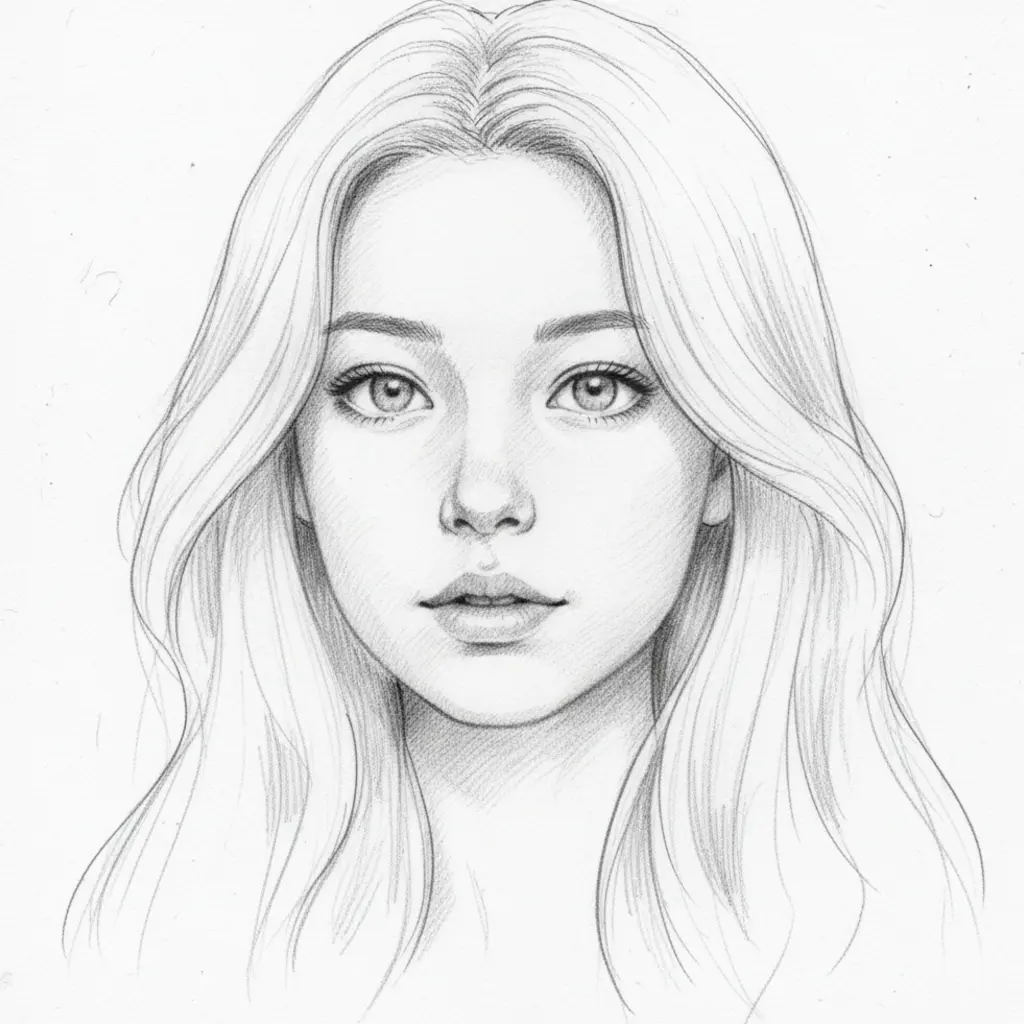
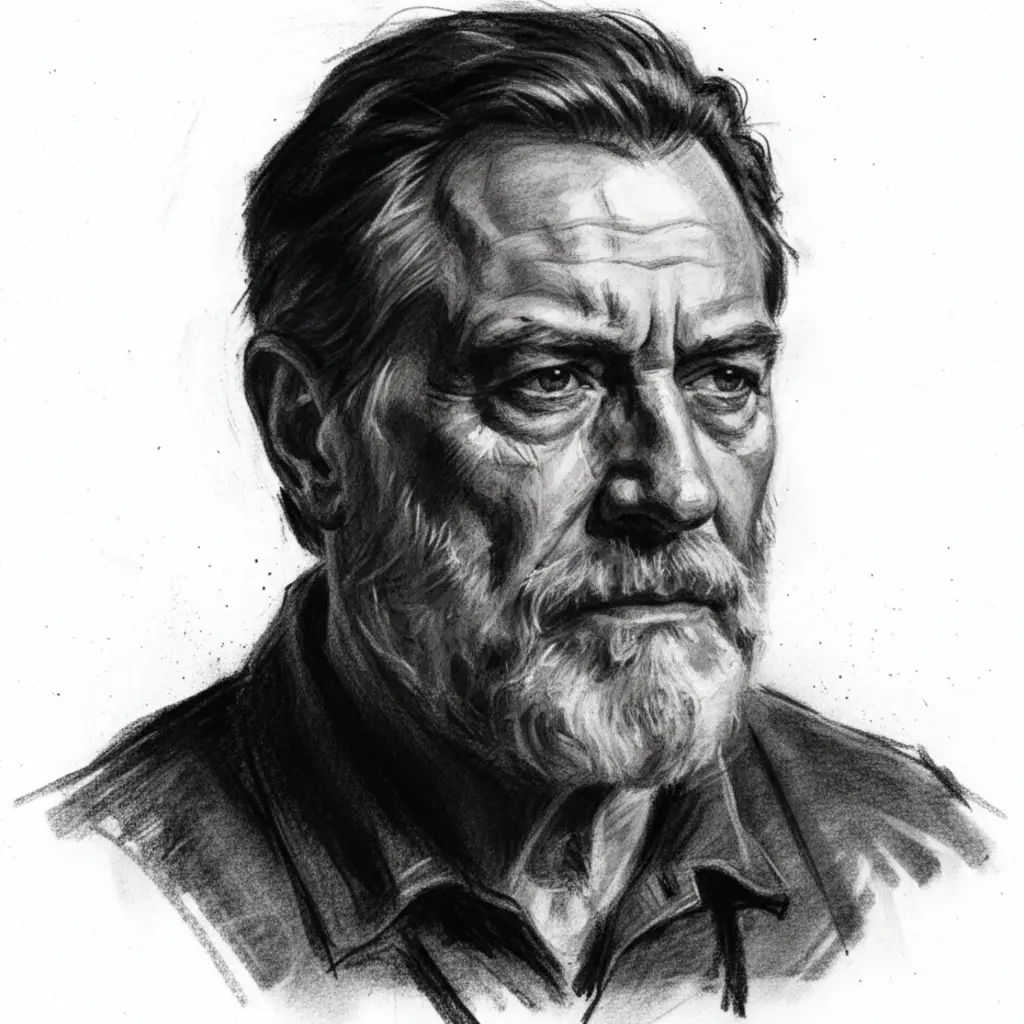
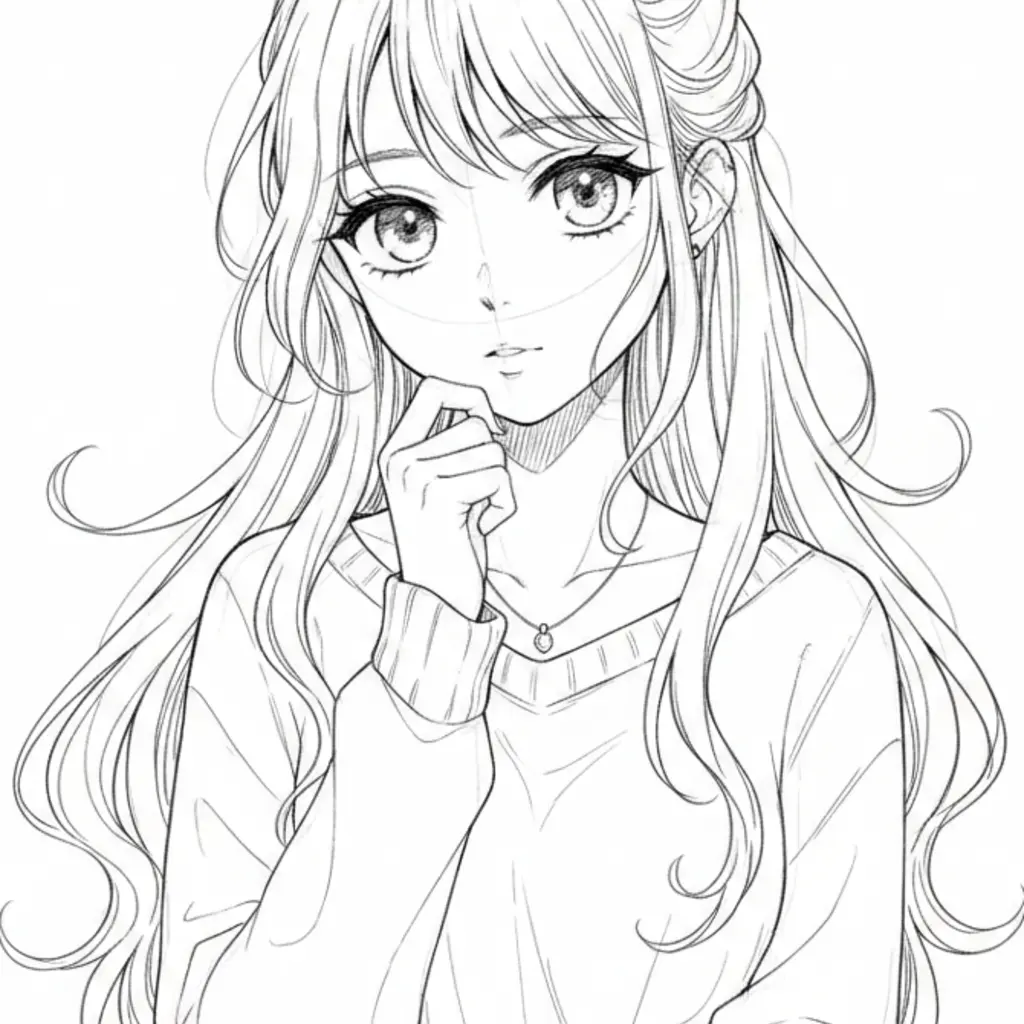
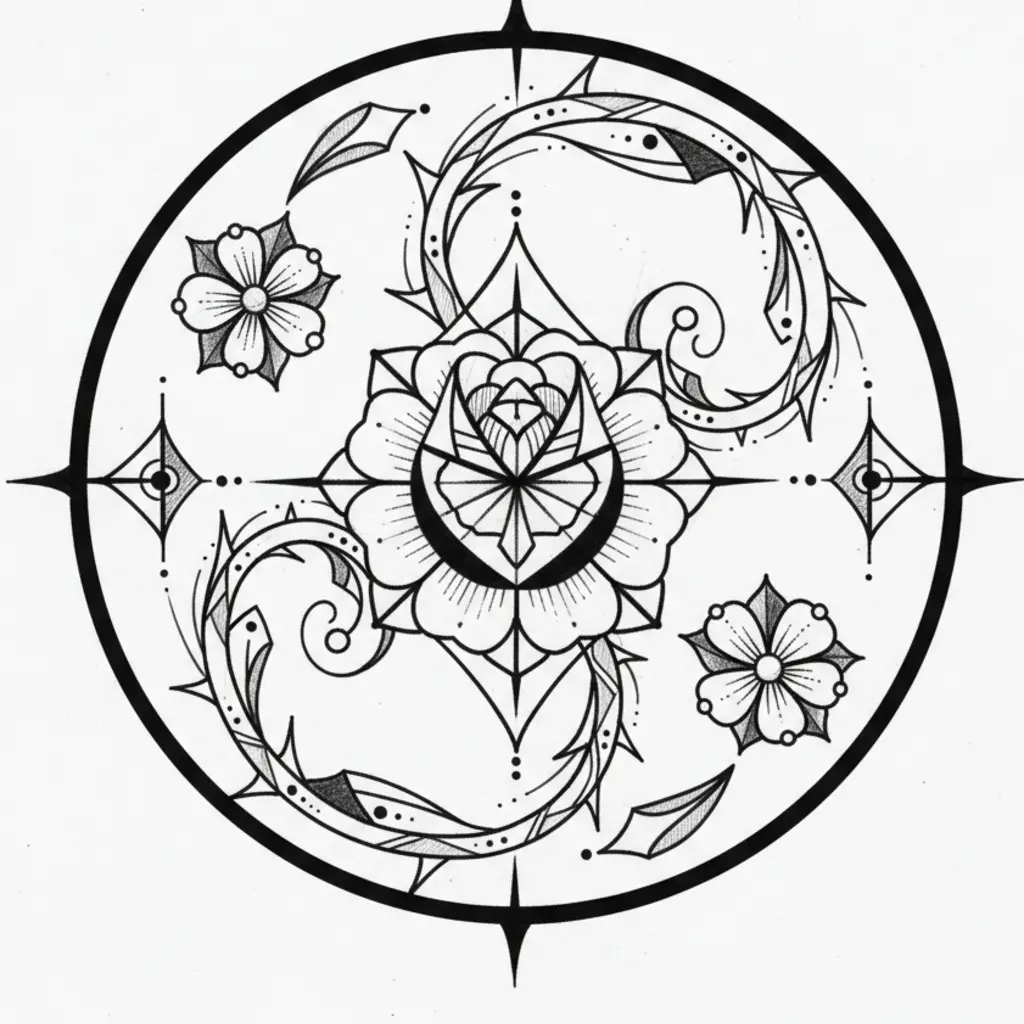
Your Photo Transformed Into a Sketch
VicSee's AI sketch generator uses your actual photo as input — not text descriptions. Upload a selfie, portrait, or any image, choose a sketch style, and get a custom sketch that looks like it was hand-drawn. Works on any device, no app download needed.
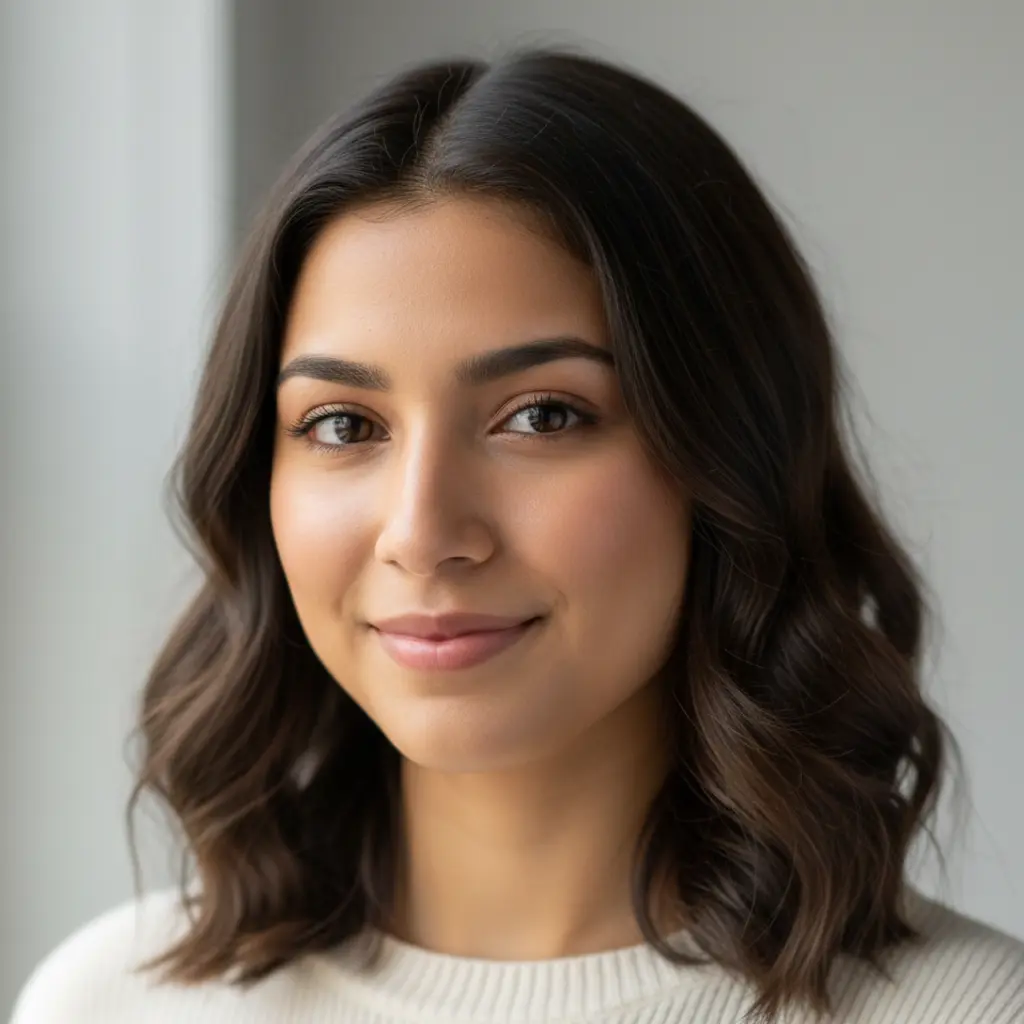
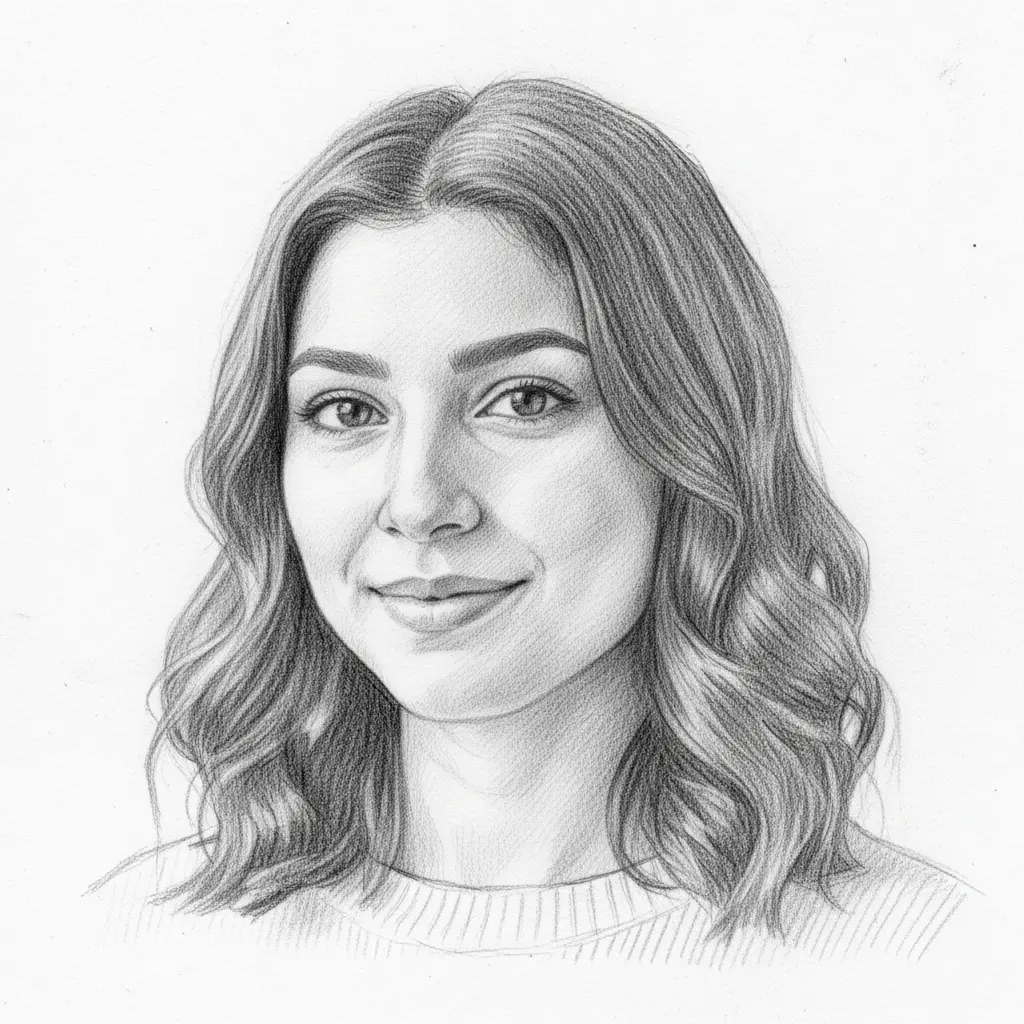
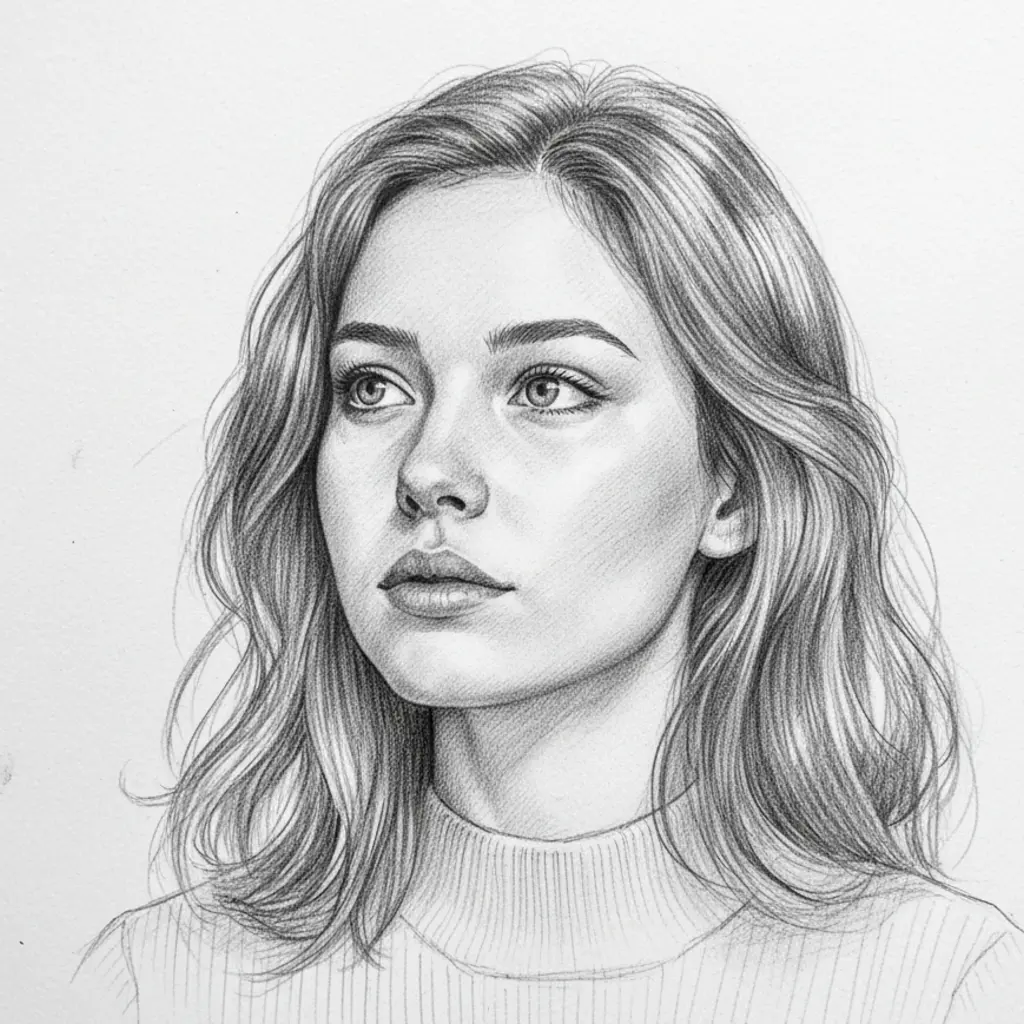
Pencil Sketch — Classic Graphite Portrait Drawing
The Pencil Sketch style transforms your photo into a realistic graphite pencil drawing with fine line work and subtle shading. Ideal for portrait sketches, reference art, and black-and-white creative projects. The AI captures facial structure and features in authentic hand-drawn pencil style.
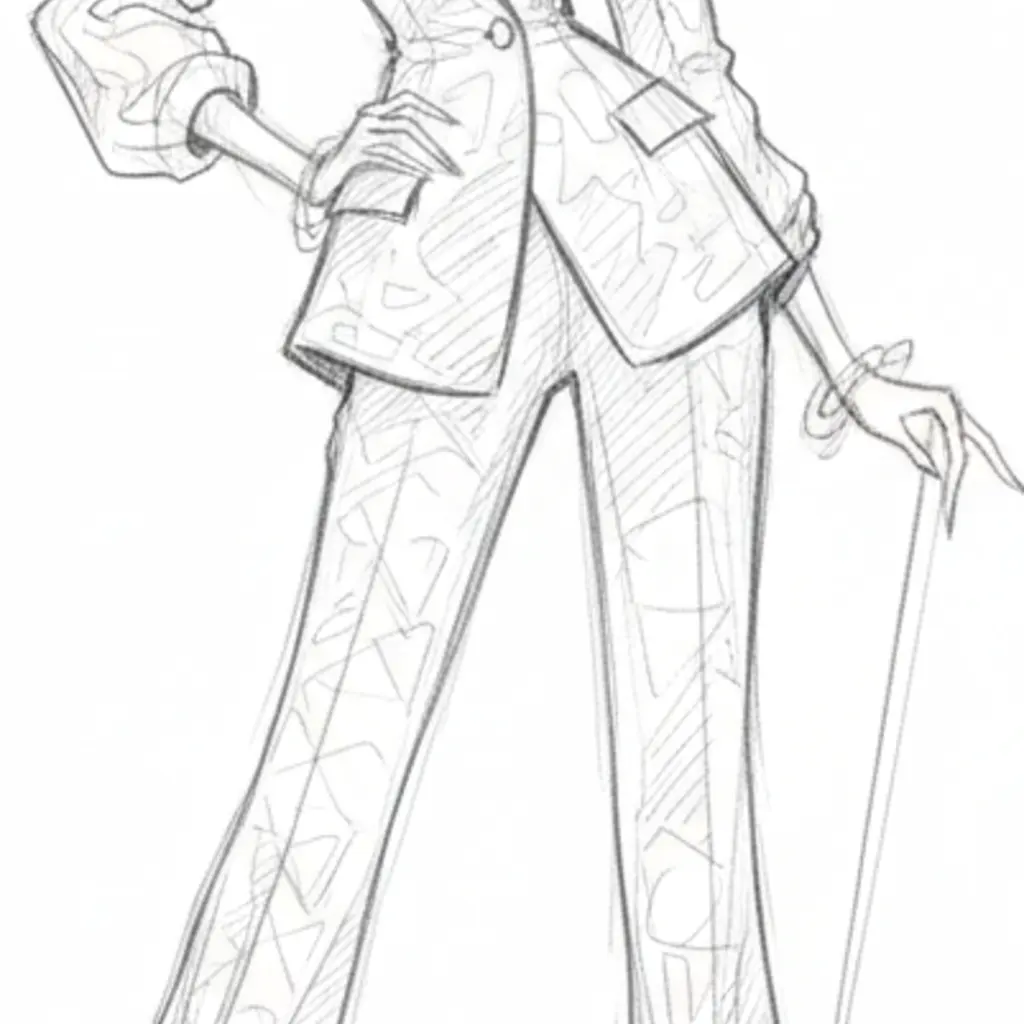
Architectural, Fashion, and Tattoo Sketch Styles
Beyond basic pencil drawing, VicSee offers three niche sketch styles for specific creative fields. Architectural Sketch produces precise technical line drawings. Fashion Sketch creates elegant designer illustrations with elongated proportions. Tattoo Sketch generates bold black-line designs ready to use as tattoo references.
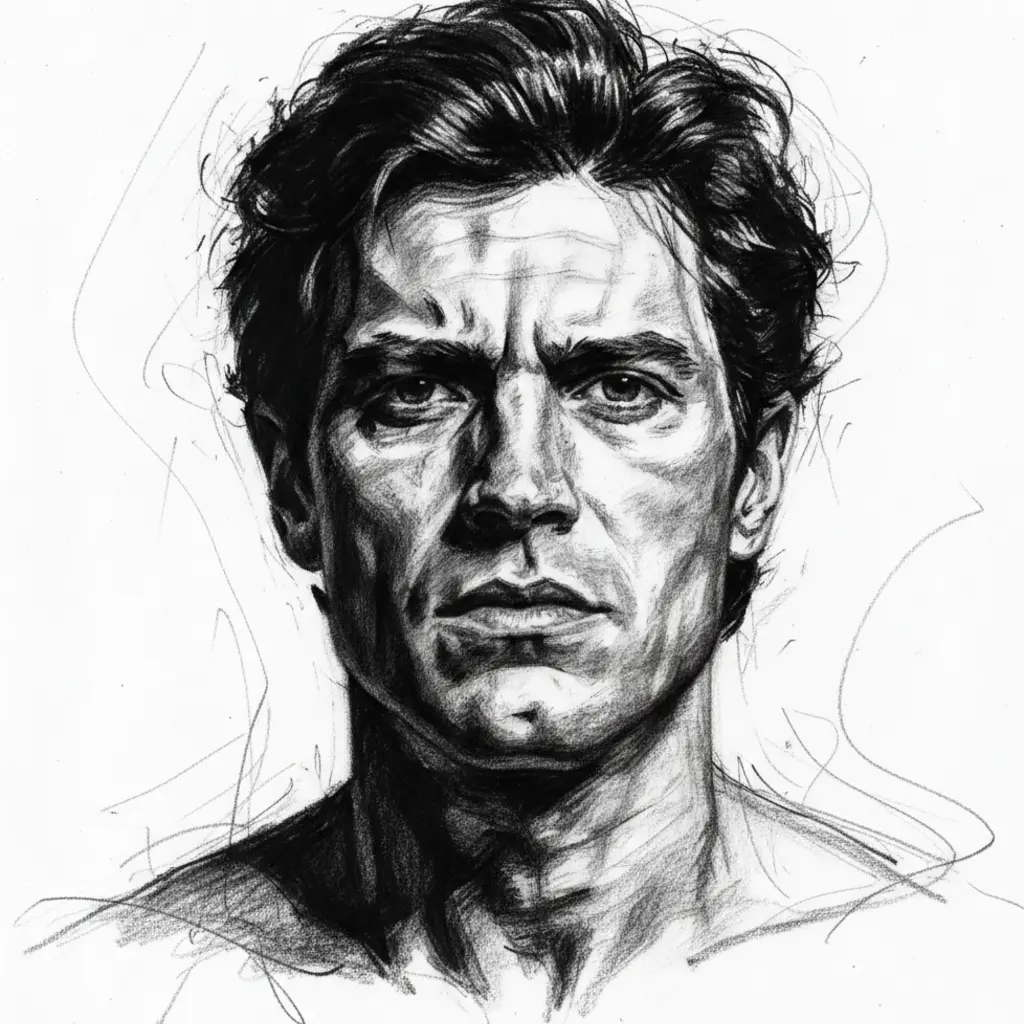
Anime and Charcoal Sketch — Expressive Art Styles
The Anime Sketch style converts your photo into clean Japanese manga-inspired line art with expressive features. Charcoal Sketch produces dramatic high-contrast drawings with bold smudged strokes and dark shadows. Both styles are generated from your actual photo, not text descriptions.
How to Generate AI Sketches from Your Photo
Upload Your Photo
Choose any selfie, portrait, or photo where the subject is clearly visible. JPG, PNG, and WebP all work.
Choose a Sketch Style
Pick from 6 AI sketch styles — Pencil, Charcoal, Anime, Architectural, Fashion, or Tattoo. Or describe your own custom sketch style.
Download Your Sketch
Your personalized AI sketch is ready in seconds. Use it for portraits, tattoo references, fashion design, or creative projects.
Why Use VicSee AI Sketch Generator
From Your Photo, Not Text
Most AI sketch tools work from text prompts. VicSee is different — it uses your actual photo to create a personalized sketch that captures your real likeness.
6 Distinct Sketch Styles
Choose from Pencil Sketch, Charcoal Sketch, Anime Sketch, Architectural Sketch, Fashion Sketch, or Tattoo Sketch. Six different artistic looks from one photo.
Works on Any Device
No app download needed. VicSee works on any phone, tablet, or computer — Android, Windows, Mac, or iPhone — directly in your browser.
Results in Seconds
AI sketch generation takes 10 to 30 seconds. Upload your photo, pick a style, and your custom sketch is ready almost instantly.
Related AI Photo Tools
More AI tools to transform your photos.
Frequently Asked Questions — AI Sketch Generator

Try the AI Sketch Generator Free
Turn your photo into a hand-drawn style sketch with 6 styles. Works on any device — no app download needed.
Create My Sketch Free