
Image to Video AI Generator
Upload any image and watch it come alive. Add cinematic audio with Veo 3.1, lip-synced dialogue with Kling 2.6, or smooth animation with Hailuo 2.3 — all from a single prompt.
Animate Images with Native Audio & Lip Sync
Your animated images come alive with synchronized sound. Veo 3.1 generates native audio — dialogue, ambient sounds, and music — directly from your image and prompt. Kling 2.6 adds precision lip sync so portrait photos speak naturally with matched mouth movements. No post-production audio editing required.
Every Leading Image-to-Video Model, One Platform
Stop switching between tools. VicSee brings together the most advanced image-to-video AI models so you can animate any photo, compare results, and find the perfect motion style.
 Veo 3.1
 Sora 2
 Grok Imagine
 Kling 3.0
 Hailuo 2.3
 Seedance 2.0
 Happy Horse 1.0
See What Your Images Can Become
Upload any image and watch it transform into cinematic video. Here's what image-to-video AI can do.
Portrait Animation
Upload a character illustration or portrait photo and the AI brings it to life — preserving identity, expression, and style while adding natural motion and cinematic framing.
Original Image
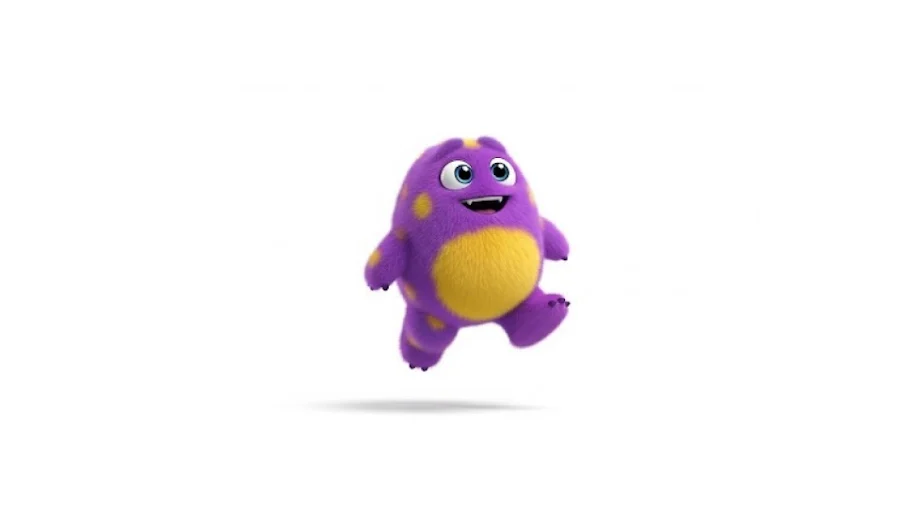
Output Video
Scene Transitions
Upload two images as the start and end of your video. The AI fills in the motion between them — ideal for product reveals, before-and-after comparisons, and visual storytelling.
Start & End Images
Start
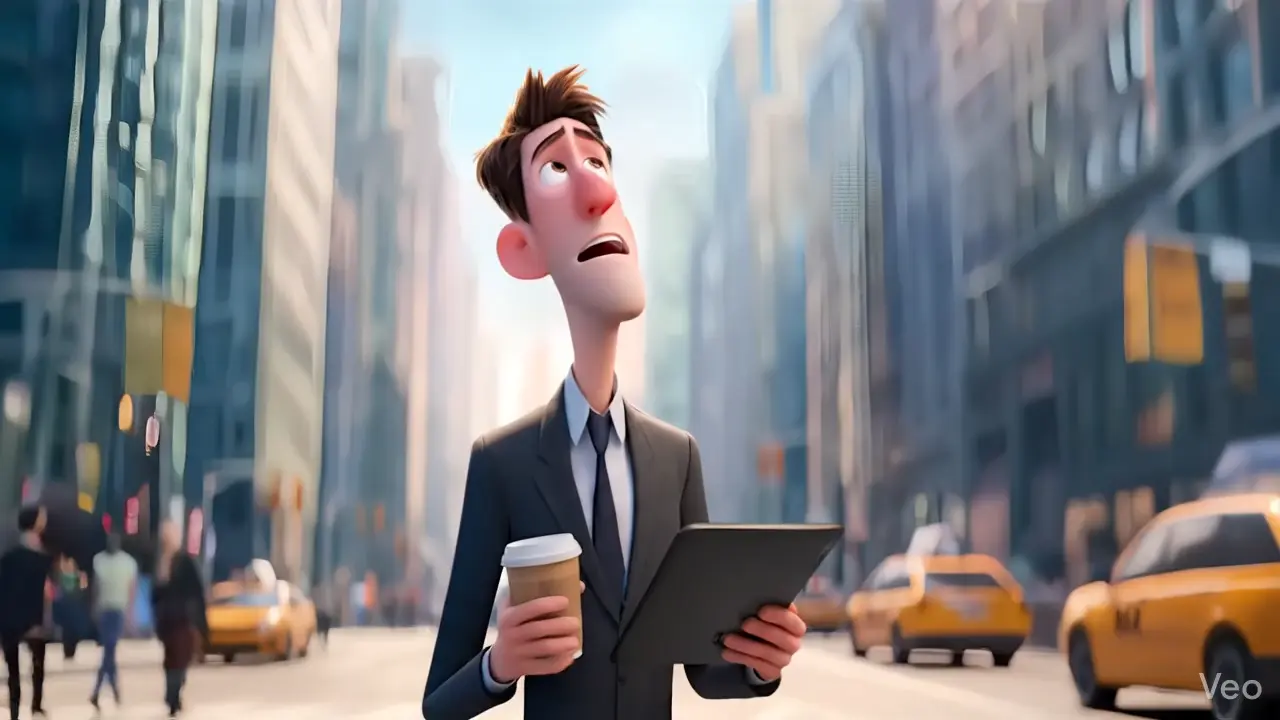
End
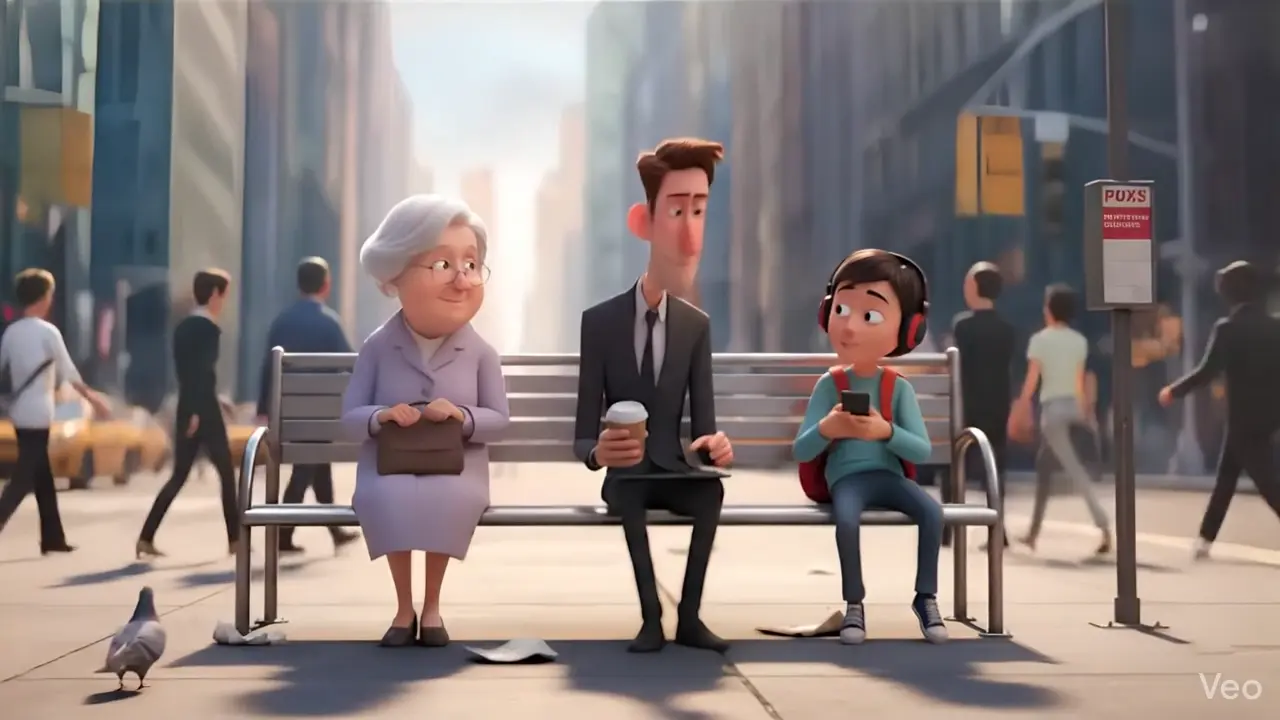
Output Video
Style-Guided Animation
Upload multiple reference images — a character, an outfit, a location — and the AI blends them into one cohesive animated video. Perfect for maintaining a consistent visual style across scenes.
Reference Images
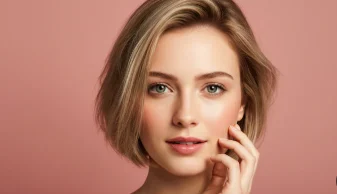
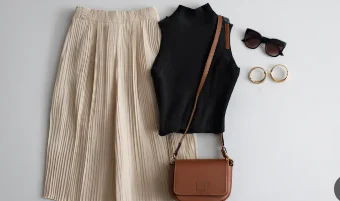
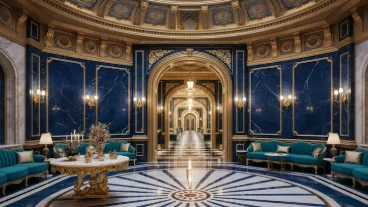
Output Video
Animate Any Image Style
From product photos to fantasy art — explore how Hailuo 2.3 brings your images to life. Every video below was generated from a single reference image.
Who Uses Image-to-Video AI?
Your images are already the starting point. AI animation turns them into the video content your audience wants.

E-Commerce & Product Brands
Product Videos Increase Purchase Intent by 73%[1]
Your product catalog is already a goldmine. Upload any product photo and generate animated video ads — zoom-ins, 360-degree rotations, lifestyle scenes — without a studio, photographer, or video editor.
Real Estate & Architecture
Listings with Video Get 403% More Inquiries[2]
Turn property photos into cinematic walkthrough videos. Upload interior shots, exterior facades, or floor plans and generate immersive animated tours that sell properties faster than static galleries.
Artists & Illustrators
Animated Art Gets 1.5x More Engagement Than Static[3]
Bring your artwork to life. Upload digital illustrations, concept art, or character designs and watch them animate with natural motion. Showcase your portfolio as video, sell animated NFTs, or create eye-catching social content from existing work.
Social Media Creators
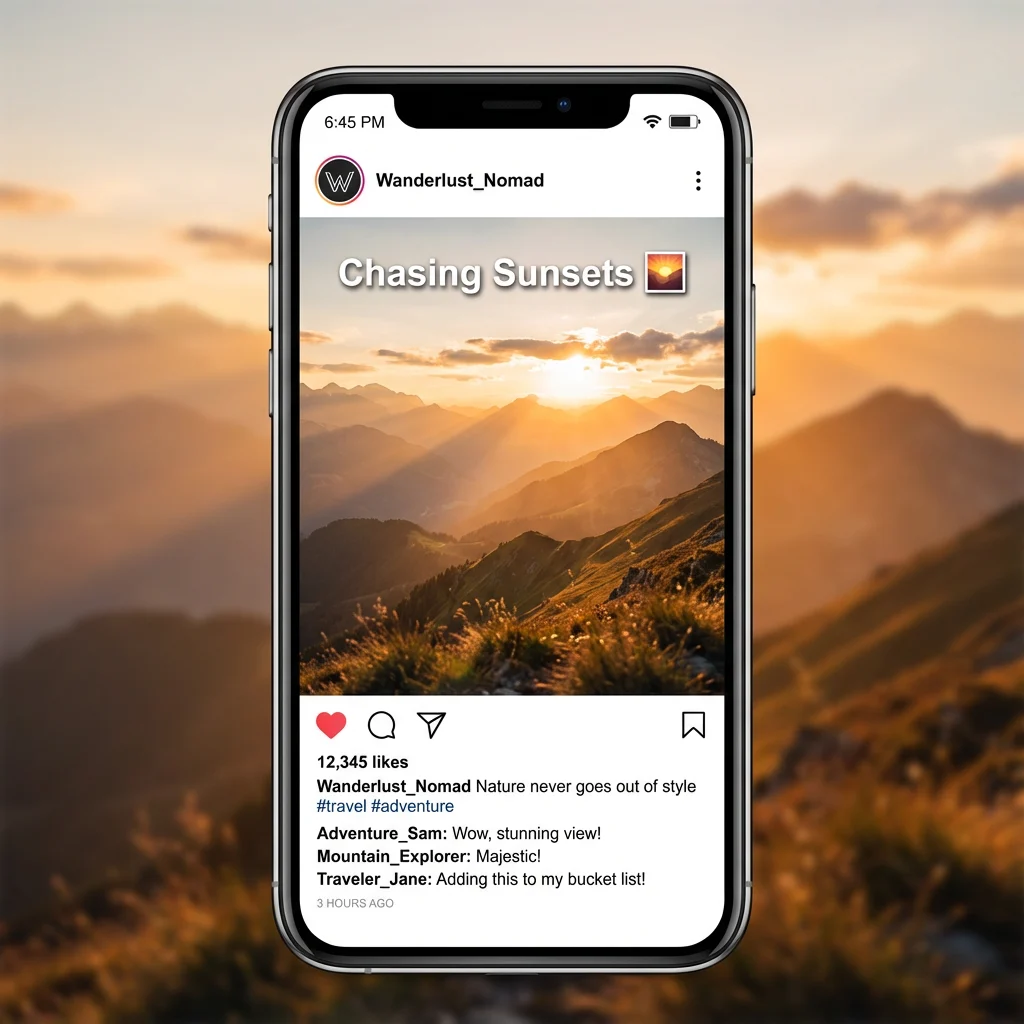
Video Posts Get 48% More Views Than Static Images[4]
Turn your photo library into a video content engine. Animate selfies, travel photos, food shots, or fan art into short-form videos ready for TikTok, Instagram Reels, and YouTube Shorts — without filming anything new.
How to Animate Images with AI
Upload Your Image
Upload any photo, illustration, or artwork — PNG, JPG, or WebP. The AI preserves your image's composition and style as the starting point for animation.
Choose Your Model & Prompt
Pick from Veo 3.1, Sora 2, Kling 2.6, or Hailuo 2.3. Describe the motion you want — camera movement, character actions, or environmental effects. Set aspect ratio and duration.
Generate & Download
Hit generate and your animated video is ready in seconds. Download in HD, share directly, or try a different model for a new look.
Explore More AI Tools
From text-based video generation to image creation and viral short-form content — discover everything you can create with VicSee.
Frequently Asked Questions

Bring Your Images to Life with AI
Join thousands of creators animating photos, illustrations, and artwork into professional videos. Upload an image and generate in seconds.
Try Image to Video Generator