
Upload Manga Panel *
Drop your black & white manga panel here or click to upload
JPG, PNG, WebP. Max 10MB.
AI Manga Colorizer Gallery
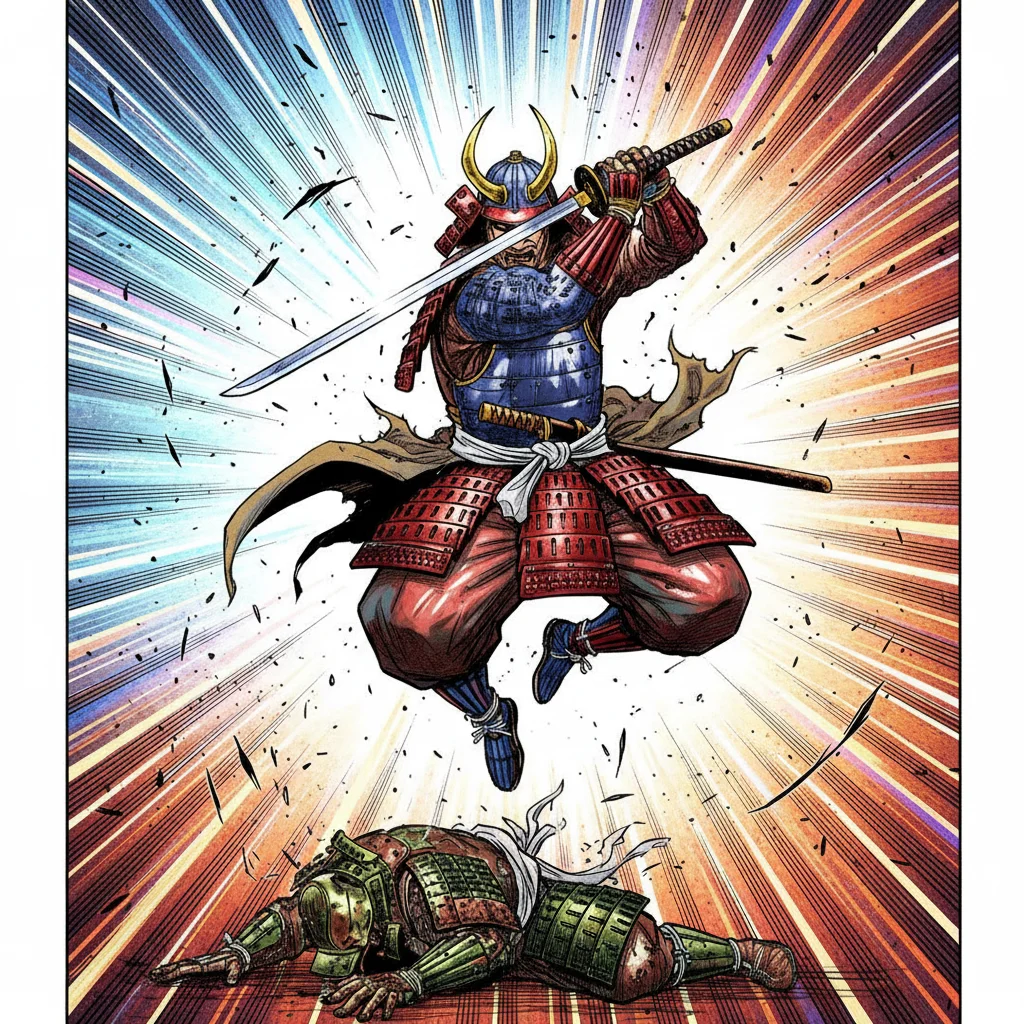
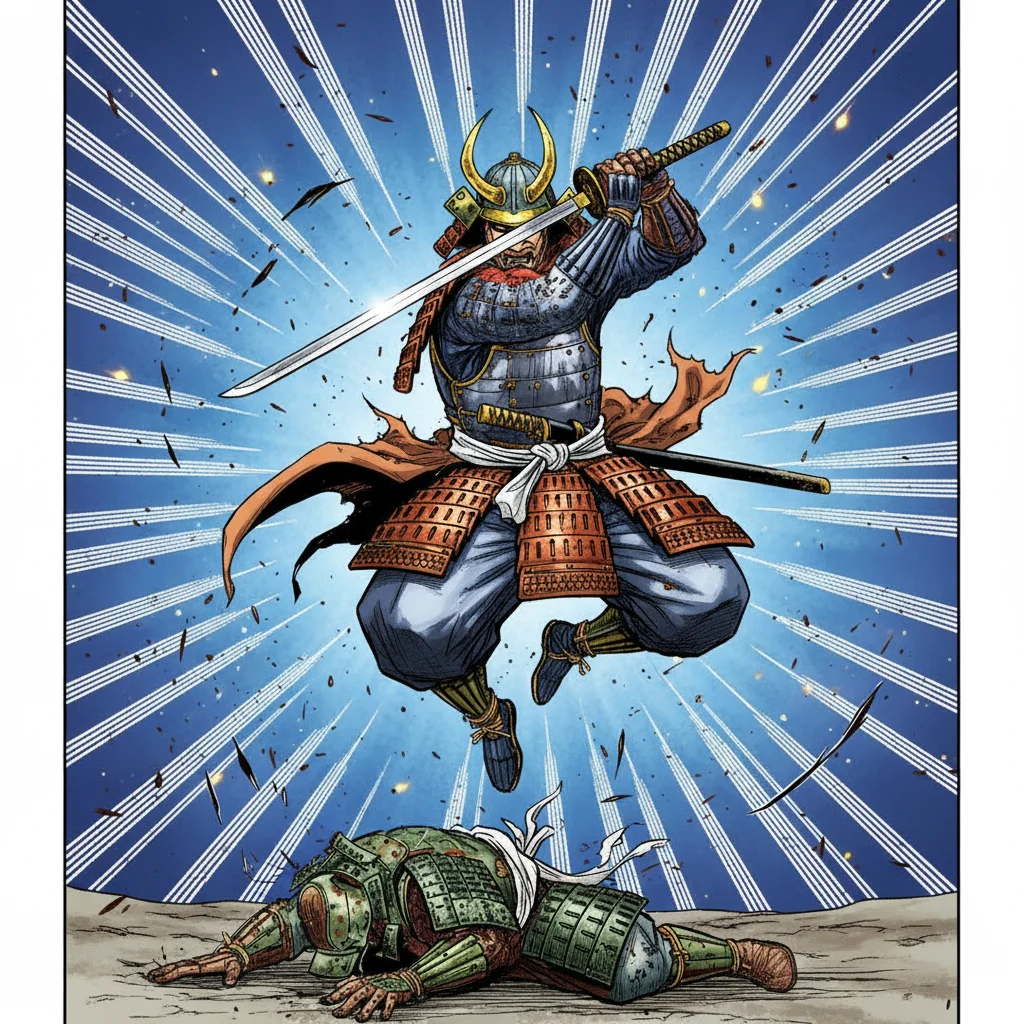

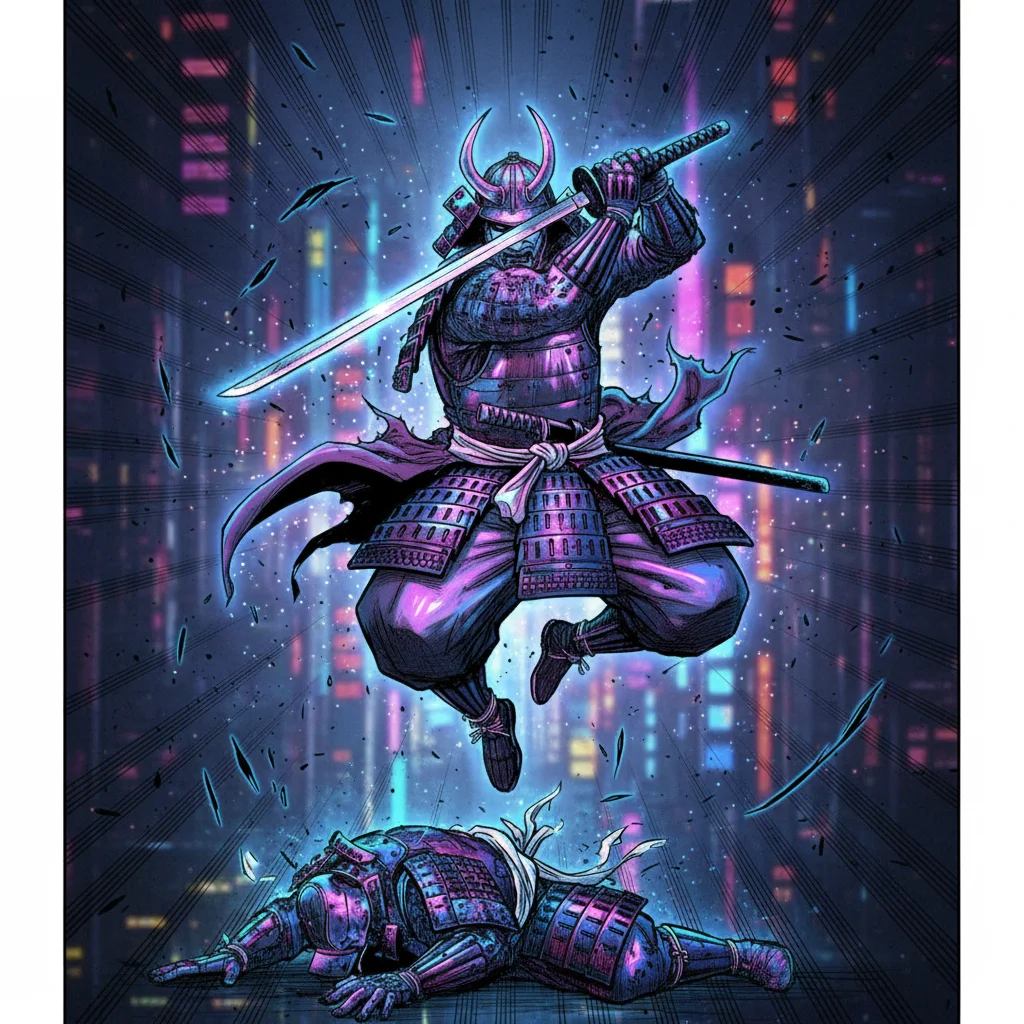
AI Manga Colorizer — Colorize Black & White Manga Panels
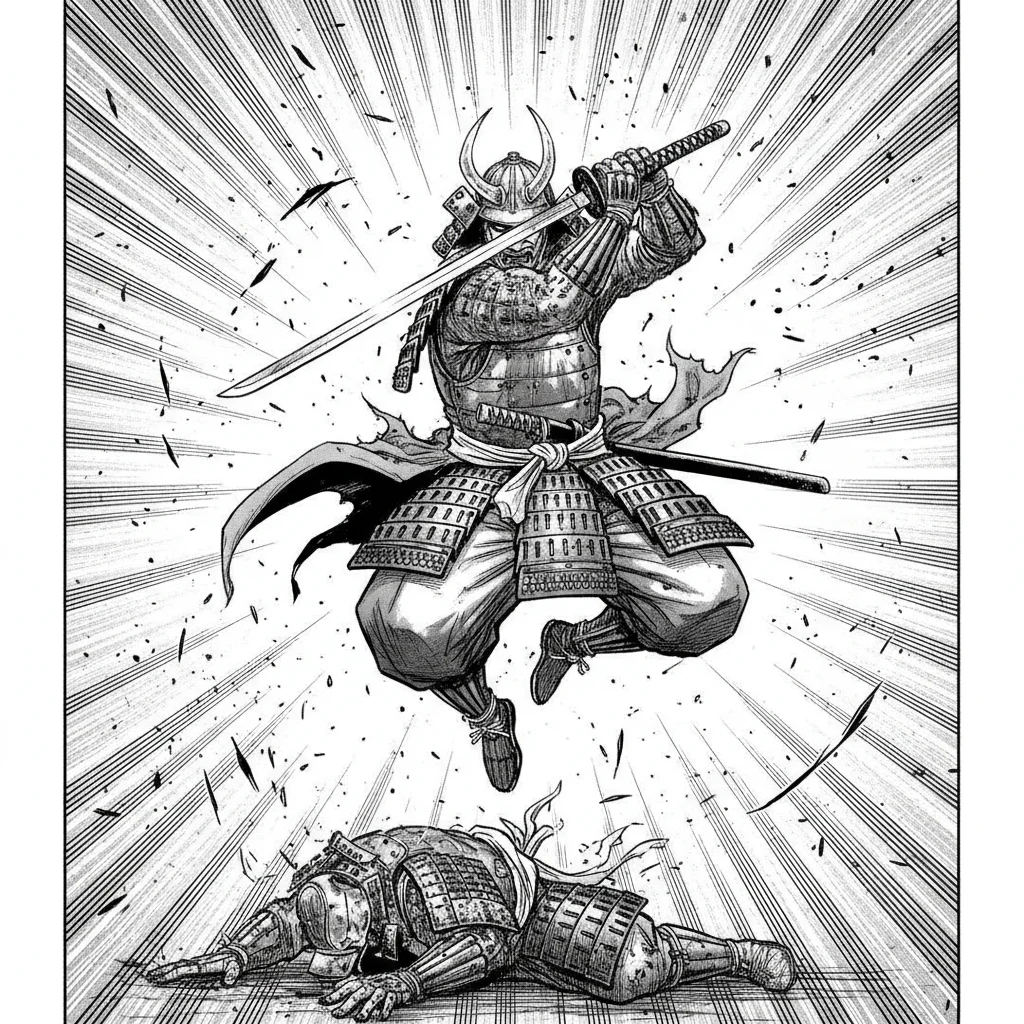
Upload any black-and-white manga panel and the AI adds vibrant color while preserving your original line art. Choose from 6 manga styles — Anime, Shonen, Shojo, Webtoon, Vintage Print, and Cyberpunk. Built for manga, not general photos. Works on action scenes, portrait panels, landscape backgrounds, and full pages. Free to start.

6 Manga-Specific Color Styles
Not a generic colorizer. Each style is tuned for a specific manga genre. Anime Style delivers vibrant saturated colors with clean cel shading. Shonen adds bold high-contrast colors for action panels. Shojo produces soft pastels and delicate skin tones. Webtoon applies flat clean colors in the modern digital style. Vintage Print gives an aged 1980s manga palette. Cyberpunk fills panels with neon blues, purples, and atmospheric darkness.
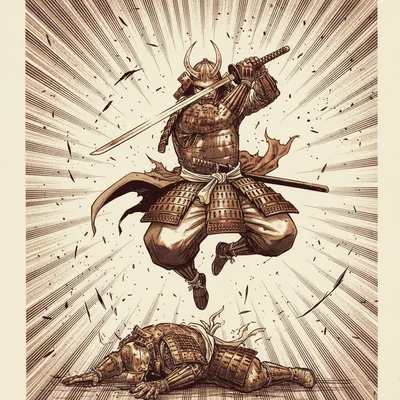
Preserves Original Line Art
The AI colorizes within the existing line structure without altering, blurring, or redrawing the original artwork. Your panel's composition, expressions, and details stay exactly as drawn — only color is added. This makes it suitable for colorizing original work, practice panels, and scanned doujinshi.

Works on Any Manga Panel Format
Upload action sequences, close-up portraits, landscape establishing shots, full pages, or single panels. The AI recognizes black-and-white manga line art regardless of panel size or layout. JPG, PNG, and WebP files up to 10MB are supported. No account or app download required to start.
How to Colorize Black & White Manga with AI in 3 Steps
Choose Your Manga Style
Pick from 6 style presets — Anime Style, Shonen, Shojo, Webtoon, Vintage Print, or Cyberpunk. Each preset is trained on its respective manga genre's color conventions, so the AI applies colors that match the genre's visual language.
Upload Your Manga Panel
Upload any black-and-white manga panel, page, or scan. JPG, PNG, and WebP files up to 10MB are supported. The AI works on any panel size — close-up portraits, wide action scenes, and full pages all work.
Download the Colored Result
The AI colorizes your panel in seconds. Download the result and use it for your project, portfolio, or fan work. The original line art is preserved — only color is added.
Who Uses the AI Manga Colorizer
Manga Artists and Creators
Speed up your coloring workflow by using AI colorization as a base. Upload your black-and-white draft, get an AI-colored version as a starting reference, then refine in your preferred editing software.
Manga Fans and Collectors
Colorize favorite panels from classic manga that were never published in color. Bring vintage series to life in modern anime style or give them a webtoon flat-color look.
Art Students Learning Color Theory
Use manga coloring pages as practice. Upload an uncolored panel and compare the AI's genre-appropriate color choices against your own attempts. Shonen, Shojo, and Anime styles follow recognizable industry color conventions.
Doujinshi and Fan Creators
Colorize your fan art pages and doujinshi panels. Upload your black-and-white spreads and apply consistent coloring across multiple pages using the same style preset.
Webtoon Creators Moving from Print
Working in the print manga format but want to explore webtoon color styles? Apply the Webtoon preset to see how your existing line art would translate to the flat digital color look popular on LINE Webtoon and Tapas.
Social Media Content
Create eye-catching colored manga posts for Instagram, Twitter, and TikTok. Colorized manga panels perform well as short-form content, reaction images, and fan appreciation posts.
Why Use VicSee AI Manga Colorizer
6 Manga Style Presets
Anime, Shonen, Shojo, Webtoon, Vintage Print, Cyberpunk — each trained on the color conventions of its genre. Not a one-size-fits-all colorizer. The style you pick produces colors that actually match how that genre looks.
Preserves Original Line Art
Your original manga line art is never altered. The AI works within the existing line structure to add color — no redrawing, no blurring, no distortion of your artwork.
Results in Seconds
Upload your panel, pick a style, and the AI colorizes it in under 30 seconds. No queue, no waiting — browser-based colorization powered by Nano Banana 2.
Works on Any Device
Colorize manga panels from your desktop, laptop, tablet, or phone. No app download. No software installation. Works entirely in your browser.
Built for Manga, Not Photos
Most AI colorizers are trained on photos and perform poorly on manga line art. VicSee's manga colorizer is tuned for the specific visual structure of black-and-white manga panels — flat fields, hard lines, and tonal shading.
Free to Start
Sign in with a free account and start colorizing with your starter credits. Each colorization uses credits — new accounts receive free starter credits, and more can be purchased for additional generations.
Explore More AI Art Tools
More AI tools from VicSee
AI Manga Colorizer — Frequently Asked Questions

Colorize Manga Free — 6 Styles, Results in Seconds
Anime, Shonen, Shojo, Webtoon, Vintage Print, Cyberpunk. Upload your black-and-white manga panel and get a colorized result that preserves the original line art.
Colorize Manga Free