
Upload Your Photo *
Drop your photo here or click to upload
JPG, PNG, WebP. Max 10MB.
AI Bald Filter — Results Gallery
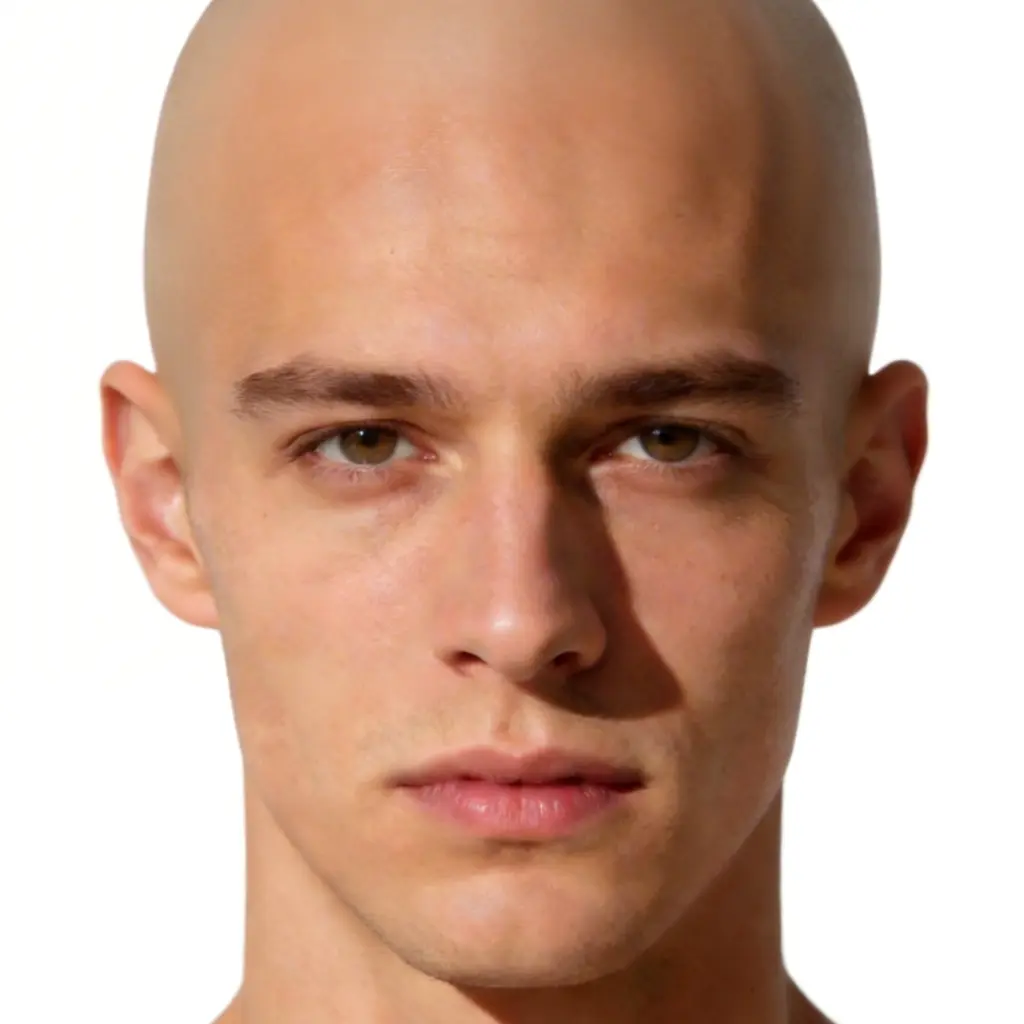

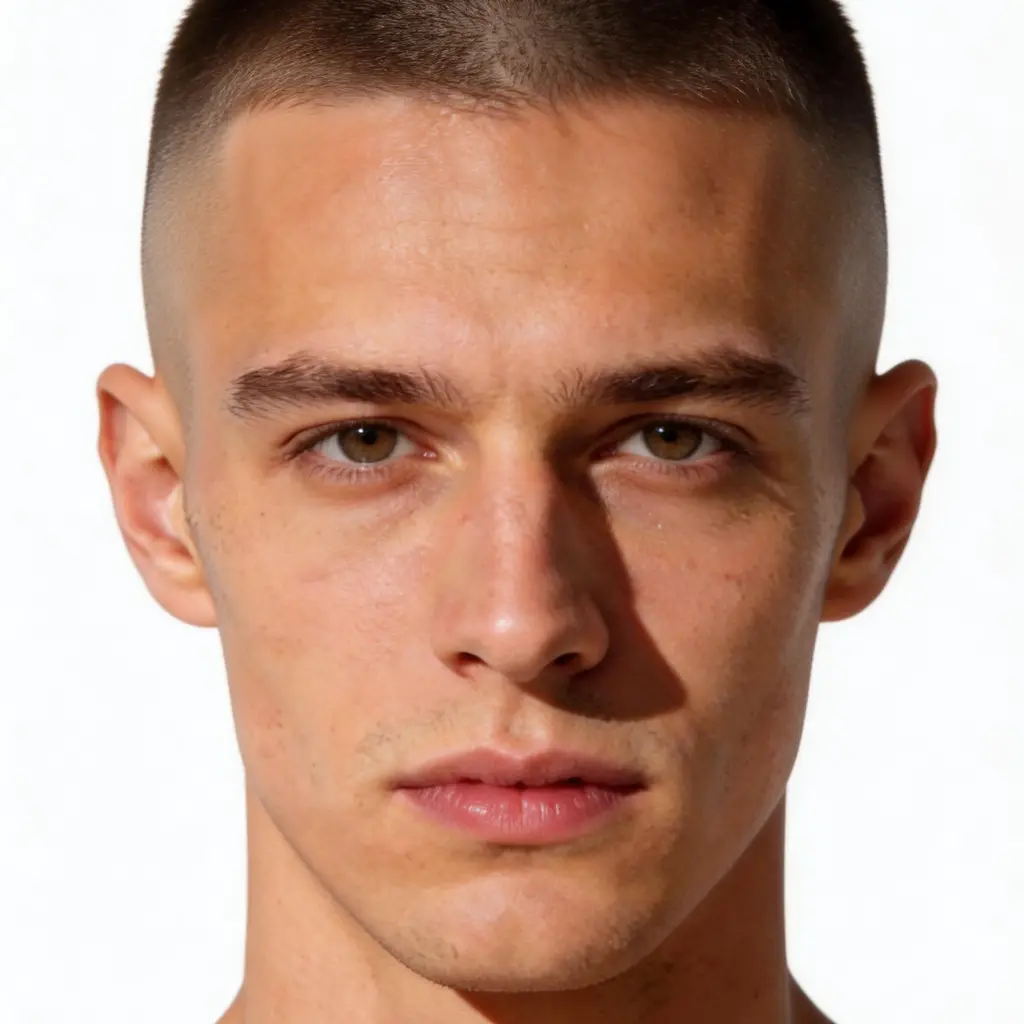
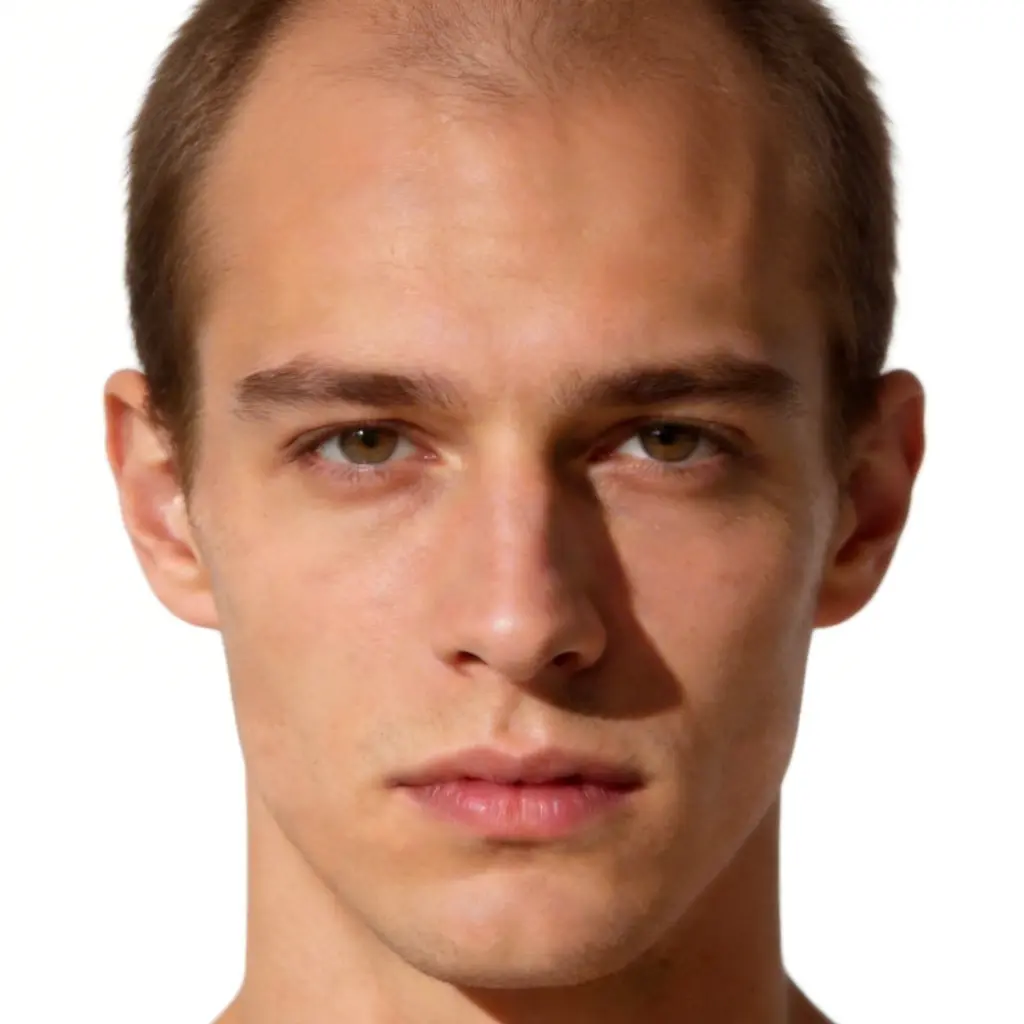
AI Bald Filter — See How You'd Look Bald
Wonder what you'd look like bald? Upload any photo and our AI bald filter removes your hair and renders a photorealistic bald head in seconds. Choose from 6 styles — Clean Shaved, Buzz Cut, 5 O'Clock Shadow, Skin Fade, Balding Look, and Polished Bald. Free to try, works directly in your browser.
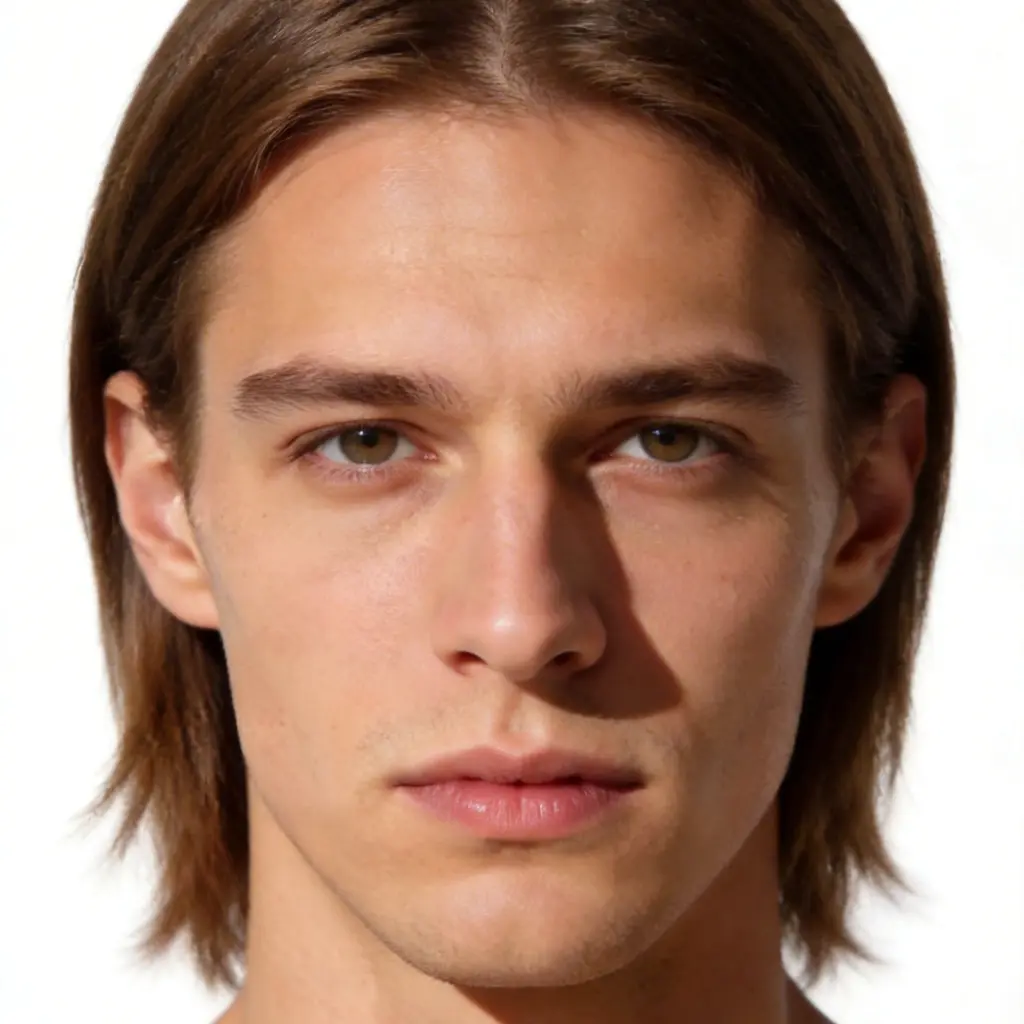
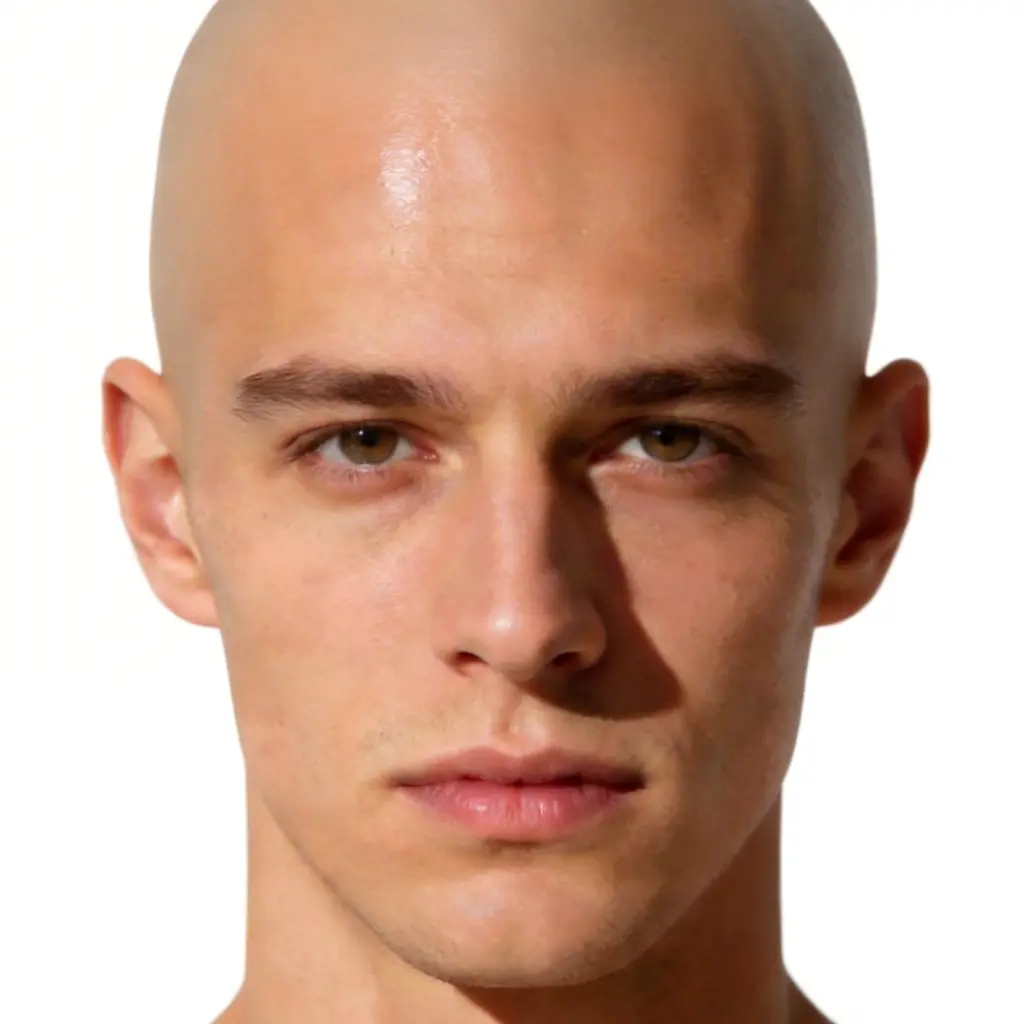
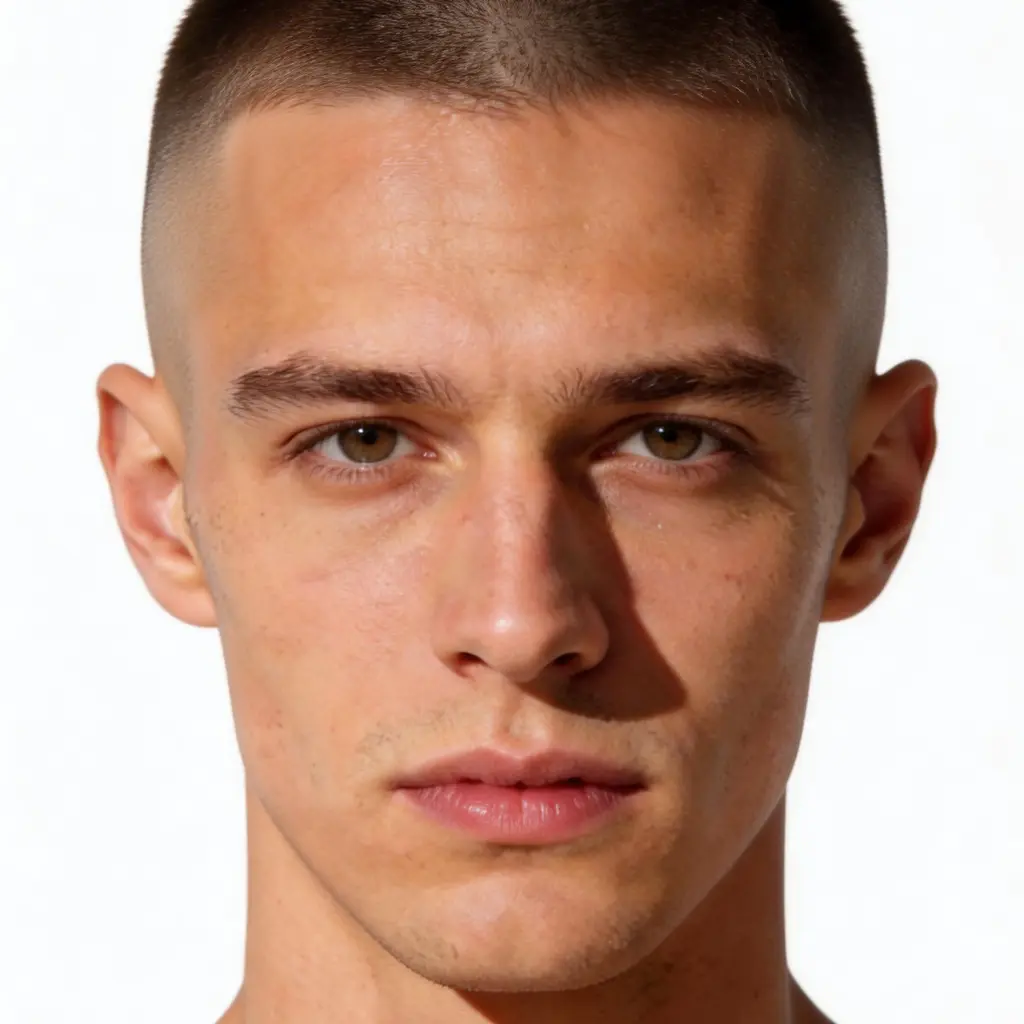
6 Bald Styles — From Buzz Cut to Balding Look
Most bald filters give you one look. VicSee gives you six. Go fully smooth with Clean Shaved, try a grade-1 Buzz Cut, preview a natural receding Balding Look, or see the polished shine of a freshly shaved head. Each style uses AI to adapt the result to your facial features and skin tone.
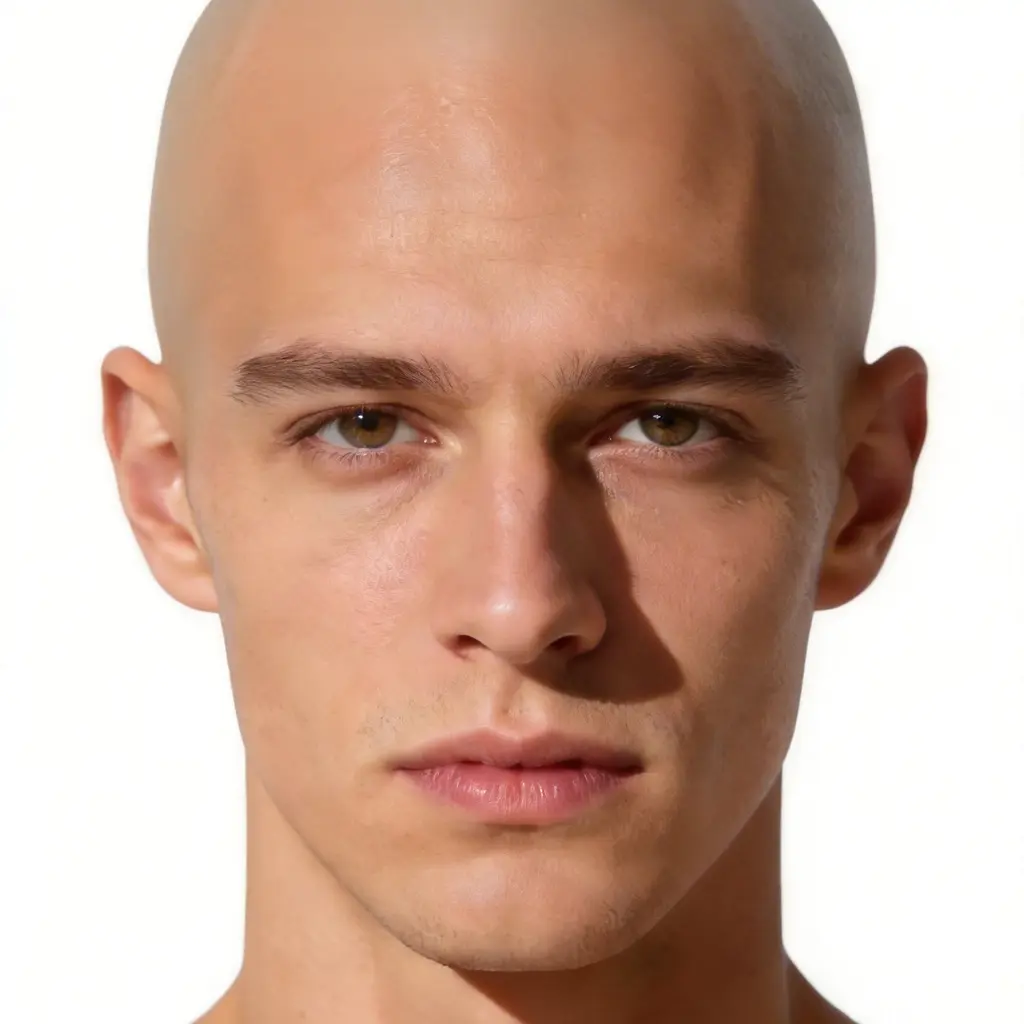
Photorealistic Results for Every Face
Our AI detects hair boundaries, scalp texture, and skin tone to produce a convincing bald transformation on any face. Works on men and women, any skin tone, any hair type — curly, thick, fine, or textured. Natural skin blending, realistic shadows, no obvious filter artifacts.
How to Use the AI Bald Filter
Upload Your Photo
Upload any portrait or selfie — a clear, front-facing photo with your face and hair visible gives the best results. Phone photos work perfectly.
Choose a Bald Style
Pick from 6 styles: Clean Shaved, Buzz Cut, 5 O'Clock Shadow, Skin Fade, Balding Look, or Polished Bald. Or describe your own look in the Custom tab.
See Your Bald Look
The AI removes your hair and renders a photorealistic bald head that matches your skin tone and facial features. Download your result in high resolution.
Who Uses the AI Bald Filter
Before the Big Shave
Considering going bald but unsure? Preview all 6 styles on your own face before the first clipper pass. Know exactly what you're getting into.
Content Creators & Viral Trends
The bald challenge is everywhere on TikTok and Instagram. Create shareable before/after content without actually shaving your head.
Medical Hair Loss Prep
For those preparing for chemotherapy or hair loss treatment, seeing a bald preview can reduce anxiety and help mentally prepare for the change.
Pranks & Social Fun
Make your friends and family look bald. Send the result without warning. The reactions are priceless.
Why Use Our AI Bald Filter
6 Bald Styles to Compare
Clean Shaved, Buzz Cut, 5 O'Clock Shadow, Skin Fade, Balding Look, Polished Bald — try all six and find which suits your face. No other free bald filter offers this many styles.
Photorealistic in Seconds
AI detects your hairline, scalp texture, and skin tone to produce convincing results. Not a flat overlay — a realistic transformation that looks like a real photo.
Works for Men and Women
The AI bald filter works equally well on men and women. Whether you're planning a shave, exploring a look, or just curious — see yourself bald regardless of your current hair length.
High-Resolution Downloads
Download your bald filter results in high resolution. Share with friends, post to social media, or keep it as a funny keepsake.
Try Before You Shave
Commit to the razor with confidence. Preview exactly how you'd look bald before picking up the clippers — no regrets, no growing back.
Works in Your Browser
Use the AI bald filter directly in your browser — no app download needed. Sign up for free in seconds and start trying bald styles instantly.
More AI Photo Tools
More AI photo transformation tools from VicSee
AI Bald Filter FAQ

See What You Look Like Bald — Free
Upload your photo and try all 6 bald styles in seconds. Clean Shaved, Buzz Cut, Skin Fade, and more — photorealistic, free, no download needed.
Try the Bald Filter