
Upload Your Photo *
Drop your photo here or click to upload
JPG, PNG, WebP. Max 10MB.
AI Beauty Filter Results — Skin Enhanced with VicSee
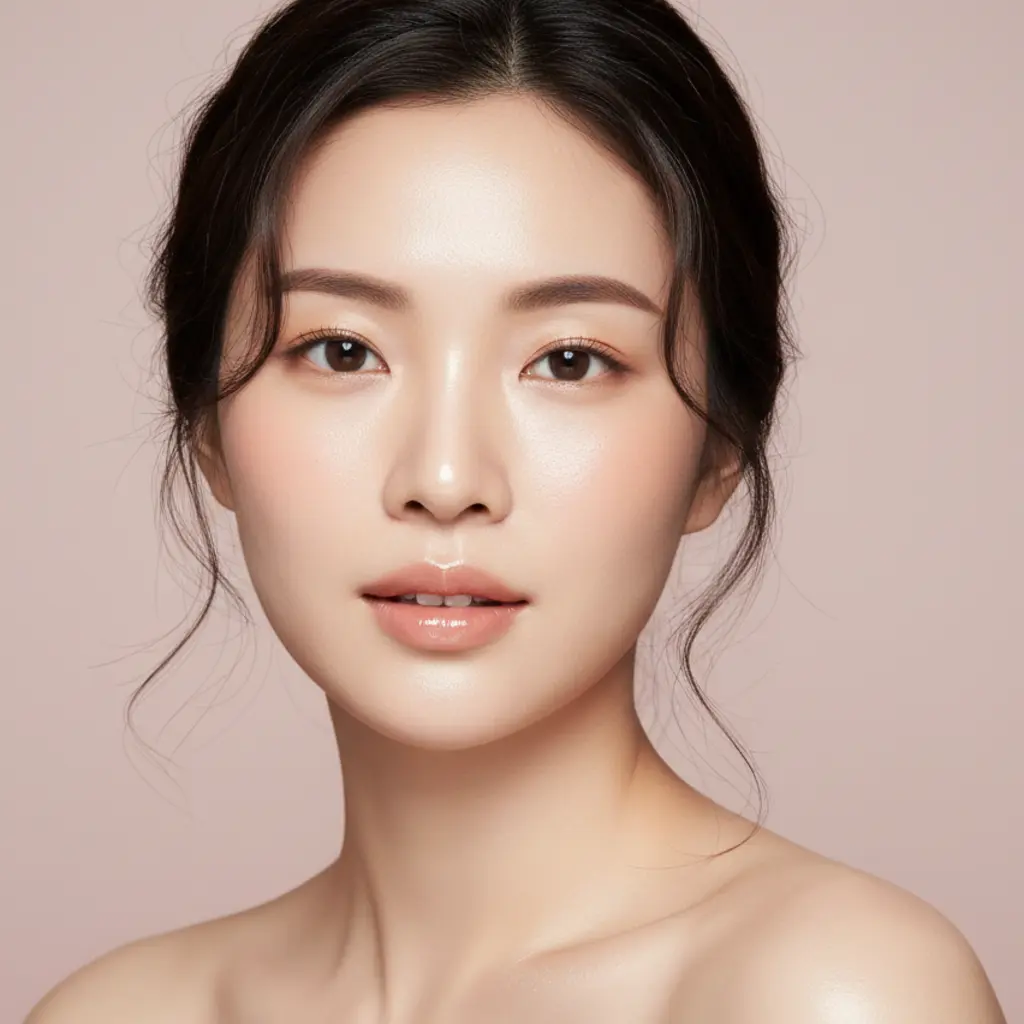
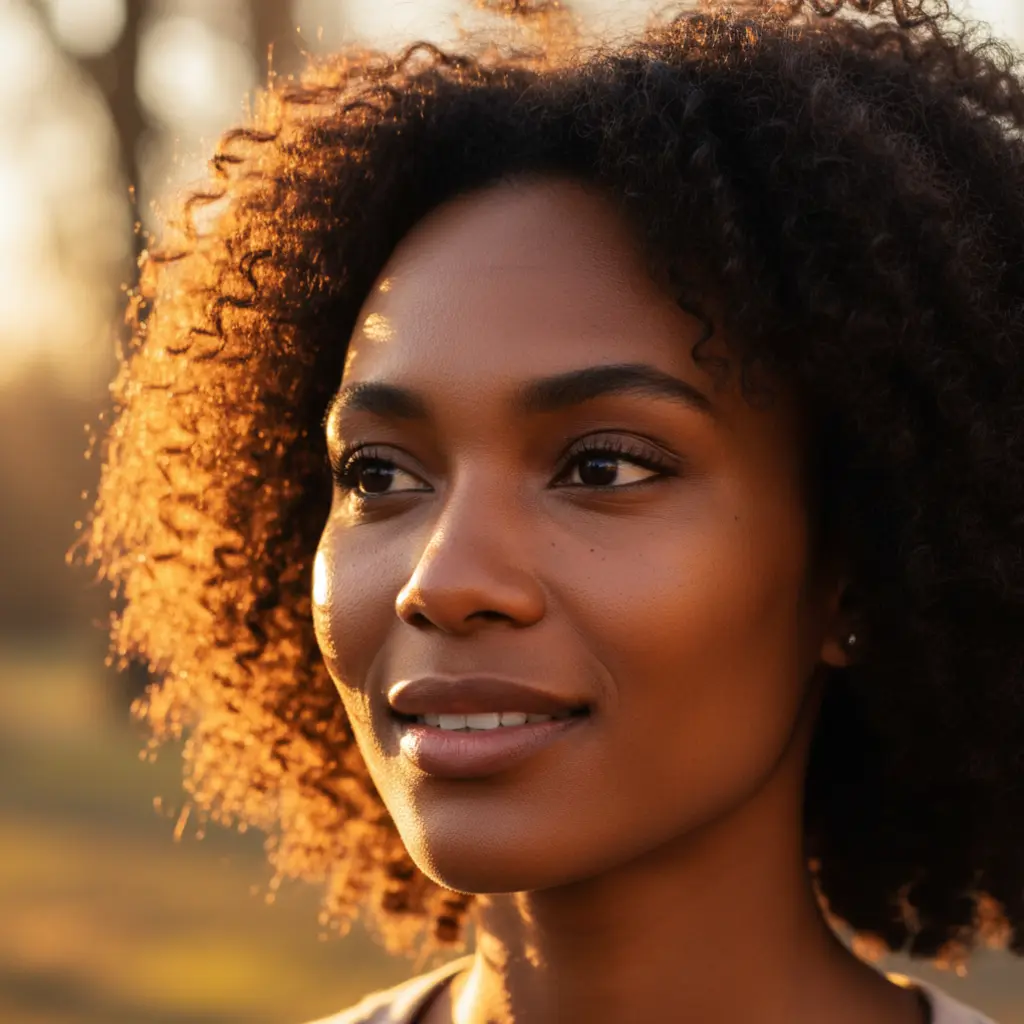
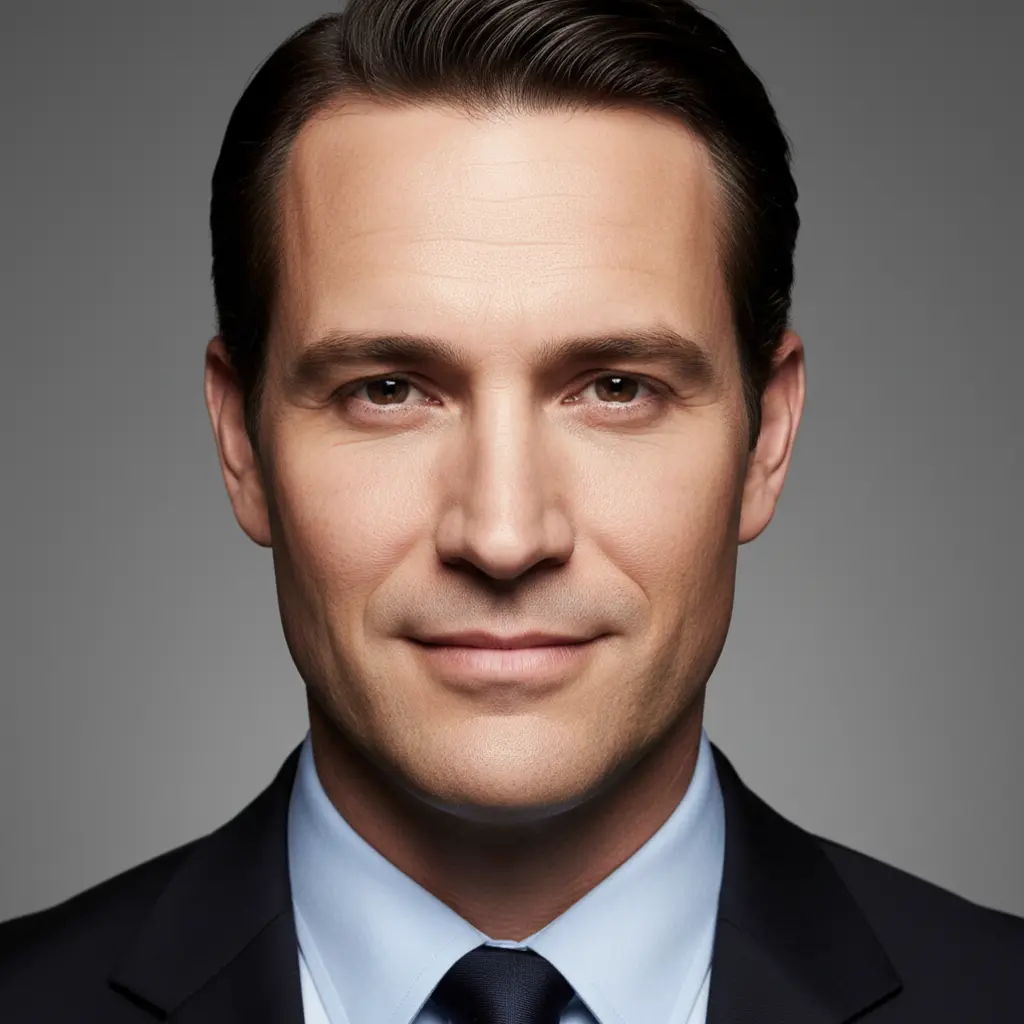
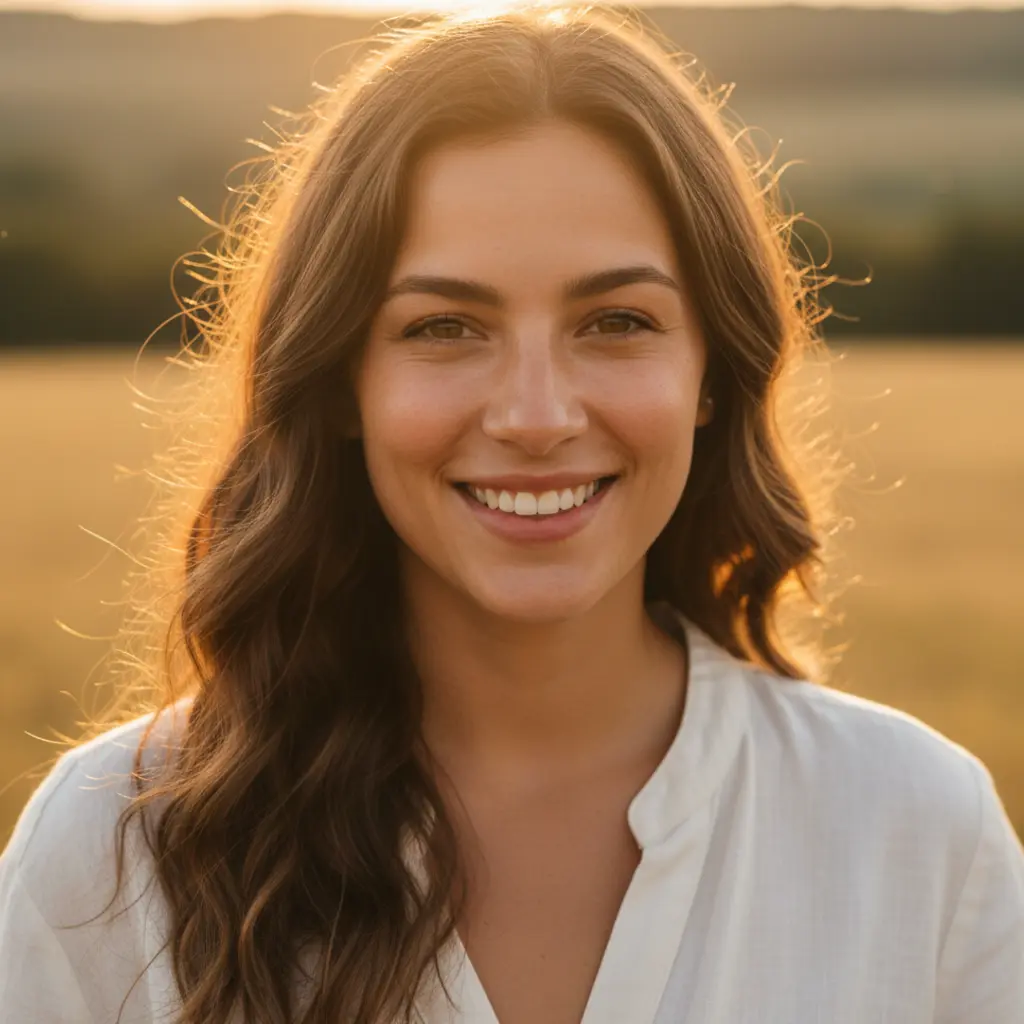
AI Photo Retouching That Looks Natural
Unlike filters that blur everything into plastic, VicSee's AI skin texture enhancer preserves your natural skin texture, pores, and light reflections. Each of the 6 beauty filter styles targets a specific skin enhancement — from subtle Natural Retouch to high-gloss Glass Skin.
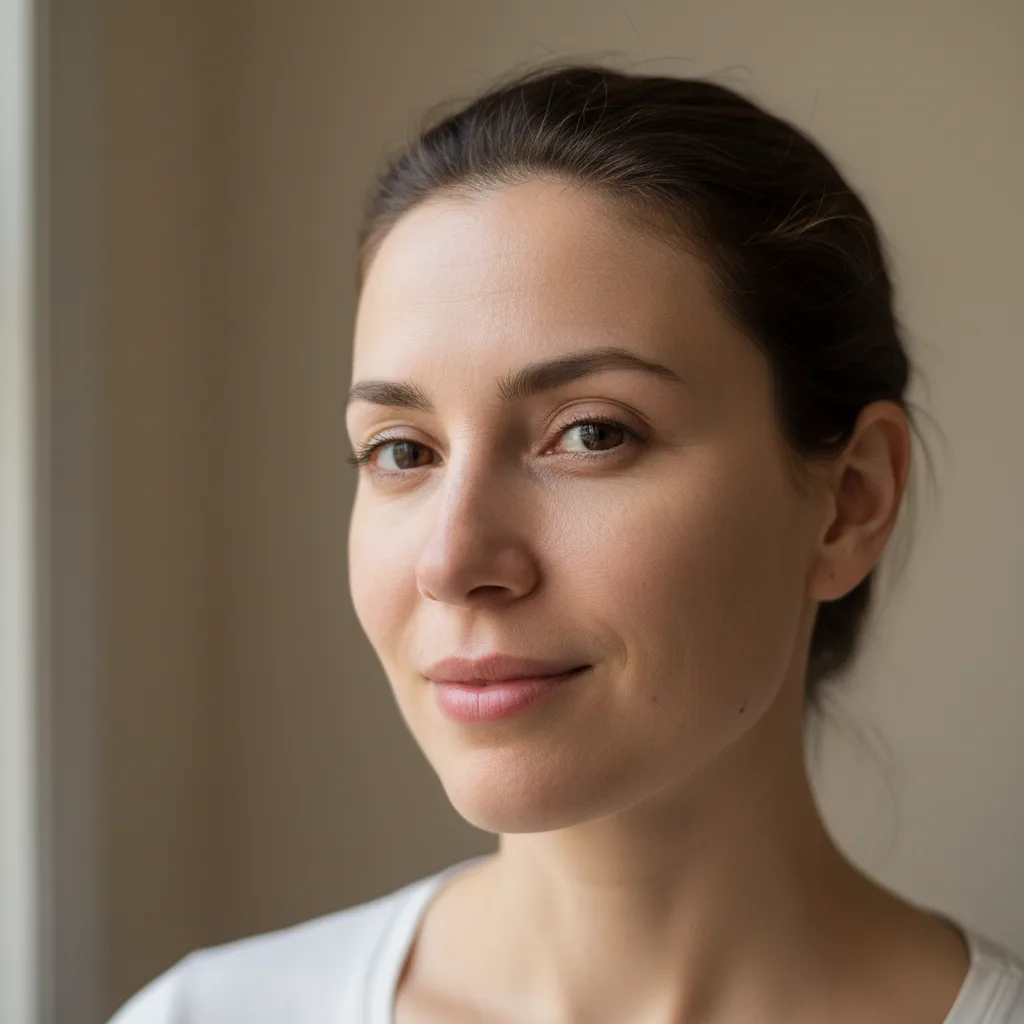
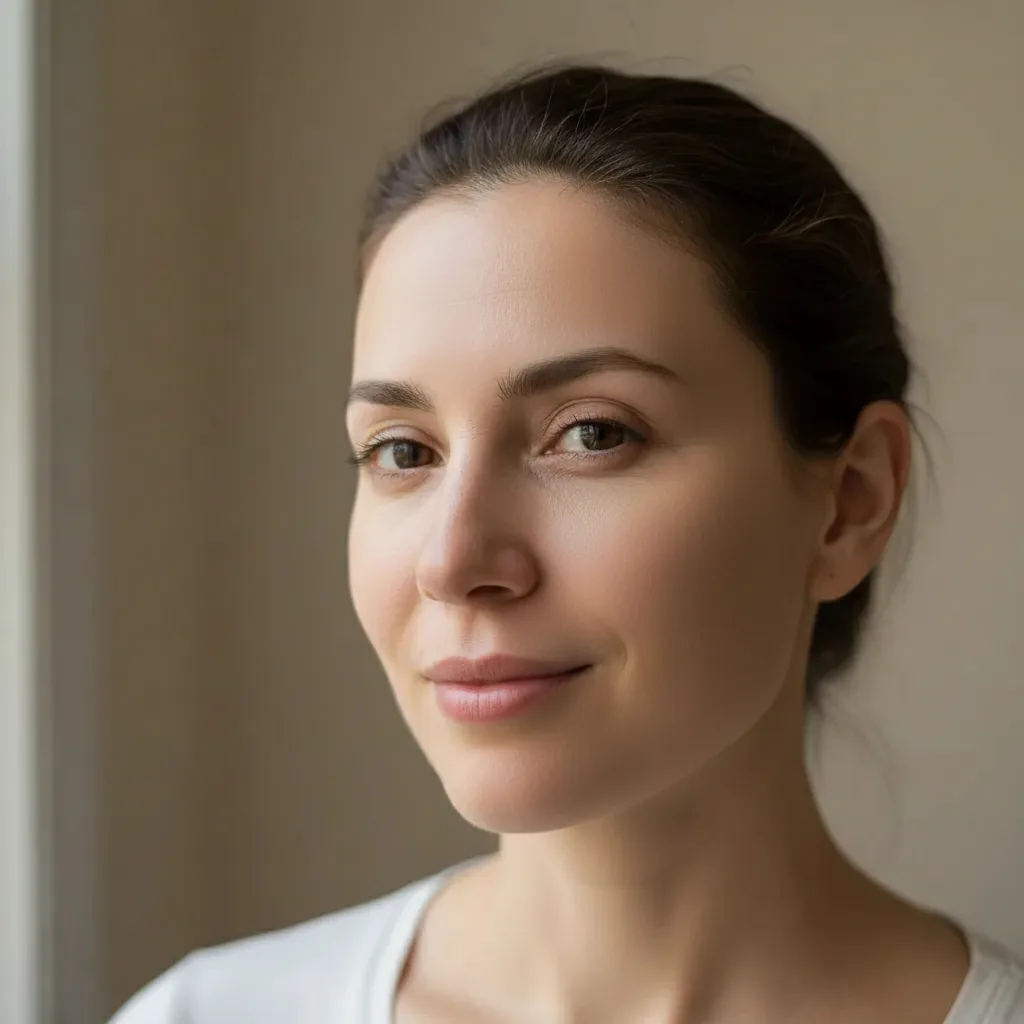
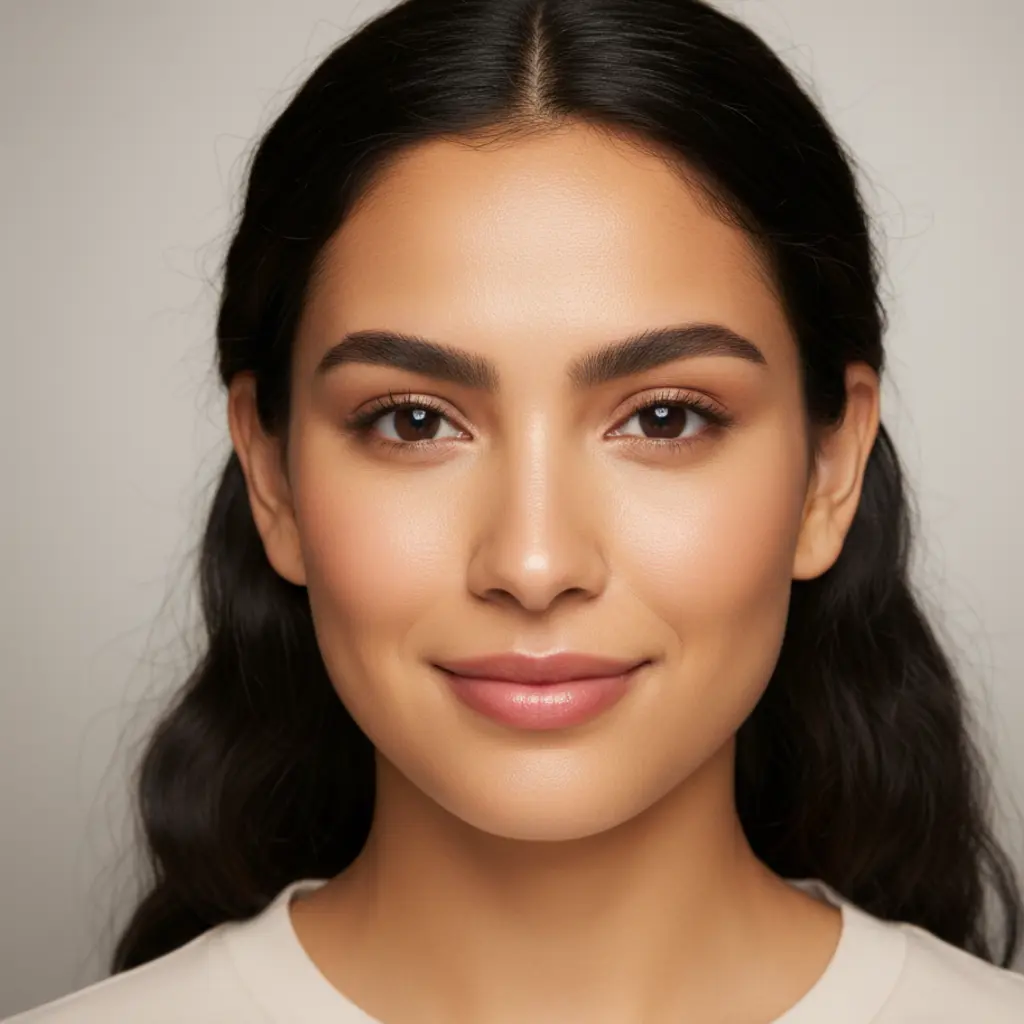
AI Blemish Remover — Clear Skin Without the Plastic Look
The Blemish Remover style targets acne spots, dark spots, and redness while preserving natural skin tone and texture. The result is a clear, flawless complexion that looks like your real skin on a good day — not an over-edited Instagram filter.
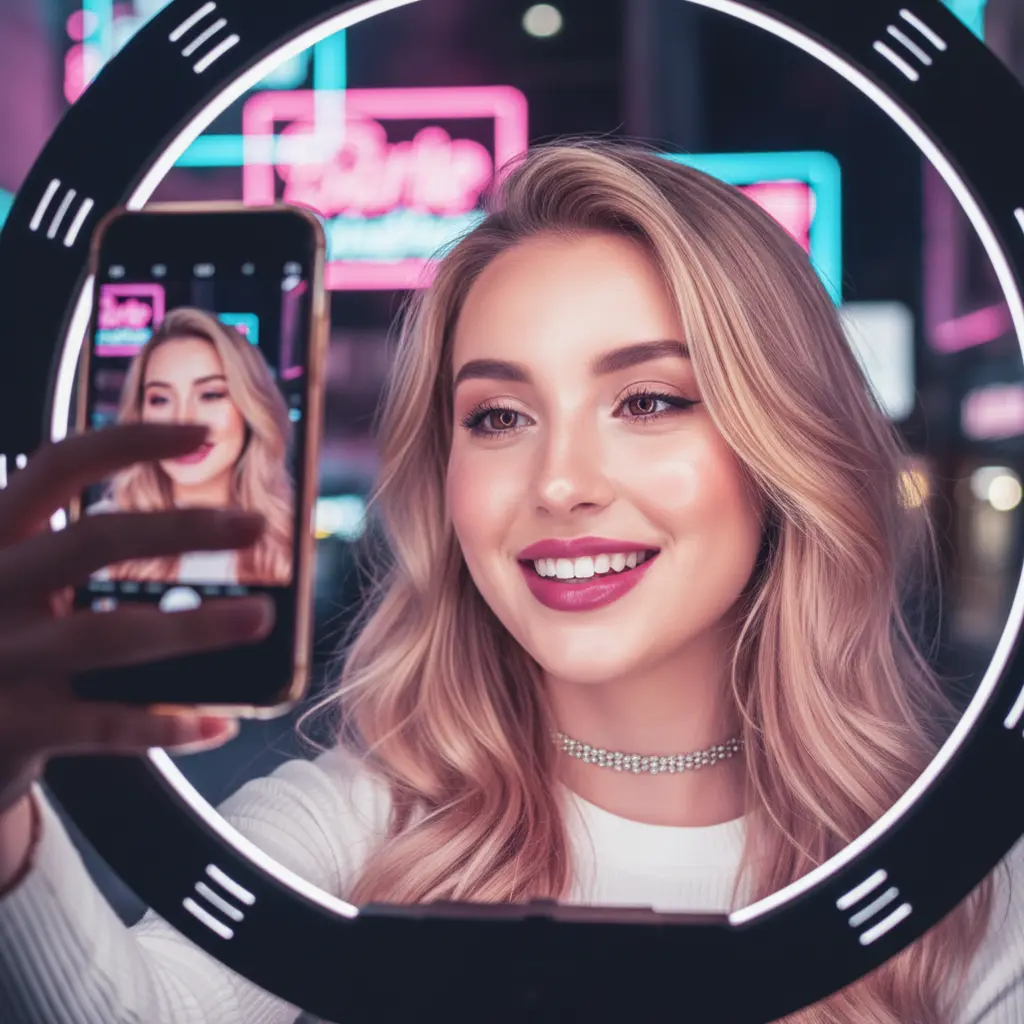
AI Beauty Filter for Selfies and Social Media
Enhance selfies for Instagram, TikTok, and LinkedIn profile photos. The Glow Filter and Glass Skin styles are especially popular for social media content — they add a professional polish to casual photos without over-processing.
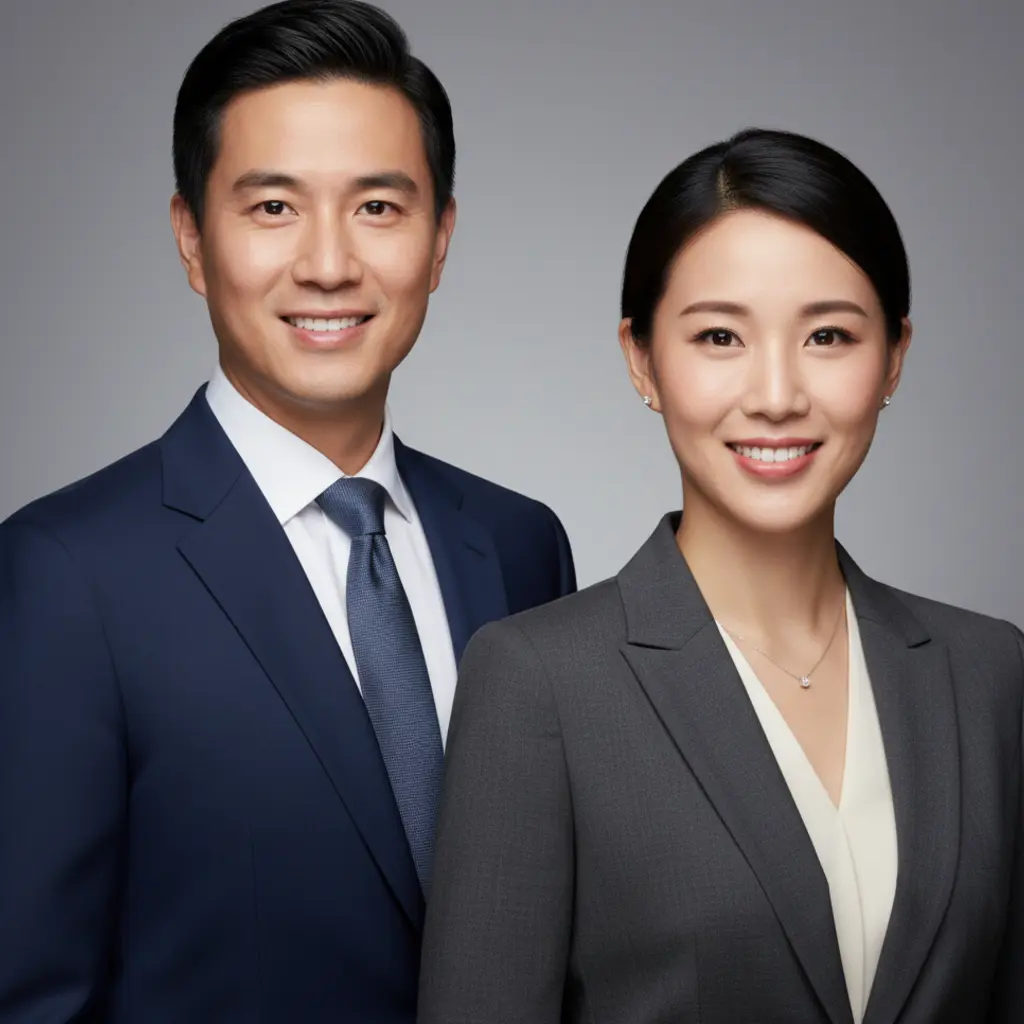
AI Photo Retouching for Portraits and Professional Headshots
The HD Retouch style delivers commercial photography quality — sharp skin detail, studio-grade clarity, and a polished headshot finish. Ideal for LinkedIn photos, press shots, speaker profiles, and business directories.
How to Use the AI Beauty Filter
Upload Your Portrait or Selfie
Choose any portrait, selfie, or headshot where your face is clearly visible. JPG, PNG, and WebP all work.
Pick a Skin Enhancement Style
Choose from 6 named AI beauty filter styles — Skin Smoothing, Glass Skin, Glow Filter, Blemish Remover, HD Retouch, or Natural Retouch.
Download Your Enhanced Photo
Get your retouched portrait in 10 to 30 seconds. Ready to share on social media, use for headshots, or save for any occasion.
Why Choose VicSee AI Beauty Filter
6 Named Skin Enhancement Styles
No other AI beauty filter offers named styles like Glass Skin, Glow Filter, and Blemish Remover. Pick the exact look you want, not just a generic one-click filter.
Natural-Looking Results
VicSee preserves your real skin texture, pores, and light reflections — just refined. No plastic filter effect, no blurred detail.
Results in 10–30 Seconds
Fast AI processing delivers your enhanced portrait in seconds. No app download, no long waits, no design skills needed.
Works on Any Portrait
Selfies, professional headshots, studio portraits, AI-generated faces — the AI adapts to any photo type automatically.
Related AI Photo Enhancement Tools
Explore more AI tools to perfect your photos.
Frequently Asked Questions About AI Beauty Filter

Try the AI Skin Texture Enhancer Free
6 named beauty filter styles. Natural-looking results. Upload a portrait and enhance your skin in seconds.
Enhance Photo Free