
Upload Your Photo *
Drop your photo here or click to upload
JPG, PNG, WebP. Max 10MB.
AI Eye Color Changer Gallery

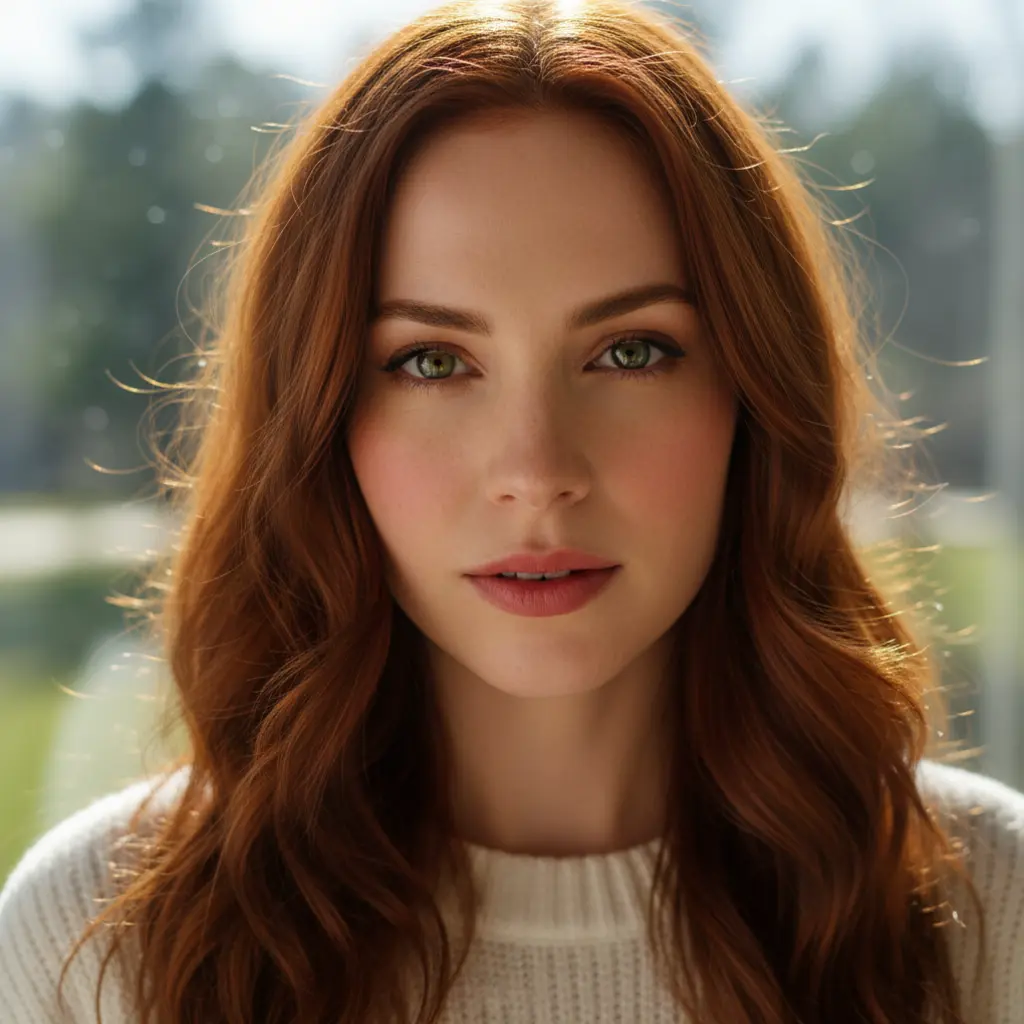
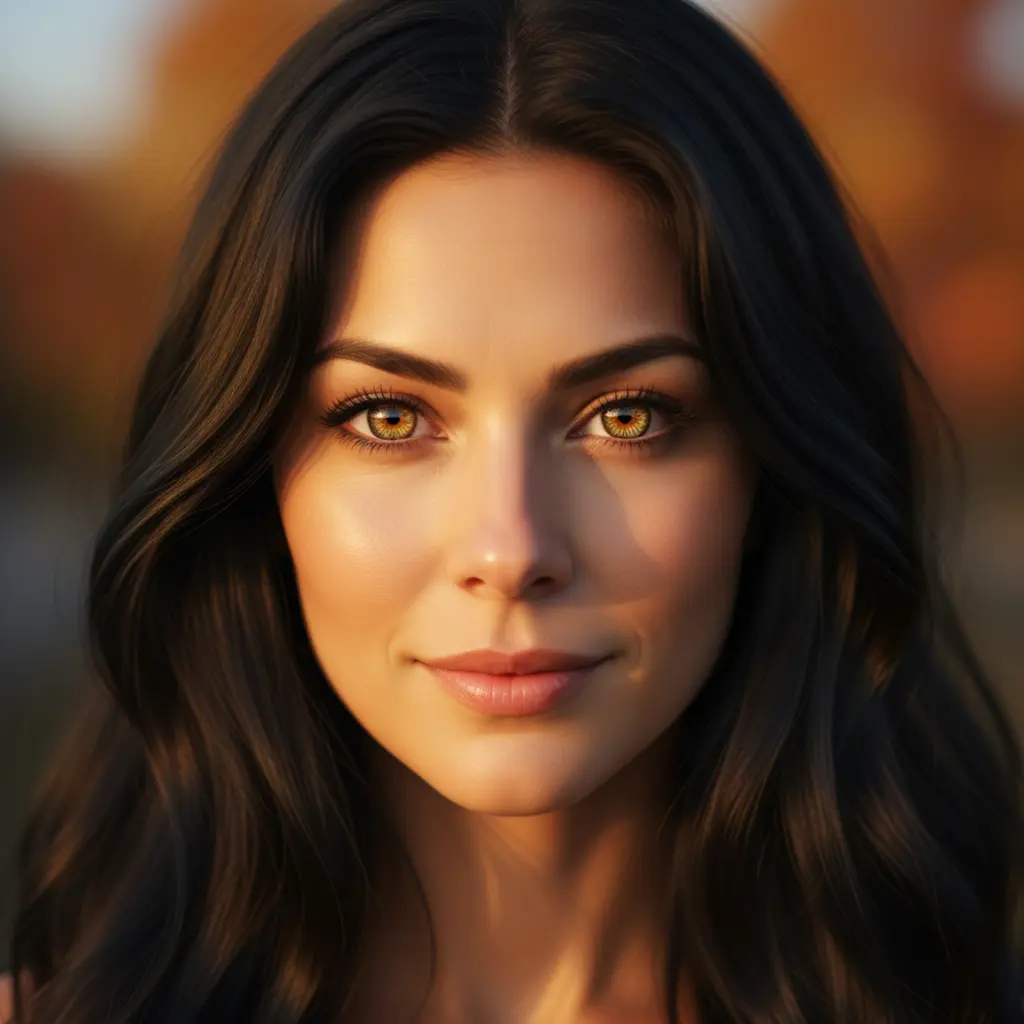
AI Eye Color Changer — Try Any Eye Color Before Buying Contacts
Upload any portrait and change your eye color with AI in seconds. Choose from 9 presets — Warm Hazel, Ocean Blue, Forest Green, Steel Gray, Amber Gold, Ice Crystal, Violet, Midnight Black, and Jade Teal — or describe your own color in the Custom tab. Realistic results, no contacts required, no commitment.
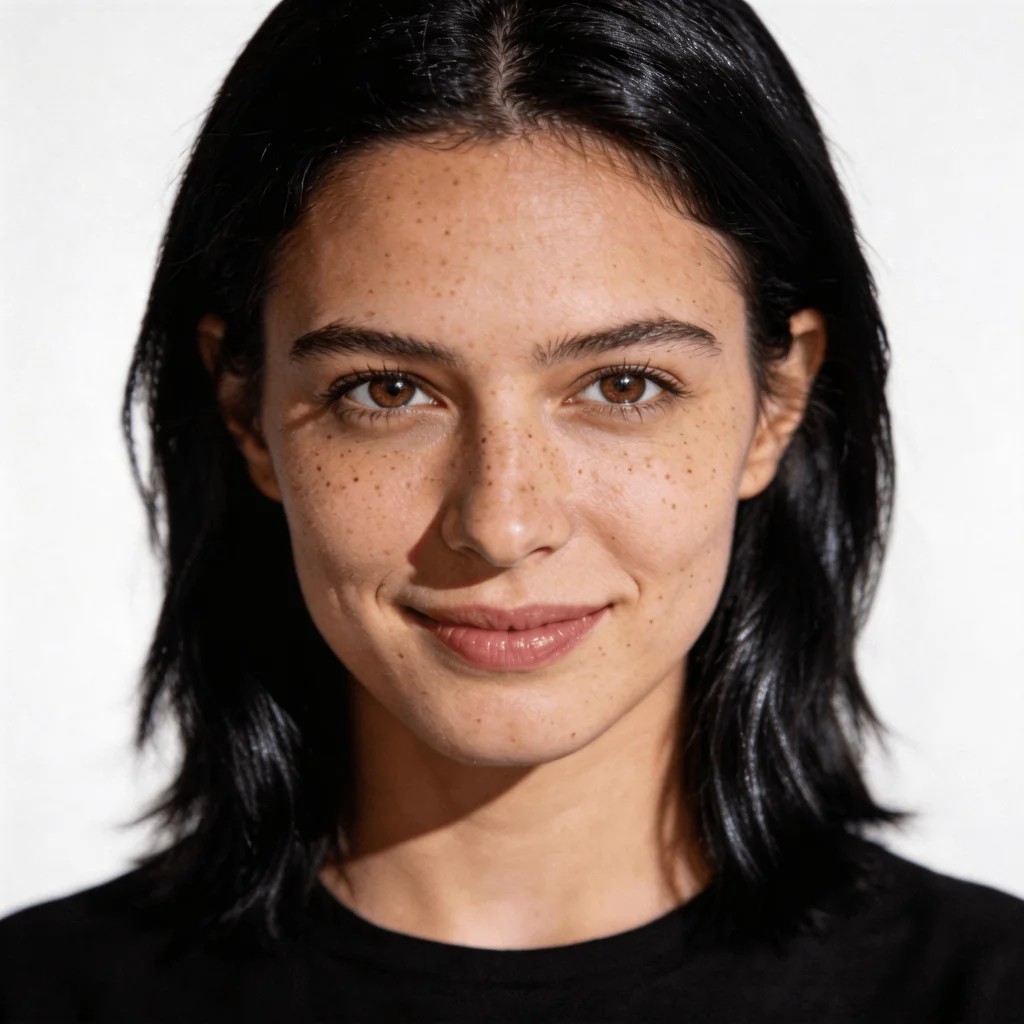
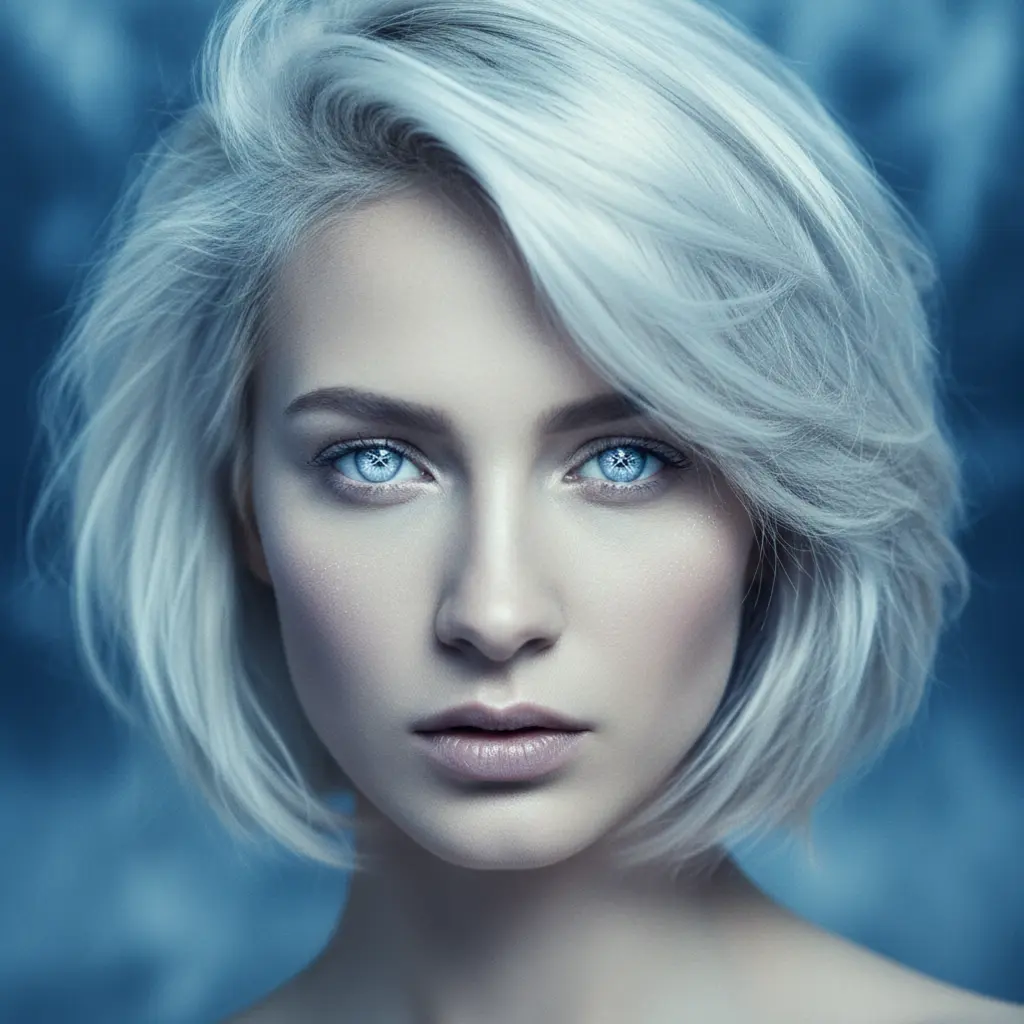
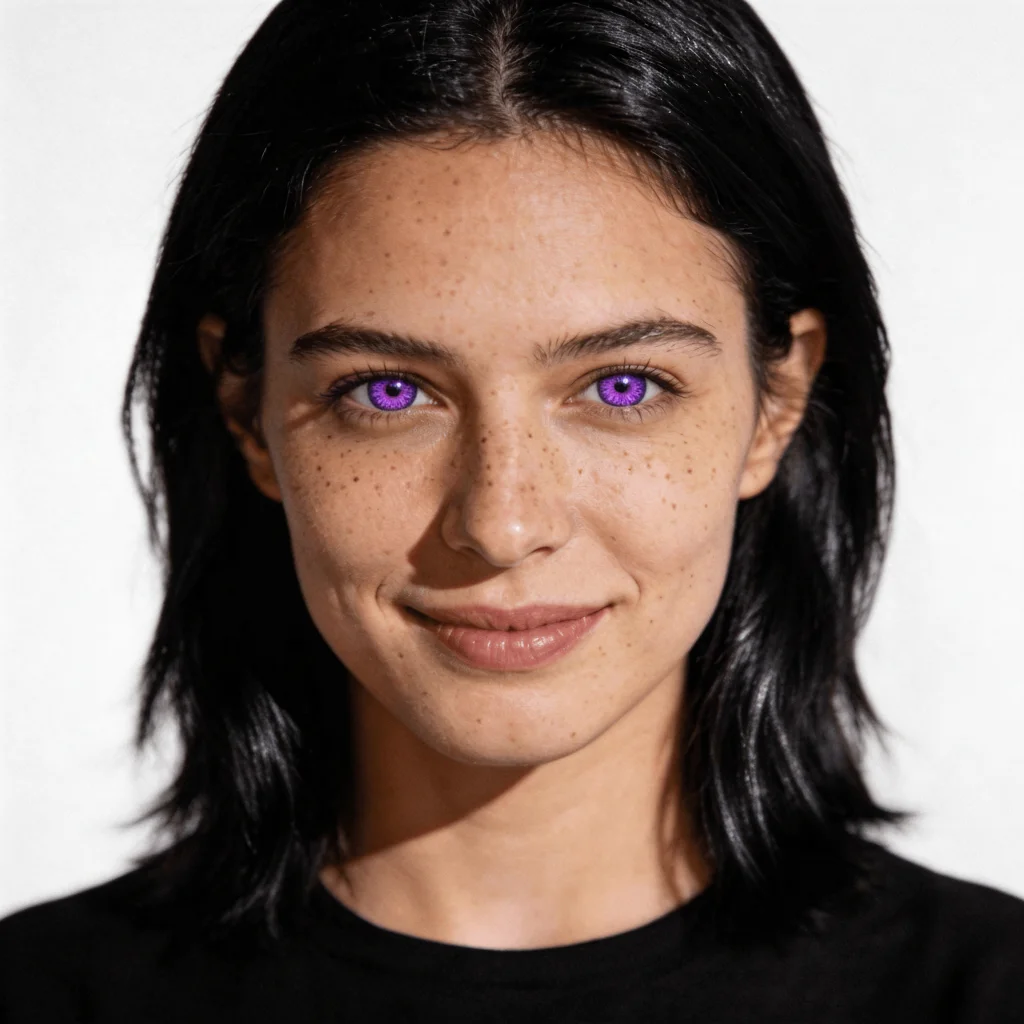
Bold Fantasy Colors — Violet, Jade Teal, Ice Crystal
Go beyond natural with dramatic fantasy eye colors. Deep Violet, vibrant Jade Teal, and ethereal Ice Crystal — the kind of contact lens looks you want to preview before buying. See exactly how each color changes your whole appearance, risk-free.
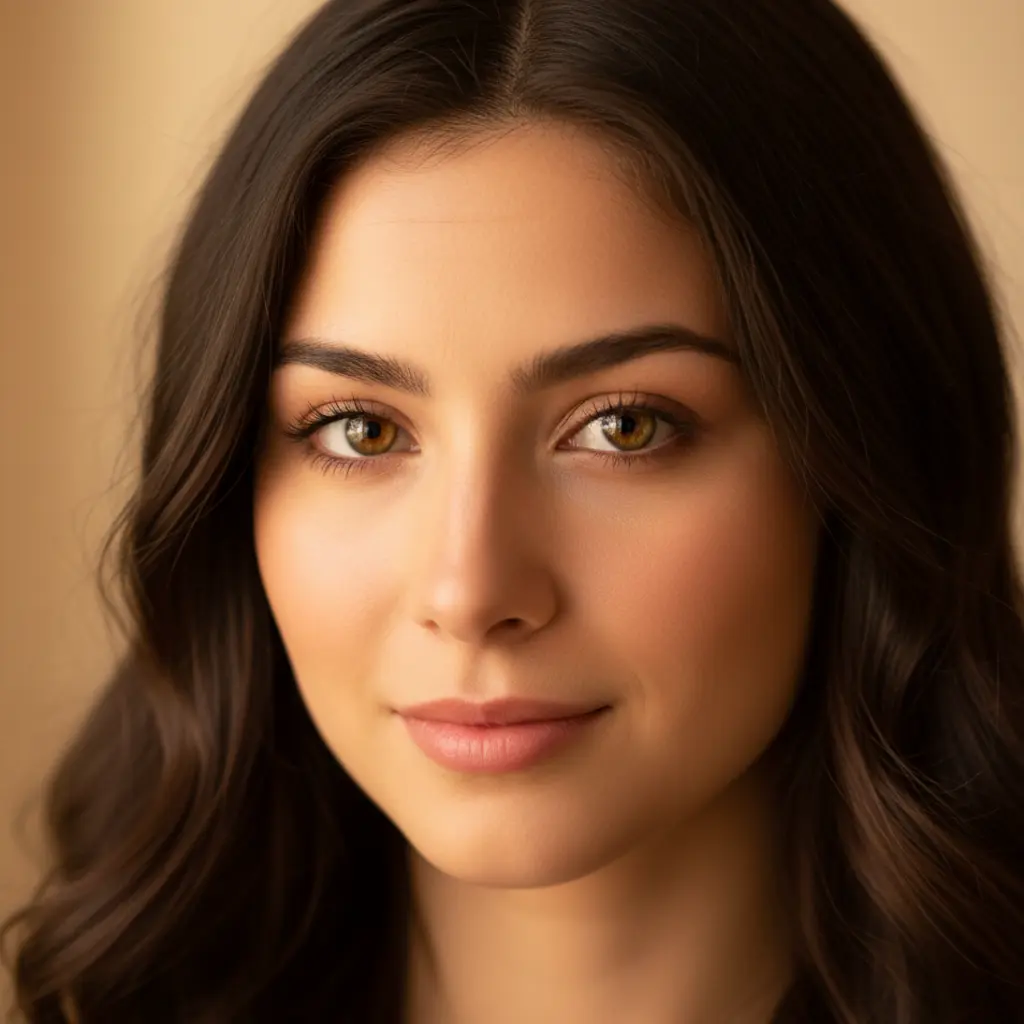
Natural Tones — Hazel, Amber Gold, Steel Gray
Explore natural eye colors that could be your real shade. Warm Hazel with golden amber flecks, honey Amber Gold, cool Steel Gray — see which natural tone suits your complexion. Perfect for finding your ideal colored contact lens before committing.
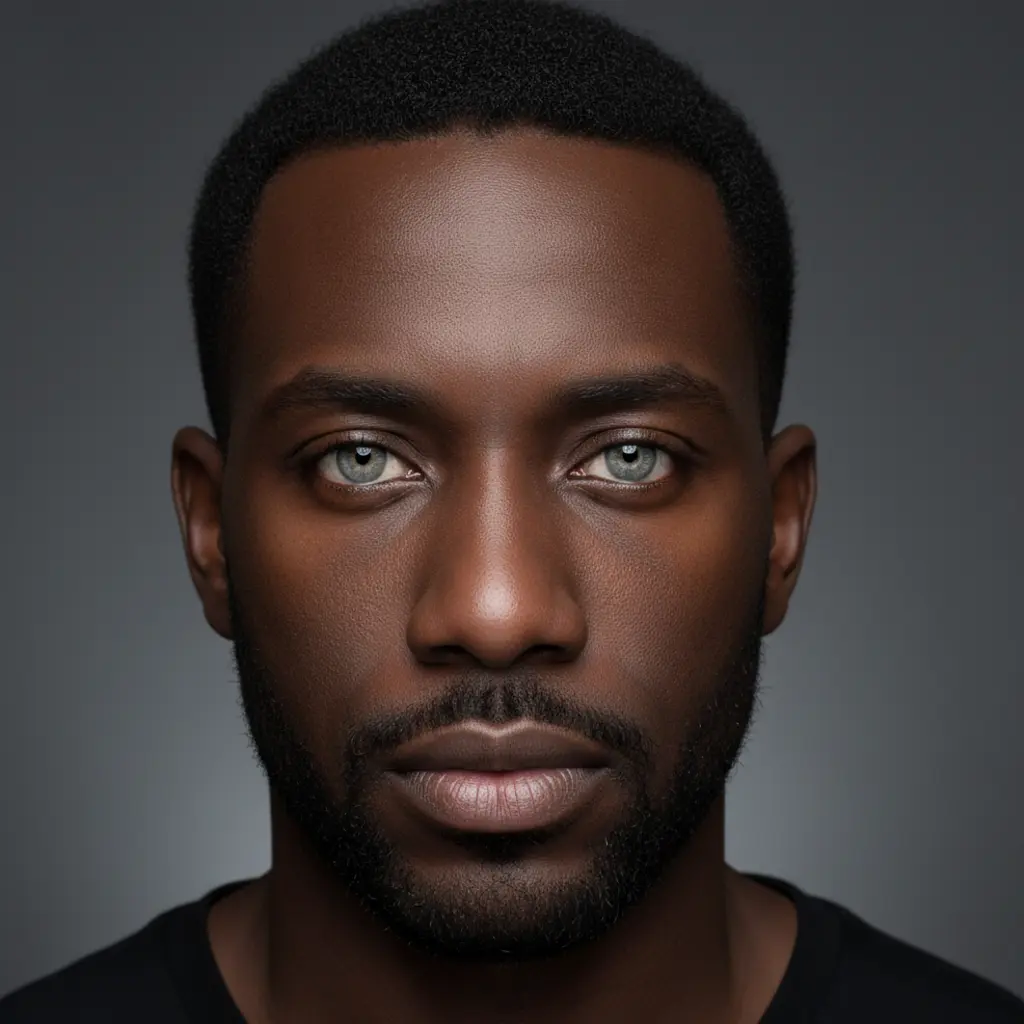
What Color Are Your Eyes? Try Every Shade
Curious what you'd look like with blue eyes, green eyes, or gray eyes? Our AI eye color changer lets you try all 9 shades instantly — natural browns and greens to striking violet and jade teal. Upload once, try them all, find your favorite.
How to Change Eye Color with AI
Upload Your Photo
Choose any portrait or selfie where your eyes are clearly visible. A well-lit photo facing the camera gives the most accurate eye color change results. Phone photos work perfectly.
Pick an Eye Color
Choose from 9 presets — natural tones like Warm Hazel, Ocean Blue, and Forest Green, or bold contact lens effects like Ice Crystal, Violet, and Jade Teal. Or describe your exact shade in the Custom tab.
See Your New Look
The AI changes your eye color while preserving your natural iris texture, skin tone, and lighting for a realistic result. Download in high resolution. Try multiple colors from the same photo.
Who Uses an AI Eye Color Changer
Before Buying Colored Contacts
Preview any contact lens color on your actual face before spending $30–$100+ on contacts. Try Ocean Blue, Violet, Jade Teal, and more — see what looks natural vs dramatic on you.
Profile Photos & Social Media
Create eye-catching photos with striking eye colors. Violet, Ice Crystal, and Jade Teal make portrait photos stand out instantly. Great for influencers and anyone refreshing their profile.
Cosplay & Character Looks
Planning a cosplay or Halloween costume? Preview dramatic eye colors like deep Violet or bright Jade Teal to match your character — before investing in specialty contacts.
Curiosity — What If I Had Blue Eyes?
Ever wonder what you'd look like with a completely different natural eye color? Try Ocean Blue, Forest Green, Steel Gray, or Warm Hazel and answer that question instantly — no commitment required.
Why Use Our AI Eye Color Changer
9 Presets — Natural to Fantasy
From natural Warm Hazel and Forest Green to bold Violet and Jade Teal. Natural tones and striking contact lens colors — all in one tool. No other free eye color changer offers named, thumbnail-previewed presets.
Instant Realistic Results
AI preserves your iris texture, depth, and natural lighting when applying the new color. The result looks like a real eye color, not a flat filter. See your new look in seconds.
Preview Contacts Before You Buy
Colored contact lenses are expensive. Use our AI eye color changer to test any shade before purchasing — Ocean Blue, Violet, Jade Teal, or custom colors — and only buy what you know looks great on you.
Free to Try
Try the AI eye color changer free after signing in. Each generation costs 6 credits, and new accounts receive free starter credits. No payment required to start.
Try All 9 Colors from One Upload
Upload once and switch between all 9 presets without re-uploading. Compare Ocean Blue vs Forest Green vs Violet side by side from the same photo.
Works for Any Eye Shape
Round, almond, hooded, or monolid — the AI adapts the color change to your natural eye shape and skin tone for realistic results on any portrait.
More AI Photo Tools
More AI photo transformation tools from VicSee
AI Eye Color Changer FAQ

Try Any Eye Color Before You Commit
Upload your photo and see how you look with Ocean Blue, Violet, Forest Green, or any of 9 eye colors — free, in seconds, no contacts needed.
Change My Eye Color