
Upload Your Photo *
Drop your photo here or click to upload
JPG, PNG, WebP. Max 10MB.
LinkedIn Headshots Made with VicSee

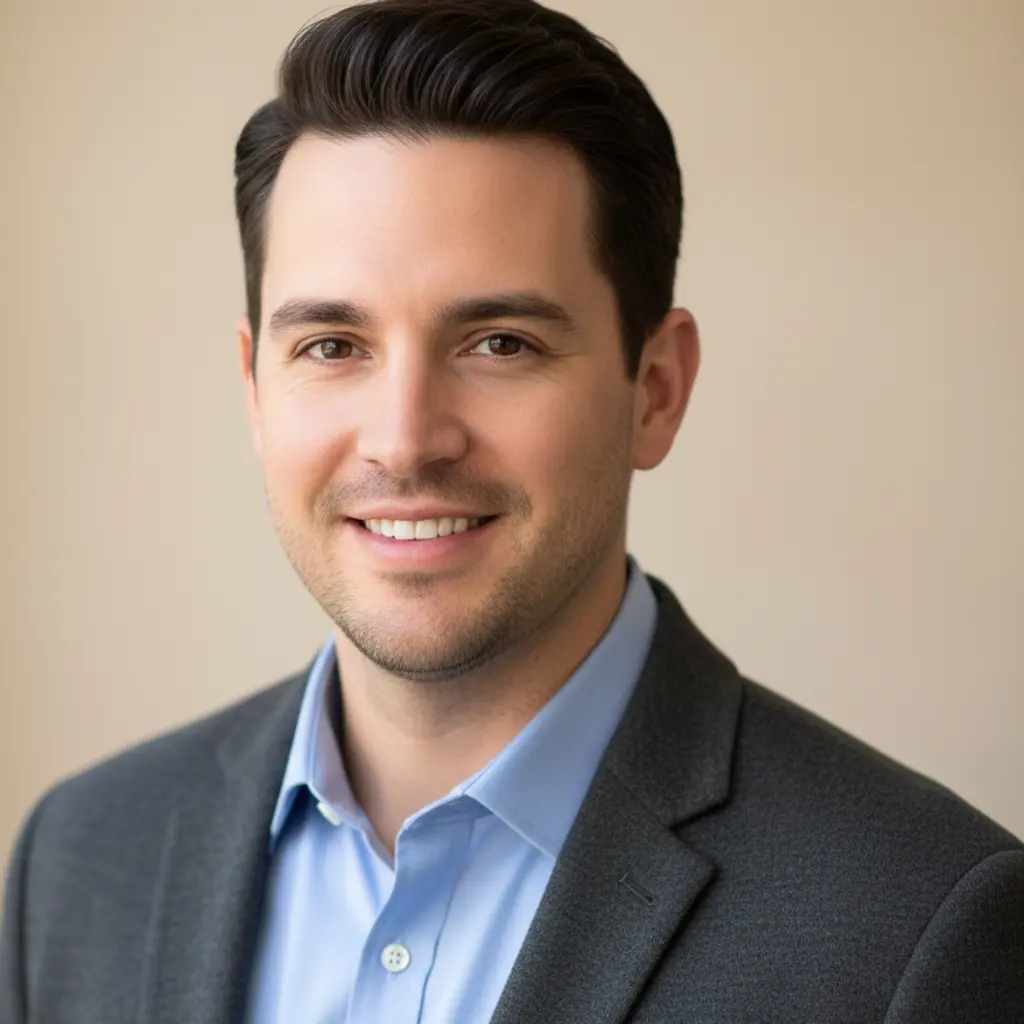
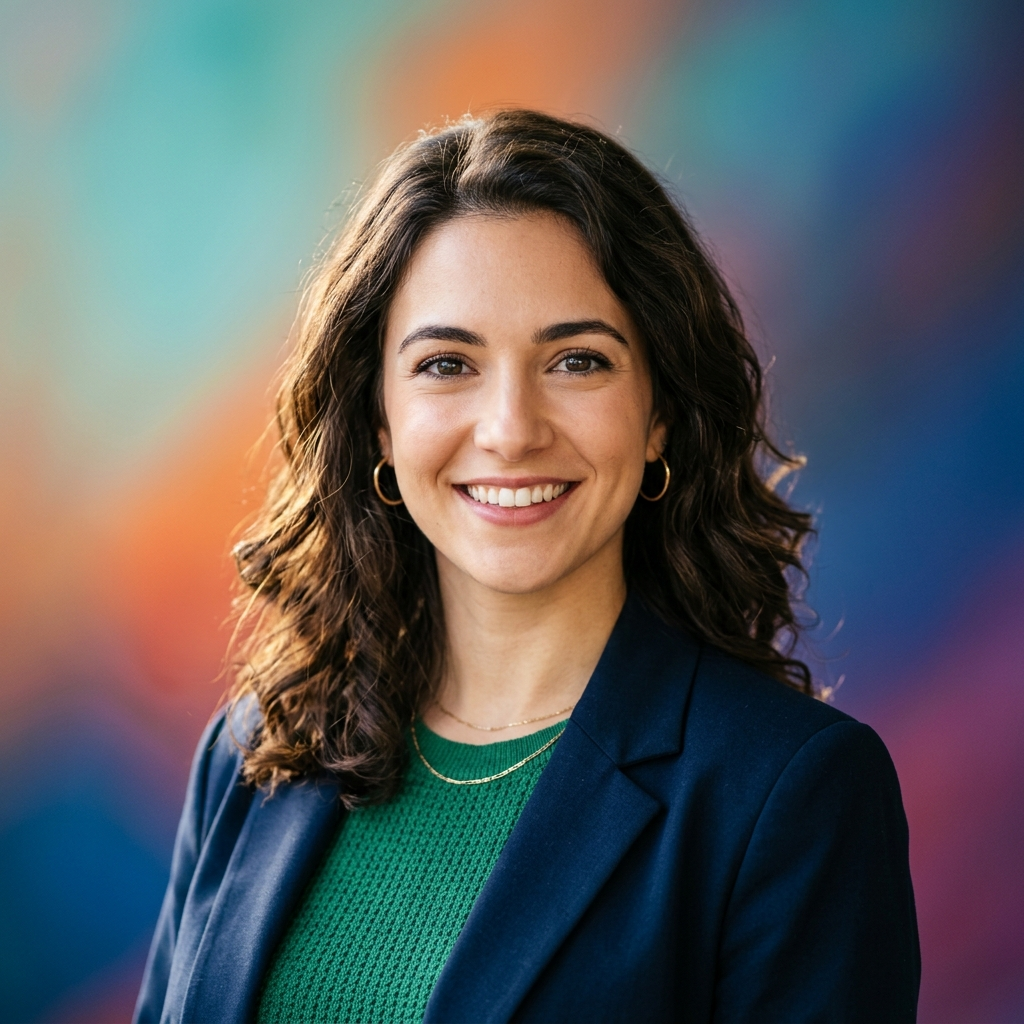
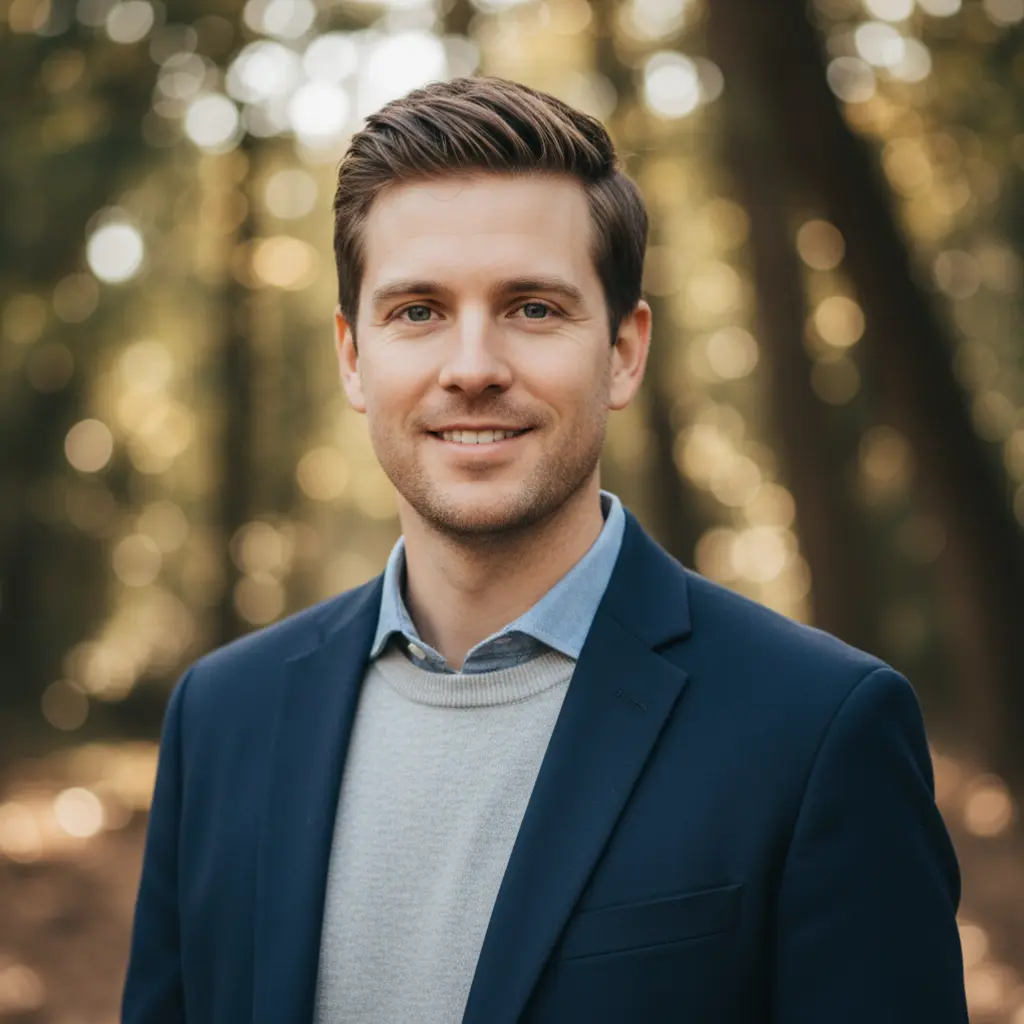
From Selfie to Executive Headshot
Upload any casual photo and watch VicSee AI transform it into a polished, recruiter-ready LinkedIn headshot. No studio booking, no photographer, no expensive session needed.
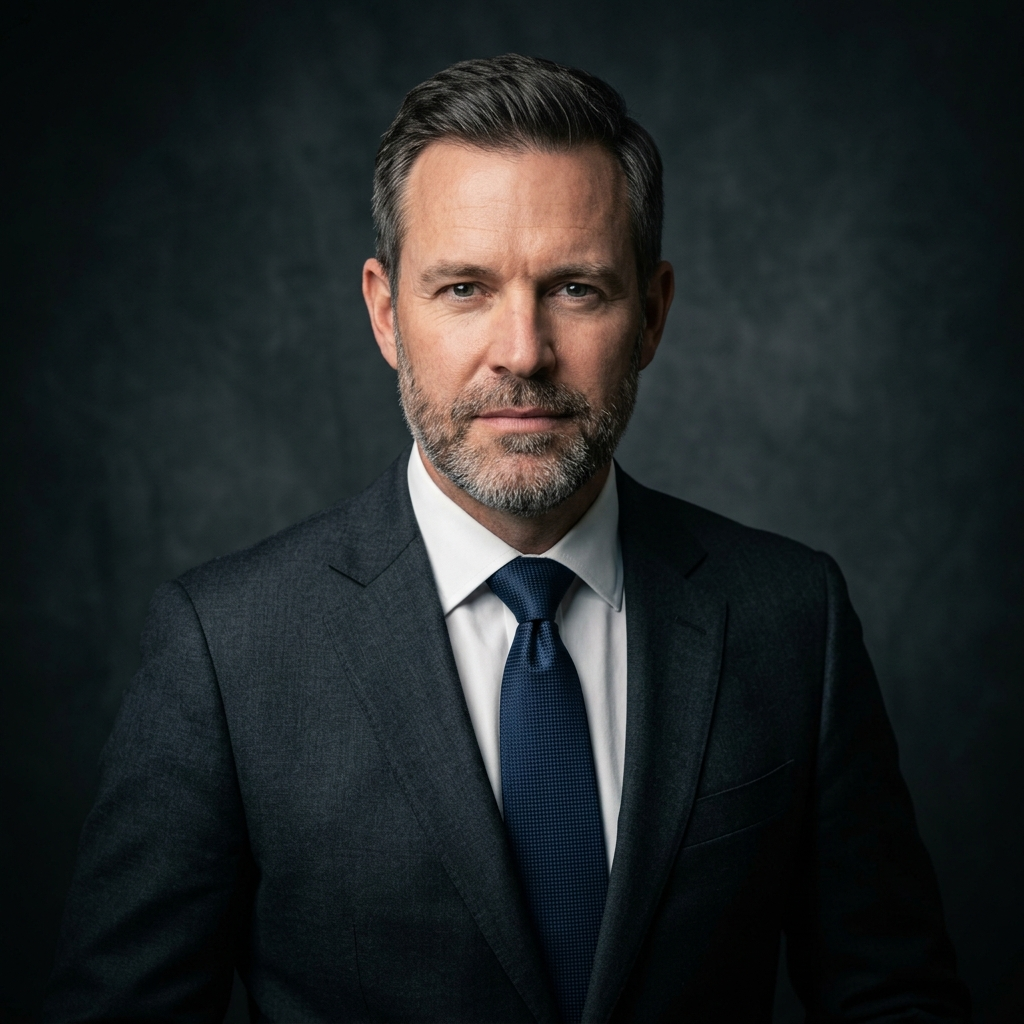
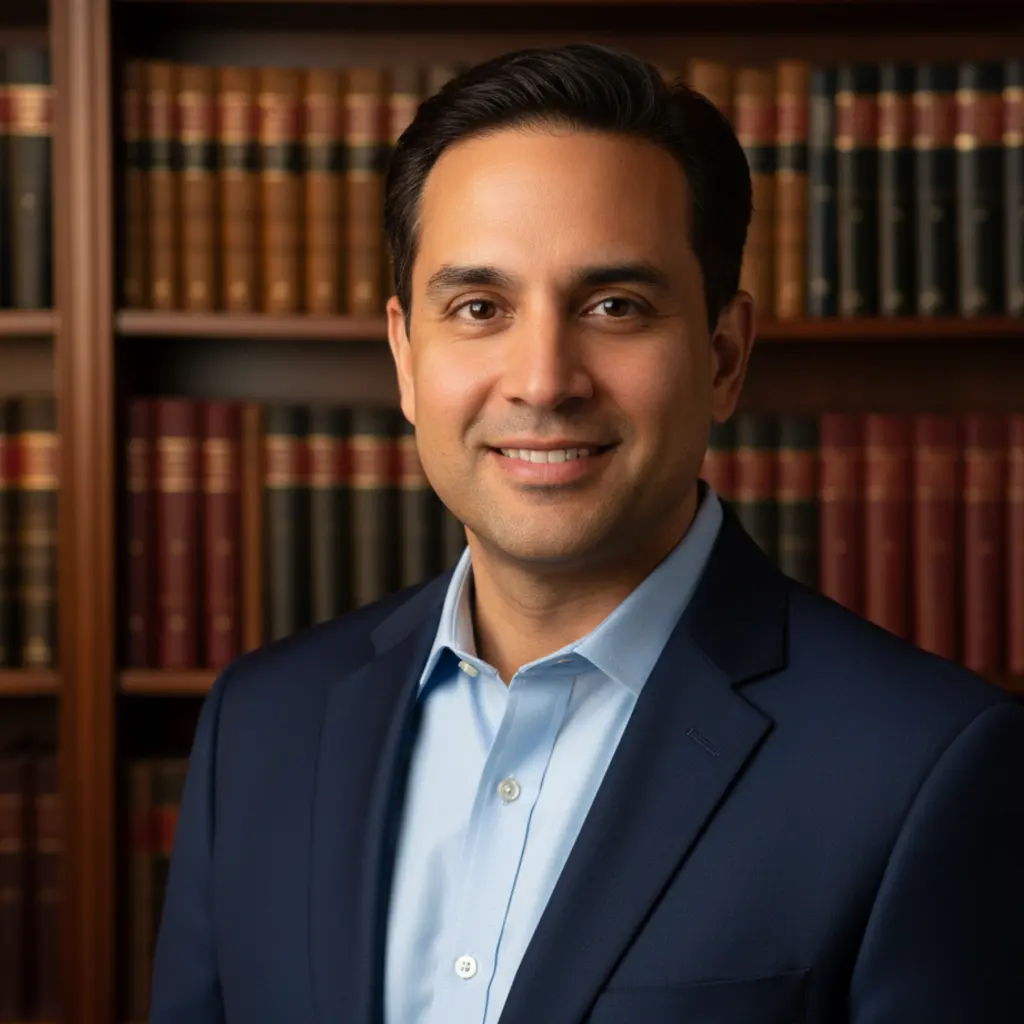
Academic Style
Perfect for professors, researchers, and students. Clean professional blazer with a bookshelf background — the trusted look for higher education profiles.

Startup Founder Style
Energetic and approachable. Modern open-plan office background with smart casual attire — ideal for founders, product managers, and tech professionals.

Minimal Clean Style
Timeless and versatile. Pure white or grey background with simple clean attire — the classic LinkedIn headshot format that works for any industry.
How to Create Your LinkedIn Headshot with AI
Upload Your Photo
Upload any photo — a selfie, casual snapshot, or existing headshot. No professional attire or studio setup required.
Choose Your Style
Pick from 9 career-ready styles: Corporate, Executive, Business Casual, Creative, Academic, Startup, and more. Or describe your own look.
Download Your Headshot
Your AI LinkedIn photo is ready in seconds. Download it and update your LinkedIn profile, resume, or business card.
Why Use VicSee for Your LinkedIn Photo?
Studio Quality Without a Studio
Get professional headshots that look like they were taken by a photographer — without booking appointments or paying $150–$350 per session.
9 Styles for Every Career
Whether you are in finance, tech, academia, or the creative industry, choose the style that matches your professional brand. More variety than any competitor.
No Professional Attire Needed
VicSee AI generates the professional look for you. Upload any photo — the tool handles lighting, background, and wardrobe transformation.
Private and Secure
Your uploaded photos are processed securely and never shared or stored beyond your session. Your privacy is protected.
More AI Photo Tools
Explore more AI tools to transform your photos and create professional results.
Frequently Asked Questions

Ready to Upgrade Your LinkedIn Profile?
Join thousands of professionals who use VicSee to create polished LinkedIn headshots in seconds — no studio, no photographer, no waiting.
Create My LinkedIn Photo