
Seedream AI Image Generator
Create stunning AI images with Seedream by ByteDance. 4K output, precise text rendering, web-grounded generation, and multi-image editing. Compare Seedream 4.5 and 5.0 Lite to find the right model for your project.
Compare Seedream Models
Compare both Seedream models — from the 4K resolution powerhouse to the intelligent web-grounded generator.
| Feature | Seedream 4.5 | Seedream 5.0 |
|---|---|---|
| Max Resolution | 4K (4096px) | 4K |
| Quality Tiers | Basic (2K) / High (4K) | Basic (2K) / High (4K) |
| Text Rendering | Excellent — posters, labels, small font | Good |
| Web Search | No | Yes — real-time web grounding |
| Visual Reasoning | Basic | Advanced — scene composition, spatial logic |
| Multi-Image Editing | Up to 10 references | Up to 14 references |
| Style Transfer | Prompt-based | Example-based learning |
| Credits Per Image | 15 (flat, 2K/4K same price) | 15 (flat, 2K/4K same price) |
| Best For | Print-ready, typography, max resolution | Creative exploration, real-world accuracy |
Explore Seedream Models
Choose the right Seedream model for your project.
Seedream 4.5
4KThe resolution king. 4K output at no extra cost, precise text rendering, and multi-image editing with up to 10 references.
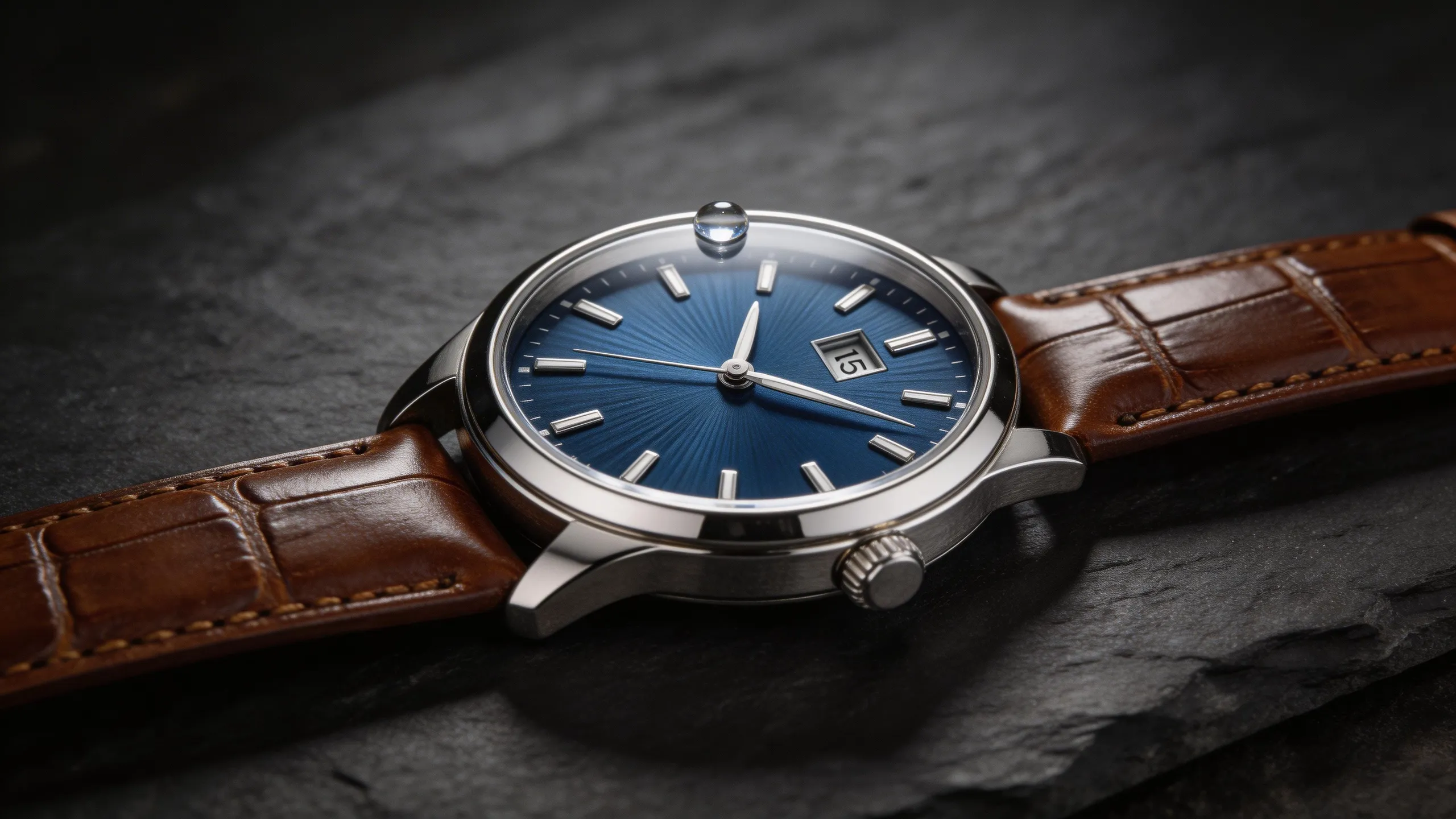
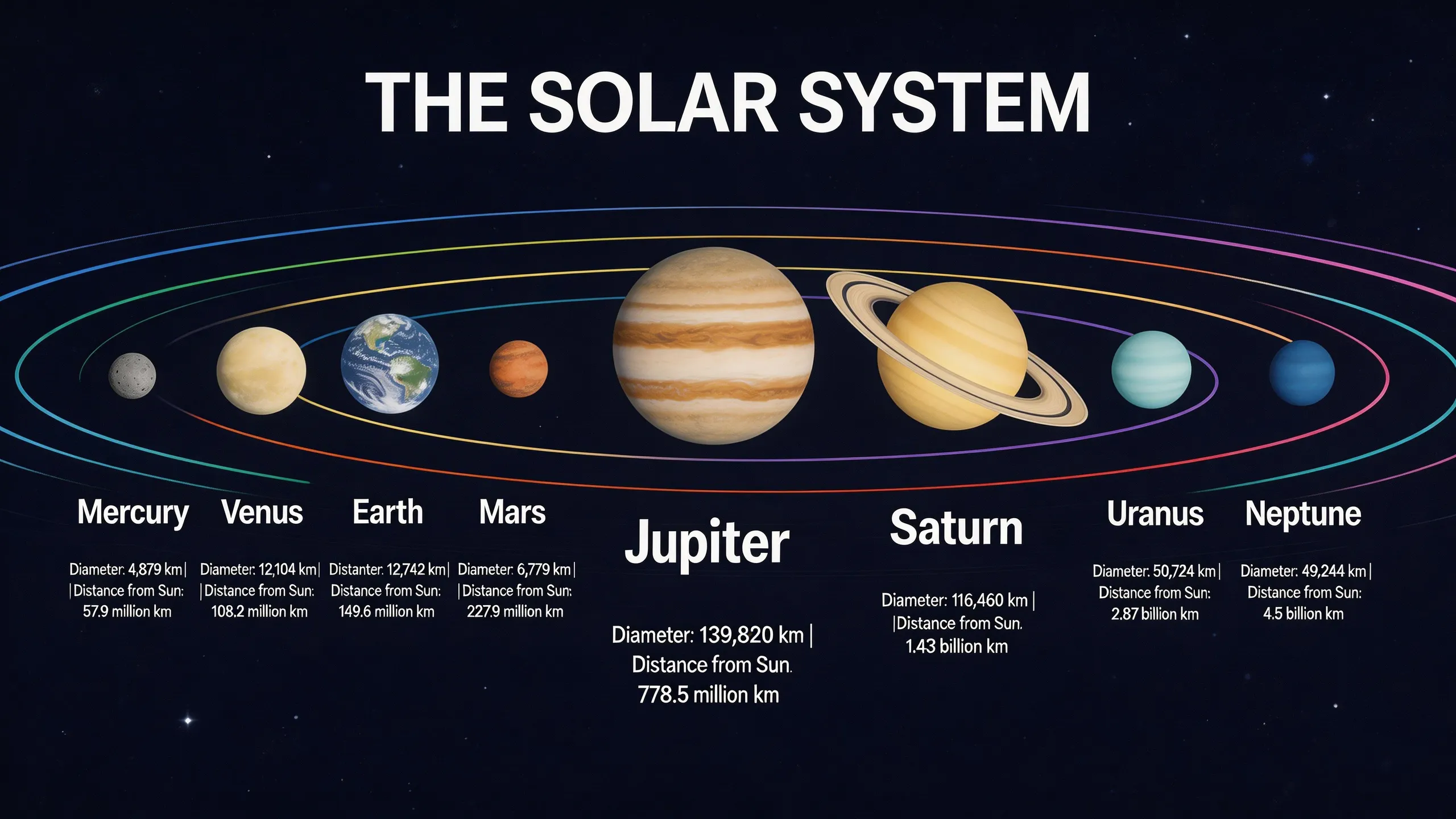
- 4K Ultra-High Resolution (free upgrade from 2K)
- Sharp text in posters, packaging, and graphics
- Edit with up to 10 reference images
- Character consistency across generations
Seedream 5.0
NewThe intelligence king. Web-grounded generation, visual reasoning, and example-based style transfer at just 15 credits.
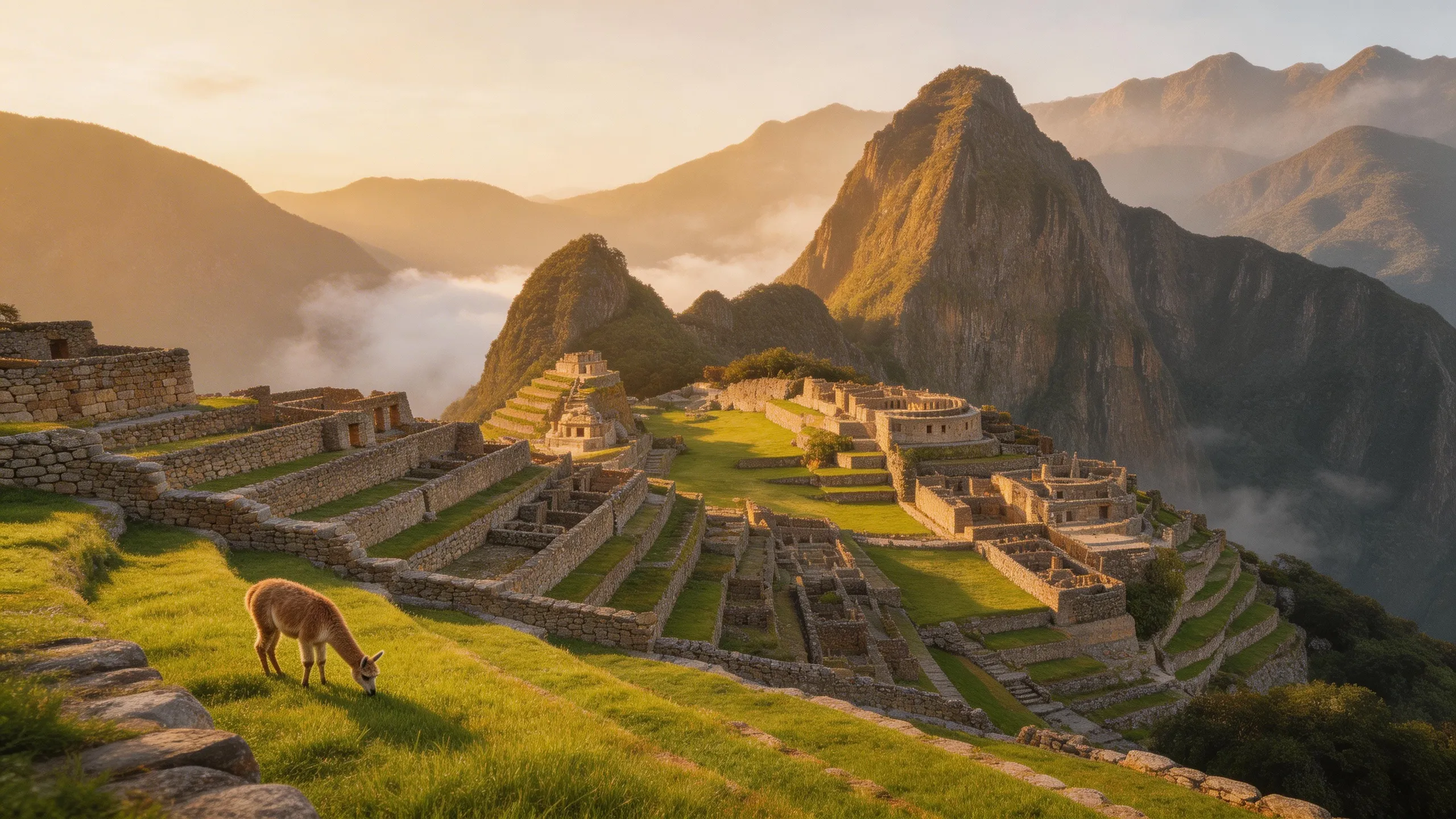

- Real-time web search during image generation
- Visual reasoning for complex scene composition
- Example-based learning (show transformation, apply to new image)
- Up to 14 reference images for editing
Seedream vs Other Image Generators
How Seedream compares to other top AI image generators on VicSee.
| Feature | Seedream | FLUX 2 | Nano Banana Pro | Z-Image |
|---|---|---|---|---|
| Max Resolution | 4K (both models) | 2K (4MP) | 4K | 1K |
| Text Rendering | Excellent (4.5) | Good | Best | Good |
| Image Editing | Yes (10-14 refs) | Yes (8 refs) | Yes | No |
| Web-Grounded | 5.0 Lite only | No | No | No |
| Starting Credits | 15 | 15 | 18 | 2 |
| Best For | Resolution + intelligence | Photorealism | HD print-ready | Speed + budget |
How To Use Seedream AI on VicSee
Write Your Prompt
Describe the image you want to create. Seedream handles complex scenes, text in images, and detailed compositions. For editing, upload reference images first.
Choose Model & Settings
Select Seedream 4.5 for maximum resolution (4K) or 5.0 Lite for web-grounded generation. Pick your aspect ratio and quality tier.
Generate & Download
Click Generate and get your image in seconds. Download in high quality. No watermark for paid users.
Frequently Asked Questions
Everything you need to know about Seedream on VicSee.
Explore Other AI Image Models
Compare the best AI image generators and find the right model for your project.
Start Creating AI Images with Seedream
ByteDance's most advanced image models. 4K resolution, text rendering, web-grounded generation. Free to try.