
Upload Your Photo *
Drop your photo here or click to upload
JPG, PNG, WebP. Max 10MB.
AI Hair Color Changer Gallery
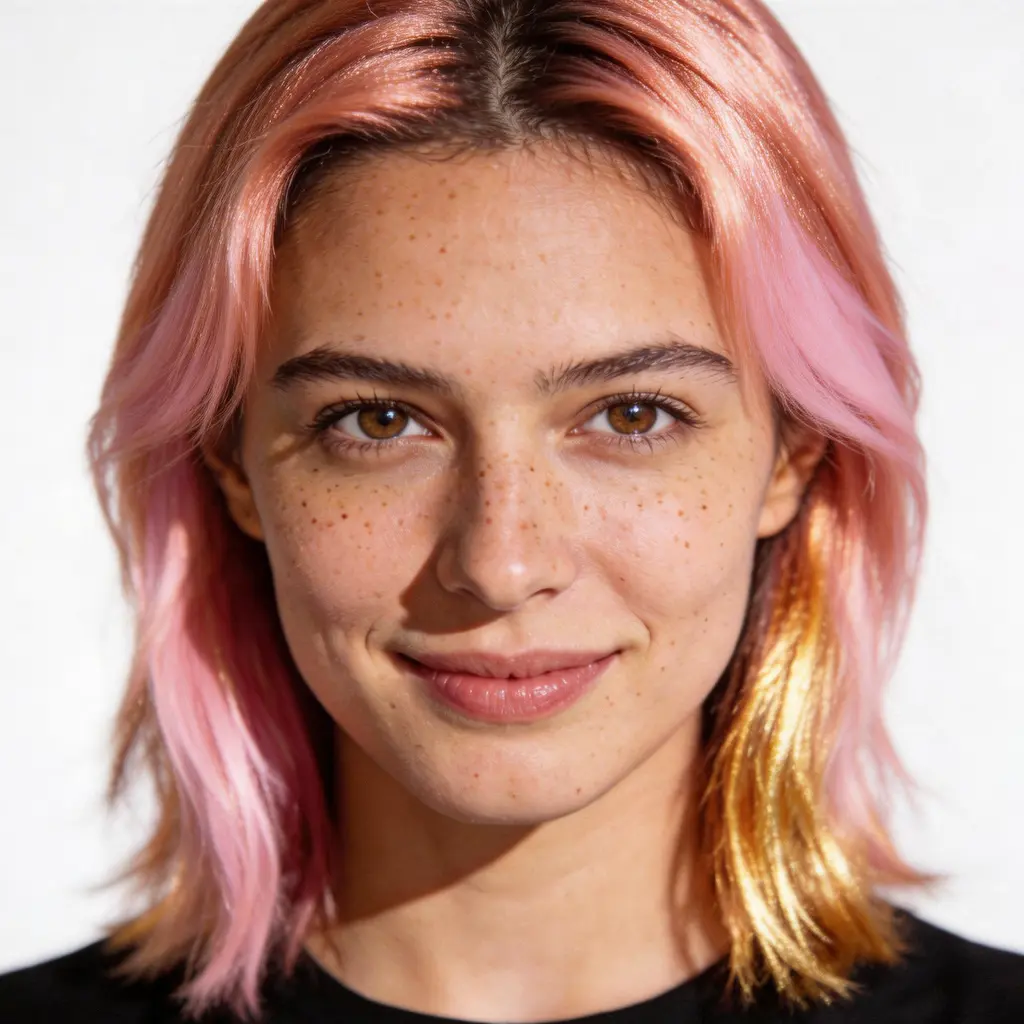
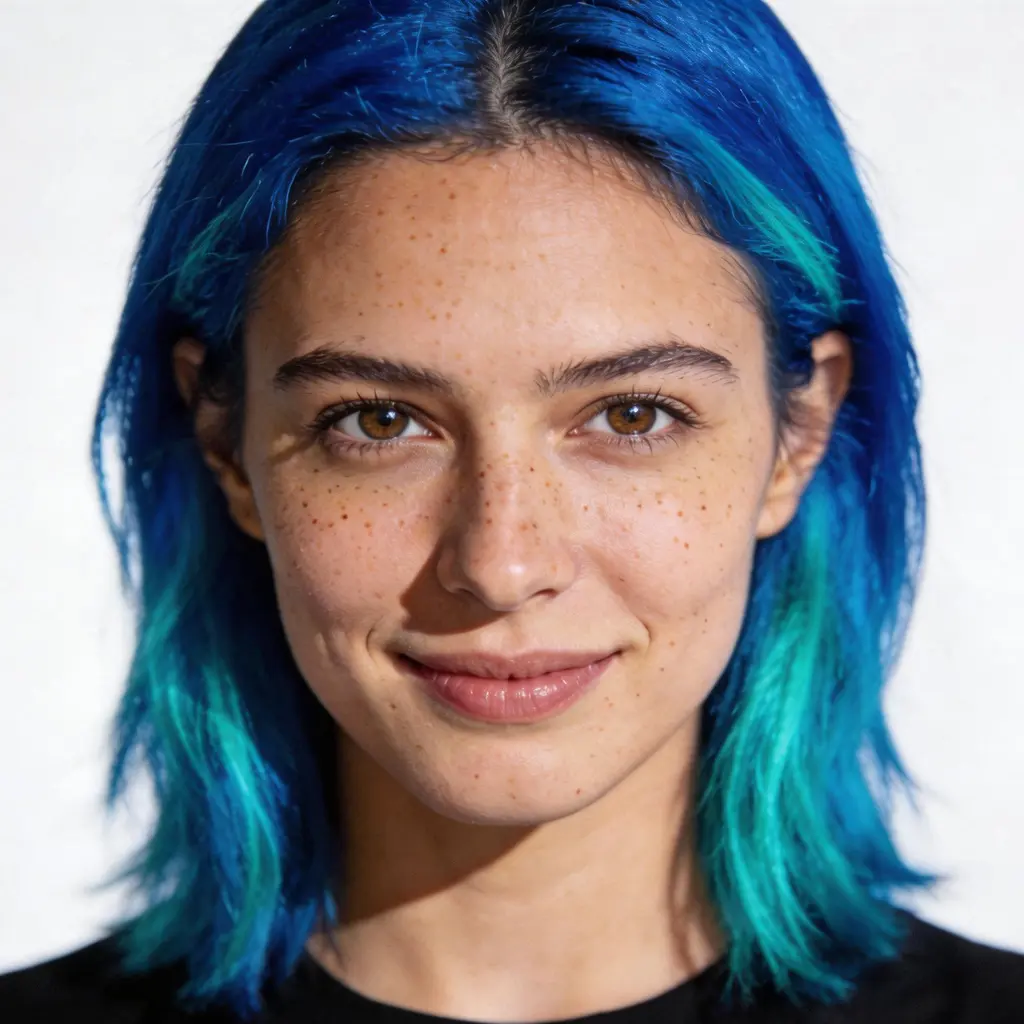
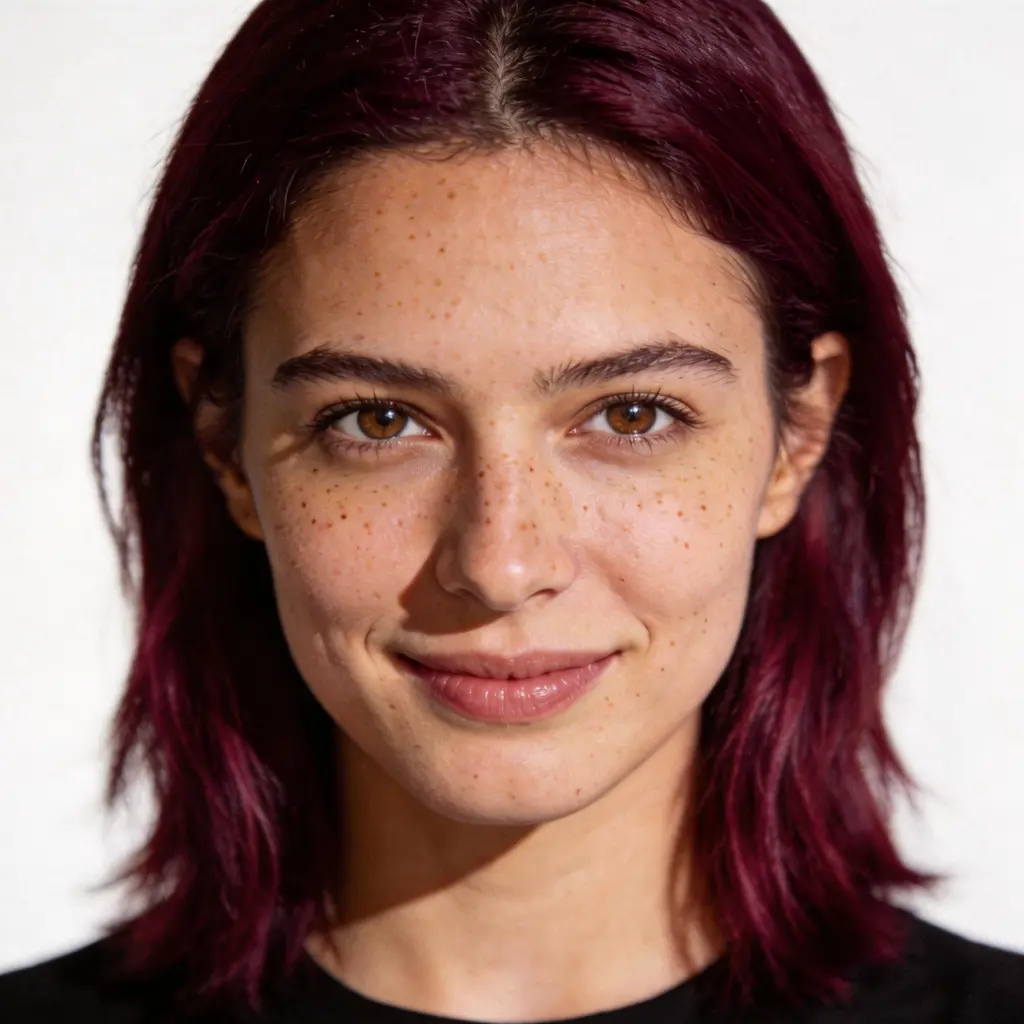
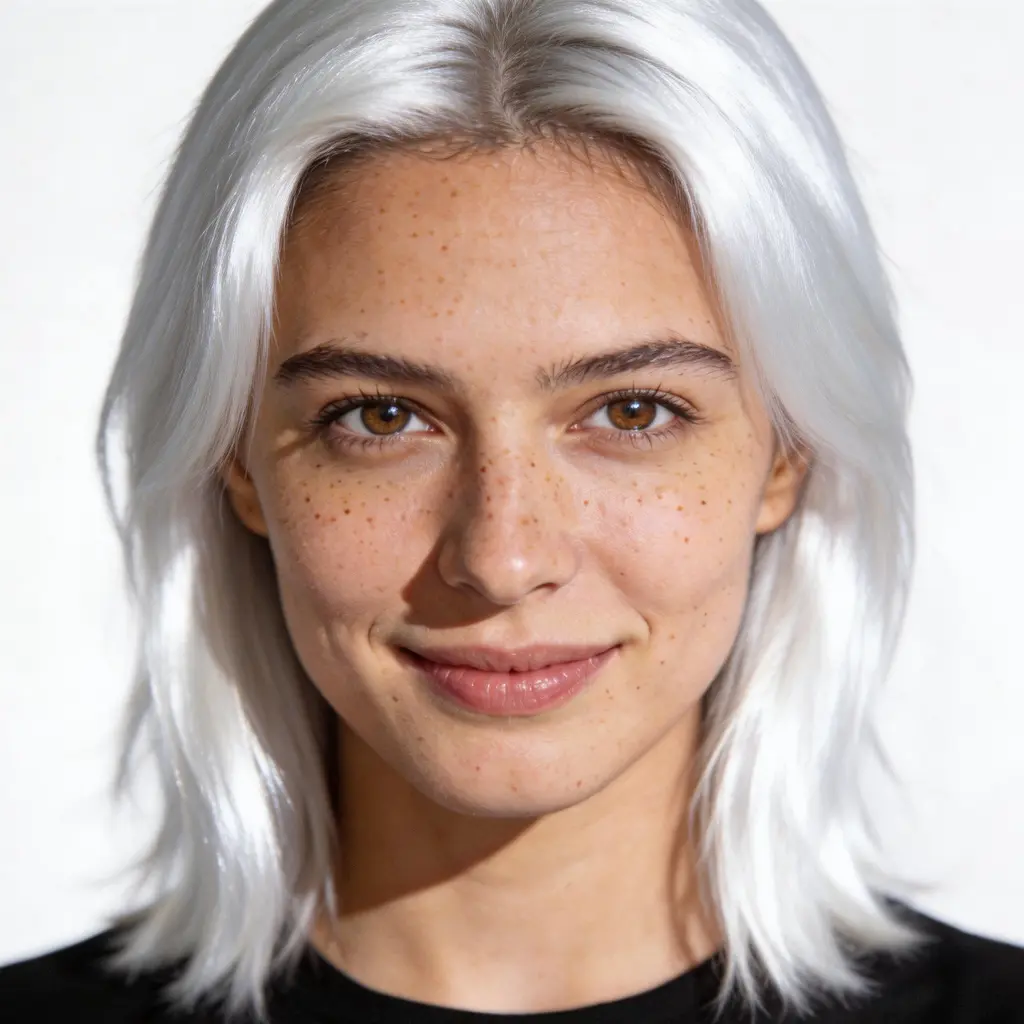
AI Hair Color Changer — Try Any Shade Before You Dye
Upload any photo and change your hair color with AI in seconds. Choose from 9 presets — Platinum Blonde, Rose Gold, Warm Caramel, Rich Auburn, Deep Burgundy, Ocean Blue, Soft Lavender, Copper Bronze, and Jet Black — or describe your own color in the Custom tab. Realistic results, no salon visit, no commitment.
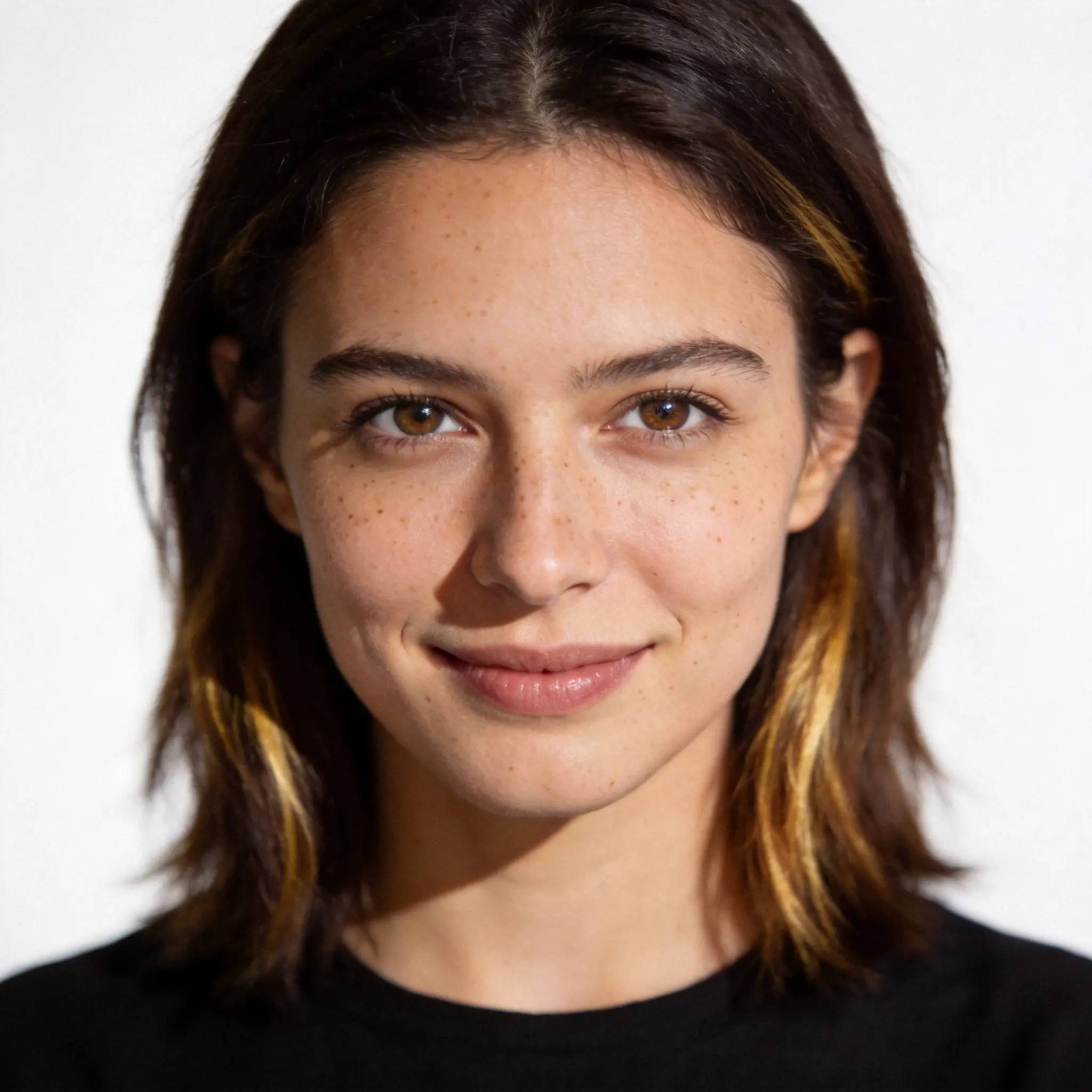
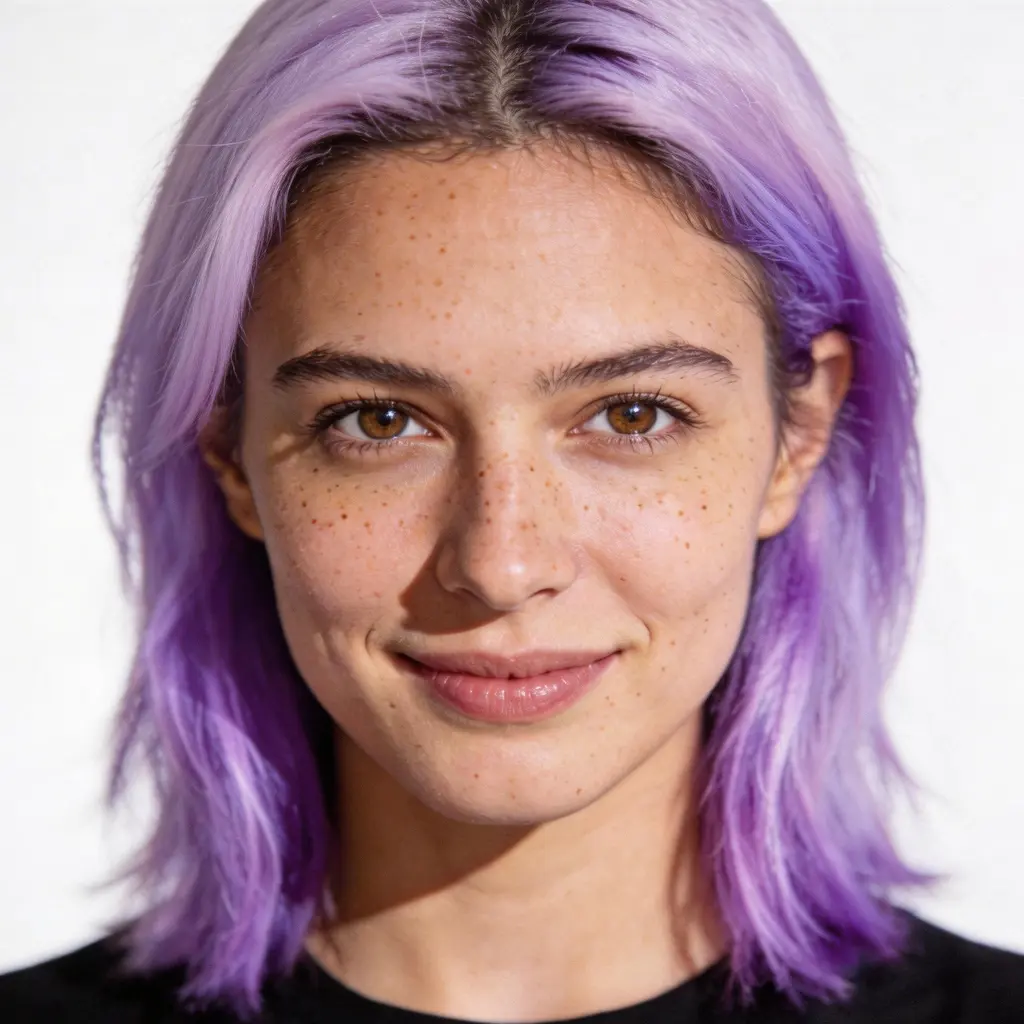
Fantasy Colors — Lavender, Blue, and Beyond
Not just natural shades — go bold with fantasy colors like Soft Lavender, Ocean Blue, and more. See exactly how a dramatic color change would look on your face before touching the bleach. Risk-free, realistic, instant.
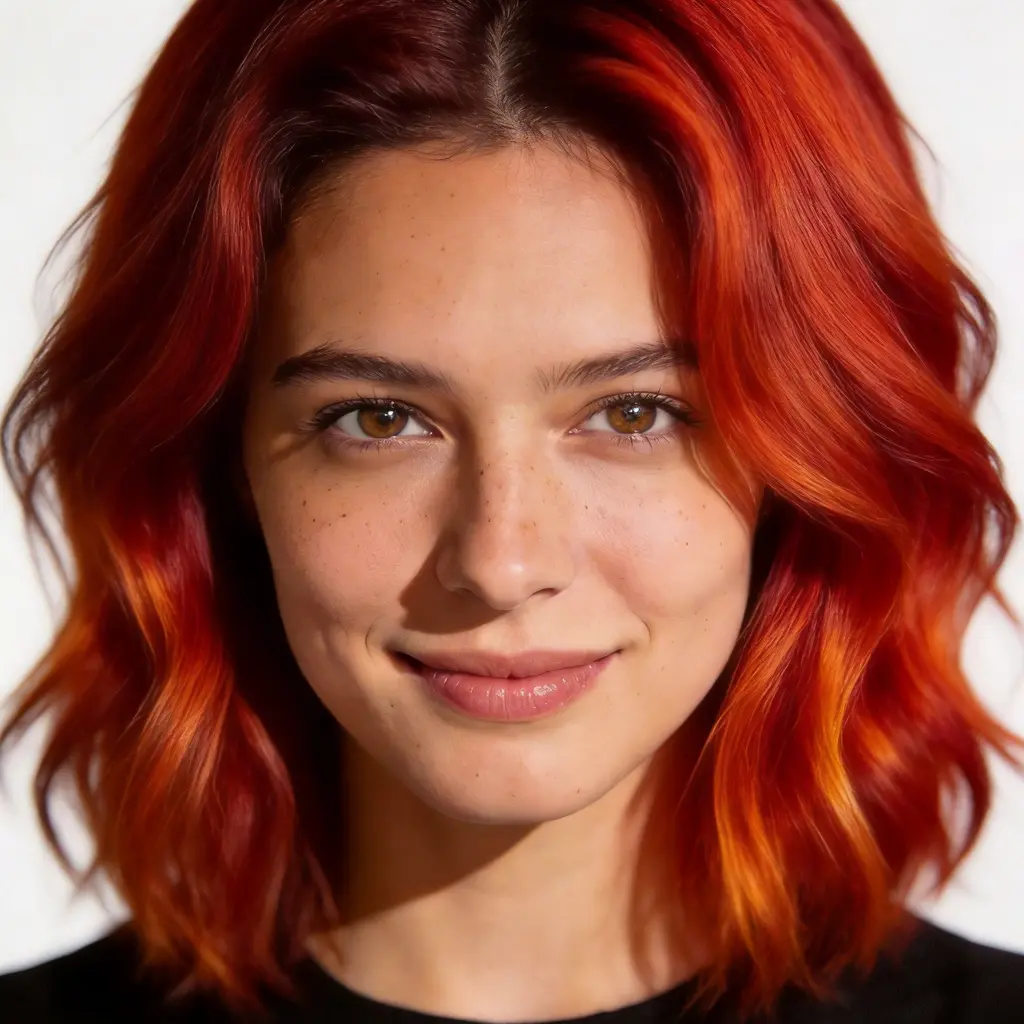
Natural Tones — Auburn, Caramel, Copper Bronze
Explore warm natural tones that complement your complexion. Rich Auburn, Warm Caramel, and Copper Bronze — the 2026 breakout trend — all rendered with realistic hair texture and natural-looking root blends. See which warm tone is your perfect match.
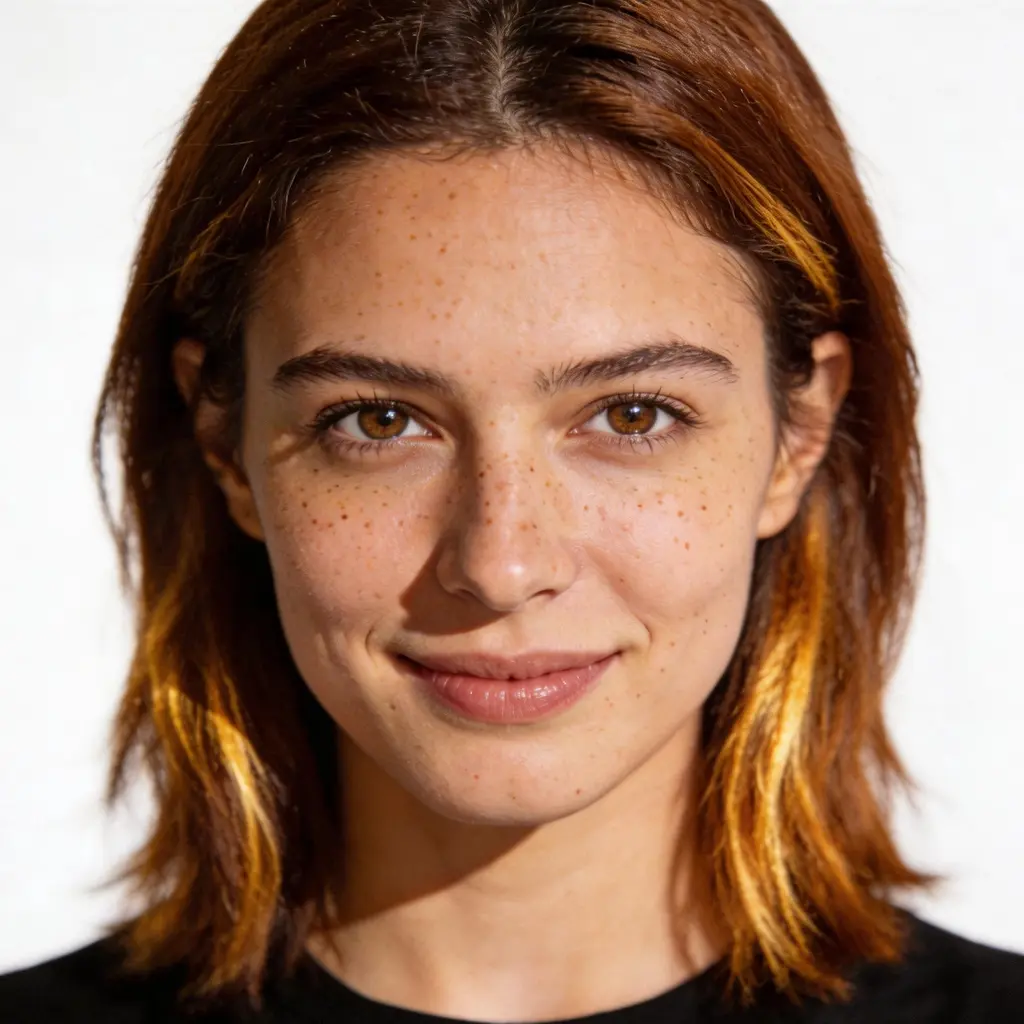
No Salon Needed — Try Before You Dye
Choosing a new hair color can be stressful. What if it doesn't suit you? With our AI hair color changer, you can experiment with any shade before committing. Upload your photo, pick a preset, and see the result in seconds — zero risk, zero regrets.
How to Change Hair Color with AI
Upload Your Photo
Choose any portrait or selfie — a clear, well-lit photo with your face and hair visible gives the best results. Phone photos work great.
Pick a Hair Color
Choose from 9 presets — natural shades like Warm Caramel and Rich Auburn, trending colors like Rose Gold and Copper Bronze, or bold fantasy hues like Ocean Blue and Soft Lavender. Or describe your own in the Custom tab.
See Your New Look
The AI changes your hair color and preserves your facial features and hair texture for a natural-looking result. Download in high resolution with no watermark. Try multiple colors from the same photo.
Who Uses an AI Hair Color Changer
Before Your Salon Appointment
Try shades at home first, pick your favorite, and walk in with a reference image. No more 'not quite what I had in mind.'
Exploring 2026 Trending Colors
Copper Bronze, Rose Gold, and Cool-Toned Brunette are dominating 2026. Test these trending shades on your own photo before committing to a new look.
Profile Photos & Social Media
Create eye-catching profile pictures or social media content showcasing different hair colors. Great for influencers, stylists, and anyone looking to refresh their online presence.
Special Occasions
Planning a wedding, party, or photoshoot? Find the perfect hair color for the event without any risk. Preview the look before making any permanent changes.
Why Use Our AI Hair Color Changer
9 Presets — Natural to Fantasy
From Platinum Blonde and Warm Caramel to Ocean Blue and Soft Lavender. Natural tones, bold colors, and 2026 trending shades like Copper Bronze — all in one tool.
Instant Realistic Results
AI preserves your hair texture, facial features, and lighting for natural-looking color changes. See your new look in seconds, not hours.
Try Before You Dye
Test any color before committing to the salon. No risk of a color that doesn't suit you — experiment freely and only book when you're sure.
Free, No Watermark
Download your hair color change results in high resolution with no watermark. Ready to share, compare, or show your stylist what you want.
Try Multiple Colors from One Photo
Upload once and switch between all 9 presets without re-uploading. Compare Rose Gold vs Burgundy vs Platinum side by side.
Works for Any Hair Type
Short hair, long hair, curly, straight, light, or dark — the AI adapts the color change to your natural hair texture for realistic results on any hair type.
More AI Photo Tools
More AI photo transformation tools from VicSee
AI Hair Color Changer FAQ

Try Any Hair Color Before You Commit
Upload your photo and see how you look with Platinum Blonde, Rose Gold, Ocean Blue, or any of 9 hair colors — free, in seconds, no salon needed.
Change My Hair Color